
1. መግቢያ
The Hama UV Filter 390 HTMC Multi-Coated 67mm is an essential accessory for DSLR camera lenses. It serves a dual purpose: protecting your valuable lens and improving image quality by managing ultraviolet light.
ቁልፍ ባህሪዎች
- UV Absorption: Effectively absorbs ultraviolet rays up to 390 nm, reducing haze and preventing fuzziness in photographs.
- የሌንስ መከላከያ; Acts as a physical barrier, safeguarding the front element of your camera lens from scratches, dust, fingerprints, and minor impacts.
- HTMC Multi-Coating: Features an 8-layer HTMC (High Transmission Multi-Coating) on each side, ensuring high light transmission and minimizing reflections.
- Neutral Colour: Designed to be color-neutral, ensuring no color cast is introduced into your images.
- ዘላቂ ግንባታ; Made with high-quality lens glass and a robust metal mount.
2. ምርት አብቅቷልview
The Hama UV Filter 390 is a circular filter designed to screw onto the front thread of compatible camera lenses. Its slim profile and black metal mount ensure minimal vignetting and a secure fit.
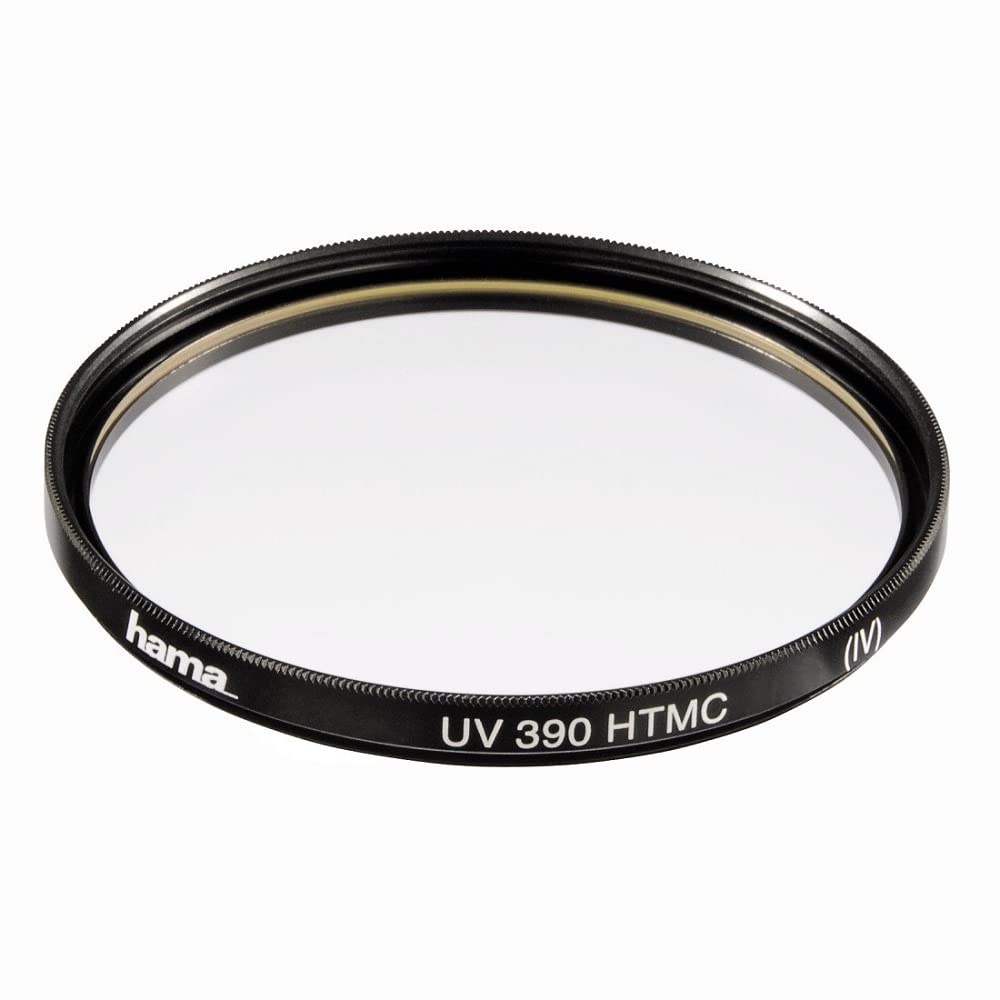
ምስል 2.1፡ ፊት view of the Hama UV Filter 390 HTMC Multi-Coated 67mm. This image shows the filter's clear glass and black metal frame with the Hama logo.

ምስል 2.2፡ የጎን ፕሮfile of the Hama UV Filter 390, illustrating its slim 5mm mount thickness.

ምስል 2.3፡ መቀራረብ view of the Hama UV Filter 390's textured edge and branding, showing the quality of the metal mount.
3. ማዋቀር እና መጫን
Installing the Hama UV Filter 390 is a straightforward process. Ensure your camera lens has a 67mm filter thread for proper compatibility.
የመጫኛ ደረጃዎች
- Identify Lens Thread Size: Locate the filter thread size on your camera lens. This is usually printed on the front of the lens barrel or on the inside of the lens cap. Confirm it is 67mm.
- Remove Lens Cap: Carefully remove the front lens cap from your camera lens.
- Align Filter: Hold the Hama UV Filter 390 with the threaded side facing the lens. Align the filter's threads with the threads on the front of your lens.
- ዊንጣውን በርቷል፦ Gently turn the filter clockwise. Ensure it threads smoothly without forcing it. If you encounter resistance, unscrew, realign, and try again. Cross-threading can damage both the filter and your lens.
- Tighten Gently: Once the filter is fully threaded, tighten it just enough so it is secure. Avoid over-tightening, as this can make it difficult to remove later.
The filter is now installed and ready for use. You can typically attach your lens cap or lens hood directly onto the filter's front thread.
4. የአሠራር መርሆዎች
The Hama UV Filter 390 operates by selectively absorbing ultraviolet light, which is invisible to the human eye but can affect photographic images, especially in bright, outdoor conditions or at high altitudes.
እንዴት እንደሚሰራ፡-
- የአልትራቫዮሌት ጨረር ቅነሳ; The filter's specialized glass and coating absorb UV radiation, preventing it from reaching the camera sensor. This reduces atmospheric haze and improves clarity and contrast in distant subjects.
- አካላዊ ጥበቃ; Beyond optical benefits, the filter acts as a sacrificial layer. In the event of accidental bumps, scratches, or exposure to dust and moisture, the filter bears the brunt, protecting the more expensive front element of your lens.
- Multi-Coating Benefits: The HTMC (8x) multi-coating minimizes internal reflections and flare, ensuring that the filter itself does not degrade image quality by introducing unwanted light artifacts.
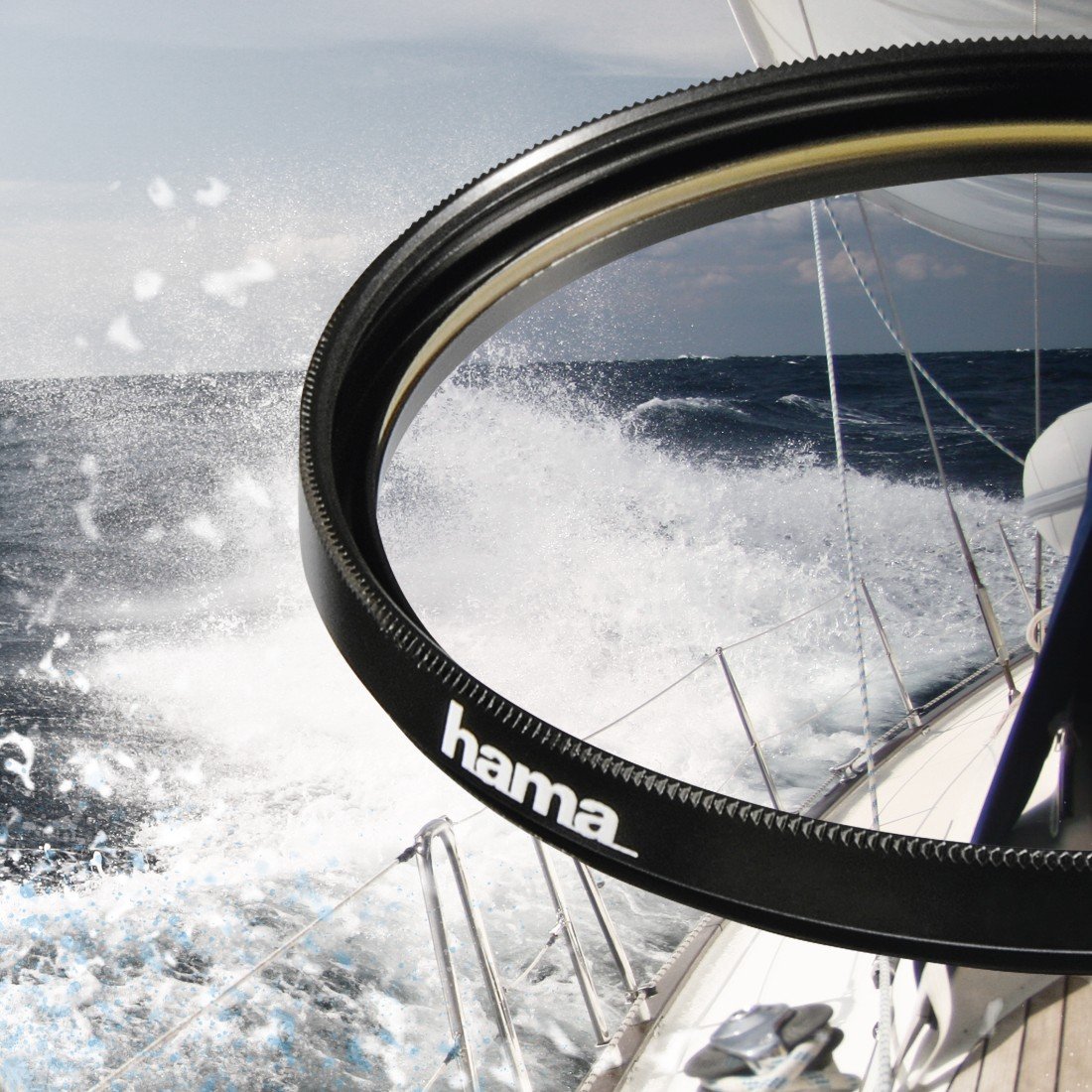
Image 4.1: The Hama UV Filter 390 shown over a sea landscape, demonstrating its ability to reduce haze and enhance clarity in bright conditions.

Image 4.2: The Hama UV Filter 390 applied to a mountain hiking scene, illustrating its effectiveness in high-altitude environments where UV light is more prevalent.

Image 4.3: The Hama UV Filter 390 in a skiing environment, showcasing its protective and clarity-enhancing properties in bright, reflective snow conditions.
5. ጥገና እና እንክብካቤ
Proper maintenance ensures the longevity and optimal performance of your Hama UV Filter 390.
የጽዳት መመሪያዎች፡-
- አቧራ ማስወገድ; Use a soft lens brush or a blower to remove loose dust particles from the filter surface.
- የጣት አሻራዎች/ቆሻሻዎች፡ For stubborn marks, apply a small amount of lens cleaning solution to a clean, soft microfiber cloth. Gently wipe the filter surface in a circular motion from the center outwards.
- ከባድ ኬሚካሎችን ያስወግዱ; Do not use abrasive cleaners, solvents, or harsh chemicals, as these can damage the multi-coating.
- Clean Cloths: Always use clean, lint-free cloths specifically designed for optical surfaces.
ማከማቻ፡
- When not in use, store the filter in its protective case to prevent dust accumulation and accidental damage.
- Keep the filter in a dry, cool environment, away from direct sunlight and extreme temperatures.
6. መላ መፈለግ
If you encounter issues with your Hama UV Filter 390, refer to the following common problems and solutions.
| ችግር | ሊሆን የሚችል ምክንያት | መፍትሄ |
|---|---|---|
| Filter will not screw onto lens. | Incorrect thread size or cross-threading. | Verify lens thread size is 67mm. Realign the filter carefully and turn gently to avoid cross-threading. |
| Image quality appears degraded (e.g., blurry, soft). | Dirty filter surface or excessive reflections. | Clean the filter thoroughly using recommended methods. Ensure the filter is securely attached. |
| Filter is stuck on the lens. | Over-tightened or thermal expansion/contraction. | Try using a rubber grip or a filter wrench for gentle removal. Avoid excessive force. |
| Vignetting (dark corners in images). | Using multiple filters or a wide-angle lens. | This filter has a slim mount to minimize vignetting. If it occurs, consider removing other filters or using a wider lens hood. |
7. ዝርዝሮች
| ባህሪ | ዝርዝር |
|---|---|
| የምርት ስም | ሃማ |
| የሞዴል ቁጥር | 00070667 |
| የማጣሪያ ዓይነት | UV Filter 390 |
| የማጣሪያ ክር መጠን | 67 ሚ.ሜ |
| ሽፋን | HTMC Multi-Coated (8 Layers) |
| ውፍረት ተራራ | 5 ሚ.ሜ |
| ቁሳቁስ | High-quality Lens Glass, Metal Mount |
| ቀለም | ጥቁር |
| የእቃው ክብደት | 18 ግራም |
| UV Absorption | Up to 390 nm |
8. ዋስትና እና ድጋፍ
Hama provides a comprehensive warranty for this product.
የዋስትና መረጃ፡-
- This Hama UV Filter 390 comes with a የ 5 ዓመት የአምራች ዋስትና.
- ዋስትናው በመደበኛ አጠቃቀም ወቅት የማምረቻ ጉድለቶችን እና የቁሳቁስ ጉድለቶችን ይሸፍናል።
- ለዋስትና ጥያቄዎች እባክዎ የግዢ ማረጋገጫዎን ያቆዩ።
የደንበኛ ድጋፍ፡
For technical assistance, warranty claims, or further inquiries, please contact Hama customer support through their official webጣቢያ ወይም የተፈቀደላቸው የአገልግሎት ማዕከሎች.
ተጨማሪ መረጃ እና የእውቂያ ዝርዝሮችን በኦፊሴላዊው ሃማ ማግኘት ይችላሉ webጣቢያ፡ www.hama.com