
1. መግቢያ
This manual provides instructions for the installation, operation, and maintenance of the Emerson F145RF-1600 Wireless Remote Temperature Sensor. This sensor is designed to work with the Emerson BLUE Wireless Easy Install Universal Wireless Thermostat System to enhance temperature control and reduce hot and cold spots within your home.
ቁልፍ ባህሪዎች
- Reduces temperature inconsistencies in various areas.
- Supports up to four wireless remote sensors with the Emerson BLUE Wireless Easy Install Thermostat System.
- Designed for easy installation and pairing.
2. የደህንነት መረጃ
Please read and understand all instructions before installing or operating this device. Failure to follow these instructions could result in property damage or personal injury.
- Always turn off power to the thermostat system before performing any installation or maintenance.
- Do not expose the sensor to extreme temperatures, direct sunlight, or moisture.
- የተጠቀሰውን የባትሪ ዓይነት (2 AA ባትሪዎች) ብቻ ይጠቀሙ።
- በአካባቢያዊ ደንቦች መሰረት የቆዩ ባትሪዎችን በሃላፊነት ያስወግዱ.
- ልጆች በማይደርሱበት ቦታ ያስቀምጡ.
ሃሳብ 65 ማስጠንቀቂያ፡- ይህ ምርት በካሊፎርኒያ ግዛት ካንሰርን እና የወሊድ ጉድለቶችን ወይም ሌላ የመራቢያ ጉዳትን የሚያስከትሉ ኬሚካሎችን ሊይዝ ይችላል።
3. ምርት አብቅቷልview
The Emerson F145RF-1600 is a compact, battery-powered wireless sensor designed to monitor ambient temperature. It communicates wirelessly with a compatible Emerson BLUE thermostat system.
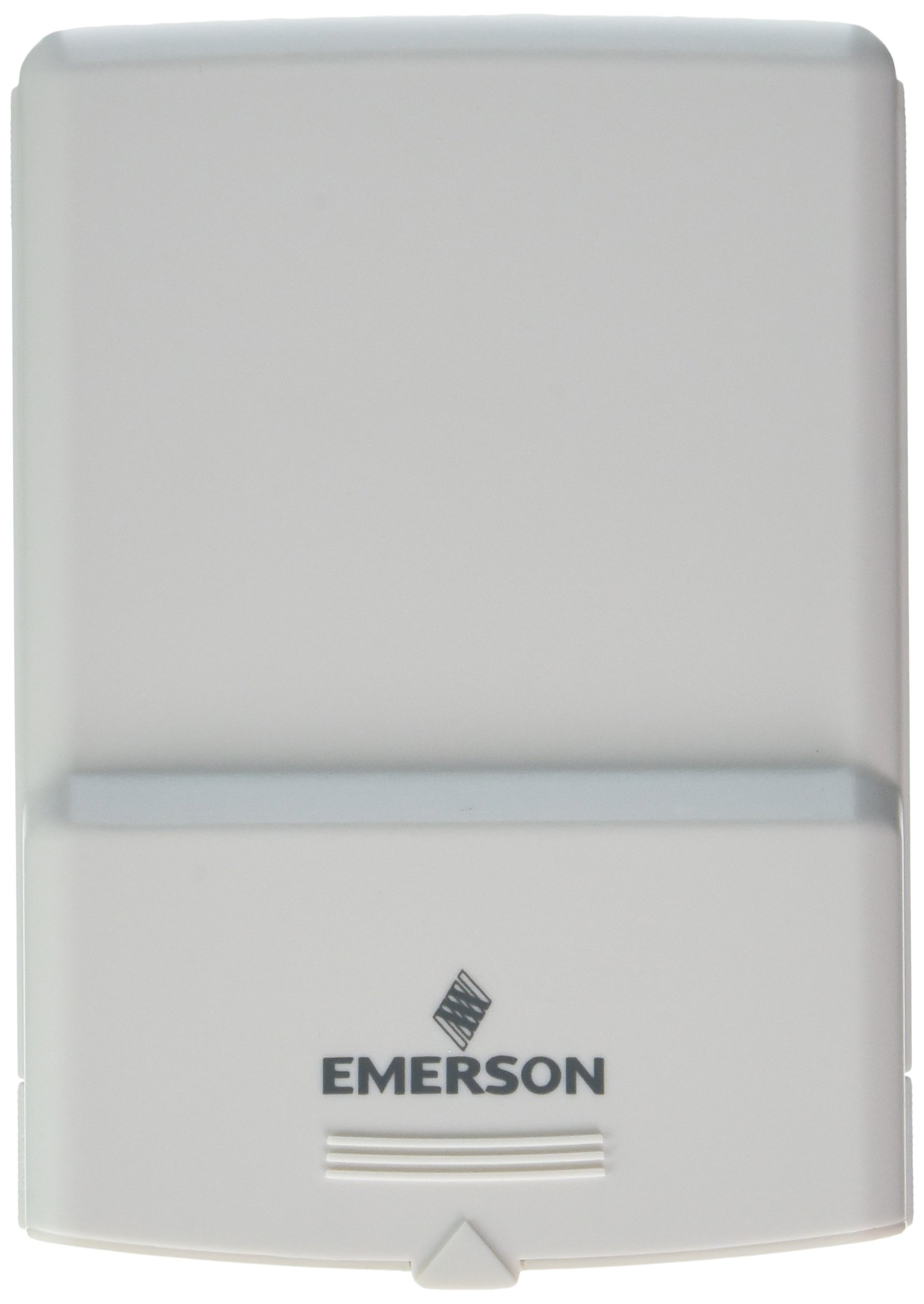
ምስል 1፡ Emerson F145RF-1600 Wireless Remote Temperature Sensor. The image displays the sensor in a hand, indicating its approximate height of 4.8 inches (12 cm). The sensor is light-colored, likely white or light grey, with the 'EMERSON' logo visible at the bottom front.
4. ማዋቀር
4.1. የባትሪ ጭነት
- የባትሪውን ክፍል በሴንሰሩ ጀርባ ላይ ያግኙት።
- የባትሪውን ክፍል ክዳን ይክፈቱ.
- Insert two (2) AA alkaline batteries, ensuring correct polarity (+/-).
- የባትሪውን ክፍል ደህንነቱ በተጠበቀ ሁኔታ ይዝጉ።
4.2. Pairing with Thermostat System
Refer to your Emerson BLUE Wireless Easy Install Universal Wireless Thermostat System manual for detailed pairing instructions. Generally, the process involves:
- Placing the thermostat system into pairing mode.
- Activating the sensor's pairing function (often a button press or battery insertion).
- Confirming successful pairing on the thermostat display.
Up to four F145RF-1600 sensors can be paired with a single Emerson BLUE Wireless Easy Install system.
4.3. ዳሳሽ አቀማመጥ
Proper placement is crucial for accurate temperature readings and effective system operation.
- የቤት ውስጥ አቀማመጥ;
- Place the sensor in a central location within the area you wish to monitor.
- Avoid placing near heat sources (lamps, appliances, direct sunlight) or cold drafts (windows, vents).
- Ensure it is not obstructed by furniture or curtains.
- Outdoor Placement (if applicable):
- Mount the sensor in a shaded area, away from direct sunlight, which can cause inaccurate readings.
- Protect it from direct rain and snow.
- Ensure it is easily accessible for battery replacement.
5. የአሠራር መመሪያዎች
Once successfully paired and placed, the F145RF-1600 sensor will automatically transmit temperature data to your Emerson BLUE Wireless Easy Install Thermostat System. The thermostat system will then use this data to optimize heating and cooling, helping to maintain a more consistent temperature throughout your home.
- The sensor operates continuously, sending updates to the main thermostat.
- The thermostat system will display the temperature readings from the remote sensors and use them for its control logic.
- No direct user interaction is typically required with the sensor after setup, other than battery replacement.
6. ጥገና
6.1. የባትሪ መተካት
The sensor requires two (2) AA batteries. When batteries are low, your Emerson BLUE thermostat system may indicate a low battery warning for the sensor. Replace batteries promptly to ensure continuous operation.
- የባትሪውን ክፍል ይክፈቱ።
- የቆዩ ባትሪዎችን ያስወግዱ ፡፡
- Insert new AA batteries, observing polarity.
- ክፍሉን ይዝጉ.
6.2. ማጽዳት
Wipe the sensor's exterior with a soft, dry cloth as needed. Do not use liquid cleaners or abrasive materials, as these can damage the device.
7. መላ መፈለግ
| ችግር | ሊሆን የሚችል ምክንያት | መፍትሄ |
|---|---|---|
| Sensor not reporting temperature / No signal |
|
|
| ትክክለኛ ያልሆነ የሙቀት ንባቦች |
|
|
8. ዝርዝሮች
| የሞዴል ቁጥር | F145RF-1600 |
| አምራች | ዋይት-ሮጀርስ (ኤመርሰን) |
| የኃይል ምንጭ | በባትሪ የተጎላበተ |
| ባትሪዎች ያስፈልጋሉ። | 2 AA ባትሪዎች |
| የእቃው ክብደት | 3.2 አውንስ |
| የምርት ልኬቶች | 3.5 x 2.5 x 5.25 ኢንች |
| ቁሳቁስ | ፕላስቲክ |
| ቀለም | ሰማያዊ (Note: Product image shows light grey/white) |
| የንጥል ጥቅል ብዛት | 1 |
9. የዋስትና መረጃ
Specific warranty details for the Emerson F145RF-1600 Wireless Remote Temperature Sensor are typically provided with the product packaging or can be found on the official Emerson/White-Rodgers webጣቢያ. ለዋስትና ጥያቄዎች እባክዎ የግዢ ማረጋገጫዎን ያቆዩ።
ለዝርዝር የዋስትና ውሎች እና ሁኔታዎች፣ እባክዎን ይጎብኙ Emerson official webጣቢያ ወይም የደንበኛ ድጋፍን ያነጋግሩ።
10. ድጋፍ
If you encounter issues not covered in this manual or require further assistance, please contact Emerson customer support.
- የመስመር ላይ ድጋፍ ን ይጎብኙ Emerson Support Page for FAQs, documentation, and contact options.
- የስልክ ድጋፍ፡ Refer to your product packaging or the Emerson webለአሁኑ የደንበኞች አገልግሎት ስልክ ቁጥሮች ጣቢያ።