
1. መግቢያ
Thank you for choosing the PureMate 5-in-1 Multi-Technology Air Purifier PM 510. This advanced air purification system is designed to significantly improve the air quality in your home or office by effectively removing airborne pollutants, allergens, and odors. Featuring a comprehensive 5-stage filtration process, including True HEPA, Activated Carbon, UV-C light, TiO2, and a Negative Ion Generator, the PM 510 provides a cleaner, healthier environment for you and your family.
Please read this manual thoroughly before operating the appliance and keep it for future reference. Proper use and maintenance will ensure optimal performance and longevity of your air purifier.
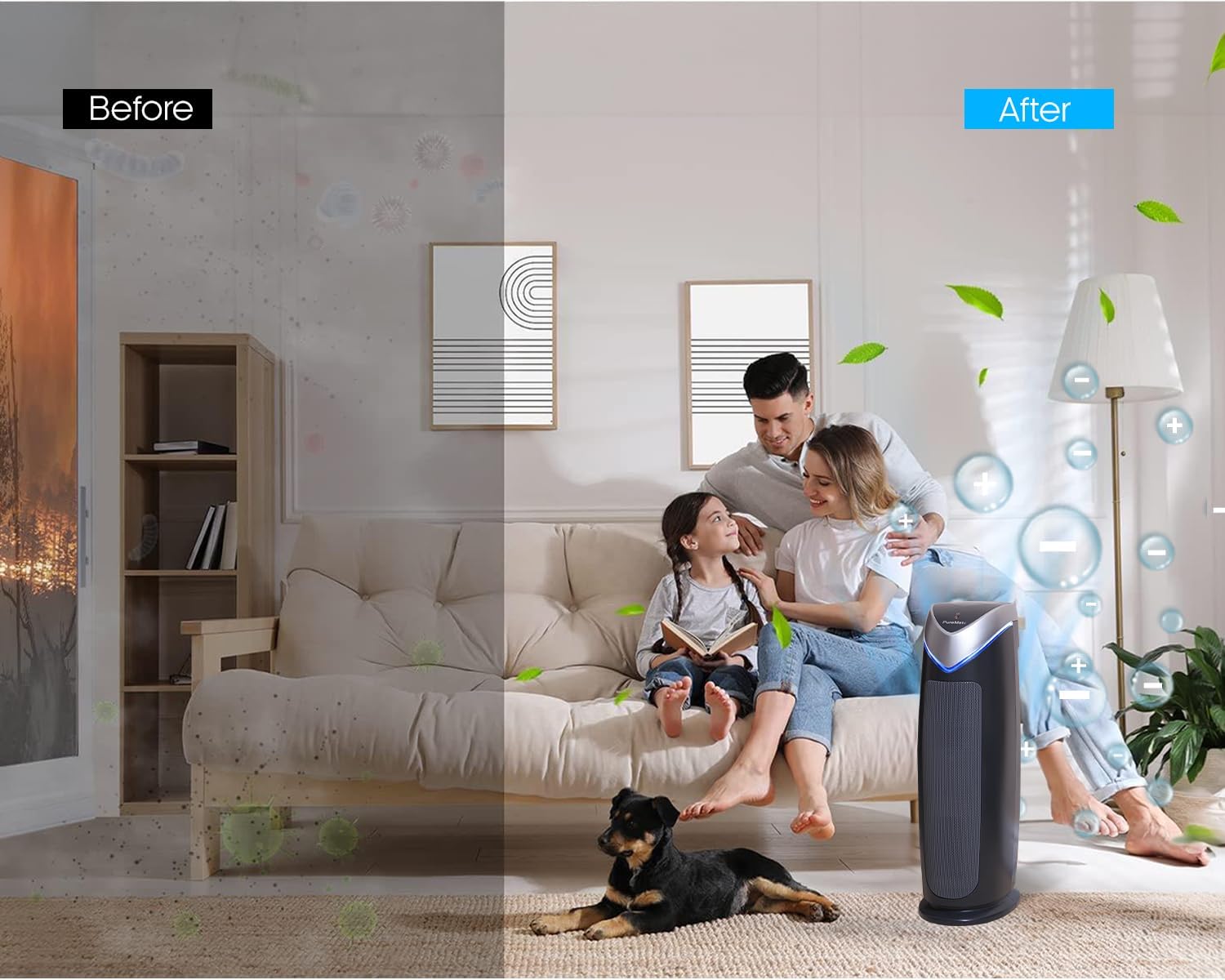
Figure 1.1: Visual representation of air quality improvement with the PureMate Air Purifier.
2. የደህንነት መረጃ
To reduce the risk of electric shock, fire, and injury, please read all instructions carefully before operating the appliance.
- ሁልጊዜ የአየር ማጣሪያውን በጠጣር እና በተስተካከለ ወለል ላይ ያድርጉት ፡፡
- Do not operate the appliance with a damaged cord or plug. If the cord or plug is damaged, it must be replaced by the manufacturer, its service agent, or similarly qualified persons to avoid a hazard.
- የአየር ማጽጃውን በእርጥብ ወይም መamp environments, such as bathrooms or laundries.
- መሳሪያውን ከሙቀት ምንጮች፣ ቀጥታ የፀሐይ ብርሃን እና ተቀጣጣይ ቁሶች ያርቁ።
- Do not insert any objects into the air vents or openings.
- Unplug the air purifier from the power outlet before cleaning, performing any maintenance, or when not in use.
- ይህ መሳሪያ ለደህንነታቸው ኃላፊነት ባለው ሰው ቁጥጥር ወይም መመሪያ ካልተሰጣቸው በስተቀር የአካል፣ የስሜት ወይም የአዕምሮ ችሎታዎች ወይም ልምድ እና እውቀት ዝቅተኛ ለሆኑ ሰዎች (ልጆችን ጨምሮ) ለመጠቀም የታሰበ አይደለም። .
- ልጆች ከመሳሪያው ጋር እንደማይጫወቱ ለማረጋገጥ ክትትል ሊደረግባቸው ይገባል.
- UV-C lamp ሜርኩሪ ይዟል. ከሆነ lamp breaks, handle with care and dispose of according to local regulations. Do not look directly at the UV-C light when it is on, as it can cause eye damage.
3. ምርት አብቅቷልview
3.1 ክፍሎች
The PureMate PM 510 Air Purifier consists of several key components working together to provide comprehensive air purification:
- ዋና ክፍል፡ Houses the fan, control panel, and filtration system.
- ቅድመ ማጣሪያ ፦ እንደ አቧራ፣ የተነባበረ እና የቤት እንስሳ ፀጉር ያሉ ትላልቅ ቅንጣቶችን ይይዛል።
- እውነተኛ HEPA ማጣሪያ፡- Traps 99.97% of airborne particles as small as 0.3 microns, including pollen, dust mites, and mold spores.
- የነቃ የካርቦን ማጣሪያ Absorbs odors from cooking, pets, smoke, and harmful gases.
- UV-C ኤልamp: Kills airborne bacteria, viruses, and mold spores.
- TiO2 Filter: Works with the UV-C lamp to decompose odor molecules.
- አሉታዊ አዮን ጀነሬተር፡- Releases negative ions to help airborne particles settle, making them easier to filter.
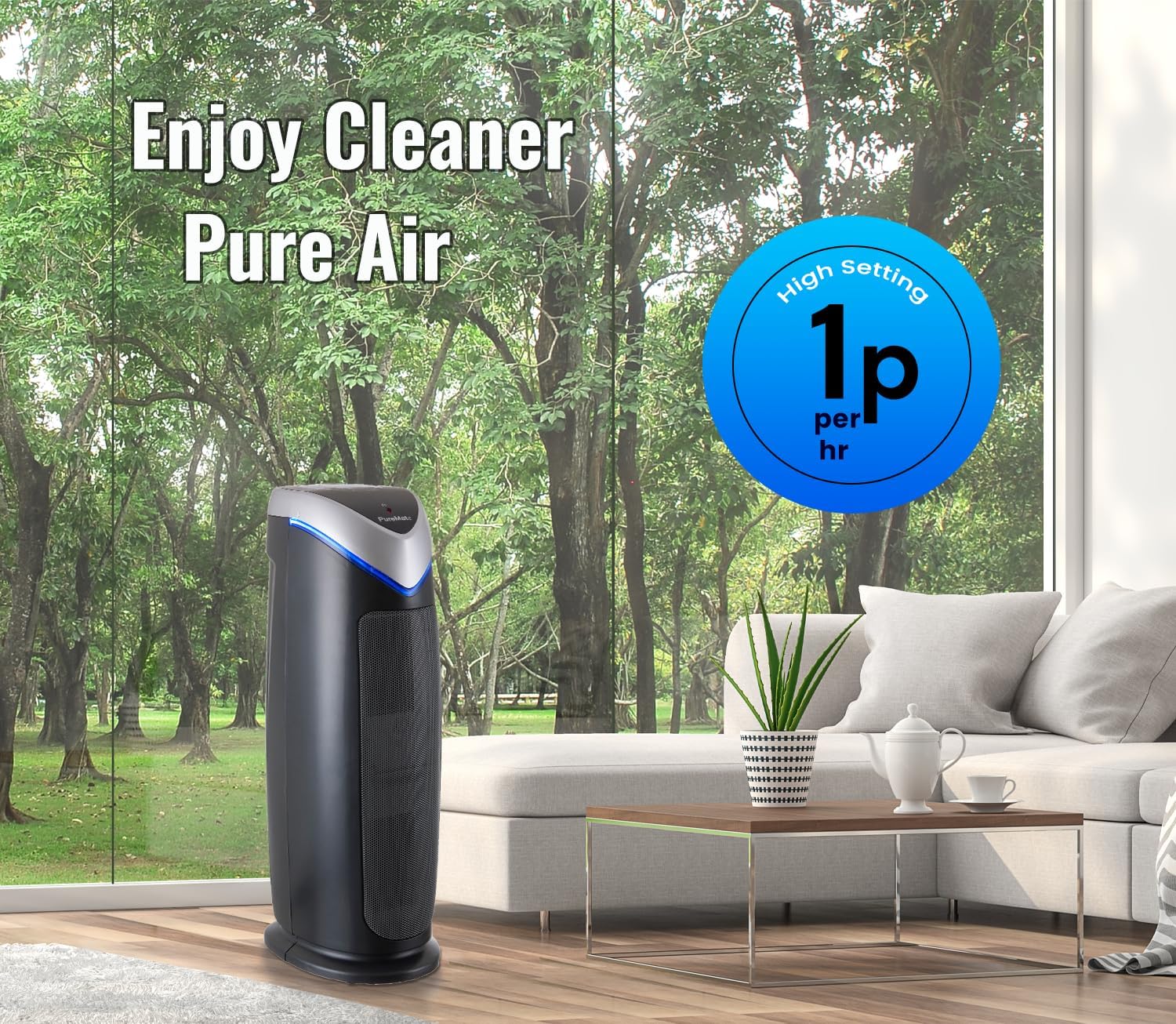
Figure 3.1: Internal components and filtration stages of the PureMate Air Purifier.
3.2 ባህሪያት
The PM 510 is equipped with features designed for effective and convenient air purification:
- 5-ሰtage የአየር ማጽጃ; Combines multiple technologies for comprehensive air cleaning.
- High CADR Rating: CADR (Clean Air Delivery Rate) values of SMOK: 110, POLLEN: 120, DUST: 126 ensure rapid air purification.
- 5 የአድናቂዎች ፍጥነት Adjustable fan speeds from ultra-quiet to powerful for various needs.
- ዲጂታል ማሳያ: Clear LCD screen shows activated modes and settings.
- የሰዓት ቆጣሪ ተግባር የአሠራር ጊዜውን ከ 1 እስከ 8 ሰዓታት ያዘጋጁ።
- Optional Ionizer and UV Light: Independent control for customized purification.
- የማጣሪያ መተኪያ አመልካች፡- Alerts you when it's time to change the filter and UV lamp.
- Suitable for Medium to Large Rooms: Effective for areas up to 400 sq ft (38 m²).

Figure 3.2: Key features and dimensions of the PureMate Air Purifier.
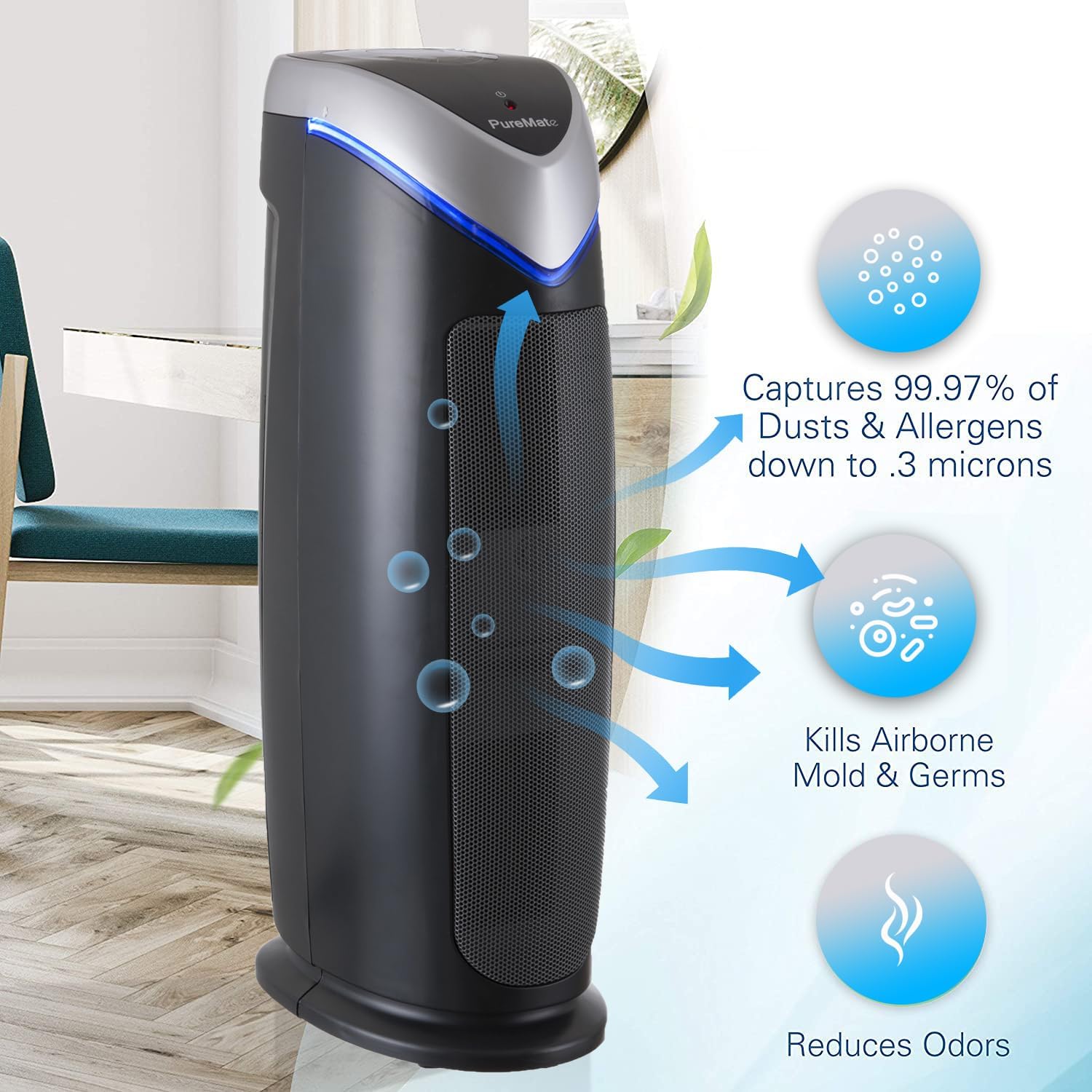
Figure 3.3: Types of pollutants captured by the 2-in-1 True HEPA and Activated Carbon Filter.
4. ማዋቀር
4.1 ማሸግ
- አየር ማጽጃውን ከማሸጊያው በጥንቃቄ ያስወግዱት.
- Remove all packaging materials, including any protective plastic films or wraps.
- Check the appliance for any signs of damage. If damaged, do not operate and contact customer support.
4.2 ማጣሪያ ጭነት
The filters are typically pre-installed but may be wrapped in plastic for shipping. Ensure all plastic packaging is removed from the filters before first use.
- Locate the filter compartment cover (usually on the back or side of the unit).
- Open the cover and carefully remove the filter assembly.
- Remove any plastic bags from the True HEPA and Activated Carbon filters.
- Reinsert the filters into the unit, ensuring they are correctly oriented.
- የማጣሪያውን ክፍል ሽፋን በጥንቃቄ ይዝጉ.
4.3 አቀማመጥ
For optimal performance, place the air purifier in a location that allows for unrestricted airflow.
- ክፍሉን በጠንካራ ደረጃ ላይ ያስቀምጡት.
- Ensure there is at least 15-30 cm (6-12 inches) of space around all sides of the unit for proper air circulation.
- Avoid placing the unit directly against walls or furniture that might block air intake or output.
- The PM 510 is effective for rooms up to 38 m² (400 sq ft). Position it in the area where air purification is most needed.

Figure 4.1: Recommended placement of the PureMate Air Purifier in a room.
5. የአሠራር መመሪያዎች
The control panel on top of the unit allows you to manage all functions of your air purifier.

ምስል 5.1፡ የቁጥጥር ፓነል በላይview
5.1 ማብራት / ማጥፋት
- የኤሌክትሪክ ገመዱን ወደ መደበኛ የኤሌክትሪክ ሶኬት ይሰኩት.
- የሚለውን ይጫኑ አብራ/አጥፋ button to turn the unit on or off. The unit will start at the lowest fan speed.
5.2 የደጋፊ ፍጥነት ማስተካከያ
- የሚለውን ይጫኑ MODE button repeatedly to cycle through the 5 fan speed settings (1 to 5).
- Speed 1 is the quietest, suitable for overnight use. Speed 5 provides maximum air purification.
5.3 የሰዓት ቆጣሪ ተግባር
- የሚለውን ይጫኑ TIMER button to set the operating time.
- Each press will cycle through 1, 2, 4, and 8 hours. The unit will automatically turn off after the selected time.
5.4 Ionizer and UV-C Lamp ቁጥጥር
- የሚለውን ይጫኑ Optional Ionizer & UV-C button to activate or deactivate the ionizer and UV-C lamp.
- You can choose to have both on, only the ionizer, or only the UV-C lamp, or both off.
5.5 HEPA Reset Button
- After replacing the HEPA filter, press and hold the HEPA Reset button for 3-5 seconds until the indicator light turns off. This resets the filter life monitor.
6. ጥገና
Regular maintenance ensures your PureMate Air Purifier operates efficiently and extends its lifespan.
6.1 የማጣሪያ መተካት
The filter replacement indicator light will illuminate when it's time to replace the filter. Filter life varies depending on air quality and usage, but typically lasts 6-8 months.
- የአየር ማጽጃውን ከኃይል ማሰራጫው ያላቅቁት.
- የማጣሪያውን ክፍል ክዳን ይክፈቱ.
- Remove the old filter assembly.
- የድሮውን ማጣሪያ በሃላፊነት ያስወግዱት።
- Unpack the new filter and insert it into the unit, ensuring correct orientation.
- የማጣሪያውን ክፍል ሽፋን በጥንቃቄ ይዝጉ.
- መሳሪያውን ይሰኩ እና ይጫኑ እና ይያዙ HEPA Reset button for 3-5 seconds to reset the filter indicator.
6.2 የማጣሪያ ማጽዳት
While the HEPA and Activated Carbon filters are not washable, the pre-filter component can be gently vacuumed to remove larger dust particles between replacements. Do not wash the HEPA or Activated Carbon filters with water.
6.3 UV-C Lamp መተካት
UV-C lamp also has a lifespan and an indicator light will signal when replacement is needed. Refer to the specific instructions provided with replacement lamps for safe handling and installation.
6.4 የውጭ ጽዳት
- ከማጽዳትዎ በፊት ሁልጊዜ ክፍሉን ይንቀሉ.
- ውጫዊ ገጽታዎችን ለስላሳ, መamp ጨርቅ.
- ገላጭ ማጽጃዎችን ወይም ፈሳሾችን አይጠቀሙ.
- ውሃ ወደ መሳሪያው ውስጠኛ ክፍል ውስጥ እንደማይገባ ያረጋግጡ።
7. መላ መፈለግ
If you experience issues with your air purifier, please consult the following table before contacting customer support.
| ችግር | ሊሆን የሚችል ምክንያት | መፍትሄ |
|---|---|---|
| ክፍል አይበራም። | የኃይል አቅርቦት የለም። የኃይል ገመድ ደህንነቱ በተጠበቀ ሁኔታ አልተሰካም። | Check if the unit is plugged into a working outlet Ensure the power cord is firmly connected |
| Airflow is weak or noisy | ማጣሪያዎች ተዘግተዋል። Air intake/output blocked | Replace filters if indicator is on, or vacuum pre-filter Ensure unit is not obstructed by walls or furniture |
| የአየር ጥራት እየተሻሻለ አይደለም | ማጣሪያዎች ምትክ ያስፈልጋቸዋል የክፍሉ መጠን ለክፍሉ ተስማሚ አይደለም UV-C lamp እየሰራ አይደለም | ማጣሪያዎችን ይተኩ Ensure room size is within specified limits (38 m² / 400 sq ft) Check if UV-C lamp is on; replace if indicator is on |
| Unusual odor from unit | Activated Carbon filter saturated አዲስ ክፍል ሽታ | Replace Activated Carbon filter Run unit on high for a few hours in a well-ventilated area to dissipate new unit smell |
8. ዝርዝሮች
| ዝርዝር መግለጫ | ዝርዝር |
|---|---|
| የሞዴል ቁጥር | PM510 |
| የምርት ስም | ንጹህMate |
| ልኬቶች (H x W x D) | 55 ሴሜ x 17 ሴሜ x 25.5 ሴሜ (በግምት 21.65 x 6.7 x 10 ኢንች) |
| ክብደት | 4.4 ኪ.ግ (በግምት. 9.7 ፓውንድ) |
| ቀለም | ጥቁር |
| የኃይል ምንጭ | የኤሌክትሪክ ገመድ |
| የመቆጣጠሪያ ዓይነት | የአዝራር መቆጣጠሪያ |
| ሽፋን አካባቢ | እስከ 38 m² (400 ካሬ ጫማ) |
| CADR (ጭስ) | 110 |
| CADR (Pollen) | 120 |
| CADR (Dust) | 126 |
| ፍሰት Stages | 5 (Pre-filter, True HEPA, Activated Carbon, UV-C, TiO2, Ionizer) |
| የምስክር ወረቀቶች | CE, RoHS Certified |
| ዩፒሲ | 700587027659 |
9. ዋስትና እና ድጋፍ
For information regarding warranty coverage and terms, please refer to the warranty card included with your purchase or contact the retailer where you purchased the PureMate Air Purifier. Keep your proof of purchase for warranty claims.
If you require technical assistance or have questions not covered in this manual, please contact PureMate customer support through their official webጣቢያ ወይም በቸርቻሪዎ የቀረበውን የእውቂያ መረጃ።
Please have your model number (PM510) and purchase date ready when contacting support.