መግቢያ
The NOCO Boost GB40 is a compact, yet powerful, 1000-amp lithium jump starter designed to safely jump start a dead car battery in seconds. This portable device is suitable for a wide range of vehicles, including cars, trucks, motorcycles, ATVs, boats, SUVs, and vans. It incorporates advanced safety features and offers additional functionalities such as a portable power bank and an integrated LED flashlight.
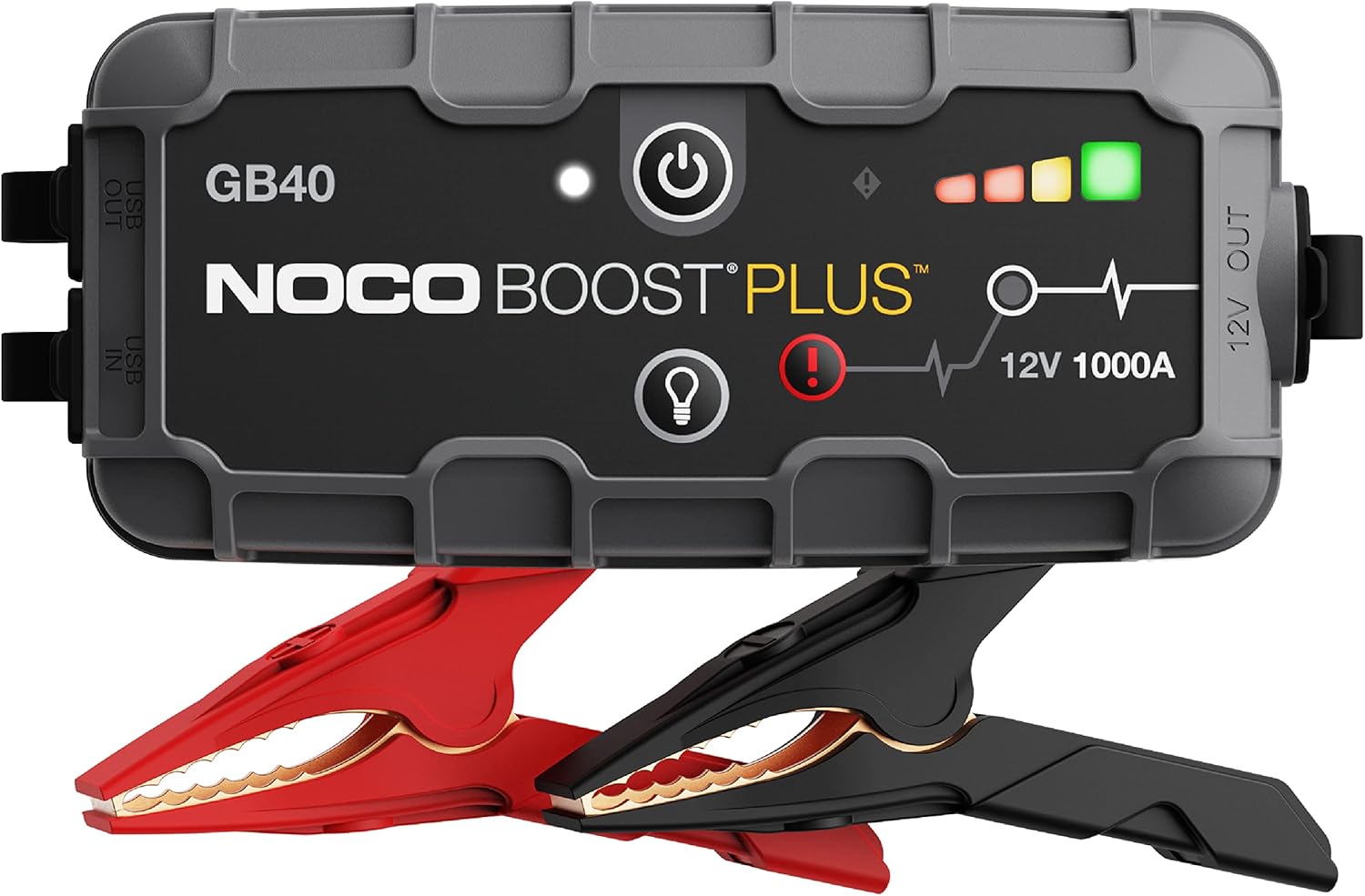
The NOCO Boost GB40 unit with its included heavy-duty clamps.
የደህንነት መረጃ
WARNING: Read and understand all safety information before using this product. Failure to follow these safety instructions may result in electrical shock, explosion, fire, which may result in serious injury, death, or property damage.
- የባትሪ ደህንነት፡ Do not attempt to jump start a frozen battery. If the battery fluid is frozen, do not use the device.
- የአየር ማናፈሻ; Ensure adequate ventilation when operating in an enclosed area.
- Spark-Proof Connections: The GB40 features spark-proof technology and reverse polarity protection. However, always ensure correct connection to battery terminals.
- ልጆች፡- ልጆች በማይደርሱበት ቦታ ያስቀምጡ። ይህ መጫወቻ አይደለም።
- በመሙላት ላይ፡ Only charge the device using the provided USB-C cable. Do not use damaged cables or chargers.
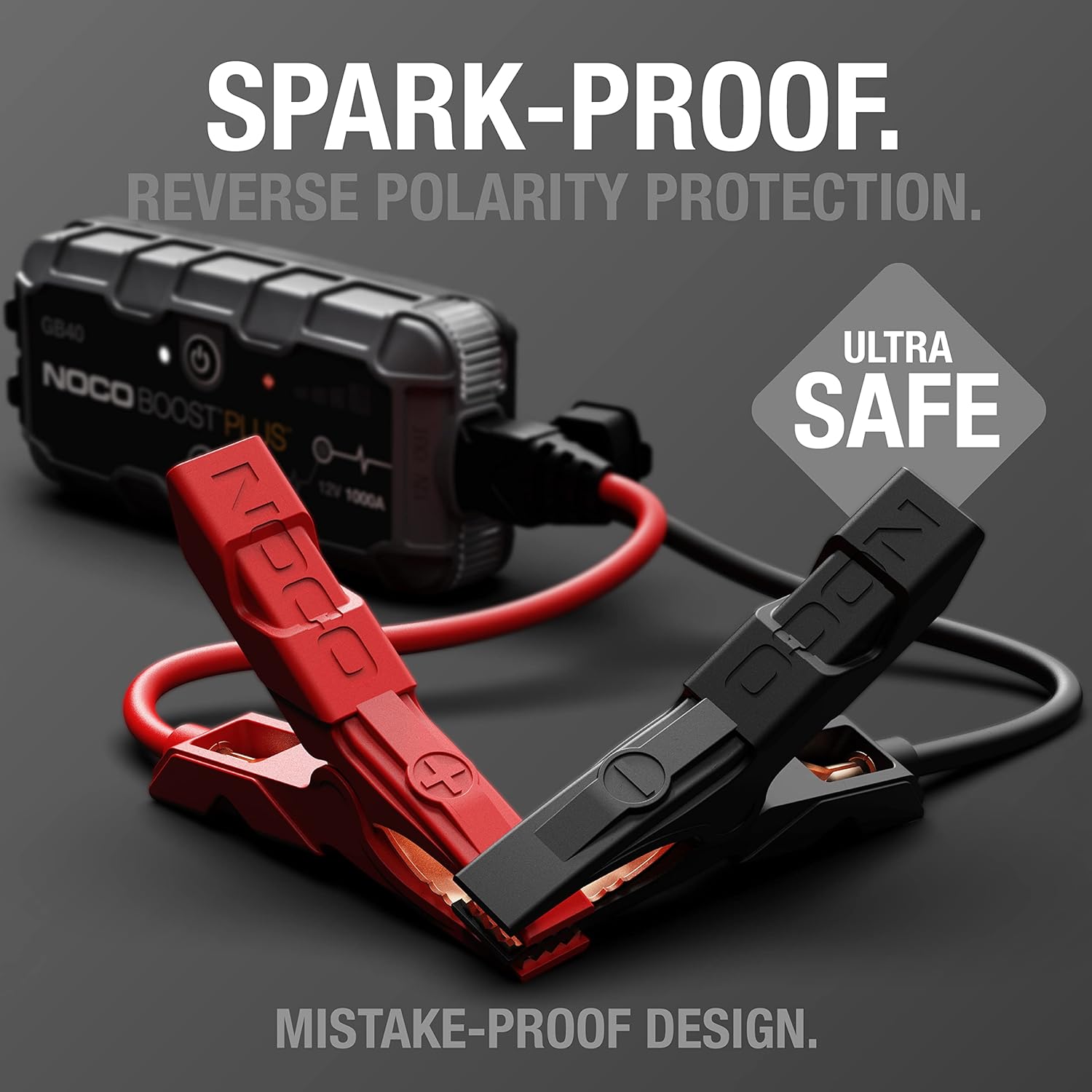
The UltraSafe technology ensures spark-proof connections and reverse polarity protection for safe operation.
በሣጥኑ ውስጥ ያለው
ሁሉም ክፍሎች መኖራቸውን እና በጥሩ ሁኔታ ላይ መሆናቸውን ያረጋግጡ፡-
- GB40 Portable Car Battery Jump Starter Pack
- ከባድ ግዴታ ማበልጸጊያ ክላamps
- የዩኤስቢ-ሲ ኃይል መሙያ ገመድ
- የማይክሮፋይበር ማከማቻ ቦርሳ
- User Guide for Jump Starter
- የ1-አመት የተወሰነ የዋስትና መረጃ

All items included in the NOCO Boost GB40 package.
ማዋቀር
የመጀመሪያ ክፍያ
Before first use, fully charge the GB40. The unit comes partially charged from the factory. It is recommended to fully charge the unit before use to ensure optimal performance.
- Connect the included USB-C charging cable to the USB-C IN port on the GB40.
- Connect the other end of the USB-C cable to a USB wall charger (not included) or a powered USB port.
- The Charge LEDs will illuminate, indicating the charging status. All four LEDs will be solid white when fully charged.
- ሙሉ ክፍያ በተለምዶ 3 ሰአታት ይወስዳል።

Understanding the LED indicators on the GB40 for charge status and operation.
የአሠራር መመሪያዎች
ተሽከርካሪ በመጀመር ላይ ዝለል
- ክሊamps: Attach the heavy-duty booster clamps to the GB40. Ensure a secure connection.
- ከባትሪ ጋር ተገናኝ፡ ቀዩን ያገናኙ (አዎንታዊ) clamp to the positive (+) battery terminal and the black (negative) clamp ወደ አሉታዊ (-) የባትሪ ተርሚናል.
- አብራ፡ Press the Power Button on the GB40. The Power LED will illuminate white. The Charge LEDs will indicate the GB40's battery level.
- ተሽከርካሪ ጀምር፡ Attempt to start your vehicle. If the vehicle does not start after 1-3 seconds, wait 15-30 seconds and try again.
- ግንኙነት አቋርጥ፡ Once the vehicle starts, disconnect the battery clamps from the vehicle battery first, then disconnect the clamps from the GB40.
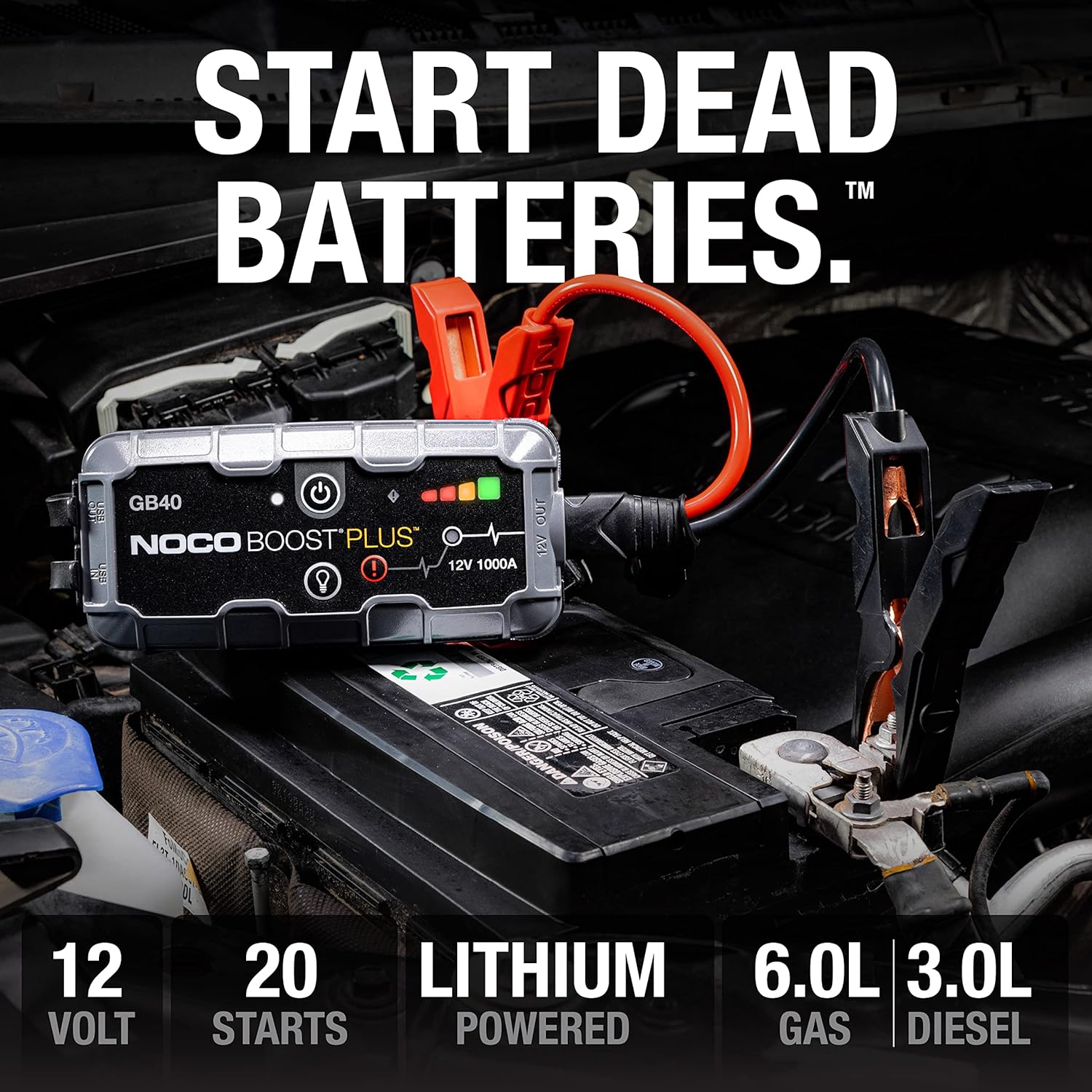
The GB40 is designed to instantly start dead batteries, providing up to 20 jump starts on a single charge for engines up to 6.0L gas and 3.0L diesel.

Simple four-step process for jump starting your vehicle with the GB40.
እንደ ተንቀሳቃሽ የኃይል ባንክ መጠቀም
The GB40 can be used to charge USB devices such as smartphones, tablets, and other portable electronics.
- Connect your device's USB charging cable to the USB OUT port on the GB40.
- The GB40 will automatically begin charging your device.

The GB40 functions as a portable power bank with 2.1A USB-A output and 10W USB-C input for recharging.
Using the Integrated LED Flashlight
The GB40 features a powerful 100-lumen LED flashlight with multiple modes for various situations.
- Press the Light Mode Button to cycle through the seven light modes: 100% > 50% > 10% > SOS > Blink > Strobe > Off.
- Hold the Light Mode Button for 3 seconds to activate the SOS or Strobe modes directly.

The integrated 100-lumen LED flashlight offers multiple modes for illumination during repairs, emergencies, or in low-light environments.
ጥገና
- ማጽዳት፡ Clean the exterior of the GB40 with a soft, damp ጨርቅ. ኃይለኛ ኬሚካሎችን ወይም ሻካራ ቁሳቁሶችን አይጠቀሙ.
- ማከማቻ፡ Store the GB40 in a cool, dry place when not in use. Avoid extreme temperatures.
- በመሙላት ላይ፡ For optimal battery life, recharge the GB40 every 2-3 months, even if not used.
- የኬብል እንክብካቤ; የ cl ን ይፈትሹamps and cables for any damage before each use. Replace if damaged.
መላ መፈለግ
| ችግር | ሊሆን የሚችል ምክንያት | መፍትሄ |
|---|---|---|
| GB40 does not turn on. | ባትሪው ሙሉ በሙሉ ተለቅቋል። | Charge the GB40 using the USB-C cable. |
| ተሽከርካሪ አይጀምርም. | ከባትሪ ተርሚናሎች ጋር ደካማ ግንኙነት። | Cl ን ያረጋግጡamps are securely connected to clean battery terminals. |
| ተሽከርካሪ አይጀምርም. | Battery is severely discharged or damaged. | Try using the Manual Override feature (refer to full user guide for details). If still unsuccessful, the battery may need replacement. |
| Error LED is blinking. | የተገላቢጦሽ የፖላሪቲ ግንኙነት። | ግንኙነት አቋርጥ clamps and reconnect correctly (red to positive, black to negative). |
| Error LED is blinking. | Short circuit detected. | Cl ን ያረጋግጡamps are not touching each other or other metal surfaces. |
ዝርዝሮች
| ባህሪ | ዝርዝር |
|---|---|
| ሞዴል | GB40 |
| ጫፍ Ampንዴት | 1000 Amps |
| የባትሪ ዓይነት | ሊቲየም-አዮን |
| ጥራዝtage | 12 ቪ |
| የሞተር ተኳሃኝነት | እስከ 6.0 ሊትር ጋዝ፣ 3.0 ሊትር ናፍጣ |
| የዩኤስቢ ውፅዓት | 2.1A (USB-A) |
| USB Input (Recharge) | 10 ዋ (ዩኤስቢ-ሲ) |
| የ LED የእጅ ባትሪ | 100 Lumens, 7 Modes |
| ልኬቶች (D x W x H) | 4.61" x 8.19" x 4.21" |
| የእቃው ክብደት | 7.94 አውንስ |
| የውሃ መቋቋም | IP65 (Rugged, water-resistant enclosure) |
| የደህንነት ባህሪያት | Spark-Proof, Reverse Polarity Protection |
ዋስትና እና ድጋፍ
የዋስትና መረጃ
The NOCO Boost GB40 comes with a 1-Year Limited Warranty. This warranty covers defects in material and workmanship under normal use. For specific terms and conditions, please refer to the warranty card included in your product packaging or visit the official NOCO webጣቢያ.
የደንበኛ ድጋፍ
For technical assistance, troubleshooting, or warranty claims, please contact NOCO Customer Support. You can find contact information on the official NOCO webጣቢያ ወይም ምርቱን በገዙበት ቸርቻሪ በኩል።
የመስመር ላይ መርጃዎች፡-
- Official NOCO Webጣቢያ፡ አይ.ኮ.
- Product Support Page (if available): Refer to the official website for dedicated product support pages, FAQs, and additional resources.