
PROSCAN PSB3713-OP
PROSCAN 37-Inch Bluetooth Sound Bar User Manual
Model: PSB3713-OP
መግቢያ
ስለገዙ እናመሰግናለንasing the PROSCAN 37-Inch Bluetooth Sound Bar. This ultra-slim sound bar is designed to enhance your audio experience with your Smart TV, offering versatile connectivity options including Bluetooth, Optical Digital Audio Input, and Aux-In. This manual provides detailed instructions for setup, operation, maintenance, and troubleshooting to ensure optimal performance and longevity of your device.
ጠቃሚ የደህንነት መረጃ
ማስጠንቀቂያ-ይህ ምርት በካሊፎርኒያ ግዛት የካንሰር እና የልደት ጉድለቶችን ወይም ሌሎች የመራቢያ ጉዳቶችን የሚያስከትሉ ኬሚካሎችን ይ containsል ፡፡
- መሣሪያውን ከመጠቀምዎ በፊት ሁሉንም መመሪያዎች ያንብቡ.
- ይህንን መመሪያ ለወደፊት ማጣቀሻ ያቆዩት።
- ክፍሉን ለዝናብ ወይም ለእርጥበት አያጋልጡት።
- የአየር ማናፈሻ ክፍተቶችን አያግዱ።
- ትክክለኛውን የኃይል አቅርቦት ጥራዝ ያረጋግጡtagሠ በክፍሉ ላይ እንደተመለከተው.
- በመብረቅ አውሎ ንፋስ ጊዜ ወይም ለረጅም ጊዜ ጥቅም ላይ በማይውልበት ጊዜ ክፍሉን ይንቀሉ.
- ሁሉንም አገልግሎቶች ብቁ ለሆኑ የአገልግሎት ሰራተኞች ያመልክቱ።
በሣጥኑ ውስጥ ያለው

Image: Contents of the PROSCAN Sound Bar box, showing the sound bar, remote control, AC power adapter, stereo audio connection cable, RCA audio cable, and mount screws.
እባኮትን ሁሉም የሚከተሉት እቃዎች በጥቅልዎ ውስጥ መካተታቸውን ያረጋግጡ፡
- PROSCAN 37-Inch Bluetooth Sound Bar
- የርቀት መቆጣጠሪያ
- የኤሲ ኃይል አስማሚ
- Stereo Audio Connection Cable
- RCA ኦዲዮ ገመድ
- የመገጣጠሚያ ዊንጮች (ለግድግዳ መጫኛ)
- የተጠቃሚ መመሪያ (ይህ ሰነድ)
ምርት አልቋልview

Image: The PROSCAN 37-Inch Bluetooth Sound Bar positioned in front of a curved television screen, with its remote control placed nearby. The sound bar is sleek and black.
The PROSCAN 37-Inch Bluetooth Sound Bar is designed for optimal audio performance and ease of use. It features a sleek, ultra-slim design that complements any home entertainment setup.
የፊት ፓነል

ምስል: ቀጥተኛ የፊት view of the PROSCAN 37-Inch Bluetooth Sound Bar, showcasinጂ የራሱ የሆነ አነስተኛ ዲዛይን እና የድምጽ ማጉያ ፍርግርግ።
The front panel features the speaker grille and an LED indicator that shows the current input mode and status.
የኋላ ፓነል (ግንኙነቶች)
The rear panel houses all the necessary input ports for connecting to your audio sources.
- Optical Digital Audio Input: ከእርስዎ ቲቪ ወይም ሌሎች መሳሪያዎች ከፍተኛ ጥራት ላለው ዲጂታል የድምጽ ግንኙነት።
- AUX In (3.5ሚሜ): For connecting analog audio devices.
- ዲሲ IN የኃይል ግብዓት ወደብ.
የርቀት መቆጣጠሪያ
The included remote control allows you to manage all functions of the sound bar conveniently.
- ኃይል አብራ/ አጥፋ
- ድምጽ ወደ ላይ/ወደታች
- Input Source Selection (Bluetooth, Optical, AUX, FM)
- ድምጸ-ከል አድርግ
- FM Radio controls (Scan, Preset)
የማዋቀር መመሪያ
1. አቀማመጥ
The sound bar can be placed on a table stand or wall-mounted.

Image: The PROSCAN Sound Bar wall-mounted directly above a flat-screen television, demonstrating a clean and space-saving installation.
- የጠረጴዛ ማቆሚያ; የድምፅ አሞሌውን ከቴሌቪዥንዎ ፊት ለፊት ባለው የተረጋጋና ጠፍጣፋ ቦታ ላይ ያስቀምጡት። የቴሌቪዥኑን የርቀት ዳሳሽ እንዳያግድ ያረጋግጡ።
- የግድግዳ ተራራ Use the included mount screws to securely attach the sound bar to a wall. Refer to the wall mounting template (if provided separately) for precise drilling locations. Ensure the wall can support the weight of the sound bar.
2. የድምጽ ምንጮችን በማገናኘት ላይ
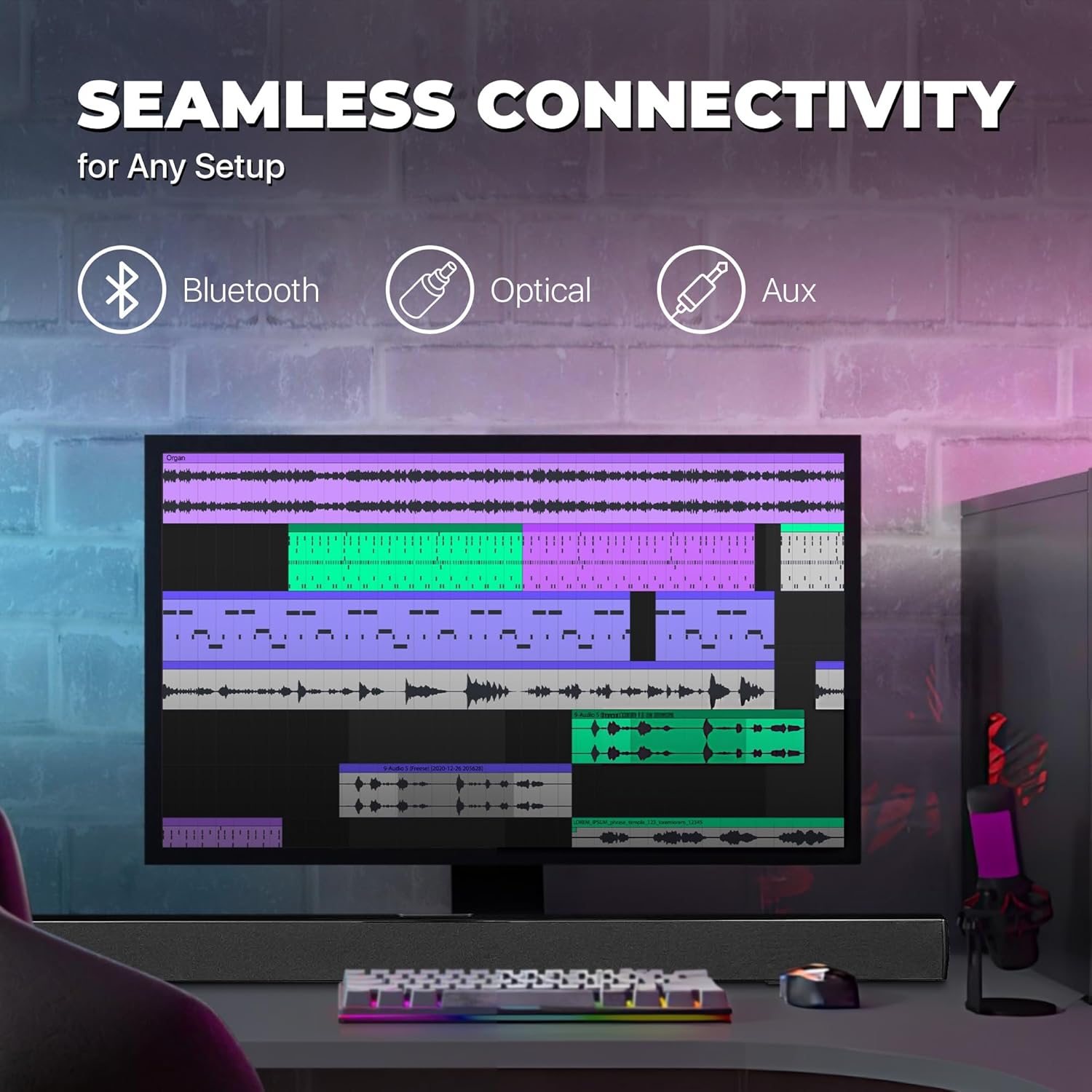
Image: A graphic illustrating the seamless connectivity options of the sound bar, including icons for Bluetooth, Optical, and Aux connections, with a sound bar placed below a computer monitor.
የድምጽ ምንጭዎን ለማገናኘት ከሚከተሉት ዘዴዎች ውስጥ አንዱን ይምረጡ፡
- የኦፕቲካል ዲጂታል ኦዲዮ ግንኙነት፡
Connect an optical cable (not included) from the OPTICAL OUT port on your TV or audio device to the OPTICAL IN port on the sound bar. This provides high-quality digital audio.
- AUX (3.5ሚሜ) ግንኙነት፡
Use the included 3.5mm audio cable to connect the AUX IN port on the sound bar to the headphone jack or audio output port on your device (e.g., TV, smartphone, MP3 player).
- የብሉቱዝ ግንኙነት
For wireless audio streaming from Bluetooth-enabled devices like smartphones, tablets, or laptops. (Detailed pairing instructions in the Operating section).
3. የኃይል ግንኙነት
Connect the included AC power adapter to the DC IN port on the sound bar, then plug the adapter into a standard wall outlet.
የአሠራር መመሪያዎች
ኃይል አብራ/ አጥፋ
የሚለውን ይጫኑ ኃይል button on the remote control or on the sound bar to turn the unit on or off.
የግቤት ምንጭ መምረጥ
የሚለውን ይጫኑ ግቤት button on the remote control repeatedly to cycle through the available input sources: Bluetooth, Optical, AUX, FM. The LED indicator on the front panel will change to reflect the selected input.
የድምጽ መቆጣጠሪያ
የሚለውን ተጠቀም ቮል+ እና ድምጽ- buttons on the remote control to adjust the volume. Press the ሙት ኦዲዮውን ለጊዜው ዝም ለማሰኘት አዝራር።
የብሉቱዝ ማጣመር
- Turn on the sound bar and select Bluetooth mode using the ግቤት button. The LED indicator will flash, indicating it's in pairing mode.
- በመሳሪያዎ ላይ ብሉቱዝን ያንቁ (ስማርትፎን፣ ታብሌት፣ ወዘተ) እና የሚገኙ መሳሪያዎችን ይፈልጉ።
- Select "PSB3713-OP" from the list of found devices.
- Once paired, the LED indicator will stop flashing and remain solid. You can now play audio from your device through the sound bar.
የኤፍኤም ሬዲዮ ኦፕሬሽን
አብሮ የተሰራውን የኤፍኤም ሬዲዮ ለመጠቀም፦
- በመጠቀም የኤፍኤም ሁነታን ይምረጡ ግቤት አዝራር።
- የሚለውን ይጫኑ ይቃኙ button on the remote control to automatically scan and save available FM stations.
- የሚለውን ተጠቀም ቅድመ ሁኔታ እና ቀጣይ በተቀመጡ ጣቢያዎች ውስጥ ለማሰስ አዝራሮች።
ጥገና
- ማጽዳት፡ የድምፅ አሞሌውን ገጽታ ለማጽዳት ለስላሳ እና ደረቅ ጨርቅ ይጠቀሙ. ፈሳሽ ማጽጃዎችን ወይም የአየር ማጽጃዎችን አይጠቀሙ.
- ማከማቻ፡ ክፍሉን ረዘም ላለ ጊዜ ካስቀመጠው ከኃይል ማመንጫው ይንቀሉት እና በቀዝቃዛና ደረቅ ቦታ ያስቀምጡት.
- የአየር ማናፈሻ; Ensure the sound bar has adequate ventilation and is not covered by cloths or other materials that could block airflow.
መላ መፈለግ
| ችግር | ሊሆን የሚችል ምክንያት | መፍትሄ |
|---|---|---|
| ኃይል የለም | የኃይል አስማሚው አልተገናኘም ወይም መውጫው አይሰራም። | Ensure the power adapter is securely connected to the sound bar and a working power outlet. |
| ድምጽ የለም። | የተሳሳተ የግቤት ምንጭ ተመርጧል; የድምፅ መጠን በጣም ዝቅተኛ; የድምጽ ገመድ በትክክል አልተገናኘም. | Select the correct input source (Bluetooth, Optical, AUX). Increase the volume. Check all audio cable connections. Ensure TV audio output is set correctly (e.g., PCM for Optical). |
| የብሉቱዝ ማጣመር አልተሳካም። | የድምጽ አሞሌ በማጣመር ሁነታ ላይ አይደለም; መሳሪያ በጣም ሩቅ; ጣልቃ መግባት. | Ensure the sound bar is in Bluetooth pairing mode (flashing LED). Move your device closer to the sound bar. Turn off other Bluetooth devices to reduce interference. |
| የርቀት መቆጣጠሪያ አይሰራም | Batteries are dead or inserted incorrectly; obstacle between remote and sound bar. | Replace the remote control batteries. Ensure there is no obstruction between the remote and the sound bar's sensor. |
| ደካማ ኤፍኤም አቀባበል | ደካማ ምልክት። | Adjust the position of the sound bar or try rescanning for stations. |
ዝርዝሮች
| ባህሪ | ዝርዝር |
|---|---|
| የሞዴል ስም | PSB3713-OP |
| የድምጽ ማጉያ አይነት | የድምጽ አሞሌ |
| የድምጽ ማጉያ መጠን | 37 ኢንች |
| የግንኙነት ቴክኖሎጂ | Bluetooth, Auxiliary (3.5mm), Optical |
| የገመድ አልባ ግንኙነት | ብሉቱዝ ፣ ኤፍኤም ሬዲዮ |
| የድምጽ ውፅዓት ሁኔታ | ስቴሪዮ፣ የዙሪያ ድምጽ |
| የድምጽ ማጉያ ከፍተኛ የውጤት ኃይል | 40 ዋት |
| እክል | 4 ኦኤም |
| የምርት ልኬቶች (D x W x H) | 3.25" ዲ x 3.25" ዋ x 41.5" ኤች |
| የእቃው ክብደት | 4.55 ፓውንድ £ |
| ቀለም | ጥቁር |
| የኃይል ምንጭ | ባለገመድ ኤሌክትሪክ |
| የመቆጣጠሪያ አይነት | የርቀት መቆጣጠሪያ |
| የመጫኛ አይነት | አሞሌ ተራራ |
ዋስትና እና ድጋፍ
This PROSCAN product comes with a Limited Warranty. For specific warranty terms and conditions, please refer to the warranty card included in your product packaging or contact PROSCAN customer support.
For technical support, troubleshooting assistance, or service inquiries, please contact the manufacturer, Curtis International LTD, or visit the PROSCAN official webየእውቂያ መረጃ ለማግኘት ጣቢያ.
አምራች፡ ከርቲስ ኢንተርናሽናል ሊሚትድ
Ask a question about this manual
Ask about setup, troubleshooting, compatibility, parts, safety, or missing instructions. Manuals+ will review the question and use this page’s manual context to help answer it.