
Ikea 40250855
Ikea LILLHULT USB Type C to USB Cable User Manual
ሞዴል፡ 40250855
መግቢያ
This user manual provides essential information for the safe and efficient use of your Ikea LILLHULT USB Type C to USB cable. Please read this manual carefully before using the product and retain it for future reference.
የማዋቀር መመሪያዎች
The Ikea LILLHULT cable is designed for connecting devices with a USB Type C port to a power source or another device with a standard USB-A port for charging and data transfer.
- ግንኙነቶችን መለየት Locate the USB Type C connector (smaller, reversible) and the standard USB-A connector (larger, rectangular).
- ከመሳሪያ ጋር ተገናኝ፡ Insert the USB Type C connector into the compatible port on your smartphone, tablet, or other USB-C enabled device. Ensure it is fully seated.
- Connect to Power/Data Source: Insert the USB-A connector into a compatible USB wall adapter, power bank, computer USB port, or other USB-A enabled charging/data port.
- ግንኙነት አረጋግጥ፡ Confirm that your device indicates it is charging or connected for data transfer.
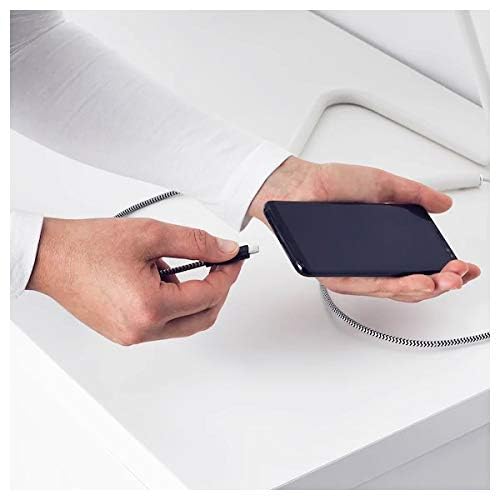
Image: A person connecting the USB Type C end of the cable to a smartphone. This illustrates the initial connection step.
የአሠራር መመሪያዎች
የኃይል መሙያ መሳሪያዎች
Once properly connected to a power source, the cable will facilitate charging of your USB Type C device. Charging speed may vary depending on the power adapter and the device's charging capabilities.
የውሂብ ማስተላለፍ
This cable supports data transfer at speeds up to 0.48 Gigabits Per Second. To transfer data, connect the USB-A end to a computer's USB port and the USB Type C end to your device. Your device may prompt you to select a connection mode (e.g., "File "ማስተላለፍ" ወይም "MTP")።
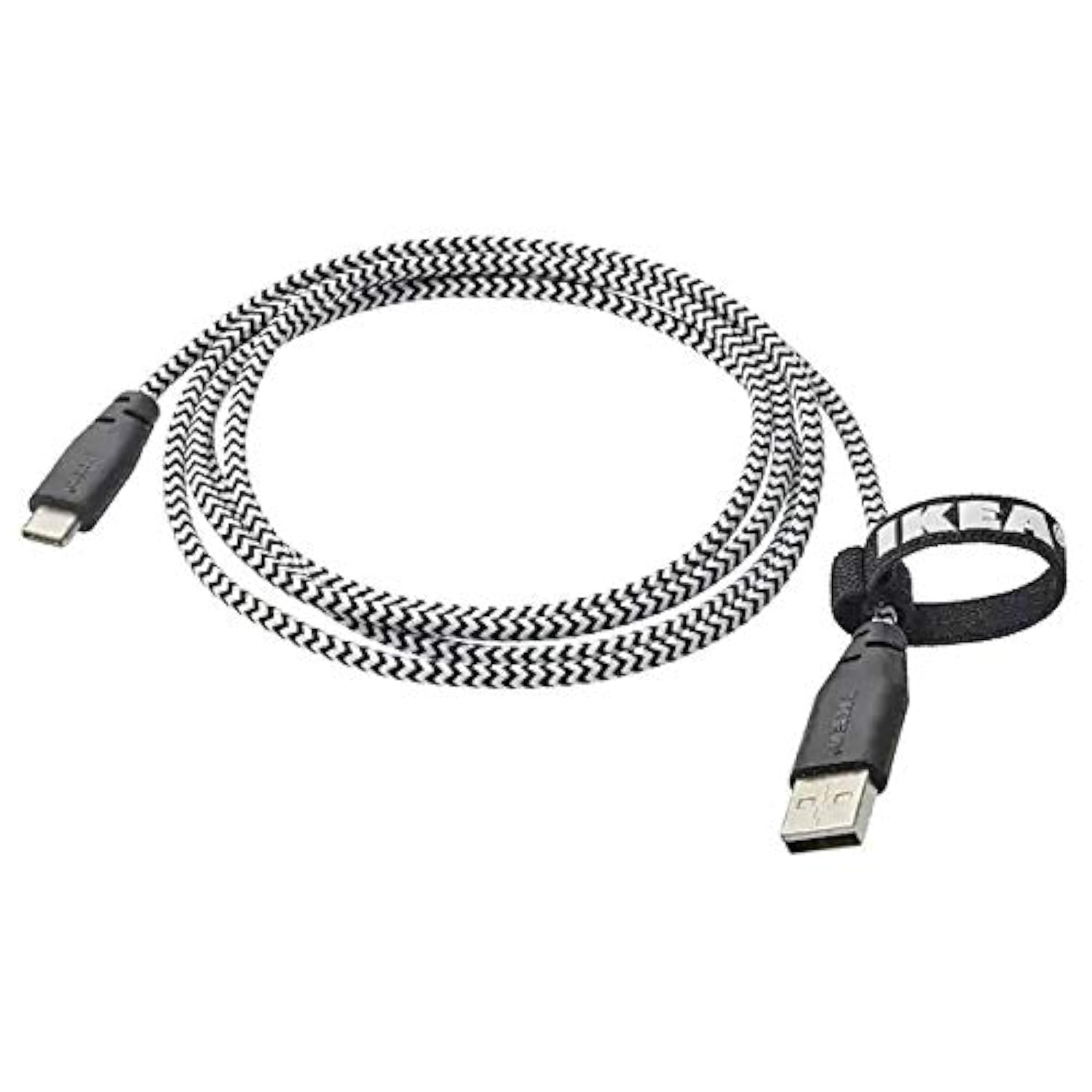
Image: The Ikea LILLHULT cable in use, connecting a smartphone to a charging base, with a laptop in the background. This demonstrates the cable's function in a typical setup.
ጥገና እና እንክብካቤ
- ማጽዳት፡ Wipe the cable with a dry, soft cloth. Avoid using harsh chemicals or abrasive cleaners.
- ማከማቻ፡ When not in use, coil the cable loosely. Avoid sharp bends or kinks, especially near the connectors, to prevent internal wire damage. The integrated cable tie can be used for neat storage.
- አያያዝ፡ ገመዱን ሲሰኩ ወይም ሲነቁ ሁልጊዜ የማገናኛ መያዣውን ይያዙት፣ ገመዱን ራሱ ከመሳብ ይልቅ።
- አካባቢ፡ ገመዱን ከከፍተኛ ሙቀት፣ ቀጥተኛ የፀሐይ ብርሃን እና እርጥበት ያርቁ።
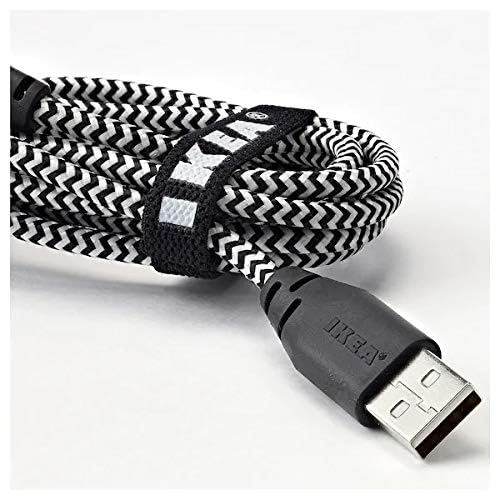
ምስል፡ መቀራረብ view of the coiled Ikea LILLHULT cable, secured with its integrated cable tie, showing the durable braided design and the USB-A connector with the Ikea logo. This highlights the cable's design for easy storage and durability.
መላ መፈለግ
| ችግር | ሊሆን የሚችል ምክንያት | መፍትሄ |
|---|---|---|
| መሣሪያ እየሞላ አይደለም። | Loose connection, faulty power adapter, incompatible device. | Ensure both ends of the cable are securely connected. Try a different power adapter or USB port. Verify device compatibility. |
| ቀስ ብሎ መሙላት። | Low-power USB port, power adapter not sufficient, background apps on device. | ከፍተኛ-ዋት ይጠቀሙtage power adapter. Close unnecessary applications on your device. Ensure the USB port provides adequate power. |
| የውሂብ ዝውውር አይሰራም። | Incorrect device settings, driver issues on computer, loose connection. | Check your device's USB connection settings (e.g., select "File Transfer"). Ensure computer drivers are up to date. Reconnect the cable firmly. |
ዝርዝሮች
- የምርት ስም፡ አይካ
- ሞዴል፡ 40250855
- የማገናኛ አይነት፡ USB Type C to USB-A
- የኬብል አይነት፡ ዩኤስቢ
- ርዝመት፡ 1.5 meters (4 feet 11 inches)
- ተስማሚ መሣሪያዎች Charging Adapter, USB Type C enabled devices
- ልዩ ባህሪ፡ የሚበረክት ጠለፈ ንድፍ
- የውሂብ ማስተላለፍ መጠን፡- በሰከንድ እስከ 0.48 Gigabits
- ቀለም፡ ጥቁር
- የንጥል ቅርጽ፡ ዙር
- አምራች፡ አይካ
ዋስትና እና ድጋፍ
For information regarding warranty, returns, or customer support, please refer to the purchase documentation or visit the official Ikea webጣቢያ. ለማንኛውም የዋስትና ጥያቄዎች የግዢ ማረጋገጫዎን ያስቀምጡ።
የመስመር ላይ መርጃዎች፡-
- ኦፊሴላዊ Ikea Webጣቢያ፡ www.ikea.com
- Product Support Page (if available): Refer to the Ikea website for specific product support pages.
Ask a question about this manual
Ask about setup, troubleshooting, compatibility, parts, safety, or missing instructions. Manuals+ will review the question and use this page’s manual context to help answer it.