
1. ምርት አብቅቷልview
The BoxWave DirectSync Cable is designed to provide efficient charging and high-speed data transfer for compatible devices, such as the Holux GPSport 260. This durable cable features a shielded design and reinforced strain reliefs to ensure longevity and reliable performance.

Image: The BoxWave DirectSync Cable shown alongside a Holux GPSport 260 device, illustrating its intended use.
2. ማዋቀር እና ግንኙነት
To begin using your DirectSync Cable, follow these simple steps:
- ግንኙነቶችን መለየት The DirectSync Cable has a standard USB-A connector on one end and a Mini USB connector on the other.
- ከመሳሪያ ጋር ተገናኝ፡ Insert the Mini USB connector into the corresponding port on your Holux GPSport 260 or other compatible device. Ensure the connector is fully seated.
- Connect to Power/Data Source: Insert the USB-A connector into a compatible USB port on a computer, wall adapter, car charger, or power bank for charging or data transfer.

ምስል: ዝርዝር view of the DirectSync Cable, highlighting its USB-A and Mini USB connectors.
3. የአሠራር መመሪያዎች
3.1 መሳሪያዎን በመሙላት ላይ
Once connected to a power source, the DirectSync Cable will automatically begin charging your compatible device. The charging status is typically indicated on your device's screen.
3.2 የውሂብ ማስተላለፍ
For data transfer, connect the USB-A end of the cable to a computer's USB port. Your device should appear as a removable storage drive or be recognized by relevant software. You can then transfer files such as GPS logs, maps, or other data at Hi-Speed USB 2.0 rates (up to 480Mbps).
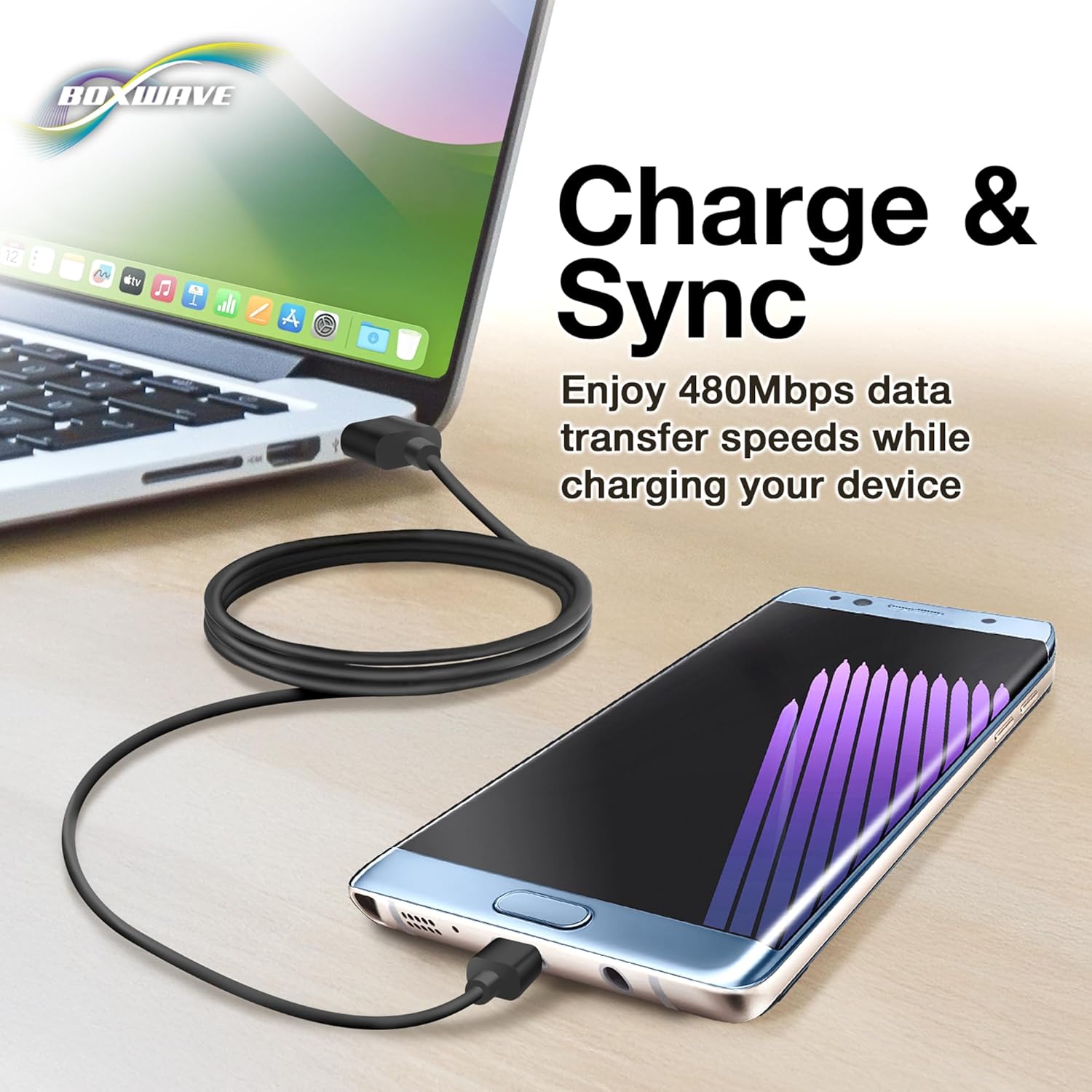
Image: The DirectSync Cable facilitating both charging and data synchronization between a device and a laptop.
4. ጥገና እና እንክብካቤ
To ensure the longevity and optimal performance of your DirectSync Cable, please observe the following care guidelines:
- Avoid Kinks and Bends: Do not sharply bend or kink the cable, especially near the connectors. The cable features reinforced strain reliefs to minimize damage, but excessive force can still cause internal wire breakage.
- ትክክለኛ ማከማቻ፡ When not in use, coil the cable loosely. Avoid tightly wrapping it around objects or tying it in knots.
- ማገናኛዎችን አጽዳ; Keep the connectors free from dust and debris. Use a dry, soft cloth to gently wipe them if necessary.
- በጥንቃቄ ይያዙ; Always pull from the connector housing, not the cable itself, when disconnecting.

Image: A close-up demonstrating the reinforced strain relief design at the cable's connectors, which helps prevent kinking and tearing.
5. መላ መፈለግ
If you encounter issues with your DirectSync Cable, try the following solutions:
- መሳሪያ እየሞላ አይደለም፡
- ሁለቱም የኬብሉ ጫፎች ደህንነቱ በተጠበቀ ሁኔታ መገናኘታቸውን ያረጋግጡ።
- የተለየ የዩኤስቢ ወደብ ወይም የኃይል አስማሚ ይሞክሩ።
- Verify that your device's charging port is clean and undamaged.
- Test the cable with another compatible device, if possible, to determine if the issue is with the cable or the device.
- የውሂብ ማስተላለፍ ጉዳዮች
- Confirm the cable is connected to a computer's data-enabled USB port (not just a charging port).
- Restart both your device and the computer.
- Check your device's settings to ensure it's configured for data transfer (e.g., "File Transfer" mode).
- በኮምፒተርዎ ላይ የተለየ የዩኤስቢ ወደብ ይሞክሩ።
- የኬብል ጉዳት;
Visually inspect the cable for any signs of physical damage, such as cuts, fraying, or bent connectors. A damaged cable should be replaced.
6. ዝርዝሮች
| የምርት ስም | BoxWave DirectSync Cable |
| የሞዴል ቁጥር | Not specified (Generic DirectSync Cable) |
| ማገናኛዎች | USB-A to Mini USB |
| የውሂብ ማስተላለፍ ፍጥነት | Hi-Speed USB 2.0 (up to 480Mbps) |
| ተግባራዊነት | Charge and Sync |
| የኬብል ርዝመት | Generous length (approx. 3 feet based on A+ content image) |
| ባህሪያት | Shielded cable, Reinforced rubberized grommet strain reliefs |
| የእቃው ክብደት | 3.2 አውንስ |
7. የድጋፍ መረጃ
For technical assistance or inquiries regarding your BoxWave DirectSync Cable, limited third-party technical support is available (up to 3 inquiries via messaging). Please refer to your purchase documentation or the seller's contact information for details on how to reach support.
This product is manufactured by BoxWave Corporation.