
1. ምርት አብቅቷልview
The LETIANPAI 100ft Smart LED Strip Lights provide versatile and vibrant lighting for various indoor applications. These RGB LED strips feature multiple control options including a Bluetooth-enabled mobile application and an IR remote control, allowing for color changing, music synchronization, timing functions, and brightness adjustment. The lights are designed for easy installation with strong adhesive backing and can be cut to desired lengths.

ምስል፡ አልቋልview of the LETIANPAI 100ft Smart LED Strip Lights, showing the coiled strip, control box, remote, and smartphone app interface.
2. የደህንነት መረጃ
ማስጠንቀቂያ፡-
- የመታፈን አደጋ፡- ትናንሽ ክፍሎች. ከ 3 ዓመት በታች ለሆኑ ህጻናት አይደለም.
- Be careful of ሹል ጠርዞች during installation or handling.
- Ensure the power adapter is properly connected and not covered to prevent overheating. The adapter may become warm during operation; this is normal. However, if it becomes unusually hot, disconnect immediately.
- ይህ ምርት የተዘጋጀው ለ የቤት ውስጥ አጠቃቀም ብቻለውሃ ወይም ለከፍተኛ እርጥበት አያጋልጡ።
- Do not connect the LED strip to the power supply while it is still coiled on the reel. Unspool the entire strip before powering on to prevent overheating.
- Do not attempt to repair or modify the product. Refer all servicing to qualified personnel.
- Dispose of electronic waste responsibly. Follow local regulations for recycling.

Image: Safety symbols and manufacturing information, including choking hazard warning and recycling instructions.
3. የጥቅል ይዘቶች
እባክዎ ሁሉም እቃዎች መኖራቸውን እና በጥሩ ሁኔታ ላይ መሆናቸውን ለማረጋገጥ የጥቅል ይዘቱን ያረጋግጡ፡
- 1 x 100ft LED ስትሪፕ ብርሃን
- 1 x የኃይል አስማሚ
- 1 x IR የርቀት መቆጣጠሪያ
- 1 x Control Box (integrated with the LED strip)
4. ማዋቀር እና መጫን
የ LED ስትሪፕ መብራቶችን በትክክል ለመጫን የሚከተሉትን ደረጃዎች ይከተሉ:
- ወለሉን ያዘጋጁ; Ensure the installation surface is clean, dry, and smooth. Dust, dirt, or moisture can affect the adhesive's effectiveness.
- Unspool the Strip: Completely unroll the LED strip from its reel before connecting it to power. This prevents heat buildup and potential damage to the lights.

Image: Illustration of peeling the adhesive backing from the LED strip.
- አካላትን ያገናኙ፡
- Connect the LED strip to the control box, ensuring the arrows on both connectors align.
- የኃይል አስማሚውን ወደ መቆጣጠሪያ ሳጥኑ ያገናኙ.

Image: Step-by-step diagram illustrating the connection of the LED strip, control box, and power adapter, emphasizing arrow alignment.
- ክርቱን ይተግብሩ፦ Carefully peel off the adhesive backing from the LED strip and press it firmly onto the desired surface. Work in small sections to ensure a smooth application.
- አብራ፡ የኃይል አስማሚውን ወደ መደበኛ የኤሌክትሪክ ሶኬት ይሰኩት።

Image: Close-up of the certified power supply unit.
- Download the App (Optional but Recommended): For full functionality, download the "HiLighting" app. Scan the QR code on the control box or search for "HiLighting" in your device's app store.

Image: Instructions for downloading the "HiLighting" app via QR code, along with a visual of the app's color control interface.
Relevant link for app download: http://www.easytrack.net.cn/download/233AOLESHENG
5. የአሠራር መመሪያዎች
5.1. App Control (HiLighting App)
The "HiLighting" app offers comprehensive control over your LED strip lights via Bluetooth. Ensure Bluetooth is enabled on your smartphone and the app is connected to the device.
- የቀለም ምርጫ፡- Use the color wheel to choose from 16 million vivid colors.
- ተለዋዋጭ ሁነታዎች Select from 29 dynamic modes such as flash, strobe, fade, and smooth.
- የብሩህነት ማስተካከያ; Adjust the light brightness from 0% to 100%.
- የሙዚቃ ስልት፡ Sync the lights to music playing on your phone.
- MIC ሁነታ፡- The lights will pulsate and change colors in response to sounds picked up by your phone's microphone.
- የጊዜ ተግባር፡- Set schedules for the lights to automatically turn on or off.
- የቡድን አስተዳደር፡ Control multiple sets of LETIANPAI LED lights simultaneously or individually.

Image: The "HiLighting" app interface displaying the color selection wheel and various control options.
5.2. IR የርቀት መቆጣጠሪያ
The included IR remote control provides convenient access to basic functions:
- አብራ/አጥፋ፡ መብራቶቹን ያብሩ ወይም ያጥፉ።
- Brightness/Speed Adjustment: Increase or decrease brightness, or adjust the speed of dynamic modes.
- የቀለም አዝራሮች; Directly select preset colors (Red, Green, Blue, White, etc.).
- ተለዋዋጭ ሁነታዎች Activate various effects like Flash, Strobe, Fade, and Smooth.

Image: The IR remote control with labeled buttons for color selection, brightness, and dynamic modes.
5.3. Music and MIC Mode
Enhance your environment with sound-reactive lighting:
- የሙዚቃ ማመሳሰል፡ When Music Mode is active in the app, the lights will change color and pattern according to the rhythm of the music playing on your device.
- MIC ሁነታ፡- The built-in microphone in your smartphone (when MIC Mode is selected in the app) allows the lights to pulsate and change colors along with ambient sounds or your voice.
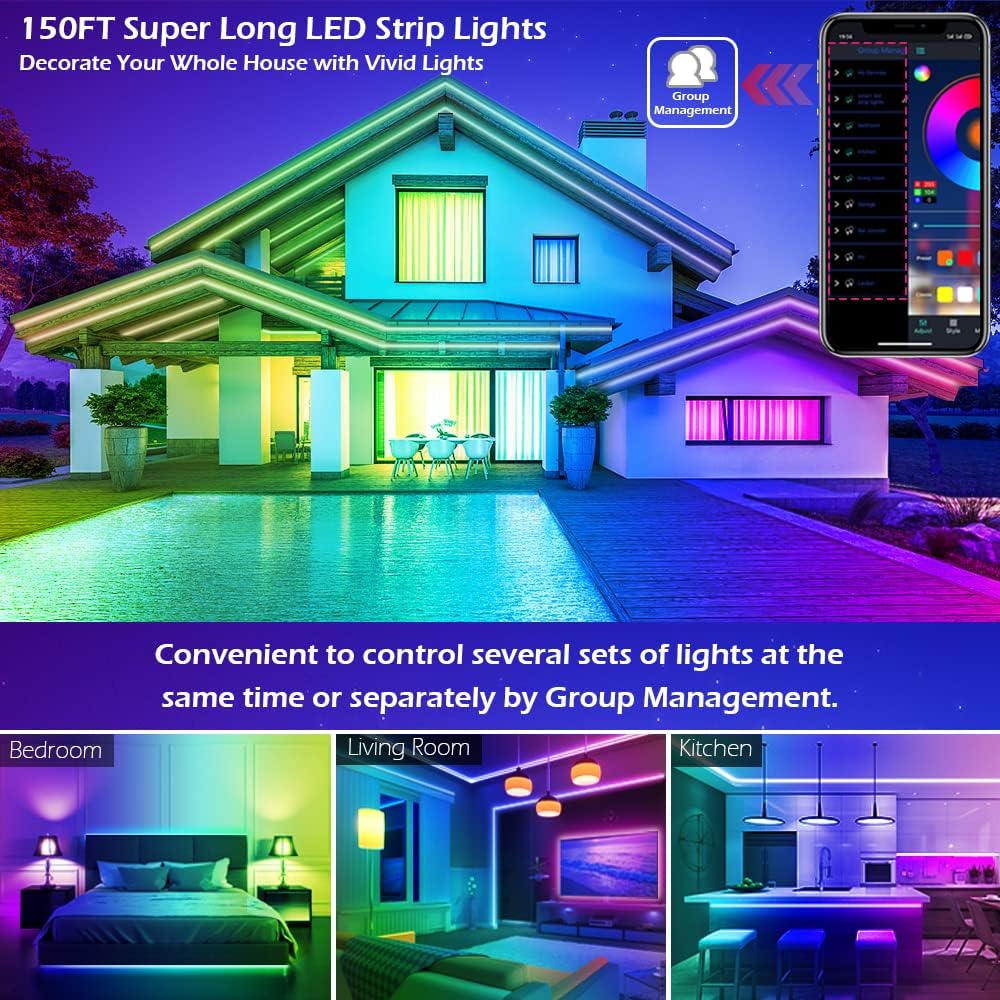
Image: A group of people enjoying LED lights that are synchronized with music, demonstrating the Music and MIC modes.
5.4. የጊዜ ተግባር
Automate your lighting with the timing function:
- Set specific times for the LED lights to automatically turn on or off. This can be used as an "alarm clock" in the morning or to turn off lights at bedtime.
- Access this feature within the "HiLighting" app's schedule settings.

Image: Visual representation of the timing function, showing lights turning off at 11:00 PM and on at 7:00 AM.
5.5. የብሩህነት ማስተካከያ
Adjust the intensity of the lights to suit your mood or activity:
- Brightness can be adjusted from 0% (off) to 100% (full brightness) using either the "HiLighting" app or the IR remote control.
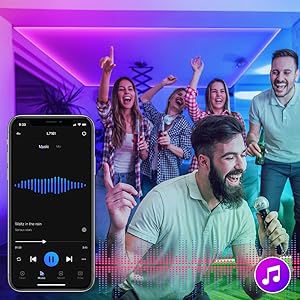
Image: The "HiLighting" app interface with a brightness adjustment slider.
5.6. የቡድን አስተዳደር
For installations with multiple LETIANPAI LED light sets, the app allows for centralized control:
- Conveniently control several sets of lights at the same time or manage them separately by creating groups within the "HiLighting" app.
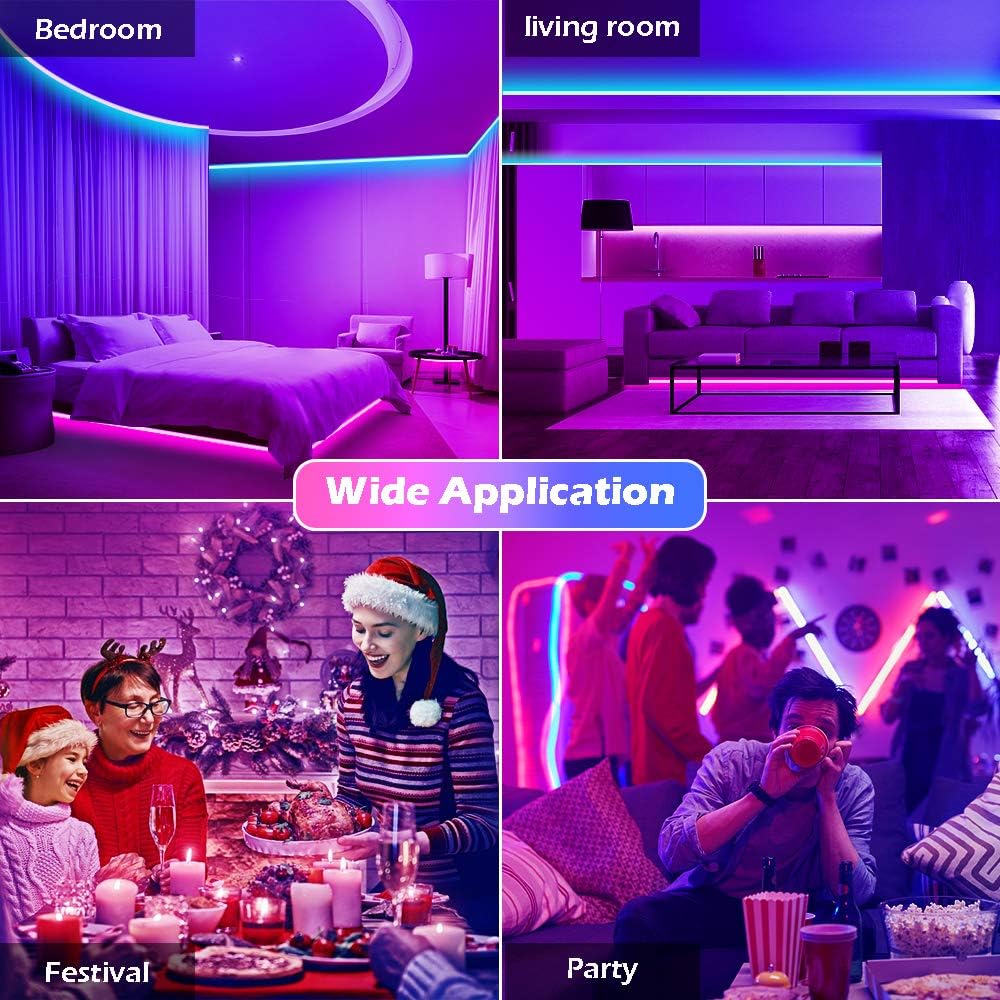
Image: A house illuminated with LED lights in different areas, illustrating the concept of group management for controlling multiple light sets.
6. ጥገና
የ LED ስትሪፕ መብራቶችዎ ረጅም ዕድሜ እና ጥሩ አፈፃፀም ለማረጋገጥ የሚከተሉትን የጥገና መመሪያዎች ይከተሉ:
- ማጽዳት፡ አቧራውን ለማስወገድ የኤልኢዲ ትሪፖችን በደረቅና ለስላሳ ጨርቅ በቀስታ ይጥረጉ። ፈሳሽ ማጽጃዎችን ወይም የማጽጃ ቁሳቁሶችን አይጠቀሙ።
- ማጣበቂያ፡ If the adhesive begins to lose its grip, ensure the surface is clean. For long-term adhesion, consider using additional mounting clips (not included) if necessary.
- ማከማቻ፡ If storing the lights for an extended period, ensure they are clean, dry, and coiled loosely to prevent damage to the strip or wiring.
- የኃይል አስማሚ፡- Regularly check the power adapter and cables for any signs of damage (fraying, cuts, exposed wires). Discontinue use if damage is found.
7. መላ መፈለግ
በ LED ስትሪፕ መብራቶችዎ ላይ ችግሮች ካጋጠሙዎት የሚከተሉትን የተለመዱ ችግሮች እና መፍትሄዎች ይመልከቱ፡
| ችግር | ሊሆን የሚችል ምክንያት | መፍትሄ |
|---|---|---|
| መብራቶች አይበሩም. |
|
|
| የርቀት መቆጣጠሪያ አይሰራም። |
|
|
| መተግበሪያው ከብርሃን ጋር መገናኘት አይችልም። |
|
|
| ቀለሞች የተሳሳቱ ወይም የማይጣጣሙ ናቸው. |
|
|
| Adhesive not sticking well. |
|
|
8. ዝርዝሮች
| የምርት ስም | LETIANPAI |
| ሞዴል | 100FT LED Strip Lights (Item model number: 50FT) |
| የብርሃን ምንጭ ዓይነት | LED (5050 LEDs) |
| ፈካ ያለ ቀለም | አርጂቢ (ቀይ ፣ አረንጓዴ ፣ ሰማያዊ) |
| ርዝመት | 100 ጫማ (30 ሜትር) |
| የኃይል ምንጭ | ባለገመድ ኤሌክትሪክ |
| ጥራዝtage | 12 ቮልት |
| ዋትtage | 24 ዋት |
| የመቆጣጠሪያ ዘዴ | Remote Control, Bluetooth App (HiLighting) |
| የግንኙነት ቴክኖሎጂ | ብሉቱዝ |
| የቤት ውስጥ / የውጭ አጠቃቀም | የቤት ውስጥ |
| ልዩ ባህሪያት | Cuttable, Strong self-adhesive, Flexible for easy install, Music Sync, MIC Mode, Timing Function, Brightness Adjustable, Group Management |
| ቁሳቁስ | ፕላስቲክ |
| የእቃው ክብደት | 7.1 አውንስ |
| የምርት ልኬቶች | 4.84 x 4.61 x 2.17 ኢንች (ማሸጊያ) |
| የውሃ መቋቋም ደረጃ | የውሃ መቋቋም አይደለም |
9. ዋስትና እና ድጋፍ
LETIANPAI is committed to providing quality products and customer satisfaction. All accessories included with our LED rope lights are officially certified, and the power adapter has undergone rigorous testing for safety.
- የጥራት ማረጋገጫ፡ Full refund or free replacement is provided for quality-related issues.
- የደንበኛ ድጋፍ፡ If you encounter any issues during installation or operation, please contact LETIANPAI customer service directly. We aim to resolve all inquiries within 24 hours.