
1. መግቢያ
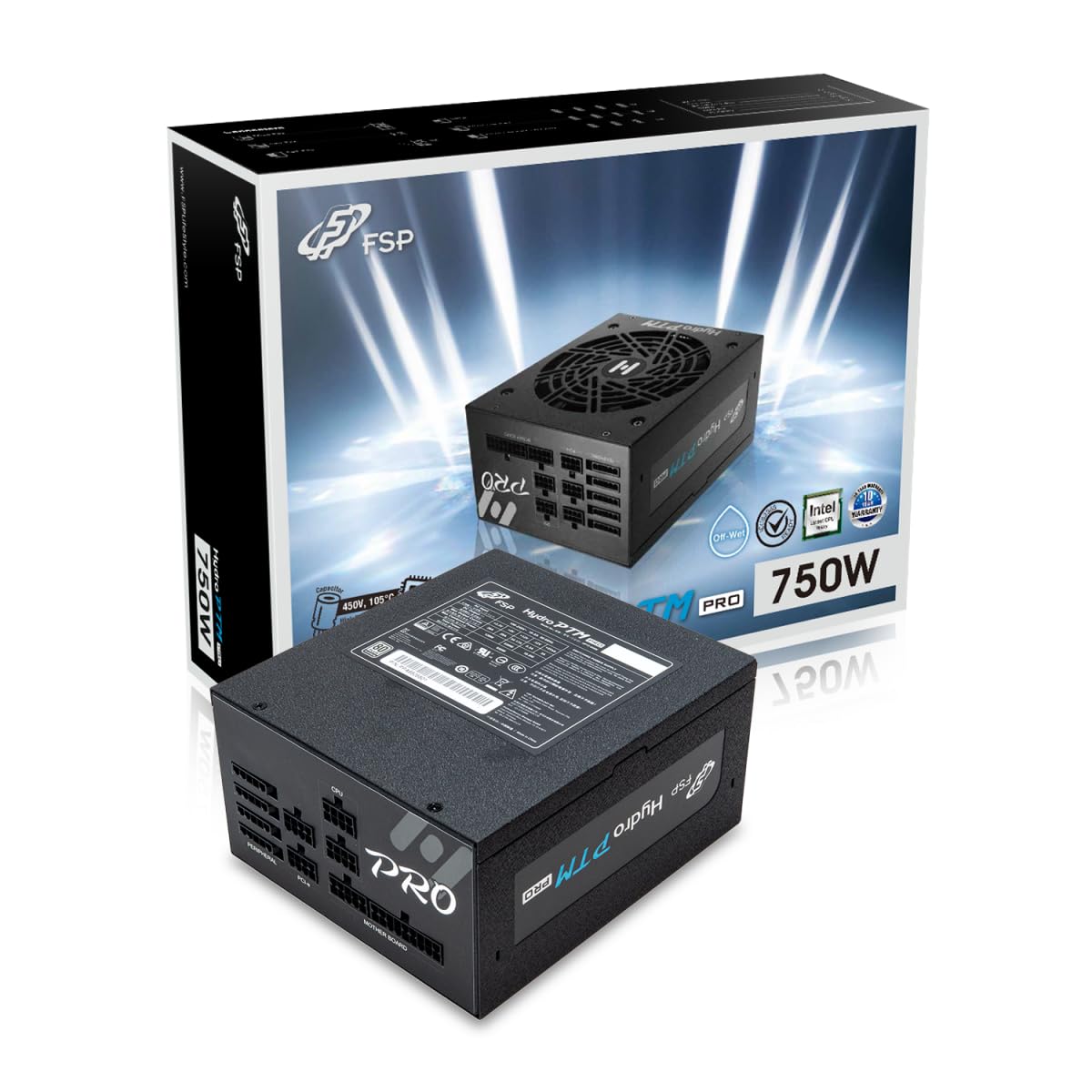
This manual provides detailed instructions for the installation, operation, and maintenance of your FSP Hydro PTM Pro 750W 80 Plus Platinum Full Modular ATX 12V Power Supply (Model: HPT2-750M). Please read this manual thoroughly before using the product to ensure proper function and safety.
The FSP Hydro PTM Pro series is designed for high efficiency and durability, featuring a conformal coating for protection against dust, humidity, and stains. It includes a semi-fanless Eco Mode for quiet operation under low loads and fully modular black ribbon cables for flexible system builds.
2. የደህንነት መረጃ
ማስጠንቀቂያ፡- Improper installation or use can result in serious injury or damage to the power supply and other components. Always follow these safety guidelines:
- የኃይል አቅርቦት ክፍሉን አይክፈቱ. ከፍተኛ መጠንtages በውስጥም ይገኛሉ፣ እና ምንም ለተጠቃሚ አገልግሎት የሚሰጡ ክፍሎች የሉም። ክፍሉን መክፈት ዋስትናውን ያጣል።
- ከመጫንዎ ወይም ከመጠገኑ በፊት የኃይል አቅርቦቱ ከኤሲ ኤሌክትሪክ መሰኪያ መቋረጡን ያረጋግጡ።
- Install the power supply in a well-ventilated area.
- Use only the modular cables provided with this power supply. Using incompatible cables may cause damage to the power supply and connected components.
- ይህ ምርት ለግል ኮምፒውተሮች ጥቅም ላይ እንዲውል የተነደፈ ነው። ለሌላ ዓላማ አይጠቀሙበት።
- Keep the power supply away from water, moisture, and extreme temperatures.
- ስርዓቱን ከማብራትዎ በፊት ሁሉም ግንኙነቶች ደህንነታቸው የተጠበቀ መሆኑን ያረጋግጡ።

3. የጥቅል ይዘቶች
ሁሉም እቃዎች በጥቅልዎ ውስጥ መኖራቸውን ያረጋግጡ፡-
- FSP Hydro PTM Pro 750W Power Supply Unit (HPT2-750M)
- የ AC ኃይል ገመድ
- Modular Cable Set (refer to the "Cable Length and Connectors" section for details)
- ማፈናጠጥ ብሎኖች
- የተጠቃሚ መመሪያ (ይህ ሰነድ)
4. ማዋቀር እና መጫን
4.1 አካላዊ ጭነት
- ስርዓትዎን ያዘጋጁ: ኮምፒውተርዎ ሙሉ በሙሉ መብራቱን እና ከግድግዳው ሶኬት መውጣቱን ያረጋግጡ።
- የድሮውን የኃይል አቅርቦት ያስወግዱ (የሚመለከተው ከሆነ) Disconnect all cables from your old power supply and remove it from the PC case.
- የኃይል አቅርቦቱን ይጫኑ; Insert the FSP Hydro PTM Pro 750W into the power supply bay of your PC case. Secure it with the provided mounting screws.
- Connect Motherboard Cables:
- Connect the 20+4 Pin ATX cable to your motherboard's main power connector.
- Connect the 4+4 Pin CPU (EPS) cable(s) to your motherboard's CPU power connector(s).
- የፔሪፌራል ኬብሎችን ያገናኙ፡
- Connect the 6+2 Pin PCI-E cables to your graphics card(s).
- የSATA የኃይል ገመዶችን ከኤስኤስዲዎችዎ፣ ኤችዲዲዎችዎ እና ኦፕቲካል ድራይቮችዎ ጋር ያገናኙ።
- Connect Molex cables to any other peripherals requiring them.
- አስተማማኝ ግንኙነቶች; Ensure all modular cables are firmly seated into both the power supply and the respective components.
- የኤሲ ኃይልን ያገናኙ፡ Plug the AC power cord into the power supply's AC inlet and then into a wall outlet or surge protector.
4.2 Cable Length and Connectors
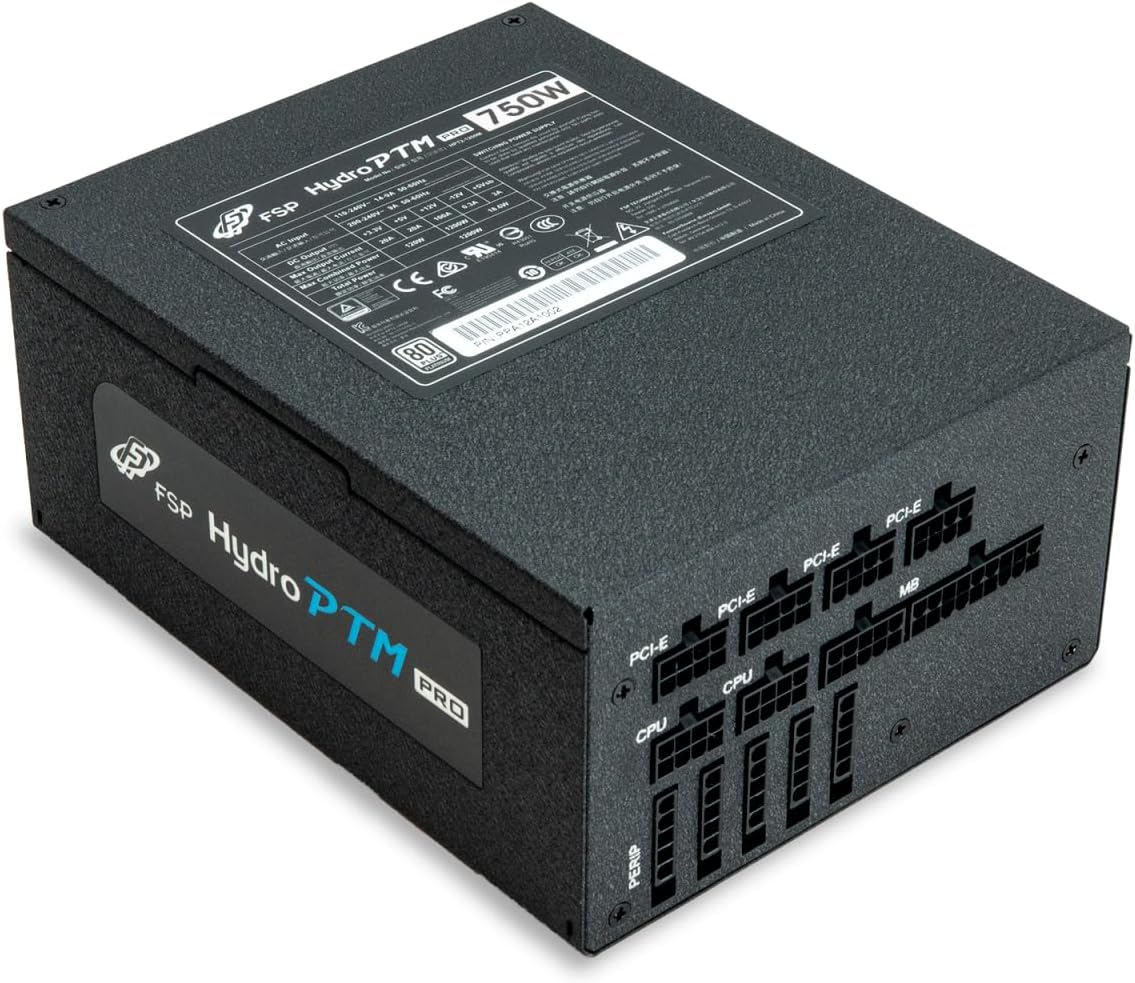
The FSP Hydro PTM Pro 750W comes with a set of fully modular black ribbon cables. Refer to the diagram below for connector types and approximate lengths.

5. ኦፕሬሽን
5.1 ማብራት / ማጥፋት
After completing the installation, ensure the main power switch on the back of the power supply is in the "ON" (I) position. You can then power on your computer using its case power button.
5.2 ኢኮ ሞድ
The Hydro PTM Pro features a semi-fanless Eco Mode. When enabled, the power supply fan will remain off until the system load exceeds approximately 30%. This provides silent operation during low-power tasks.
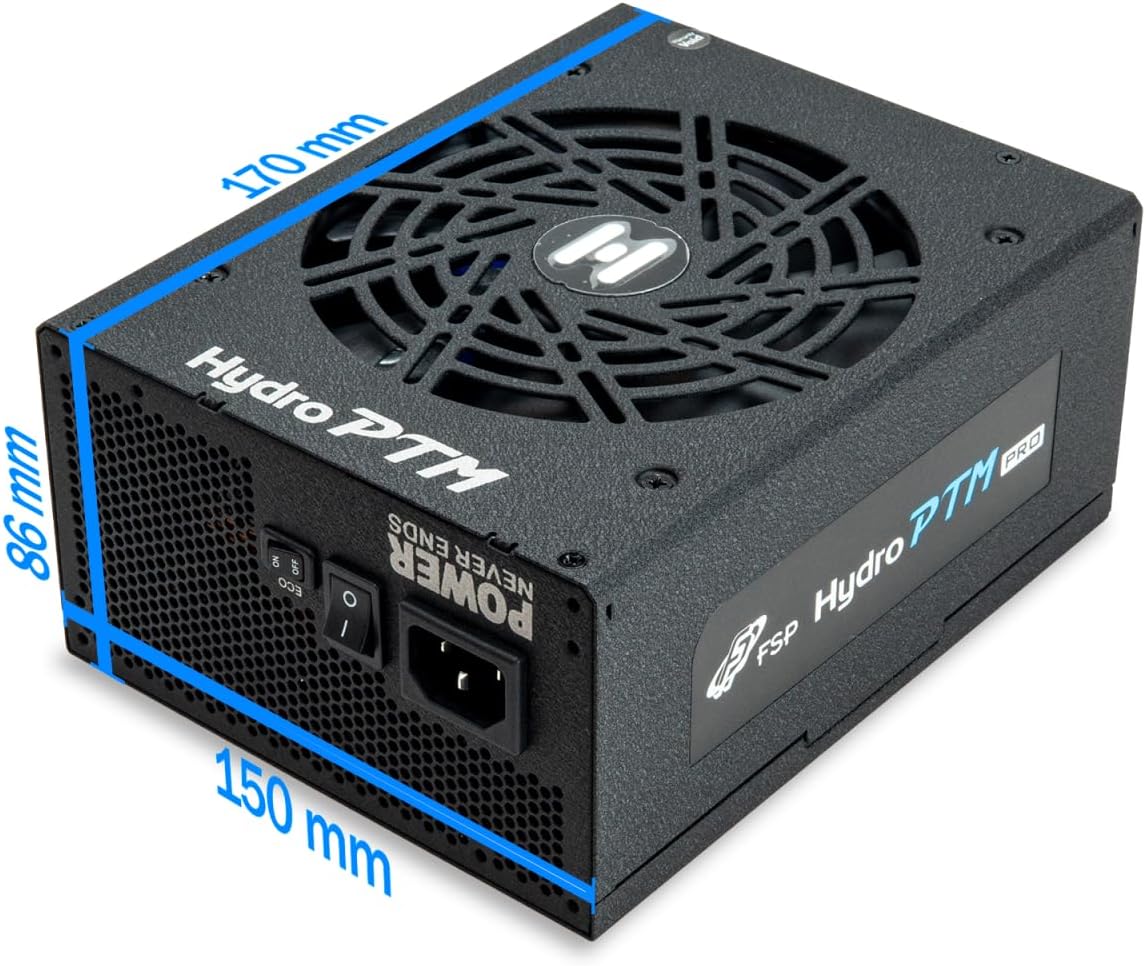
- To activate Eco Mode: Locate the "ECO" switch next to the main power switch on the rear of the power supply and set it to the "ON" position.
- To disable Eco Mode: Set the "ECO" switch to the "OFF" position. The fan will operate continuously based on temperature.
ቪዲዮ: አልቋልview of the FSP Hydro PTM Pro series, highlighting features like conformal coating, Eco Mode, and modular design. This video is provided by FSP GROUP USA.
6. ጥገና
6.1 ጽዳት
To maintain optimal performance and longevity, periodically clean your power supply:
- Ensure the power supply is completely powered off and unplugged from the AC outlet before cleaning.
- Use compressed air to gently remove dust from the fan grille and ventilation openings.
- Wipe the exterior with a soft, dry cloth. Do not use liquid cleaners or solvents.
6.2 የአካባቢ ጥበቃ
The FSP Hydro PTM Pro features a proprietary conformal coating that protects internal components from dust, humidity, and stains. This allows the power supply to reliably operate in environments with up to 95% relative humidity. While this coating offers enhanced protection, it is still recommended to operate the power supply in a clean, dry environment for best results.
7. መላ መፈለግ
ከኃይል አቅርቦትዎ ጋር ችግር ካጋጠመዎት የሚከተሉትን የተለመዱ ችግሮች እና መፍትሄዎች ይመልከቱ፡
| ችግር | ሊሆን የሚችል ምክንያት | መፍትሄ |
|---|---|---|
| ስርዓቱ አይበራም። |
|
|
| ስርዓቱ በርቷል ግን ወዲያውኑ ይዘጋል። |
|
|
| Fan is not spinning (Eco Mode off). |
|
|
If the problem persists after attempting these solutions, please contact FSP customer support.
8. ዝርዝሮች
| ባህሪ | ዝርዝር |
|---|---|
| የሞዴል ስም | Hydro PTM Pro (HPT2-750M) |
| የምርት ስም | FSP |
| የውጤት ዋትtage | 750 ዋ |
| 80 Plus Certification | ፕላቲኒየም |
| የቅጽ ምክንያት | ATX |
| የኃይል አቅርቦት ንድፍ | ሙሉ ሞዱላር |
| የማቀዝቀዣ ዘዴ | አየር (135ሚሜ ማራገቢያ) |
| ግብዓት Voltage | 115-240 tsልት |
| ልኬቶች (L x W x H) | 170 x 150 x 86 ሚሜ (6.7 x 5.9 x 3.4 ኢንች) |
| ጥበቃዎች | OCP, OVP, SCP, OPP, UVP, OTP |
| Capacitors | Japanese-made Electrolytic Capacitors |
| ፒኤፍሲ | Active PFC ≥ 99% |
| ተስማሚ ሽፋን | Yes (Dust, Humidity, Stain protection) |
9. ዋስትና እና ድጋፍ
9.1 የዋስትና መረጃ
The FSP Hydro PTM Pro 750W power supply is covered by a የ 10 ዓመት ዋስትና ከተገዛበት ቀን ጀምሮ. ይህ ዋስትና በመደበኛ አጠቃቀም ላይ የቁሳቁሶች እና የአሠራር ጉድለቶችን ይሸፍናል ። ለዋስትና ጥያቄዎች እባክዎ የግዢ ማረጋገጫዎን ያቆዩ።
ዋስትናው በሚከተለው ምክንያት የሚደርሰውን ጉዳት አይሸፍንም፦
- ትክክል ያልሆነ ጭነት ወይም አሠራር.
- Accidental damage, abuse, or misuse.
- ያልተፈቀዱ ጥገናዎች ወይም ማሻሻያዎች.
- የተፈጥሮ አደጋዎች ወይም ውጫዊ ምክንያቶች።
9.2 የደንበኛ ድጋፍ
For technical assistance, troubleshooting, or warranty inquiries, please contact FSP customer support. Refer to the official FSP webበጣም ወቅታዊ የእውቂያ መረጃ ለማግኘት ጣቢያ.
FSP GROUP USA
Visit the FSP Store on Amazon


