
Introduction to Apple AirTags
This user guide provides comprehensive instructions for understanding and utilizing Apple AirTags. Designed for both beginners and seniors, this manual simplifies the process of tracking your personal belongings, ensuring you can locate items such as keys, luggage, and electronic devices with ease.
The guide covers essential aspects of AirTag functionality, from initial setup to advanced features like Precision Finding, and offers practical advice to maximize your tracking experience.
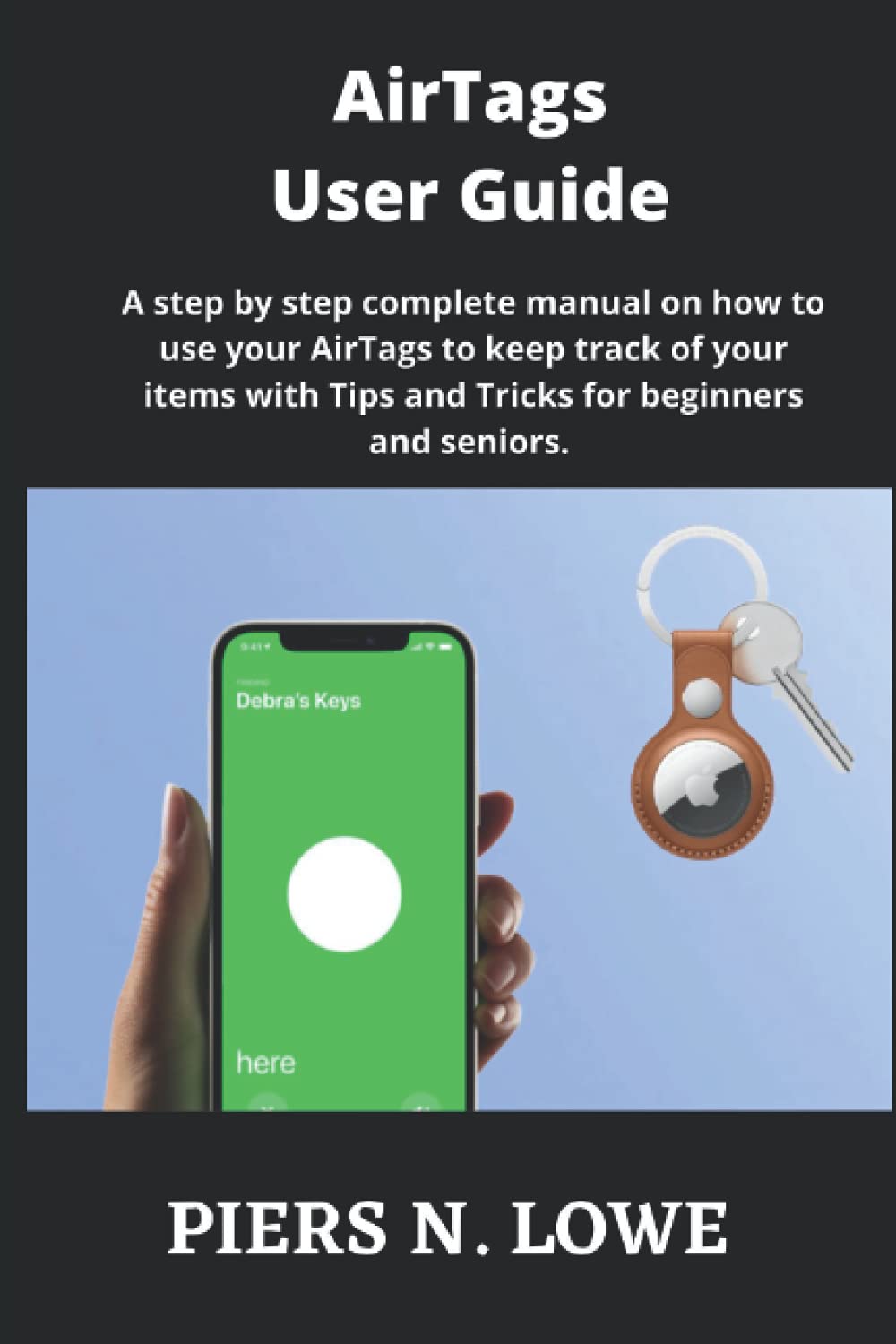
Image: Front cover of the AirTags User Guide, illustrating the book's title and purpose.
Setting Up Your AirTags
The initial setup of your Apple AirTag is a straightforward process. This section outlines the steps required to pair your AirTag with your Apple device and prepare it for tracking.
- Unboxing and Activation: አየርን ያስወግዱTag from its packaging. Pull the tab to activate the battery.
- Proximity Pairing: Hold the AirTag near your iPhone or iPad. A connection animation will appear on your device's screen.
- Naming Your AirTag: Follow the on-screen prompts to assign a name to your AirTag, such as "Keys" or "Backpack."
- Registering with Apple ID: Confirm the registration of the AirTag to your Apple ID. This links the AirTag to your Find My network.
Once set up, your AirTag will appear in the Find My app, ready for use.
Operating Your AirTags
Utilizing your AirTags for tracking is primarily done through the Find My app on your Apple device. This section details how to locate your items and use key features.
ዕቃዎችን በማግኘት ላይ
- ድምጽ ማጫወት; In the Find My app, select your AirTag and tap "Play Sound" to emit an audible alert from the AirTag, helping you find nearby items.
- Viewing on a Map: The Find My app displays the last known location of your AirTag on a map, useful for items left further away.
Using Precision Finding
For iPhone models with Ultra Wideband technology (iPhone 11 and later), Precision Finding offers a highly accurate way to locate a nearby AirTag.
- Initiating Precision Finding: In the Find My app, select your AirTag and tap "Find."
- የሚከተሉት አቅጣጫዎች፡ Your iPhone will display directional arrows and distance indicators, guiding you directly to your AirTag. Haptic feedback will also assist in the search.
Maintenance: Resetting Your AirTags
There may be instances where you need to reset your AirTag, such as when transferring ownership or resolving certain issues. The guide provides instructions for this process.
- Remove from Apple ID: First, remove the AirTag from your Apple ID via the Find My app. Select the AirTag, swipe up, and tap "Remove Item."
- በእጅ ዳግም ማስጀመር; አየር ከሆነTag is not linked to an Apple ID, or if you need to perform a hard reset, press down on the metal battery cover and rotate it counterclockwise until it stops. Remove the cover and the battery. Replace the battery, then press down on the cover and rotate it clockwise until it locks. Repeat this process four more times, removing and replacing the battery, ensuring you hear a sound each time the battery is reinserted. After the fifth sound, the AirTag ዳግም ተጀምሯል።
የተለመዱ ጉዳዮችን መላ መፈለግ
While the AirTags are designed for reliability, occasional issues may arise. This guide aims to prevent common problems through clear instructions. For specific troubleshooting, consider the following general steps:
- የግንኙነት ጉዳዮች፡- Ensure your iPhone's Bluetooth is enabled and that your AirTag has a fresh battery.
- የአካባቢ ትክክለኛነት Verify that Location Services are enabled for the Find My app and that your device has a stable internet connection.
- አየርTag Not Found: አየር ከሆነTag is out of range, the Find My network relies on other Apple devices to anonymously relay its location. Ensure your AirTag is not in a location that prevents it from communicating with other devices.
For persistent issues, refer to the detailed sections within the guide or consult Apple's official support resources.
Specifications of the User Guide
This section provides details about the "AirTags User Guide" itself, published by PIERS N .LOWE.
| አታሚ | በነጻነት ታትሟል |
| የታተመበት ቀን | ግንቦት 19 ቀን 2021 |
| ቋንቋ | እንግሊዝኛ |
| የህትመት ርዝመት | 41 ገፆች |
| ISBN-13 | 979-8506889298 |
| የእቃው ክብደት | 2.4 አውንስ |
| መጠኖች | 6 x 0.1 x 9 ኢንች |

Image: Back cover of the AirTags User Guide, showing publication details and ISBN barcode.
ዋስትና እና ድጋፍ
As this product is a published user guide, direct product warranty does not apply in the traditional sense. However, for any issues related to the content, printing quality, or availability of the book, please contact the publisher, Independently published, or the author, PIERS N .LOWE, through their respective channels.
For support regarding the Apple AirTag device itself, please refer to official Apple support resources.