
መግቢያ
This manual provides comprehensive instructions for the Microsoft Office Home & Business 2021 software suite. Designed for families and small businesses, this one-time purchase includes classic versions of essential Office applications: Word, Excel, PowerPoint, and Outlook. This perpetual license means you pay once and own the software, without recurring subscription fees.
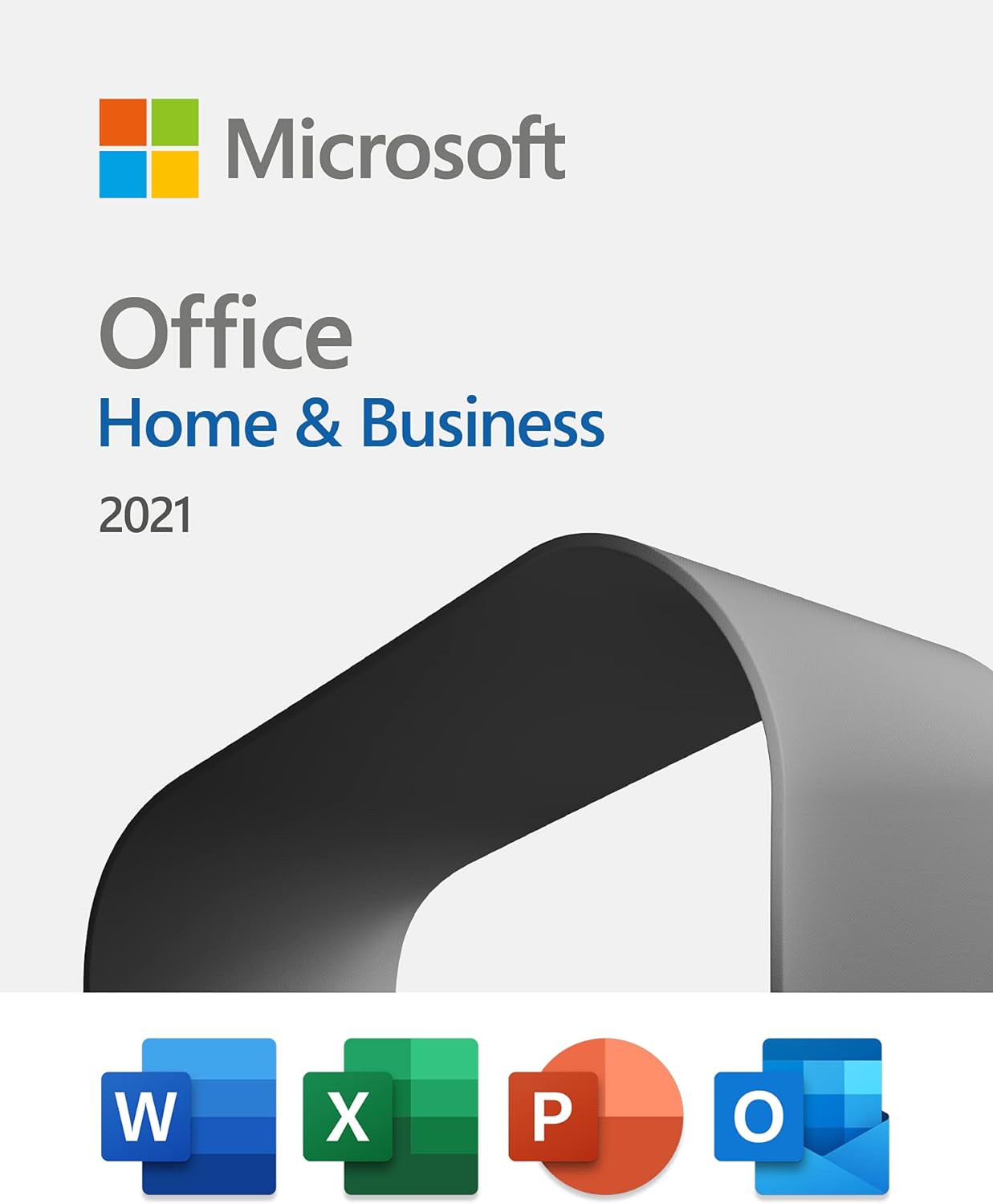
Image: Microsoft Office Home & Business 2021 product packaging showcasing the included applications.
ማዋቀር እና መጫን
Microsoft Office Home & Business 2021 is provided as a digital license. Follow these steps to download and install your software:
- Purchase and License Key Retrieval: ከተገዛ በኋላasing, your digital license key will be provided. This key is essential for activation.
- Access Microsoft Account: Go to the official Microsoft Office setup website (typically setup.office.com) and sign in with your Microsoft account. If you do not have one, you will be prompted to create one.
- የምርት ቁልፍን ያስገቡ፡ Input the 25-character product key you received.
- Download Installer: Follow the on-screen prompts to download the Office installer file for your operating system (PC or Mac).
- Run Installation: የወረደውን አግኝ file (e.g., "Setup.exe" on Windows or "Microsoft_Office_Installer.pkg" on Mac) and run it.
- የማያ ገጽ ላይ መመሪያዎችን ይከተሉ፡- የመጫኛ አዋቂው በሂደቱ ውስጥ ይመራዎታል። የፈቃድ ስምምነቱን ይቀበሉ እና የመጫኛ ምርጫዎችዎን ይምረጡ።
- Launch and Activate: Once installation is complete, open any Office application (e.g., Word). You may be prompted to sign in with your Microsoft account to activate the product. Ensure you are connected to the internet during activation.
This license is valid for installation on one PC or Mac at a time. If you need to transfer the license to a new device, you can deactivate it from the old device through your Microsoft account and then activate it on the new one.
ሶፍትዌሩን በመስራት ላይ
Microsoft Office Home & Business 2021 provides a suite of powerful applications to enhance your productivity.
ማይክሮሶፍት ዎርድ
Word is a word processing program designed for creating professional-quality documents, reports, letters, and more. It offers extensive formatting options, collaboration tools, and integration with other Office applications.

Image: Microsoft Word displaying a document, highlighting the capabilities of Microsoft Editor for improved writing.
ማይክሮሶፍት ኤክሴል
Excel is a spreadsheet program used for organizing, analyzing, and visualizing data. It features powerful calculation tools, charting capabilities, and data management functions.

Image: Microsoft Excel demonstrating its ability to learn patterns and organize data efficiently, saving user time.
የማይክሮሶፍት ፓወር ፖይንት
PowerPoint is a presentation program that allows you to create dynamic slideshows with text, graphics, audio, and video. It includes a variety of design templates and animation effects.

Image: Microsoft PowerPoint showcasing premium templates to kickstart creativity in presentations.
Microsoft Outlook
Outlook is a personal information manager from Microsoft, available as a part of the Microsoft Office suite. It is primarily used as an email application, but also includes a calendar, task manager, contact manager, note taking, journal, and web አሰሳ።

Image: Microsoft Outlook demonstrating its ability to organize time across work and life with integrated email and calendar features.
ጥገና
To ensure optimal performance and security of your Microsoft Office Home & Business 2021, it is important to keep the software updated.
- ራስ-ሰር ዝማኔዎች፡- By default, Office applications are configured to receive automatic updates. Ensure your internet connection is active to allow these updates to download and install.
- Manual Update Check: You can manually check for updates by opening any Office application, going to File > መለያ > የዝማኔ አማራጮች > አሁን አዘምን.
- የደህንነት ዝማኔዎች፡- Microsoft provides security updates for the lifetime of the product to protect against vulnerabilities.
- የስርዓት መስፈርቶች Ensure your operating system (Windows 10/11 or macOS) and hardware meet the minimum requirements for continued smooth operation.
መላ መፈለግ
If you encounter issues with your Microsoft Office Home & Business 2021, consider the following common troubleshooting steps:
- የማግበር ችግሮች፡
- የኢንተርኔት ግንኙነትዎን ያረጋግጡ።
- Ensure you are signed in with the correct Microsoft account associated with the license.
- Double-check the product key for any typos.
- If transferring a license, ensure it has been deactivated from the previous device.
- Application Crashing/Freezing:
- Ensure your software is up to date (see Maintenance section).
- Try repairing your Office installation via your operating system's Add/Remove Programs (Windows) or Applications folder (Mac).
- Disable any third-party add-ins that might be causing conflicts.
- የአፈጻጸም ጉዳዮች፡-
- ከበስተጀርባ የሚሰሩ አላስፈላጊ መተግበሪያዎችን ዝጋ።
- Ensure your computer meets the recommended system specifications.
For more detailed assistance, refer to the official Microsoft support webጣቢያ ወይም የድጋፍ ቡድናቸውን ያነጋግሩ።
ዝርዝሮች
| ባህሪ | ዝርዝር |
|---|---|
| የምርት ስም | Microsoft Office Home & Business 2021 |
| የተካተቱ መተግበሪያዎች | Word, Excel, PowerPoint, Outlook (Classic 2021 versions) |
| የፍቃድ አይነት | One-time purchase (Perpetual Digital License) |
| Installation Limit | 1 ፒሲ ወይም ማክ |
| አምራች | ማይክሮሶፍት |
| ASIN | B09H7F77JR |
| መጀመሪያ ይገኛል። | ጥቅምት 5 ቀን 2021 ዓ.ም |
| የጥቅል ልኬቶች | 5.75 x 4.49 x 0.75 inches; 1.76 ounces (Digital product, physical dimensions refer to packaging if applicable) |

ምስል፡ አበቃview comparing different Microsoft Office plans, highlighting the one-time purchase model of Office Home & Business 2021.
ዋስትና እና ድጋፍ
Microsoft Office Home & Business 2021 includes support directly from Microsoft for 60 days at no extra cost from the date of activation. Beyond this initial period, you will continue to receive security updates for the lifetime of the product, ensuring your software remains protected and functional as long as Microsoft supports this version.
For further assistance or to access support resources, please visit the official Microsoft Support webጣቢያ፡ ድጋፍ.microsoft.com.