
1. መግቢያ
The Kamia GarageCam PT is an advanced 2K WiFi security camera specifically designed to monitor your garage and its doors. Utilizing innovative vision-AI based technology, it provides real-time alerts and comprehensive surveillance, ensuring the security of your property. This manual will guide you through the setup, operation, and maintenance of your device.
2. ቁልፍ ባህሪያት
- AI-Based Alerts & Upgradeable to GDO Control: Receive instant notifications for motion detection and customize detection zones. Future upgradeability for garage door opener (GDO) control with a separate Kamia universal control module.
- 3 Garage Doors Detection with Video Clips & No Subscription Required: Monitor the open/closed/timeout status of up to three garage doors simultaneously without requiring additional sensors or subscriptions. Video clips require an inserted SD card (not included).
- Works with Alexa & 360° Monitoring with Panoramic View ቁጥጥር፡- Integrate with Amazon Alexa or Google Assistant for voice command live stream viewing and status checks. Enjoy full 360° coverage with easy pan/tilt control via a panoramic picture.
- Up to 25ft Garage Door Status Detection Range: Flexible camera placement with accurate garage door status detection up to 25 feet away.
- 2K Resolution & Two-Way Audio: Experience superior video quality (2560 x 1440) and clear two-way communication through the camera.
3. በሳጥኑ ውስጥ ያለው
መጫኑን ከመጀመርዎ በፊት ሁሉም ክፍሎች መኖራቸውን ያረጋግጡ፡
- Kamia GarageCam PT Camera
- የኃይል አስማሚ
- Mounting Accessories (Magnetic Base, Adhesive Strip, Screws)
- ፈጣን ጅምር መመሪያ

Image: Kamia GarageCam PT camera with a smartphone showing a 'Garage Door Closed' notification.
4. የማዋቀር መመሪያ
Follow these steps to set up your Kamia GarageCam PT:
- Download the Kamia App:
ፈልግ "Kamia" in your smartphone's app store (iOS App Store or Google Play Store) and download the official application. Ensure your device meets the minimum system requirements.

Image: Illustration showing icons for downloading the Kamia app on iOS and Android devices.
- Power Up the Camera:
Connect the provided power adapter to the camera and plug it into a standard electrical outlet. The camera will power on and indicate its status, usually with an LED light.

Image: The Kamia GarageCam PT camera positioned in a garage, demonstrating its 2K Day & Night View ተግባራዊነት.
- የውስጠ-መተግበሪያ መመሪያዎችን ተከተል፡-
Open the Kamia app and follow the on-screen prompts to add your new device. This typically involves scanning a QR code on the camera, connecting to your home Wi-Fi network, and configuring initial settings. Ensure your Wi-Fi signal is strong in the camera's intended location.
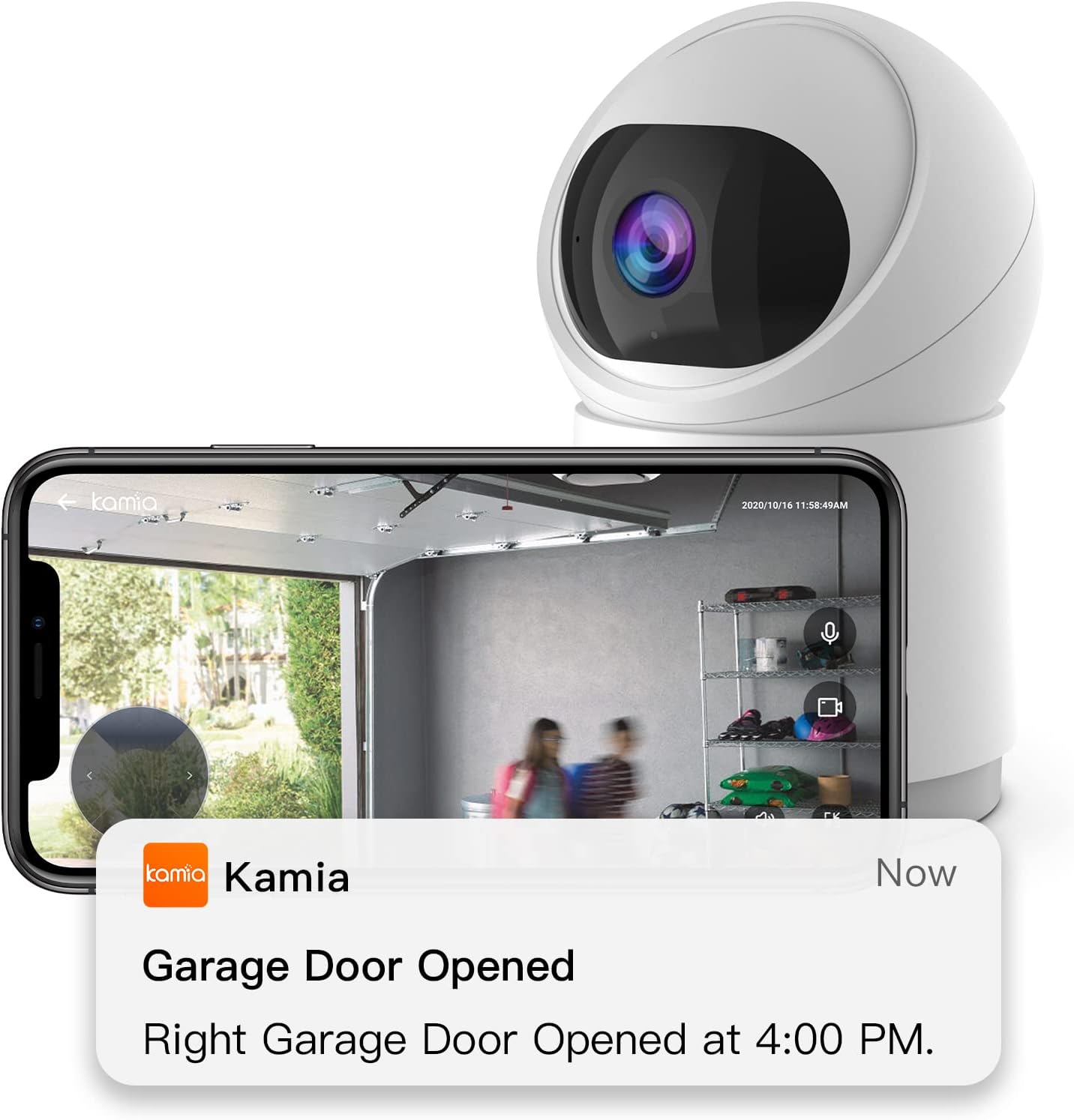
Image: The Kamia GarageCam PT camera alongside a smartphone displaying a 'Garage Door Opened' notification, indicating real-time alerts.
5. የአሠራር መመሪያዎች
5.1 Garage Door Monitoring
The GarageCam PT uses AI to detect the status of up to three garage doors. Once configured, it will send alerts to your smartphone if a door is left open or if motion is detected.

Image: A visual representation of various alerts from the Kamia app, including 'Garage Door Closed', 'Person Detected', and 'Sound Detected'.
5.2 2K Resolution and Night View
The camera provides clear 2K (2560 x 1440) resolution video, ensuring detailed monitoring. Its night vision capabilities allow for clear viewበዝቅተኛ ብርሃን ሁኔታዎች ውስጥ እንኳን.

Image: A side-by-side comparison demonstrating the enhanced clarity of 2K (2560x1440) resolution compared to 1080p for garage monitoring.
5.3 ባለ ሁለት መንገድ ኦዲዮ
Utilize the two-way audio feature to communicate with individuals in your garage directly through the Kamia app. This is useful for giving instructions or greeting family members.
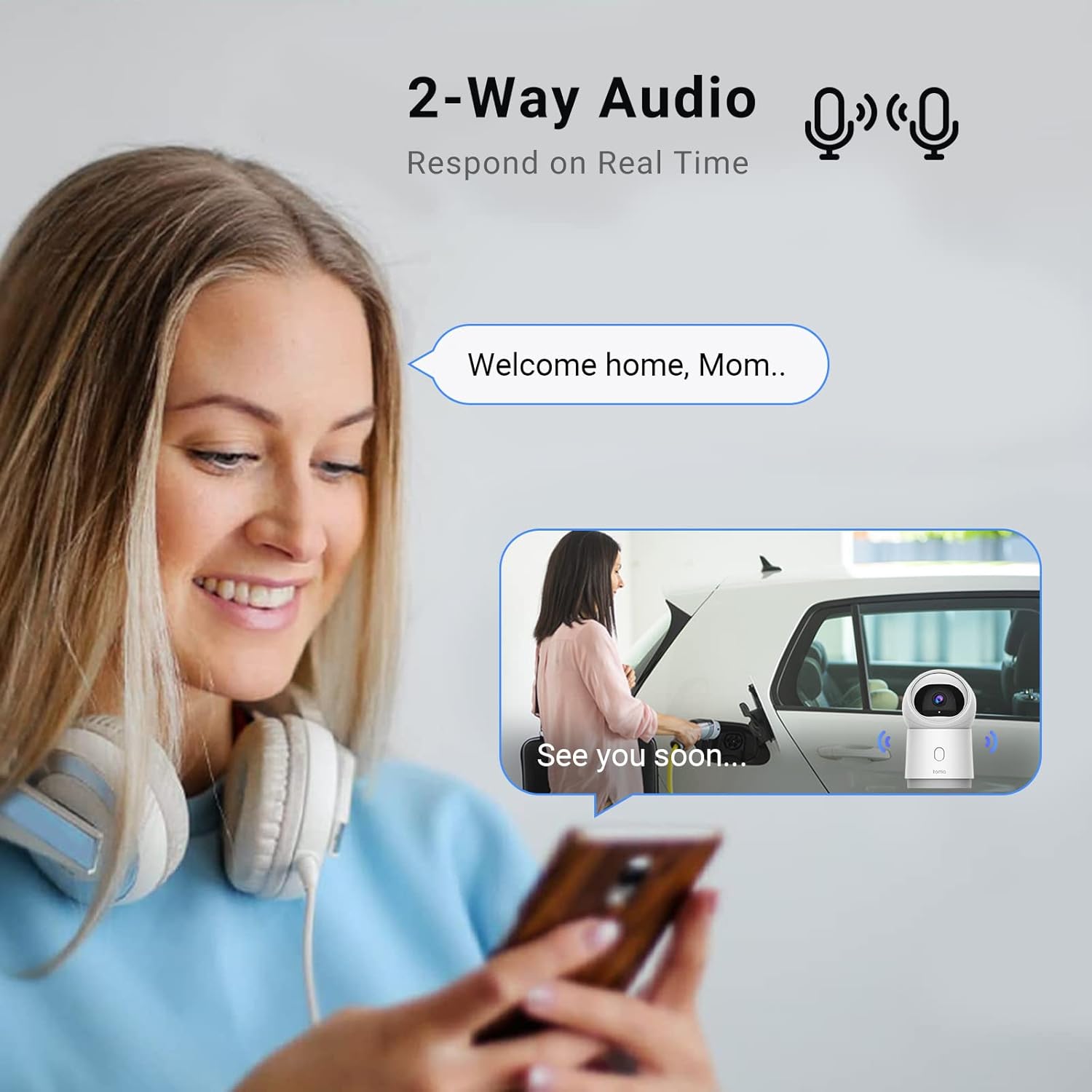
Image: A woman interacting with the two-way audio feature of the Kamia GarageCam PT via her smartphone, showing a conversation bubble.
5.4 360° Monitoring with Panoramic View ቁጥጥር
The camera offers a 360° full view of your garage, allowing you to pan and tilt the camera remotely using the app's panoramic view control. This ensures no corner is left unmonitored.

Image: The Kamia GarageCam PT highlighting its 360° full view, 2K resolution, 104° field of view, night vision, two-way audio, Wi-Fi network, mechanical angle, smart tracking, and privacy mode.
5.5 የአሌክሳ ውህደት
Connect your Kamia GarageCam PT with Amazon Alexa or Google Assistant devices to view live streams or check garage door status using voice commands.
Video: An official video demonstrating the features of the Kamia Smart Garage Camera, including real-time alerts, Alexa integration, and video clip viewing. This video introduces the market's first vision-AI based smart garage camera.
5.6 የአካባቢ ማከማቻ
The camera supports local storage via an SD card (not included). This allows the camera to automatically upload and save motion events, providing video clips without requiring a subscription.

Image: The Kamia GarageCam PT camera with an illustration pointing to its SD card slot, emphasizing that no subscription is required for local storage of motion events.
6. ጥገና
- ማጽዳት፡ የካሜራውን ሌንሶች እና ገላውን ለስላሳ እና ደረቅ ጨርቅ በጥንቃቄ ያጽዱ። ኃይለኛ ኬሚካሎችን ወይም ሻካራ ቁሳቁሶችን ከመጠቀም ይቆጠቡ.
- የጽኑዌር ዝማኔዎች ፦ Periodically check the Kamia app for available firmware updates. Updates often include performance improvements, new features, and security enhancements. Follow the in-app instructions for any updates.
- ምርጥ አቀማመጥ፡ Ensure the camera remains securely mounted and its view is unobstructed for accurate garage door detection.
7. መላ መፈለግ
| ጉዳይ | ሊሆን የሚችል ምክንያት | መፍትሄ |
|---|---|---|
| ካሜራው ከመስመር ውጭ/ከWi-Fi ጋር መገናኘት አልተቻለም | Weak Wi-Fi signal, incorrect Wi-Fi password, router issues. | Ensure camera is within Wi-Fi range. Verify Wi-Fi password. Restart your router and the camera. Try re-pairing the camera through the app. |
| የጽኑ ትዕዛዝ ዝመና አልተሳካም | Unstable internet connection, insufficient power, server issues. | Ensure a stable and strong internet connection. Do not unplug the camera during an update. Try updating during off-peak hours. If issues persist, contact Kamia support. |
| ምንም ማንቂያዎች አልደረሱም። | App notifications disabled, incorrect detection zone settings, camera offline. | Check app notification settings on your phone. Review and adjust motion detection zones in the Kamia app. Ensure the camera is online and functioning. |
| ደካማ የቪዲዮ ጥራት | የቆሸሸ ሌንስ፣ ዝቅተኛ የመተላለፊያ ይዘት፣ ደካማ ብርሃን። | Clean the camera lens. Ensure adequate Wi-Fi bandwidth. Adjust lighting conditions if possible. |
8. ዝርዝሮች
| ባህሪ | ዝርዝር |
|---|---|
| የምርት ስም | Kamia |
| ቀለም | 210 ካሜራ |
| የኃይል ምንጭ | ባለገመድ ኤሌክትሪክ |
| ተስማሚ መሣሪያዎች | ስማርትፎን |
| የቪዲዮ ቀረጻ ጥራት | 2ኬ (2560 x 1440) |
| የግንኙነት ቴክኖሎጂ | ገመድ አልባ |
| የማንቂያ ዓይነት | እንቅስቃሴ ብቻ |
| የእቃው ክብደት | 1.04 ፓውንድ £ |
| የመቆጣጠሪያ ዘዴ | መተግበሪያ |
| የሚመከር አጠቃቀሞች | የቤት ደህንነት |
| Maximum Range (Detection) | 25 ጫማ |
| የመጫኛ አይነት | የበር ተራራ |
| ልዩ ባህሪያት | የእንቅስቃሴ ዳሳሽ |
| ባትሪዎች ተካትተዋል? | አይ |
9. ዋስትና እና ድጋፍ
Kamia products are designed for reliability and performance. For warranty information, technical support, or any inquiries not covered in this manual, please refer to the official Kamia webጣቢያ ወይም በቀጥታ የደንበኛ አገልግሎታቸውን ያግኙ። ለዋስትና ጥያቄዎች የግዢ ደረሰኝዎን ያስቀምጡ።
ለተጨማሪ እርዳታ፣ ይጎብኙ፡- www.kamia.com (ማሳሰቢያ፡ ይህ ቦታ ያዥ ነው URL, please refer to your product packaging for the correct support contact information).