
TORJALPH b1dea5ca-a205-4181-af0f-6ad06b94ae05
የተጠቃሚ መመሪያ
TORJALPH Smart Watch Model: b1dea5ca-a205-4181-af0f-6ad06b94ae05
መግቢያ
This manual provides comprehensive instructions for the operation and maintenance of your TORJALPH Smart Watch. This device is designed to be compatible with both iPhone and Android smartphones, offering a range of features including fitness tracking, health monitoring, and smart notifications. Please read this manual thoroughly before using the product to ensure proper function and longevity.
በሣጥኑ ውስጥ ያለው
- 1 x Torjalph fitness I68 Waterproof Smart Watch
- 1 x የተጠቃሚ መመሪያ
- 1 x የኃይል መሙያ ገመድ
ማዋቀር
1. መሣሪያውን በመሙላት ላይ
Before first use, fully charge your smart watch. Connect the provided magnetic charging cable to the charging contacts on the back of the watch and to a USB power source. A full charge typically takes approximately 3 hours. The watch has a 230 mAh battery capacity, providing 5-7 days of use and up to 14 days of standby time.

Figure 1: Smart Watch with Charging Cable and Battery Information.
2. የመተግበሪያ ጭነት እና ማጣመር
To connect your smart watch to your Android or iOS phone, download the "Da Fit" application. You can find the QR code for the app in the physical user manual included with your product. Ensure that Bluetooth is enabled on your phone and grant necessary permissions for calls and SMS to the "Da Fit" app.
- Scan the QR code in the manual to download the "Da Fit" APP.
- Ensure Bluetooth is turned on and grant call/SMS permissions.
- Open the "Da Fit" app and search for "TS29" to pair your device.

Figure 2: Smart Watch Interface and App Icons.
የአሠራር መመሪያዎች
1. የማሳያ እና የሰዓት ፊቶች
The smart watch features a 1.83-inch full HD color touch screen with 240*284 resolution. You can customize the watch face from over 200 options available within the "Da Fit" application to suit your preference.
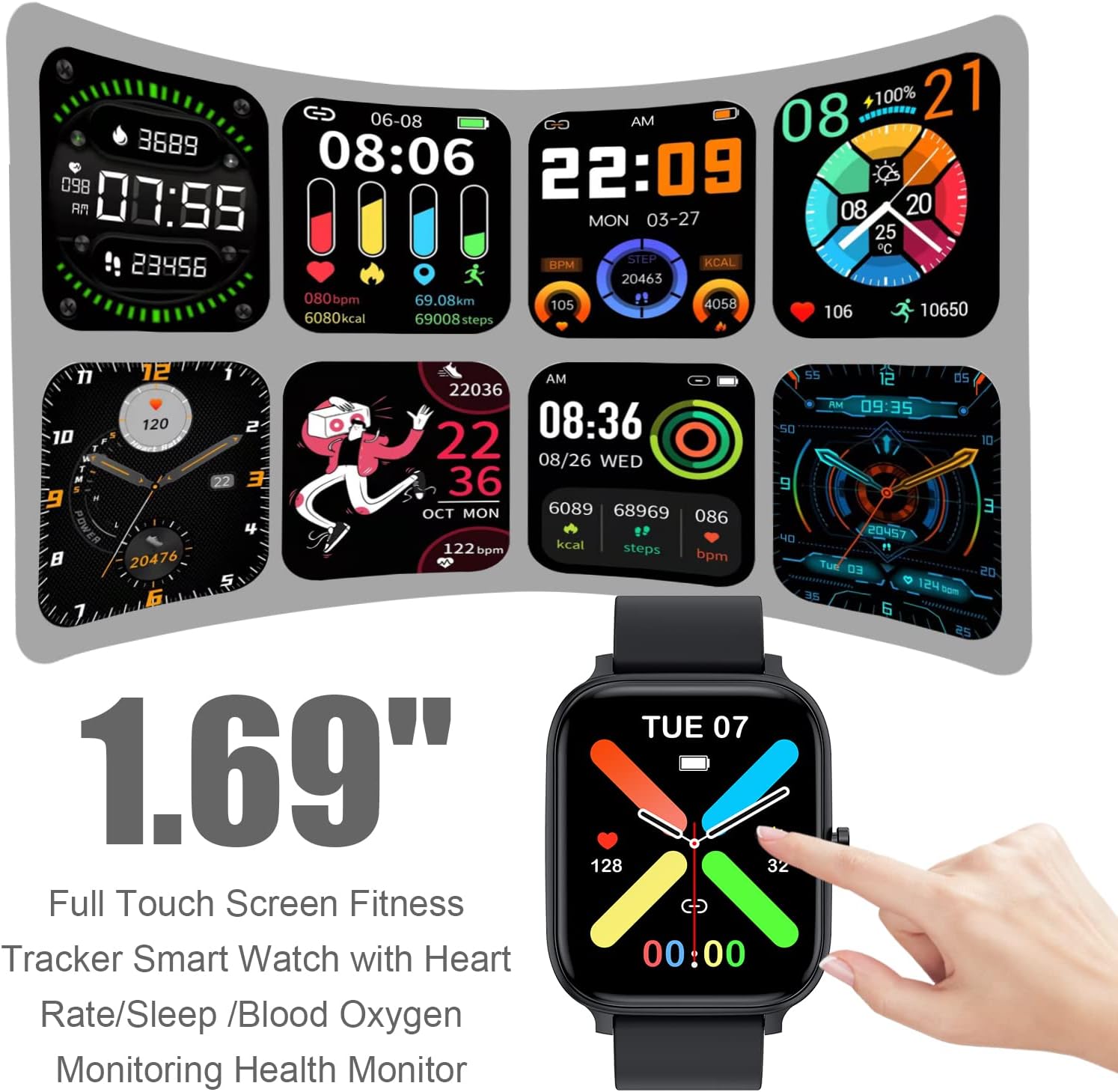
Figure 3: Various Watch Face Options on the 1.83-inch Display.
2. የእንቅስቃሴ ክትትል
The watch supports 12 sports modes, including walking, running, cycling, swimming, badminton, basketball, football, and rope skipping. It functions as a fitness tracker, providing detailed insights into your daily activities.
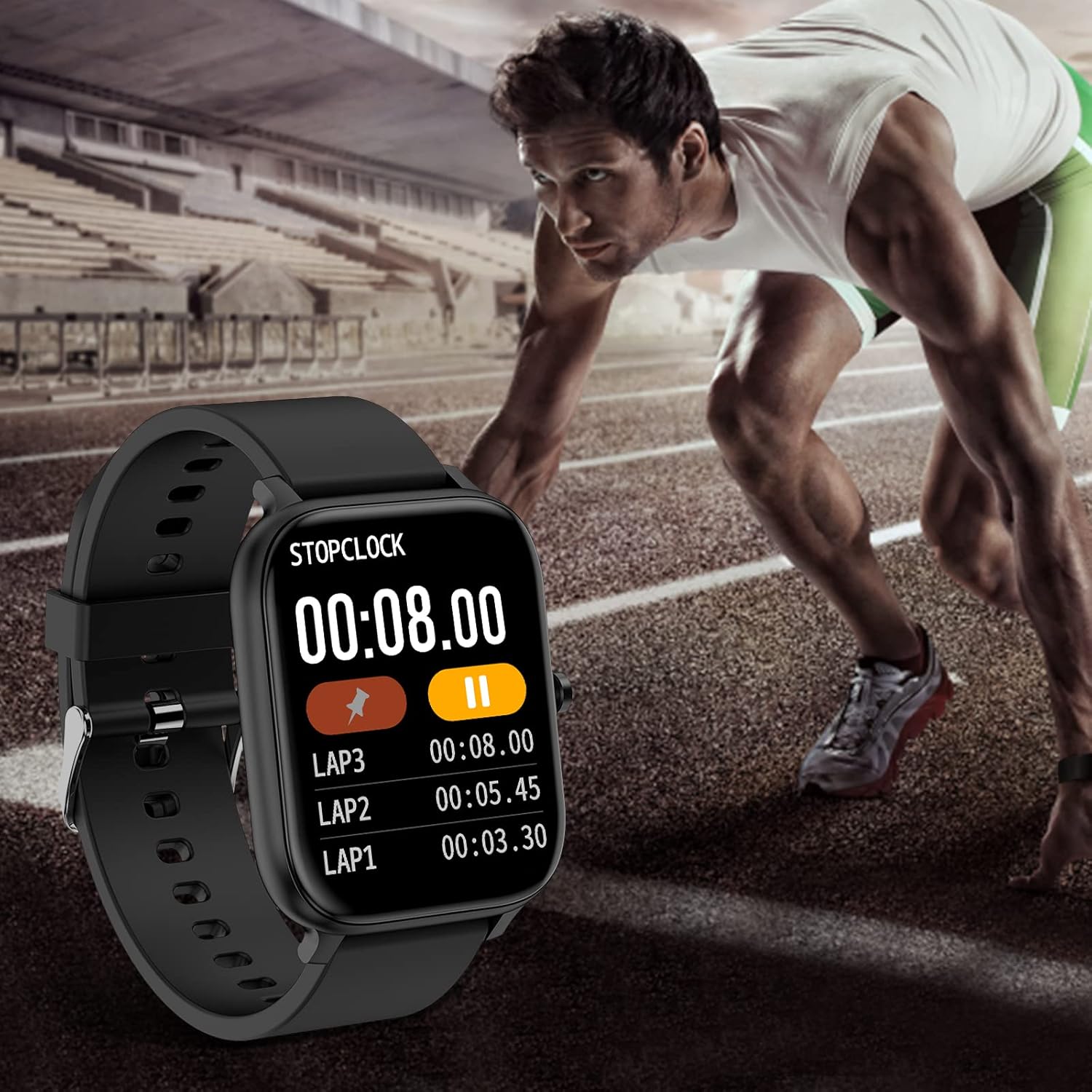
Figure 4: Smart Watch displaying Stopwatch Function during a workout.
3. የጤና ክትትል
The smart watch includes features for monitoring your heart rate, blood pressure, and blood oxygen levels automatically throughout the day. It also provides sleep monitoring to help you understand your sleep patterns.

Figure 5: Blood Oxygen Monitoring Feature.
4. Smart Notifications and Remote Control
Receive notifications for calls, SMS, and messages from applications such as Facebook, WhatsApp, Messenger, Instagram, and Gmail directly on your watch. You can view information and sender names. The watch also supports sedentary reminders, alarm clocks, stopwatch, timer, weather information, music control, and remote camera control.
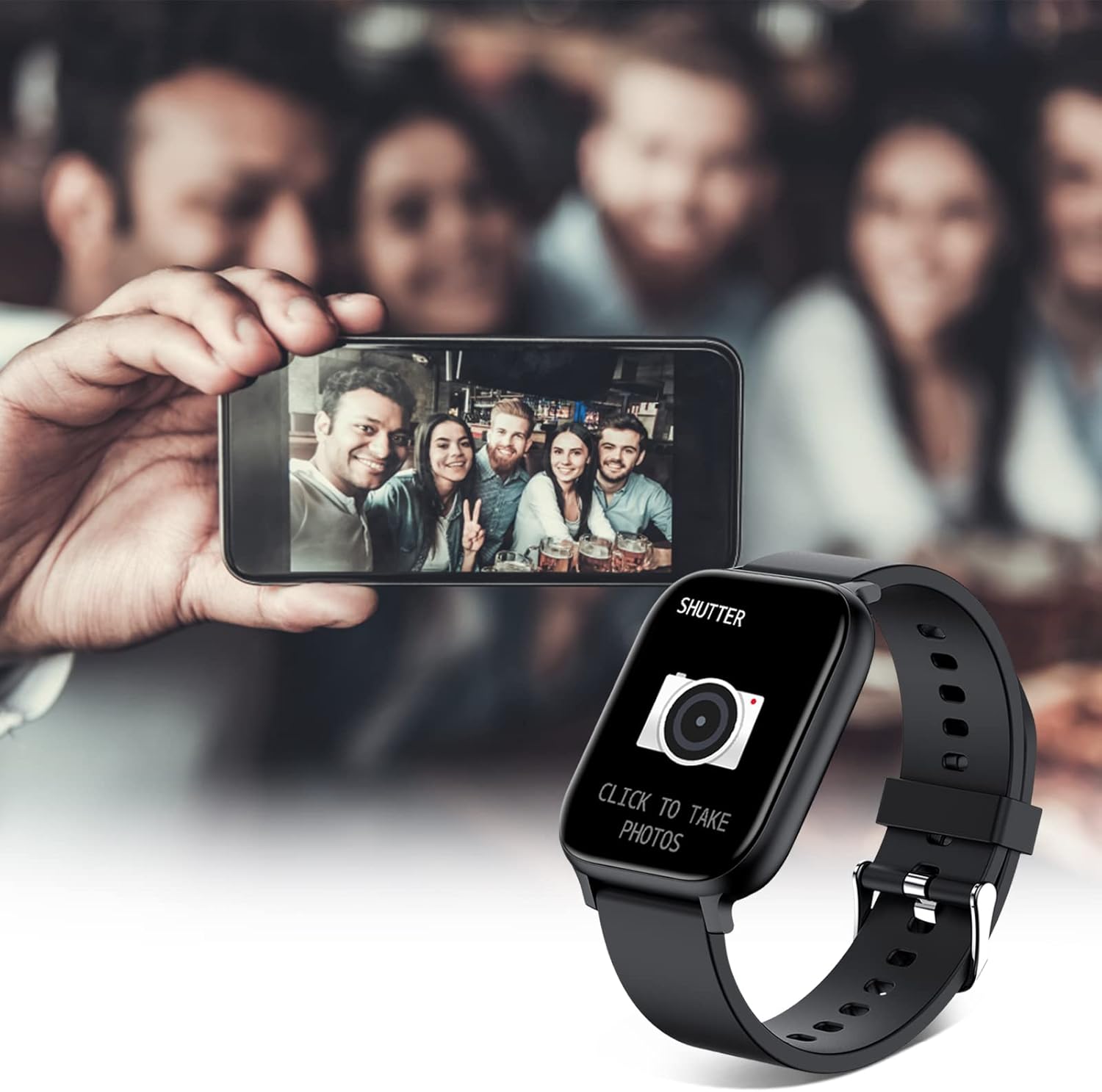
Figure 6: Remote Camera Control Functionality.
ጥገና
የውሃ መቋቋም
The TORJALPH Smart Watch has an IP68 waterproof rating, meaning it is resistant to water and dust. You can wear it while swimming, washing hands, or during rainy days without concern for corrosion from sweat or rain. However, it is not recommended for hot water activities like hot showers or saunas.
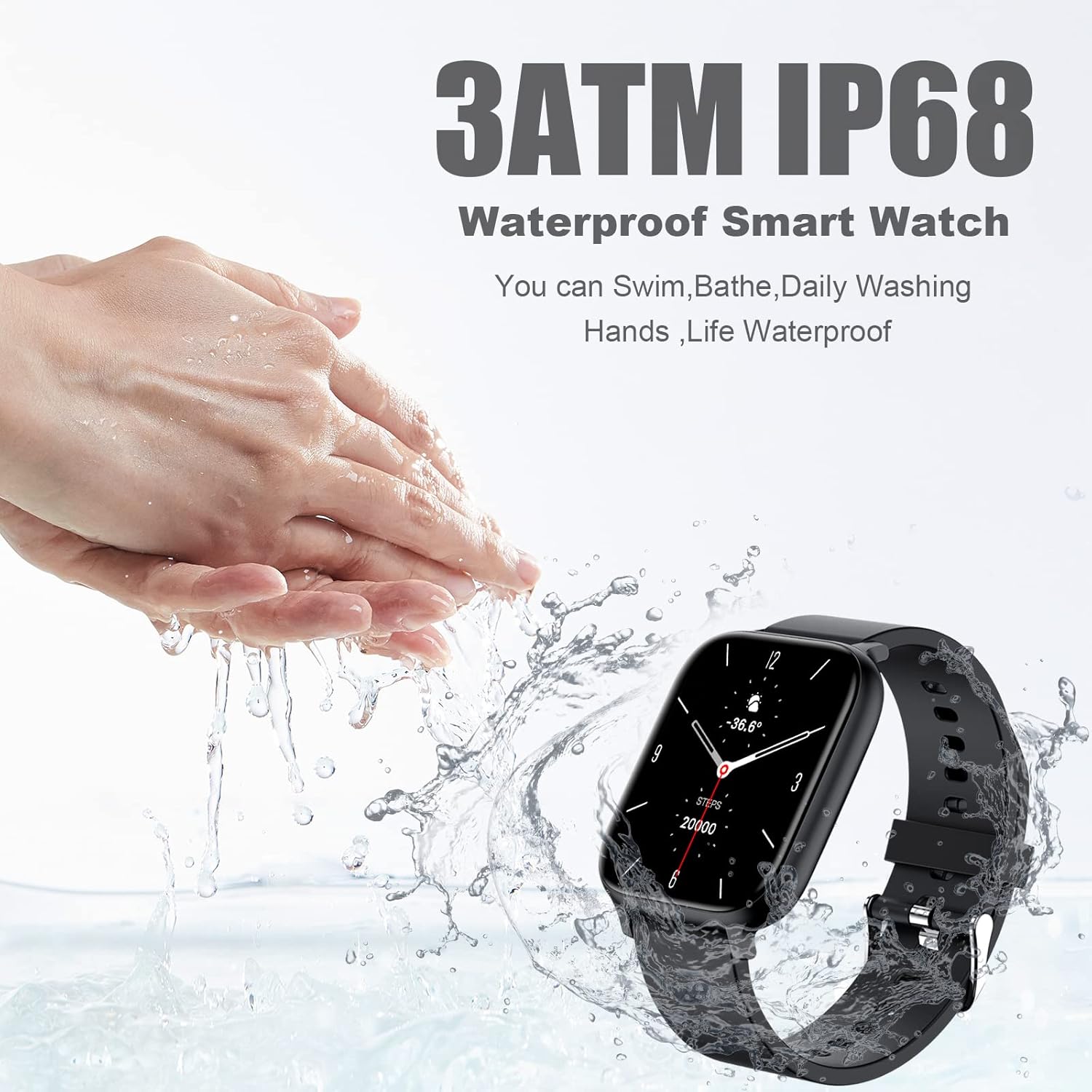
Figure 7: Smart Watch demonstrating IP68 Waterproofing.
መላ መፈለግ
- ሳይበራ ይመልከቱ፡ ሰዓቱ ሙሉ በሙሉ መሙላቱን ያረጋግጡ። ቢያንስ ለ 30 ደቂቃዎች ከኃይል መሙያ ገመድ እና ከኃይል ምንጭ ጋር ያገናኙት.
- ከስልክ ጋር ማጣመር አልተቻለም፡-
- ብሉቱዝ በስልክዎ ላይ እንደነቃ ያረጋግጡ።
- Ensure the "Da Fit" app has all necessary permissions (location, Bluetooth, notifications).
- Restart both your phone and the smart watch.
- Forget the device in your phone's Bluetooth settings and try pairing again through the "Da Fit" app.
- ትክክለኛ ያልሆነ የጤና መረጃ፡ Ensure the watch is worn snugly on your wrist, not too tight or too loose. Clean the sensor on the back of the watch regularly. Note that health monitoring features are for reference only and should not replace professional medical advice.
- ማሳወቂያዎች አይታዩም:
- Check notification settings within the "Da Fit" app to ensure desired apps are enabled.
- Verify that your phone's notification settings allow the "Da Fit" app to display notifications.
- ሰዓቱ በብሉቱዝ ከስልክዎ ጋር መገናኘቱን ያረጋግጡ።
- አጭር የባትሪ ዕድሜ; የማያ ገጹን ብሩህነት ይቀንሱ፣ አላስፈላጊ ማሳወቂያዎችን ያሰናክሉ፣ እና አስፈላጊ ካልሆነ ቀጣይነት ያለው የልብ ምት ክትትልን ይገድቡ። ከመጠቀምዎ በፊት ሰዓቱ ሙሉ በሙሉ መሙላቱን ያረጋግጡ።
ዝርዝሮች
| የምርት ስም | TORJALPH |
| የሞዴል ቁጥር | b1dea5ca-a205-4181-af0f-6ad06b94ae05 |
| የስክሪን መጠን | 1.83 inches (LCD Full Touch Screen) |
| ጥራት | 240*284 |
| የውሃ መከላከያ ደረጃ | IP68 |
| የባትሪ አቅም | 230mAh |
| የኃይል መሙያ ጊዜ | በግምት. 3 ሰዓታት |
| የባትሪ ህይወት | ከ5-7 ቀናት (አጠቃቀም)፣ 14 ቀናት (በመጠባበቂያ ጊዜ) |
| ተስማሚ ስርዓት | አንድሮይድ 5.0+ / iOS 9.0+ |
| Watchband Material | የሲሊኮን ማሰሪያ |
| የምርት ልኬቶች | 255.9*45*10.5mm (approx. 10.06 x 1.77 x 0.41 inches) |
| የእቃው ክብደት | 40 ግ (በግምት 1.41 አውንስ) |
| ልዩ ባህሪያት | Alarm Clock, Weather Forecast, Heart Rate Monitor, Oxymeter (SpO2), Music Player, Sleep Monitor, Pedometer, Activity Tracker, Blood Pressure Monitor, Email, Lightweight, Multisport Tracker, Notifications, Phone Call, Sedentary Reminder, Time Display, Touch Screen, GPS Via Smartphone |
ዋስትና እና ድጋፍ
For warranty information and technical support, please refer to the contact details provided on the product packaging or the official TORJALPH webጣቢያ. ለዋስትና ጥያቄዎች የግዢ ደረሰኝዎን ያስቀምጡ።
Ask a question about this manual
Ask about setup, troubleshooting, compatibility, parts, safety, or missing instructions. Manuals+ will review the question and use this page’s manual context to help answer it.