
መግቢያ
This manual provides detailed instructions for the setup, operation, maintenance, and troubleshooting of your GOODTEL G10 10-inch Android tablet. Please read this guide thoroughly to ensure proper use and to maximize your device's performance and longevity.
ማዋቀር
1. የጥቅል ይዘቶች
ቦክስ ሲወጡ ሁሉም እቃዎች መገኘታቸውን ያረጋግጡ፡-
- GOODTEL G10 ጡባዊ
- Stylus for touchscreen
- መከላከያ መያዣ
- ኃይል መሙያ
- የተጠቃሚ መመሪያ
2. ጡባዊውን መሙላት
Before first use, fully charge the tablet. Connect the provided charger to the USB Type-C port on the tablet and plug it into a power outlet. The charging indicator will show the charging status.
3. ማብራት / ማጥፋት
- ለማብራት፡- ማያ ገጹ እስኪበራ ድረስ የኃይል አዝራሩን ተጭነው ይያዙ ፡፡
- ለማጥፋት፡- የኃይል አዝራሩን ተጭነው ይያዙት፣ ከዚያም በማያ ገጹ ላይ ካሉት አማራጮች ውስጥ 'ፓወር አጥፋ' የሚለውን ይምረጡ።
4. የማይክሮ ኤስዲ ካርድ ማስገባት
The tablet supports MicroSD/TF cards from 4GB to 256GB for expanded storage. Locate the MicroSD card slot, gently insert the card with the gold contacts facing down until it clicks into place.
5. ከ Wi-Fi ጋር በመገናኘት ላይ
- ወደ ሂድ ቅንብሮች > አውታረ መረብ እና በይነመረብ > ዋይ ፋይ.
- Wi-Fi ቀይር On.
- ከዝርዝሩ ውስጥ የሚፈልጉትን የ Wi-Fi አውታረ መረብ ይምረጡ።
- ከተጠየቁ የይለፍ ቃሉን ያስገቡ እና ከዚያ ይንኩ። ተገናኝ.
6. የብሉቱዝ ማጣመር
- ወደ ሂድ ቅንብሮች > የተገናኙ መሣሪያዎች > ብሉቱዝ.
- ብሉቱዝን ቀያይር On.
- ጡባዊ ቱኮው ያሉትን መሳሪያዎች ይቃኛል። ከዝርዝሩ ውስጥ ለማጣመር የሚፈልጉትን መሳሪያ ይምረጡ።
- ከተጠየቁ የማጣመሪያውን ኮድ ያረጋግጡ።

This detailed diagram illustrates the location and function of all external ports and buttons on the GOODTEL G10 tablet, such as the USB Type-C charging port, headphone jack, and MicroSD card slot.
የአሠራር መመሪያዎች
1. የአንድሮይድ 12 ስርዓተ ክወና አሰሳ
Your GOODTEL G10 tablet runs on Android 12, offering an intuitive user interface. Swipe up from the bottom of the screen to access the app drawer, swipe down from the top for quick settings and notifications. The 10-inch IPS display provides wide viewing angles and responsive touch sensitivity.
2. የካሜራ አጠቃቀም
The tablet features a 5MP front camera and an 8MP rear camera. Open the Camera application to capture photos and videos. Tap the screen to focus and press the shutter button to take a picture.
3. ኦዲዮ እና መልቲሚዲያ
The tablet is equipped with dual speakers for audio output. For private listening, connect headphones to the 3.5mm headphone jack. The device supports various multimedia applications for streaming videos and music.
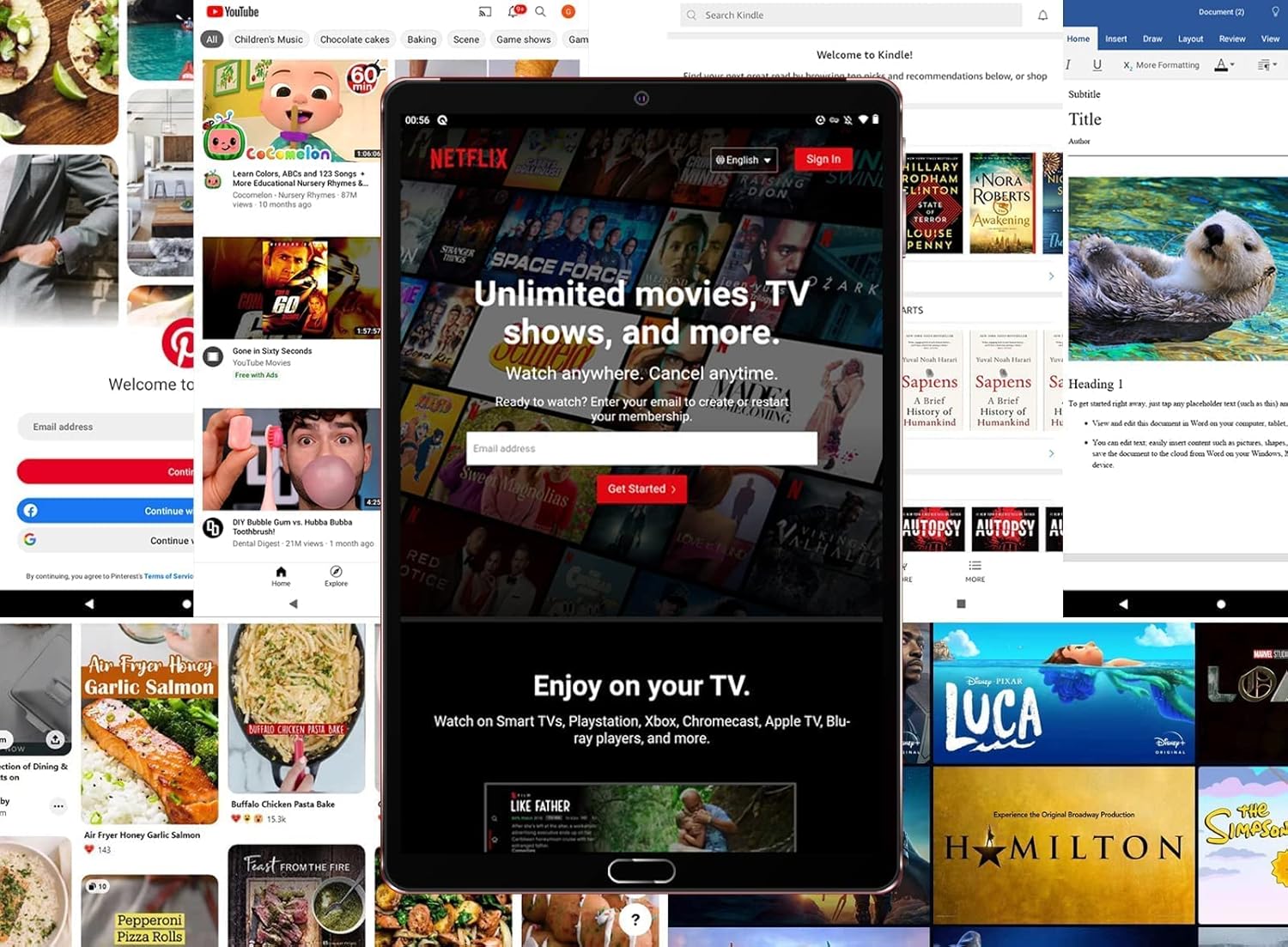
The tablet is shown running the Netflix application, illustrating its suitability for streaming video content and entertainment.
4. ማከማቻ እና አፈጻጸም
With 4GB RAM and 64GB internal storage (ROM), the tablet provides ample space for applications and files. The Octa-Core processor ensures smooth performance for multitasking and running various applications. Expand storage up to 256GB using a MicroSD card.

This image highlights the main technical specifications and features of the GOODTEL G10 tablet, including its operating system, memory, connectivity options, and display characteristics.
5. Productivity and Communication
The G10 tablet is compatible with WPS Office and other office applications (WORD, EXCEL, PPT, PDF) for document editing and management. It supports voice and video calls, making it suitable for connecting with family, friends, and colleagues via applications like ZOOM.
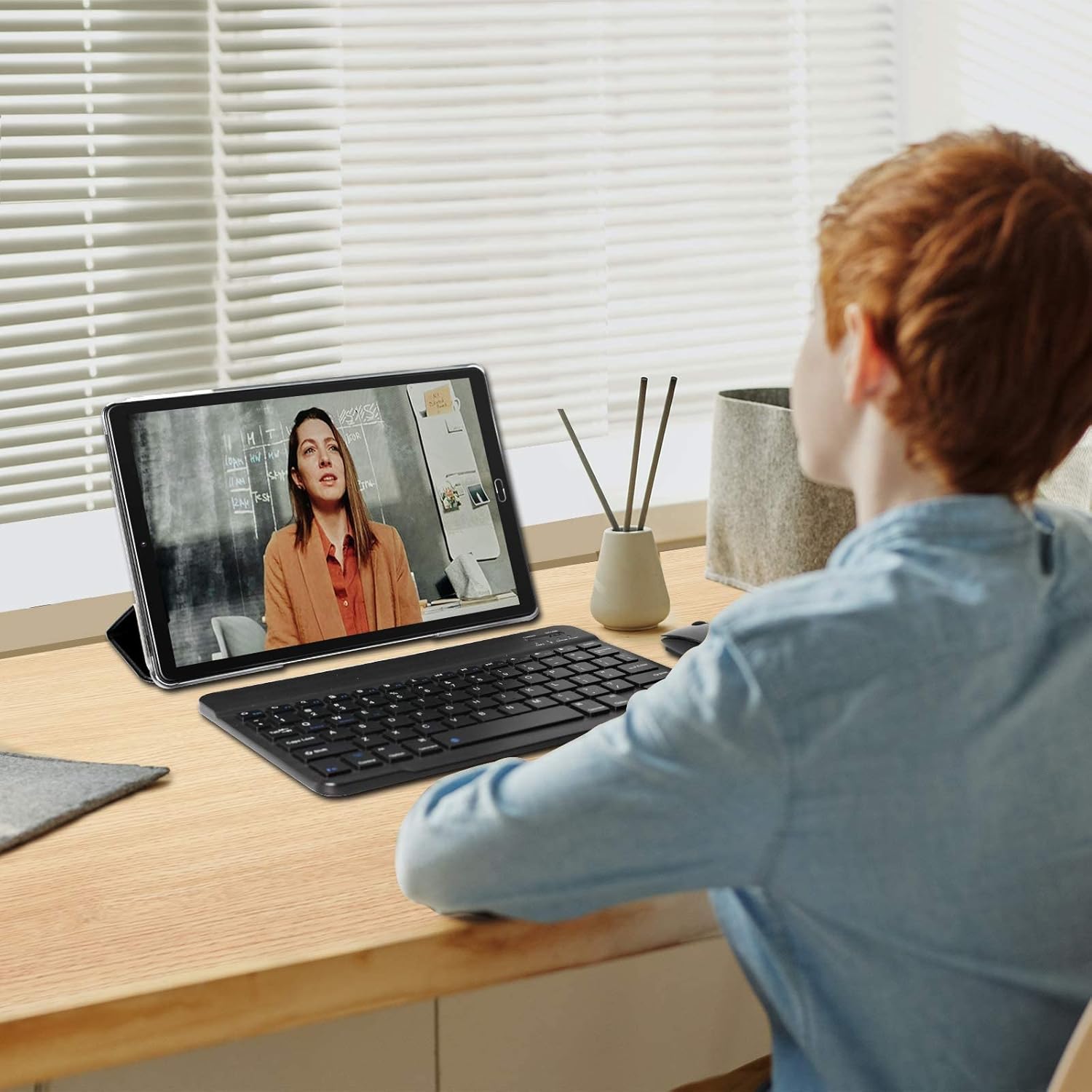
The tablet is depicted in a work or study environment, paired with an external keyboard, demonstrating its use for educational purposes or office applications.
6. የወላጅ ቁጥጥር
The tablet includes Google's Family Link parental control feature, allowing remote device management, usage time limits, and content filtering via the Family Link application.
7. ተጨማሪ ባህሪያት
The G10 supports gravity detection, FM radio, quick screenshot capture, and screen recording functionalities.

This image shows the tablet's user interface, featuring the Android home screen with common applications, indicating ease of access and navigation.
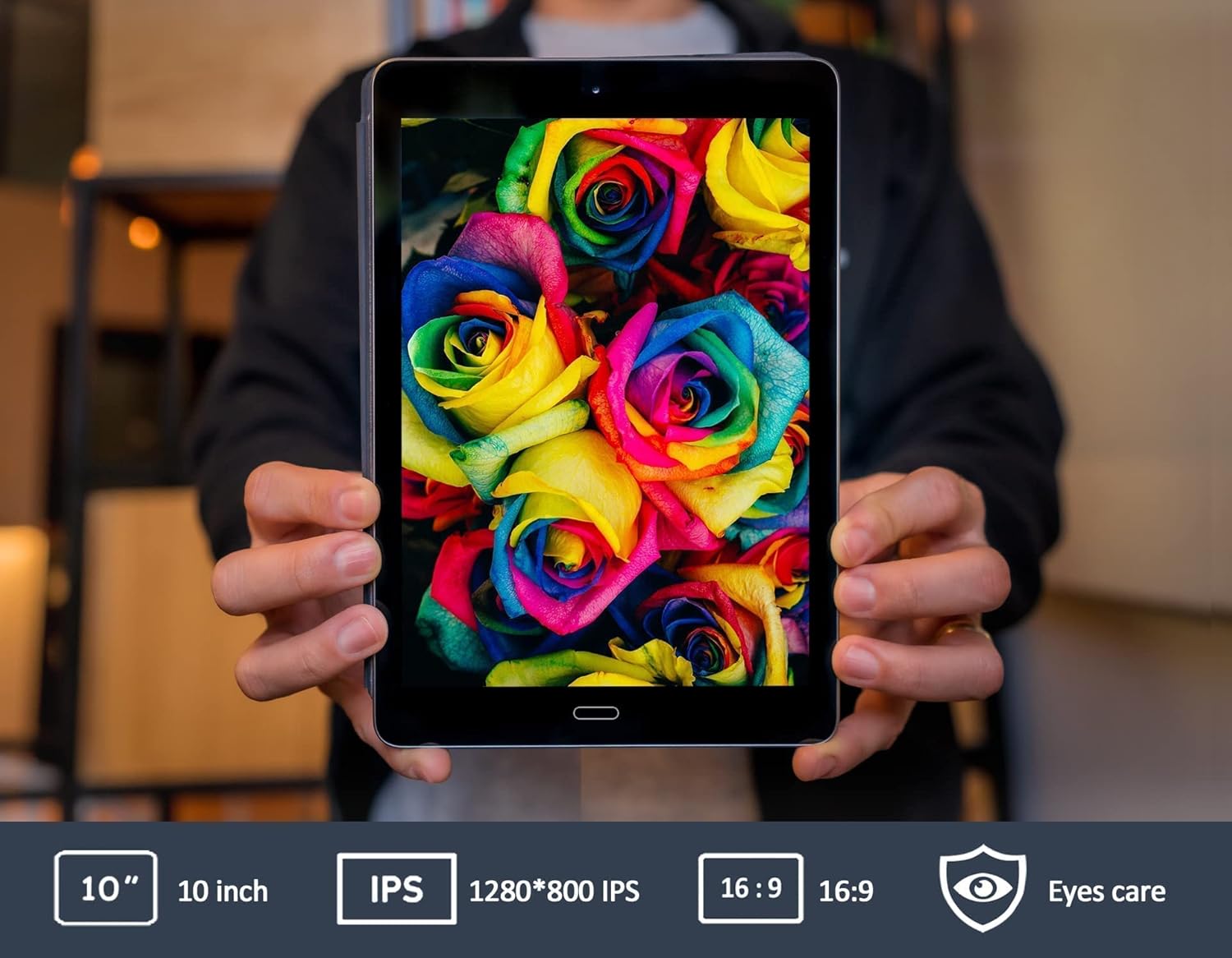
This image emphasizes the tablet's 10-inch IPS screen, known for its wide viewing angles and vivid color reproduction.

The GOODTEL G10 tablet is shown in a home setting, demonstrating its use for entertainment and interaction with smart home devices.
ጥገና
1. የባትሪ እንክብካቤ
8000mAh ባትሪው ረጅም ጊዜ አገልግሎት ይሰጣል። የባትሪውን ዕድሜ ለማራዘም፦
- ከፍተኛ የሙቀት መጠንን ያስወግዱ.
- ባትሪው ብዙ ጊዜ ሙሉ በሙሉ እንዲወጣ አይፍቀዱ።
- Use the original charger provided.
2. ጡባዊውን ማጽዳት
የጡባዊውን ስክሪን እና አካል ለማጽዳት ለስላሳ፣ ከላስቲክ ነፃ የሆነ ጨርቅ ይጠቀሙ። ውፍረቱን ሊጎዱ የሚችሉ ጠጣር ኬሚካሎችን ወይም ሻካራ ቁሳቁሶችን ከመጠቀም ይቆጠቡ።
3. የሶፍትዌር ዝመናዎች
የስርዓት ዝመናዎችን በመደበኛነት ያረጋግጡ ቅንብሮች > ስርዓት > የስርዓት ዝመና to ensure your tablet has the latest features and security patches. While specific software update guarantees are not available, keeping your device updated is recommended.
መላ መፈለግ
የተለመዱ ጉዳዮች እና መፍትሄዎች:
- ጡባዊው አያበራም፦ ታብሌቱ በቂ ኃይል መሙላቱን ያረጋግጡ። ቻርጀሩን ያገናኙና እንደገና ለማብራት ከመሞከርዎ በፊት ጥቂት ደቂቃዎችን ይጠብቁ።
- የWi-Fi ግንኙነት ችግሮች፡- በቅንብሮች ውስጥ Wi-Fi ነቅቶ እንደሆነ ያረጋግጡ። የWi-Fi ራውተርዎን እንደገና ያስጀምሩ። ችግሩ ከቀጠለ አውታረ መረቡን መርሳት እና እንደገና መገናኘት ይሞክሩ።
- Applications are slow or unresponsive: Close unused applications running in the background. Restart the tablet. If the problem continues, consider clearing the cache of problematic apps or performing a factory reset as a last resort (note: a factory reset will erase all data on the tablet).
- Touchscreen is unresponsive: Restart the tablet. Ensure the screen is clean and free of debris.
If you encounter issues not covered here, please refer to the support section for assistance.
ዝርዝሮች
| የምርት ስም | ጉድቴል |
| የሞዴል ስም | ጂ10 |
| የሞዴል ቁጥር | G2 |
| ስርዓተ ክወና | አንድሮይድ 12 ስርዓተ ክወና |
| ፕሮሰሰር | Octa-Core, 1.6 GHz |
| ራም | 4 ጊባ |
| የውስጥ ማከማቻ (ሮም) | 64 ጊባ |
| ሊሰፋ የሚችል ማከማቻ | MicroSD/TF (4-256 GB) |
| የስክሪን መጠን | 10 ኢንች |
| የስክሪን አይነት | አይፒኤስ |
| የባትሪ አቅም | 8000 ሚአሰ |
| የኋላ ካሜራ | 8 ሜፒ |
| የፊት ካሜራ | 5 ሜፒ |
| ግንኙነት | WiFi, Bluetooth, AGPS, Hotspots |
| ገመድ አልባ ቴክኖሎጂ | 802.11b፣ 802.11g |
| ወደቦች | የዩኤስቢ ዓይነት-ሲ፣ 3.5ሚሜ የጆሮ ማዳመጫ ጃክ |
| ክብደት | 450 ግራም |
የዋስትና መረጃ
Specific warranty details for the GOODTEL G10 tablet are not provided in the product information. Please refer to the warranty card included in your package or contact the seller/manufacturer directly for comprehensive warranty terms and conditions. Information regarding spare parts availability and guaranteed software updates is also not available.
ድጋፍ
For further assistance, technical support, or inquiries regarding your GOODTEL G10 tablet, please contact our service team. GOODTEL provides a friendly and professional service and technical team dedicated to offering prompt and excellent pre-sales and after-sales support.
Please refer to the contact information provided with your purchase documentation or visit the official GOODTEL webለድጋፍ አማራጮች ጣቢያ.