
1. መግቢያ
The JZAQ A13 Bluetooth Helmet Speakers and Intercom System provides wireless communication and audio playback for motorcycle riders, skiers, cyclists, and other sports enthusiasts. This system features Bluetooth 5.3 connectivity, two-way intercom functionality, noise cancellation, and a waterproof design for reliable performance in various conditions.

Image 1.1: JZAQ A13 Bluetooth Helmet Headset overview.
2. የጥቅል ይዘቶች
ከመጫንዎ በፊት፣ ከዚህ በታች የተዘረዘሩት ሁሉም እቃዎች በጥቅልዎ ውስጥ መኖራቸውን ያረጋግጡ፡
- JZAQ A13 Headphone Host
- Hard Earbuds
- Soft Earbuds
- ክሊፕ ቤዝ
- Paste Base
- Horn Velcro
- TYPE-C የኃይል መሙያ ገመድ
- Hard and Soft Velcro Pads
- የተጠቃሚ መመሪያ

Image 2.1: All components included in the JZAQ A13 package.
3. ምርት አብቅቷልview
Familiarize yourself with the main unit and its controls:
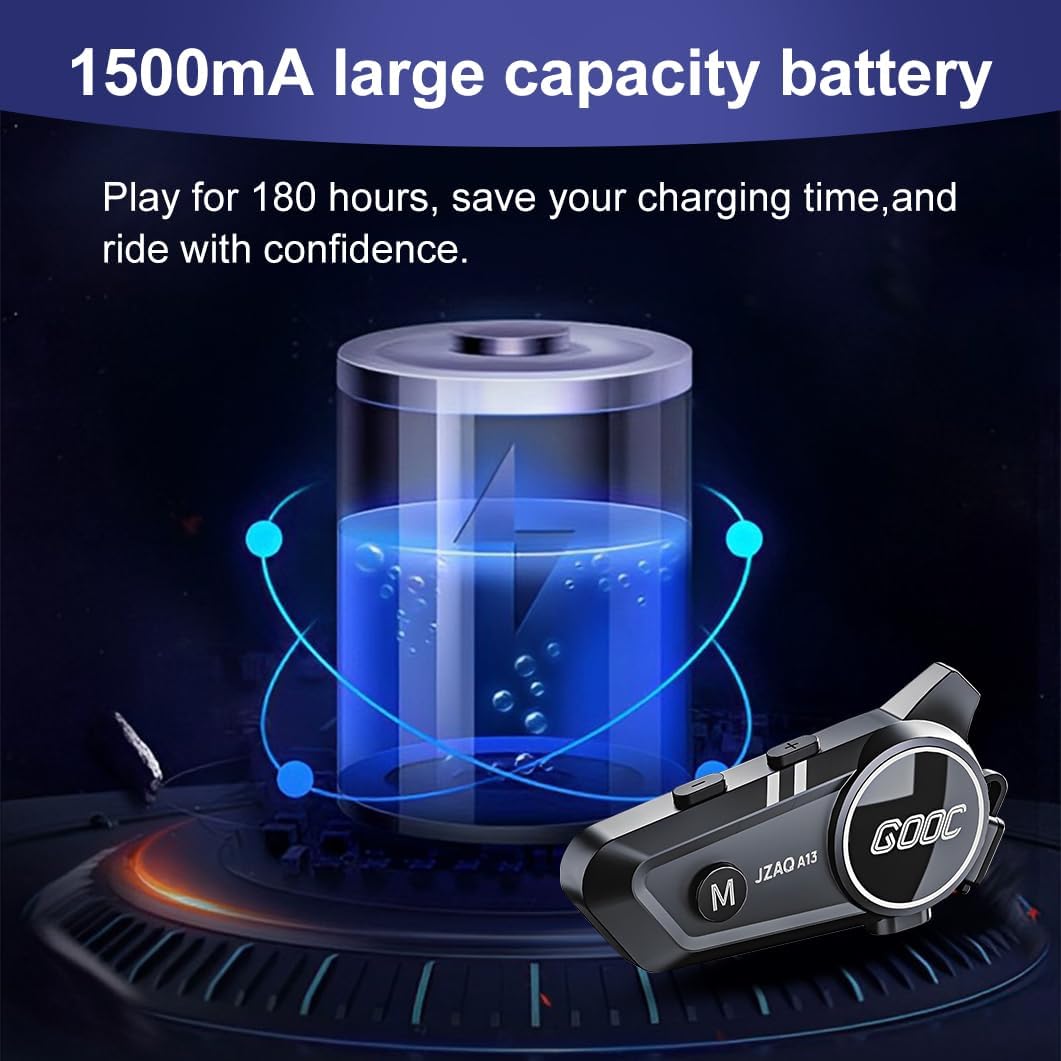
Image 3.1: Diagram illustrating the button functions and ports on the JZAQ A13 unit.
- Power On/Off/Pause/Play/Connect Button: Controls power, music playback, and Bluetooth connection.
- የድምጽ መጠን መጨመር/ቀጣይ ዘፈን አዝራር፡ የድምፅ መጠን ይጨምራል እና ወደሚቀጥለው ትራክ ይዘልላል።
- Volume Down/Previous Song/Voice Assistant Button: Decreases volume, goes to the previous track, and activates the voice assistant.
- የኃይል መሙያ ወደብ; መሣሪያውን ለመሙላት የዩኤስቢ ዓይነት-ሲ ወደብ።
- የጆሮ ማዳመጫ ጃክ Connects the speakers and microphone.
4. ማዋቀር እና መጫን
4.1 መሳሪያውን መሙላት
Before first use, fully charge the JZAQ A13 unit. Connect the provided TYPE-C charging cable to the charging port on the unit and a USB power source. A full charge typically takes approximately 2 hours. The device features a 1500mAh battery, providing up to 180 hours of continuous play time.

Image 4.1: Illustration of the 1500mAh large capacity battery.
4.2 የራስ ቁር መትከል
The JZAQ A13 is designed to be compatible with various helmet types. The speakers are ultra-thin (10mm) to ensure comfort and avoid ear pressure.

ምስል 4.2፡ ዘጸamples of various helmet types compatible with the JZAQ A13.
Follow these steps to install the system in your helmet:
- የድምጽ ማጉያ አቀማመጥ፡- Identify suitable locations within your helmet for the speakers, typically in the ear recesses. Use the provided Velcro pads to secure the speakers.
- የማይክሮፎን አባሪ፡ Choose between the hard or soft earbuds (microphones) based on your helmet type and preference. Attach the microphone using Velcro in a position that allows clear voice pickup without obstructing your vision or comfort.
- ዋና ክፍል መጫኛ፡ Use either the clip base or the paste base to attach the main JZAQ A13 unit to the side of your helmet. Ensure it is securely fastened and easily accessible for operation.
- የኬብል አስተዳደር Route all cables neatly within the helmet padding to prevent discomfort or interference.

Image 4.3: Step-by-step visual guide for installing the JZAQ A13 system into a helmet.
5. የአሠራር መመሪያዎች
5.1 ማብራት / ማጥፋት
- አብራ፡ የአመላካች መብራቱ እስኪበራ ድረስ የኃይል ቁልፉን ለ 3 ሰከንዶች ያህል ተጭነው ይቆዩ።
- ኃይል ዝጋ: የኃይል አዝራሩን ተጭነው ለ 3 ሰከንዶች ያህል ጠቋሚው እስኪጠፋ ድረስ ይያዙት።
5.2 የብሉቱዝ ማጣመር
The JZAQ A13 uses Bluetooth 5.3 for stable wireless connectivity.
- መሣሪያው መጥፋቱን ያረጋግጡ።
- የማጣመሪያ ሁነታን የሚያመለክተውን አመላካች መብራት ቀይ እና ሰማያዊ እስኪበራ ድረስ የኃይል አዝራሩን ለ5-7 ሰከንዶች ያህል ተጭነው ይያዙት።
- On your mobile phone or Bluetooth-enabled device, search for "JZAQ A13" in the Bluetooth settings.
- Select "JZAQ A13" to connect. Once paired, the indicator light will flash blue slowly.
5.3 የሙዚቃ መልሶ ማጫወት
After successful Bluetooth pairing, you can play music from your connected device. The system features Hi-Fi stereo sound and DSP noise reduction technology for clear audio.

Image 5.1: The JZAQ A13 provides clear music playback with noise reduction.
- አጫውት/ ለአፍታ አቁም፡ የኃይል ቁልፉን አንዴ ይጫኑ።
- ድምጽ ጨምር የድምጽ መጨመሪያ (+) ቁልፍን ተጫን።
- ጥራዝ ታች የድምጽ መጠን ወደ ታች (-) ቁልፍን ተጫን።
- ቀጣይ ዘፈን፡- የድምጽ መጨመሪያውን (+) ቁልፍ ተጭነው ይያዙ።
- ቀዳሚ ዘፈን፡- የድምጽ መጠን ወደ ታች (-) ቁልፍን ተጭነው ይቆዩ።
5.4 ባለ ሁለት-መንገድ ኢንተርኮም
The JZAQ A13 supports two-way intercom communication between two riders within a range of up to 200 meters. The universal pairing function allows connection with other compatible intercom systems.

Image 5.2: Illustration of two-way intercom communication between riders.
- ኢንተርኮምን ያስጀምሩ፡ Consult the specific instructions for initiating intercom with another JZAQ A13 unit or a universally paired device.
- የመጨረሻ ኢንተርኮም፦ Press the Power button once during an active intercom call.
5.5 የስልክ ጥሪዎች
The system supports hands-free calling with automatic answering and DSP noise reduction for clear voice communication.
- ጥሪ መልስ፡- The system will automatically answer incoming calls after a few rings.
- ጥሪን ጨርስ፡ የኃይል ቁልፉን አንዴ ይጫኑ።
- ጥሪን ውድቅ አድርግ፡ የኃይል አዝራሩን ለ 2 ሰከንዶች ተጭነው ይያዙ።
5.6 የድምፅ ረዳት
Activate your smartphone's voice assistant (e.g., Siri) directly from the JZAQ A13.
- የድምፅ ረዳት አግብር Press the Volume Down (-) button twice quickly.
6. ጥገና
6.1 የውሃ መከላከያ
The JZAQ A13 features IPX67 deep waterproof technology with Nano coating, making it suitable for use in rainy or snowy conditions and capable of operating in temperatures as low as -20°F.
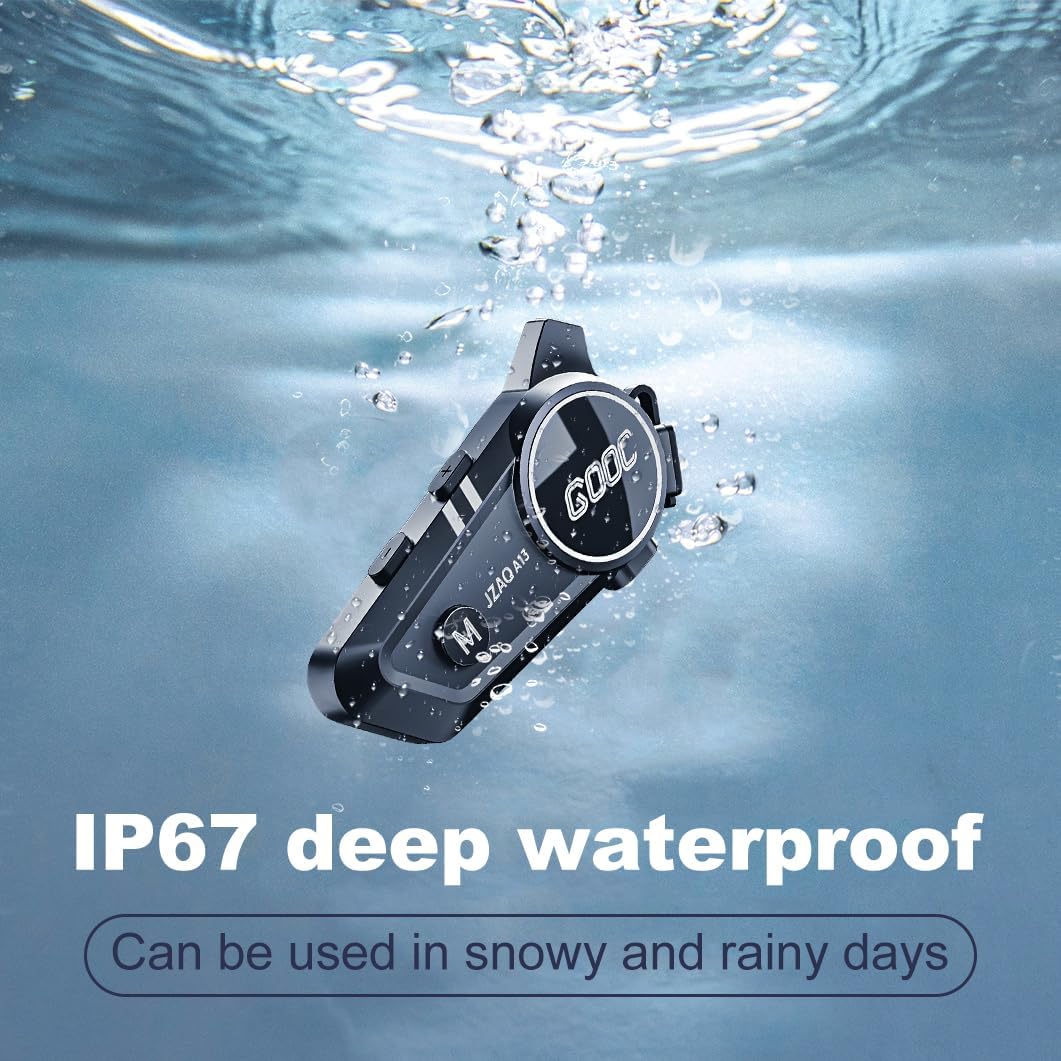
Image 6.1: The JZAQ A13 demonstrating its IP67 deep waterproof capability.
6.2 ማጽዳትና ማከማቻ
- ክፍሉን ለስላሳ ፣ መamp ጨርቅ. ኃይለኛ ኬሚካሎችን ወይም ሻካራ ማጽጃዎችን ከመጠቀም ይቆጠቡ።
- የውሃ መከላከያን ለመጠበቅ የኃይል መሙያ ወደብ ሽፋኑ ደህንነቱ በተጠበቀ ሁኔታ መዘጋቱን ያረጋግጡ።
- ጥቅም ላይ በማይውልበት ጊዜ መሳሪያውን በቀዝቃዛና ደረቅ ቦታ ያከማቹ.
7. መላ መፈለግ
If you encounter issues with your JZAQ A13, refer to the following common problems and solutions:
| ችግር | ሊሆን የሚችል ምክንያት | መፍትሄ |
|---|---|---|
| መሣሪያው አይበራም። | ባትሪ ዝቅተኛ፤ መሳሪያው ቀዝቅዟል | Charge the device fully; Perform a hard reset (if applicable, refer to manufacturer for specific steps). |
| ከስልክ ጋር ማጣመር አይቻልም | Not in pairing mode; Bluetooth off on phone; Device already paired | Ensure device is in pairing mode (flashing red/blue); Turn on phone's Bluetooth; Forget previous connections on phone and re-pair. |
| ከድምጽ ማጉያዎች ድምፅ የለም | Volume too low; Speakers disconnected; Faulty connection | Increase volume on device and phone; Check speaker connections; Try re-plugging speakers into the main unit. |
| ኢንተርኮም እየተገናኘ አይደለም | Out of range; Incorrect pairing procedure | Ensure riders are within 200m range; Repeat intercom pairing steps for both units. |
| Poor voice quality during calls/intercom | Microphone position; Excessive wind noise | Adjust microphone closer to mouth; Ensure microphone is shielded from direct wind. |
8. ዝርዝሮች
Key technical specifications for the JZAQ A13 Bluetooth Helmet Speakers & Intercom System:
| ባህሪ | ዝርዝር መግለጫ |
|---|---|
| የሞዴል ስም | አ13 |
| የምርት ስም | ጄዛክ |
| የግንኙነት ቴክኖሎጂ | ገመድ አልባ (ብሉቱዝ) |
| የብሉቱዝ ስሪት | 5.3 |
| የባትሪ አቅም | 1500mAh |
| የባትሪ ዕድሜ (የጨዋታ ጊዜ) | እስከ 180 ሰዓታት ድረስ |
| የኃይል መሙያ ጊዜ | 2 ሰዓታት |
| የኢንተርኮም ክልል | Up to 200 meters (two-way) |
| የውሃ መቋቋም ደረጃ | IPX67 (ውሃ መከላከያ) |
| የድምጽ መቆጣጠሪያ | Sound Isolation, DSP Noise Reduction |
| ልዩ ባህሪያት | Built-In Voice Assistant, Fast Charging, Includes microphone, Lightweight |
| የእቃው ክብደት | 7.4 አውንስ (0.21 ኪሎ ግራም) |
| የአሠራር ሙቀት | -20°F to (unspecified upper limit) |
9. ዋስትና እና ድጋፍ
The JZAQ A13 Bluetooth Helmet Speakers & Intercom System comes with a የ 2 ዓመት ዋስትና. For any product-related inquiries, technical assistance, or warranty claims, please contact JZAQ customer service through the Amazon Buyer Center. Our customer service team is available to assist you.