
1. መግቢያ
The EBYTE E18-DTU(Z20-485) is a robust wireless data transceiver designed for reliable data transmission using Zigbee3.0 technology. It supports transparent and protocol-based data transmission, making it suitable for various industrial and smart applications. This device offers advantages such as low cost, easy installation, strong diffraction capability, flexible network structures, and extended coverage, particularly in environments with scattered points and complex geographical conditions.
ቁልፍ ባህሪያት የሚከተሉትን ያካትታሉ:
- Advanced functionality with multi-level transmitting power.
- Wide operating temperature range of -40℃ to +85℃ for industrial environments.
- Durable aluminum alloy shell for heat dissipation and electromagnetic compatibility.
- Multiple protection functions: power supply reverse connection, over-connection, and antenna surge protection.
- Configurable parameters via software, including power, frequency, and address ID.
2. ማዋቀር እና መጫን
Follow these steps for proper installation of your E18-DTU(Z20-485) data transmission station.
2.1 አካላዊ ጭነት
The E18-DTU(Z20-485) features a compact aluminum alloy shell designed for easy installation and effective heat dissipation. Ensure the device is mounted in a location that allows for optimal signal transmission and access to its interfaces.
2.2 የበይነገጽ ግንኙነቶች
Refer to the diagram below for connecting the power supply, RS485 interface, and antenna.

ምስል 1፡ E18-DTU(Z20-485) Data Transceiver showing dimensions (66mm x 68mm) and terminal block connections for VCC, GND, AGND, RS485-B, and RS485-A.
- የኃይል አቅርቦት; Connect VCC (positive) and GND (ground) to a stable power source. The device includes power supply reverse connection protection.
- RS485 በይነገጽ፡ Connect your RS485 communication lines to RS485-A and RS485-B terminals.
- አንቴና፡ Attach the provided antenna to the ANT connector. Ensure it is securely fastened. The device features antenna surge protection.

ምስል 2፡ E18-DTU(Z20-485) highlighting its industrial design, including the RS485 interface, working indicator lights (PWR, TXD, RXD, LINK, RUN), smart button, and antenna interface.
3. የአሠራር መመሪያዎች
The E18-DTU(Z20-485) utilizes Zigbee3.0 for wireless data transmission, supporting various network configurations and functionalities.
3.1 የአውታረ መረብ Topologies
The device supports flexible network structures, including peer-to-peer, star, and MESH networks, allowing for adaptable deployment in different scenarios.

ምስል 3፡ Illustration of supported network topologies: peer-to-peer (routing node to routing node), star network (coordinator to terminal nodes via routing nodes), and MESH network (interconnected routing, terminal, and coordinator nodes).
3.2 ተግባራዊ በላይview
The E18-DTU(Z20-485) offers a range of practical functions configurable via its software interface:

ምስል 4፡ አልቋልview of practical functions: 1. Automatic routing, 2. Address search, 3. Serial port configuration, 4. Network PAN_ID change, 5. Module reset, 6. Air configuration, 7. Reset, 8. One-key restore baud rate.
- Automatic Routing: Enables the device to automatically find optimal data paths within the network.
- Address Search: Facilitates locating specific devices within the Zigbee network.
- የመለያ ወደብ ውቅረት፡- Allows adjustment of serial communication parameters.
- Network PAN_ID Change: Configures the Personal Area Network Identifier for network isolation.
- የሞዱል ዳግም ማስጀመር; Resets the module to its default state.
- Air Configuration: Configures over-the-air parameters.
- ዳግም ማስጀመር Initiates a device reset.
- One-key Restore Baud Rate: Quickly restores the serial baud rate to a default setting.
3.3 ጠቋሚ መብራቶች
The device features several LED indicators to show its operational status:
- PWR Power indicator. Lit when the device is powered on.
- TXD፡ Transmit data indicator. Flashes when data is being transmitted.
- RXD፡ Receive data indicator. Flashes when data is being received.
- አገናኝ፡ Network link indicator. Indicates connection status within the Zigbee network.
- አሂድ Running status indicator. Indicates normal operation.
4. ጥገና
The E18-DTU(Z20-485) is designed for industrial use with high reliability and minimal maintenance requirements.
- የአካባቢ ዘላቂነት; The device is built to withstand harsh working environments, operating reliably from -40℃ to +85℃.
- መከላከያ ሽፋን; The internal components are protected by a conformal coating, complying with eco-friendly standards and offering anti-fungal, anti-humidity, and anti-salt spray properties.
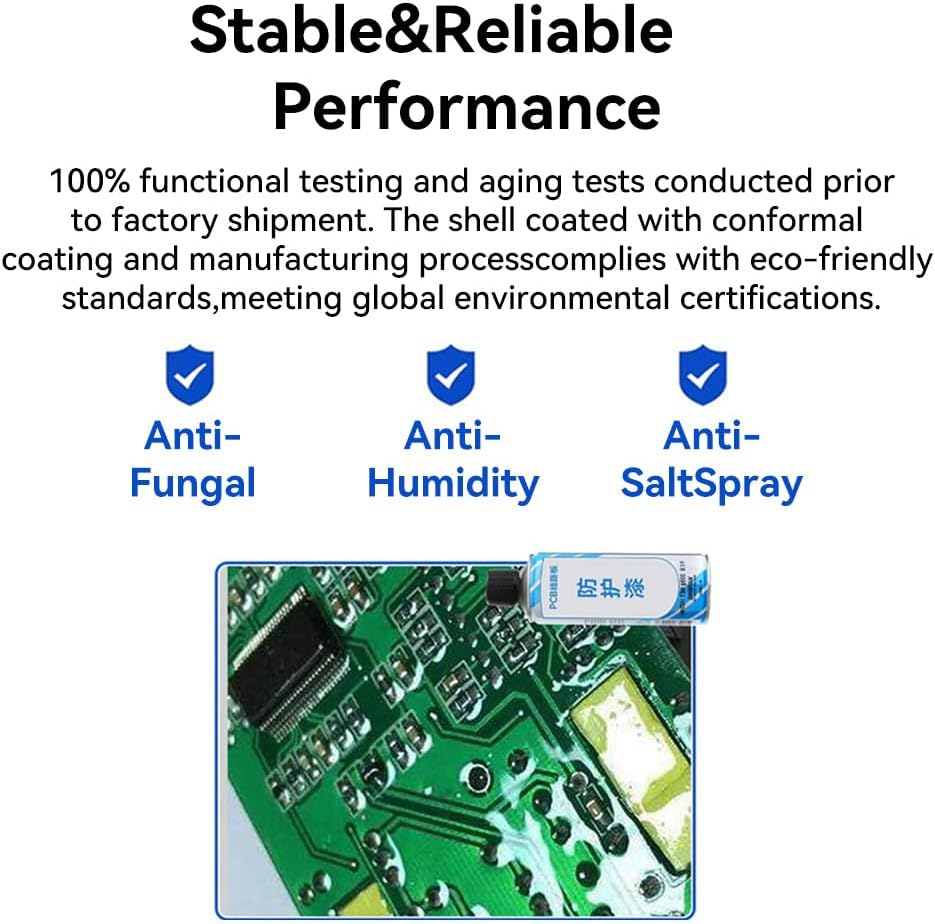
ምስል 5፡ Stable and reliable performance is ensured through 100% functional testing, aging tests, and a conformal coating that provides anti-fungal, anti-humidity, and anti-salt spray protection.
Regular cleaning of the exterior with a dry, soft cloth is recommended to prevent dust accumulation. Do not use liquid cleaners or solvents.
5. መላ መፈለግ
If you encounter issues with your E18-DTU(Z20-485), consider the following troubleshooting steps:
- ኃይል የለም፡ Check the power supply connections (VCC, GND) and ensure the power source is active. The device has power supply reverse connection protection.
- የውሂብ ማስተላለፍ/መቀበል የለም፡
- Verify RS485-A and RS485-B connections.
- Ensure the antenna is properly connected and not obstructed. The device has antenna surge protection.
- Check the TXD and RXD indicator lights for activity.
- Confirm network parameters (e.g., PAN_ID, address) are correctly configured via software.
- የአውታረ መረብ ግንኙነት ጉዳዮች፡- Check the LINK indicator. If it's not active, verify network settings and ensure other devices in the network are operational.
- የመሣሪያ ብልሽት; Try performing a 'Module Reset' or 'Reset' using the software functions. If a specific baud rate issue is suspected, use the 'One-key Restore Baud Rate' function.
- Over-connection Protection: The device includes over-connection protection. If an issue arises, ensure all connections are within specified limits.
For persistent issues, consult the official product documentation or contact technical support.
6. ዝርዝሮች
| ባህሪ | ዝርዝር መግለጫ |
|---|---|
| ሞዴል | E18-DTU(Z20-485) |
| ገመድ አልባ ቴክኖሎጂ | Zigbee3.0 |
| በይነገጽ | RS485 |
| የአሠራር ሙቀት | -40 ℃ እስከ +85 ℃ |
| የሼል ቁሳቁስ | የአሉሚኒየም ቅይጥ |
| መጠኖች (በግምት) | 66 ሚሜ x 68 ሚሜ |
| የጥበቃ ባህሪያት | Power supply reverse connection, over-connection, antenna surge protection |
| ደህንነት | Multi-level encryption in Zigbee network |
| የምስክር ወረቀቶች | Complies with eco-friendly standards, meeting global environmental certifications (e.g., Anti-Fungal, Anti-Humidity, Anti-SaltSpray) |
7. ዋስትና እና ድጋፍ
7.1 የዋስትና መረጃ
Specific warranty terms for the EBYTE E18-DTU(Z20-485) are provided by the manufacturer, EBYTE, or the authorized seller at the time of purchase. Please retain your proof of purchase for warranty claims. For detailed warranty information, refer to the documentation included with your product or contact the seller directly.
7.2 የቴክኒክ ድጋፍ
For technical assistance, troubleshooting beyond the scope of this manual, or inquiries regarding product functionality, please contact EBYTE customer support or the seller (CDEBYTE) from whom the product was purchased. Contact information can typically be found on the manufacturer's webጣቢያ ወይም የግዢ ደረሰኝዎ።


