
1. መግቢያ
The ONN 7-inch Wi-Fi Digital Picture Frame (Model 100096732) allows you to easily share and display photos and videos from friends and family. Featuring a vibrant LCD IPS touchscreen and built-in Frameo software, this frame provides a simple and intuitive way to enjoy your cherished memories. With 16GB of internal storage and Micro SD card support, you can store a vast collection of media. This manual provides essential information for setting up, operating, and maintaining your digital picture frame.
2. በሳጥኑ ውስጥ ያለው
- ONN 7-inch Wi-Fi Digital Picture Frame
- የኃይል አስማሚ
- የምርት መመሪያ
- ፈጣን ጅምር መመሪያ

Image: The ONN 7-inch Wi-Fi Digital Picture Frame, power adapter, product guide, and quick start guide as packaged in the box.
3. ማዋቀር
3.1 በማብራት ላይ
- Connect the provided power adapter to the DC port on the back of the frame.
- የኃይል አስማሚውን ከግድግዳ ሶኬት ጋር ይሰኩ። ክፈፉ በራስ-ሰር ይበራል።
3.2 የመጀመሪያ የዋይፋይ ግንኙነት
- ቋንቋዎን እና የሰዓት ሰቅዎን ለመምረጥ በማያ ገጹ ላይ ያሉትን መመሪያዎች ይከተሉ።
- አውታረ መረብዎን በመምረጥ እና የይለፍ ቃሉን በማስገባት ፍሬሙን ከWi-Fi አውታረ መረብዎ ጋር ያገናኙ።
3.3 Frameo App Download and Pairing
To send photos and videos to your frame, download the free Frameo app on your smartphone (available for iOS and Android).
- ፈልግ "Frameo" in the App Store (iOS) or Google Play Store (Android).
- መተግበሪያውን ይጫኑ እና መለያ ይፍጠሩ።
- On your ONN frame, locate the unique code to pair with the app.
- In the Frameo app, enter this code to connect your smartphone to the frame.
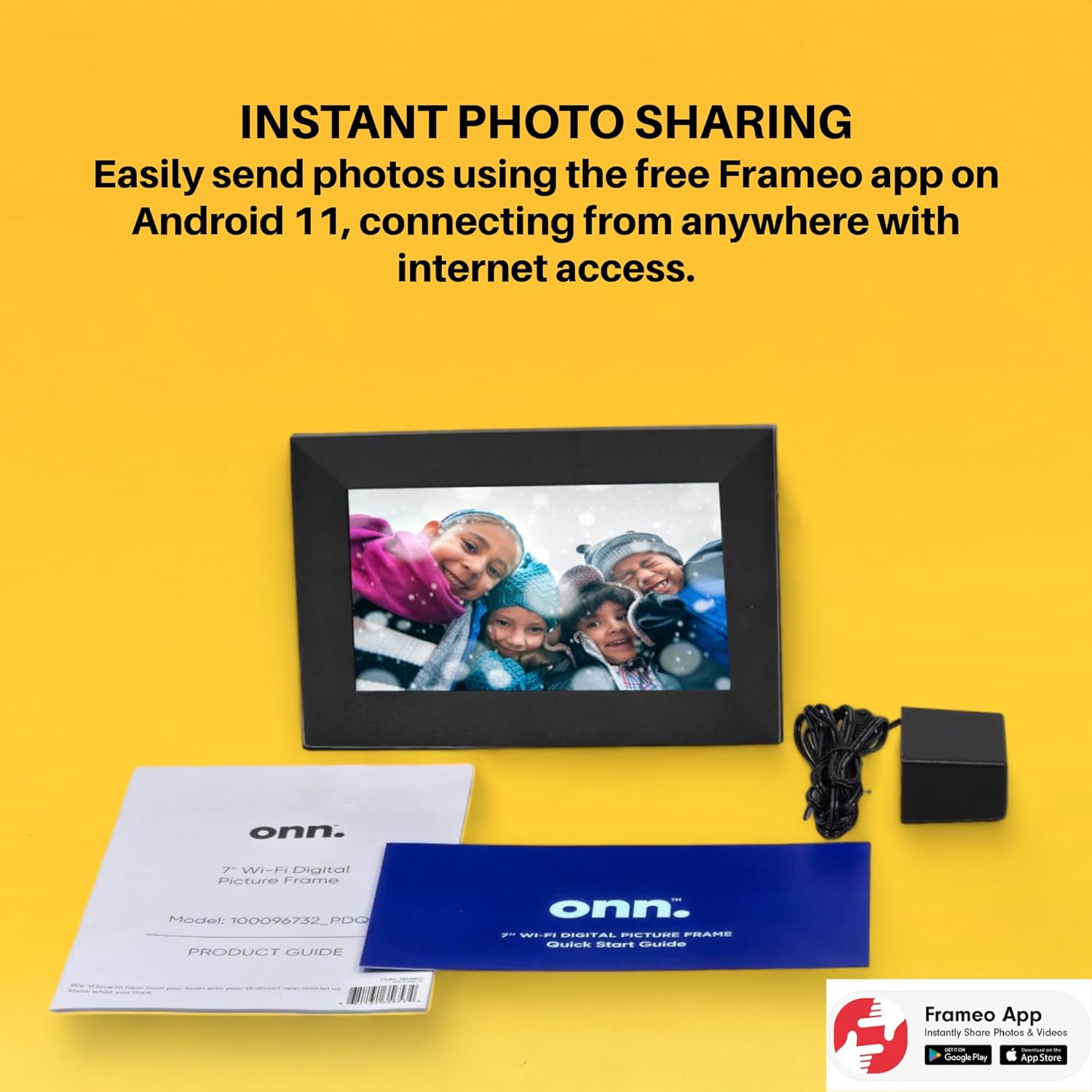
Image: The Frameo app is shown on a smartphone, highlighting its availability on Android and iOS, for instant photo sharing with the ONN digital picture frame.
4. የአሠራር መመሪያዎች
4.1 ፎቶዎችን እና ቪዲዮዎችን መላክ
Once paired, you can send photos and short videos directly from your smartphone to the frame using the Frameo app. You can also add captions to your media.
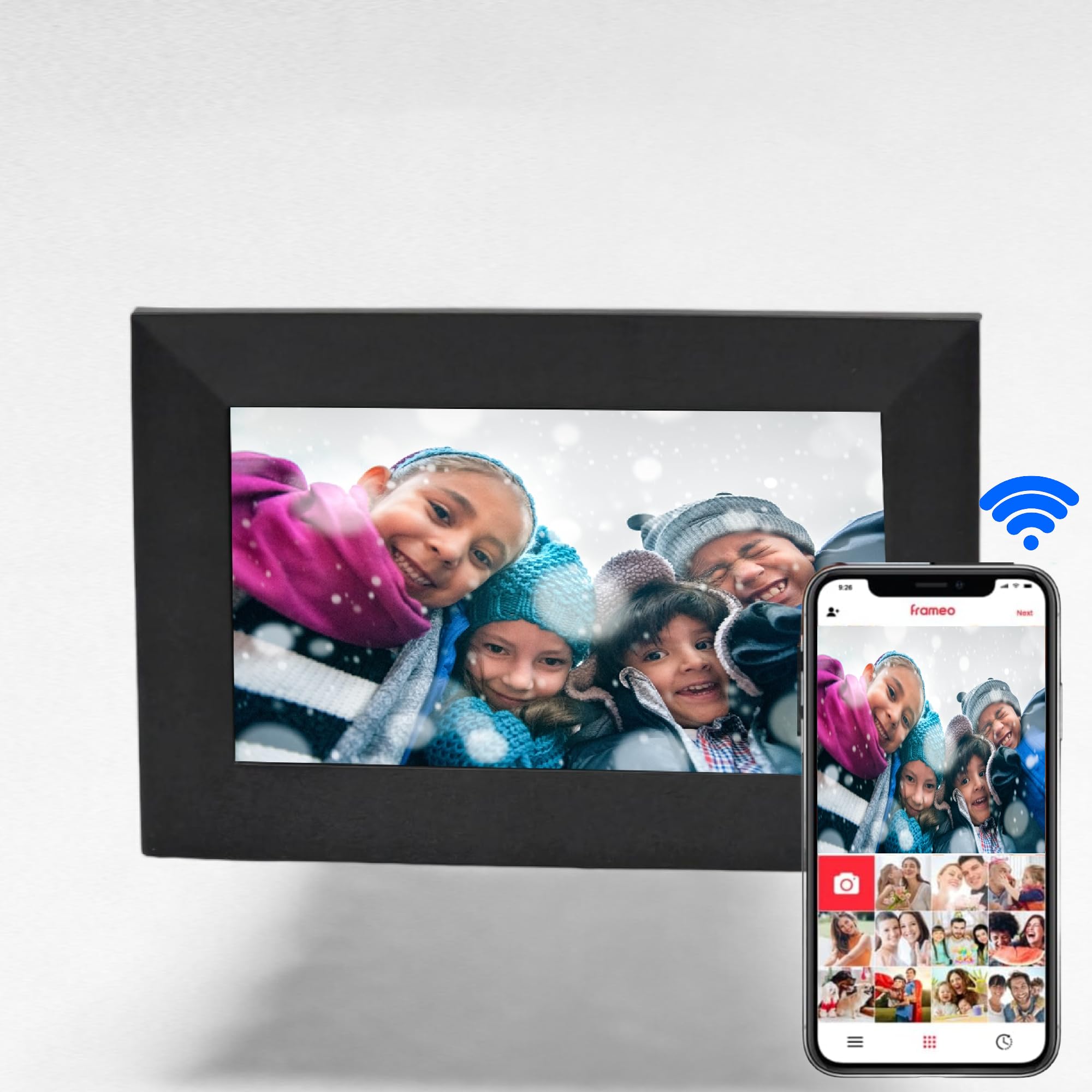
Image: The digital picture frame displays a family photo, while a smartphone shows the Frameo app, illustrating the ease of wireless photo and video sharing.
4.2 የንክኪ ማያ ገጽ ዳሰሳ
The 7-inch IPS touchscreen allows for easy navigation through menus and media. Swipe left or right to browse photos, tap to access settings, and use intuitive gestures for various functions.

Image: A finger touches the screen of the digital picture frame, illustrating its touchscreen functionality for simple navigation.
4.3 የሚዲያ አስተዳደር
- የውስጥ ማከማቻ፡ The frame has 16GB of internal memory, capable of storing up to 20,000 photos.
- የማይክሮ ኤስዲ ካርድ Insert a Micro SD card (up to 128GB) into the dedicated slot to display photos directly without using internal storage.
- ተወዳጆች፡ Mark specific photos as favorites to create a curated slideshow.
- አቃፊዎች፡ Organize your media into folders for better management.
4.4 ተጨማሪ ተግባራት
- ሰዓት እና ማንቂያ፡ Set the clock and configure alarms directly from the frame's interface.
- ሙዚቃ መልሶ ማጫወት፡ The frame supports music playback, allowing you to enjoy audio while viewፎቶዎች ውስጥ።
5. ባህሪያት
- Instant photo and video sharing via the free Frameo app (iOS & Android).
- Vibrant 7-inch LCD IPS high-resolution touch screen (1024x600).
- Automatic photo rotation for optimal display.
- 16GB internal storage, supporting up to 20,000 photos.
- Supports Micro SD cards up to 128GB for expanded storage.
- Equipped with 2 internal speakers for audio playback.
- 16:9 Aspect Ratio for wide-screen media display.
- Wi-Fi connectivity for seamless content transfer.
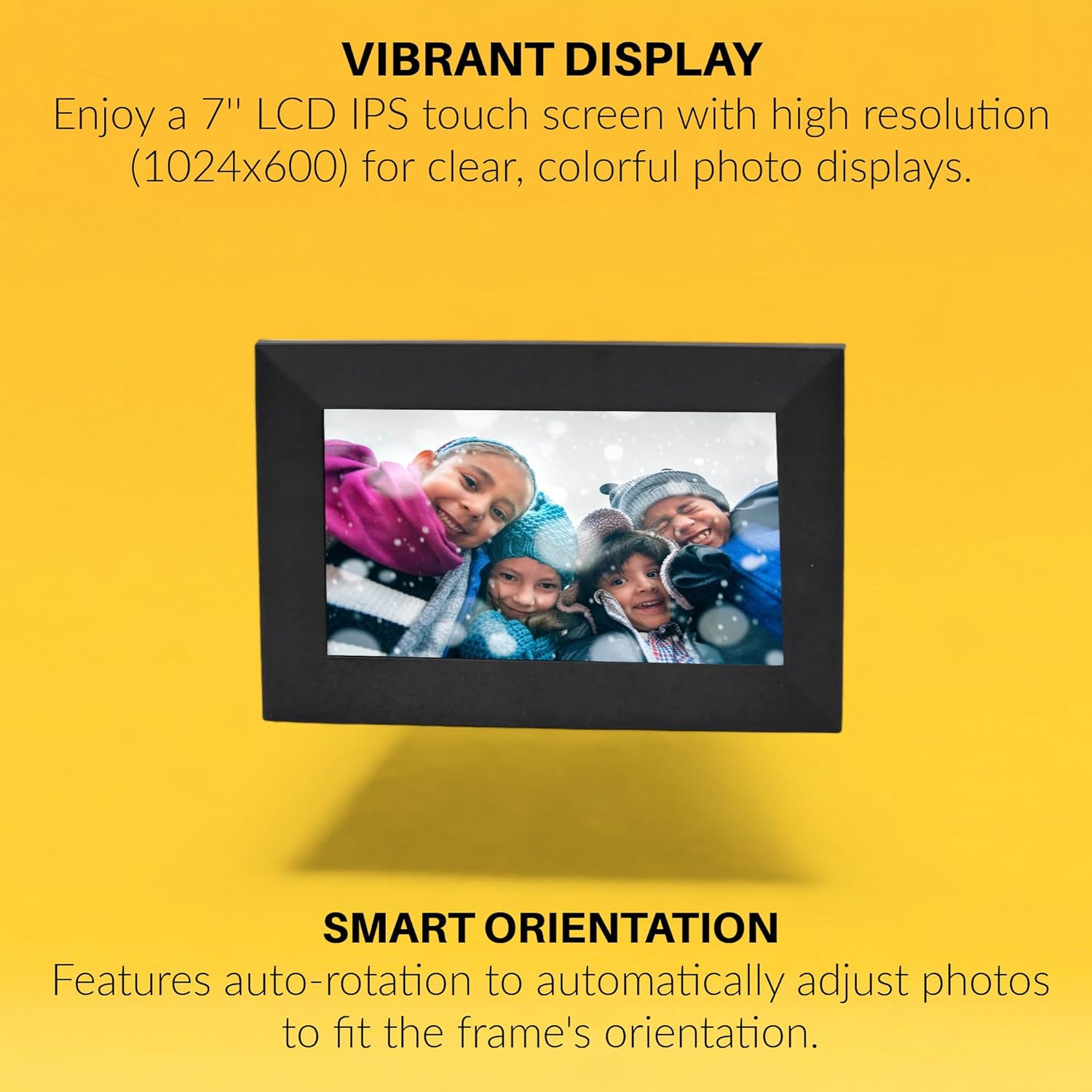
Image: The digital picture frame displays a vibrant image, with text emphasizing its high-resolution IPS display and smart auto-rotation feature.

Image: Visual icons depict the frame's capabilities: remote photo sending, connecting with friends and family, global access, and intuitive touchscreen operation.
6. ዝርዝሮች
| ባህሪ | ዋጋ |
|---|---|
| የምርት ስም | ኦኤንኤን |
| የሞዴል ቁጥር | 100096732 |
| የስክሪን መጠን | 7 ኢንች |
| የማሳያ ጥራት | 1024x600 (WXGA+) |
| የማሳያ ዓይነት | LCD IPS Touchscreen |
| ምጥጥነ ገጽታ | 16:9 (Product description states 16:9, specifications state 4:3. Using 16:9 from product description as it aligns with video content) |
| የውስጥ ማህደረ ትውስታ | 16 ጊባ |
| የማይክሮ ኤስዲ ካርድ ድጋፍ | እስከ 128GB |
| የግንኙነት ቴክኖሎጂ | ዋይ ፋይ |
| የኃይል ምንጭ | AC |
| የውስጥ ድምጽ ማጉያዎች | 2x |
| ቀለም | ጥቁር |
| ዩፒሲ | 657768649189 |

Image: The rear of the digital picture frame displays its various ports and the serial number አ2302486110001089, indicating connectivity options and device identification.
7. ጥገና
- ማጽዳት፡ ስክሪኑንና ክፈፉን ለማጽዳት ለስላሳና ደረቅ ጨርቅ ይጠቀሙ። ሻካራ ማጽጃዎችን ወይም ሟሟቶችን ያስወግዱ።
- የሶፍትዌር ማሻሻያ Ensure your frame's software is up to date for optimal performance and new features. Check for updates through the frame's settings menu.
- የማከማቻ አስተዳደር፡ በየጊዜው እንደገናview your stored photos and videos. Delete unwanted media to free up space, especially if using a Micro SD card.
8. መላ መፈለግ
- ፍሬም አይበራም፦ የኃይል አስማሚው ከክፈፉም ሆነ ከሚሰራው የኃይል መውጫ ጋር ደህንነቱ በተጠበቀ ሁኔታ መገናኘቱን ያረጋግጡ።
- የWi-Fi ግንኙነት ችግሮች፡- Verify your Wi-Fi password is correct. Try restarting your router and the digital picture frame. Ensure the frame is within range of your Wi-Fi network.
- የማይታዩ ፎቶዎች፡ Check if the Frameo app is correctly paired with your frame. Ensure photos/videos are successfully uploaded through the app. If using a Micro SD card, ensure it is properly inserted and formatted.
- የማያ ንክኪ ምላሽ የማይሰጥ፡ Restart the frame. If the issue persists, perform a factory reset (refer to the product guide for specific instructions).
9. ዋስትና እና ድጋፍ
This ONN 7-inch Wi-Fi Digital Picture Frame comes with a 90 ቀናት የተወሰነ ዋስትና. For technical support or warranty claims, please refer to the contact information provided in your product guide or visit the official ONN support webጣቢያ.