
1. ጠቃሚ የደህንነት መረጃ
Please read these safety instructions carefully before operating your TV and retain them for future reference. Always follow basic safety precautions to reduce the risk of fire, electric shock, and injury.
- ኃይል፡- Connect the TV to an AC power outlet only. Do not overload wall outlets. Ensure the power cord is not damaged or pinched.
- የአየር ማናፈሻ; Do not block ventilation openings. Install the TV in a location with adequate airflow.
- ማጽዳት፡ ከማጽዳትዎ በፊት ቴሌቪዥኑን ይንቀሉ. ለስላሳ እና ደረቅ ጨርቅ ይጠቀሙ. ፈሳሽ ማጽጃዎችን ወይም የአየር ማጽጃዎችን አይጠቀሙ.
- ውሃ እና እርጥበት; ቴሌቪዥኑን ለዝናብ እና ለእርጥበት አያጋልጡት። በፈሳሽ የተሞሉ ነገሮችን በቴሌቪዥኑ ላይ አታስቀምጡ።
- መረጋጋት፡ Ensure the TV is placed on a stable surface or securely mounted to prevent it from falling.
2. ምን ይካተታል
ሁሉም ክፍሎች በማሸጊያው ውስጥ መኖራቸውን ያረጋግጡ፡-
- LG 55QNED85T 55-inch 4K QNED Smart TV
- Base (Stand)
- ሊነጣጠል የሚችል የኃይል ገመድ
- Magic Remote (MR 24Y)
- AA ባትሪዎች x 2
3. ማዋቀር
3.1 ማሸግ
Carefully remove the TV and all accessories from the packaging. It is recommended to keep the packaging materials for future transport or service needs.
3.2 የቆመ መጫኛ
የቲቪ መቆሚያውን ለመጫን፡-
- የስክሪኑ ጉዳት እንዳይደርስ ለመከላከል የቴሌቪዥኑን ፊት ለስላሳ እና ጠፍጣፋ መሬት ላይ ያድርጉት።
- የቆመውን ክፍሎች በቴሌቪዥኑ ግርጌ ላይ ካሉት ተጓዳኝ ማስገቢያዎች ጋር ያስተካክሉ።
- የተቀመጡትን ብሎኖች በመጠቀም መቆሚያውን ያስጠብቁ። ሁሉም ዊቶች በጥብቅ መያዛቸውን ያረጋግጡ።

ፊት ለፊት view of the LG 55QNED85T 55-inch 4K QNED Smart TV with its stand installed.

ጎን view of the LG 55QNED85T 55-inch 4K QNED Smart TV showing its slim profile እና ቁም.
3.3 ግድግዳ መትከል (አማራጭ)
If you choose to wall mount your TV, refer to the instructions provided with your wall mount bracket. Ensure the bracket is compatible with VESA standards for your TV model and installed by a qualified professional.
3.4 ማገናኛ ፔሪፈራል
Connect external devices such as set-top boxes, gaming consoles, or sound systems to the TV's ports. The TV features HDMI, USB, Ethernet, Bluetooth, and Wi-Fi connectivity.

የኋላ view of the LG 55QNED85T 55-inch 4K QNED Smart TV showing various input and output ports.
3.5 የኃይል ግንኙነት
After connecting all desired devices, plug the detachable power cable into the TV's power input and then into a wall outlet.
3.6 የመጀመሪያ ማዋቀር
Upon first power-on, the TV will guide you through the initial setup process. This includes selecting your language, connecting to a network (Wi-Fi or Ethernet), and scanning for channels.
4. ቴሌቪዥንዎን ሥራ ላይ ማዋል
4.1 Magic Remote (MR 24Y)
The LG Magic Remote allows for intuitive control of your TV. It functions like an air mouse, allowing you to point and click. It also features a dedicated AI button for smart functions.

The LG AI Magic Remote offers dedicated buttons and features for AI functions, including AI Chatbot, AI Concierge, AI Search, AI Picture Wizard, AI Voice ID, and AI Sound Wizard.
4.2 Webየስርዓተ ክወና 24 ስማርት ባህሪያት
የእርስዎ LG QNED ቲቪ በርቷል webስርዓተ ክወና 24፣ ብልጥ እና ለተጠቃሚ ምቹ የሆነ በይነገጽ ያቀርባል። ቁልፍ ባህሪያት የሚከተሉትን ያካትታሉ፡
- LG ThinQ AI፡ Integrated artificial intelligence for enhanced control and personalization.
- የአማዞን አሌክሳ አብሮ የተሰራ፦ Use voice commands for various TV functions and smart home control.
- ብልህ የድምፅ ማወቂያ፡- Control your TV and search for content using your voice.
- App Remote Control (LG ThinQ): Control your TV from your smartphone using the LG ThinQ app.
- AI Concierge: Provides personalized keyword suggestions and recommendations based on your viewታሪክን ማስገባት

The AI Concierge feature provides personalized keyword suggestions and recommendations based on your search and viewታሪክን ማስገባት
- AI ፍለጋ፡ Offers personalized recommendations for your queries and additional solutions with Microsoft Copilot.

AI Search provides personalized recommendations for your queries and can integrate with Microsoft Copilot for additional solutions.
- የ AI የድምፅ መለያ፡ Recognizes each user's vocal signature and offers personalized recommendations as you speak.

AI Voice ID recognizes individual user voices to provide personalized content recommendations.
4.3 የምስል ቅንብሮች
Your QNED TV combines Quantum Dot and NanoCell technologies for vibrant and accurate colors. The α8 AI Processor Gen 2 optimizes picture quality.
- QNED Dynamic Colors: LG's wide color gamut technology provides enhanced color reproduction.
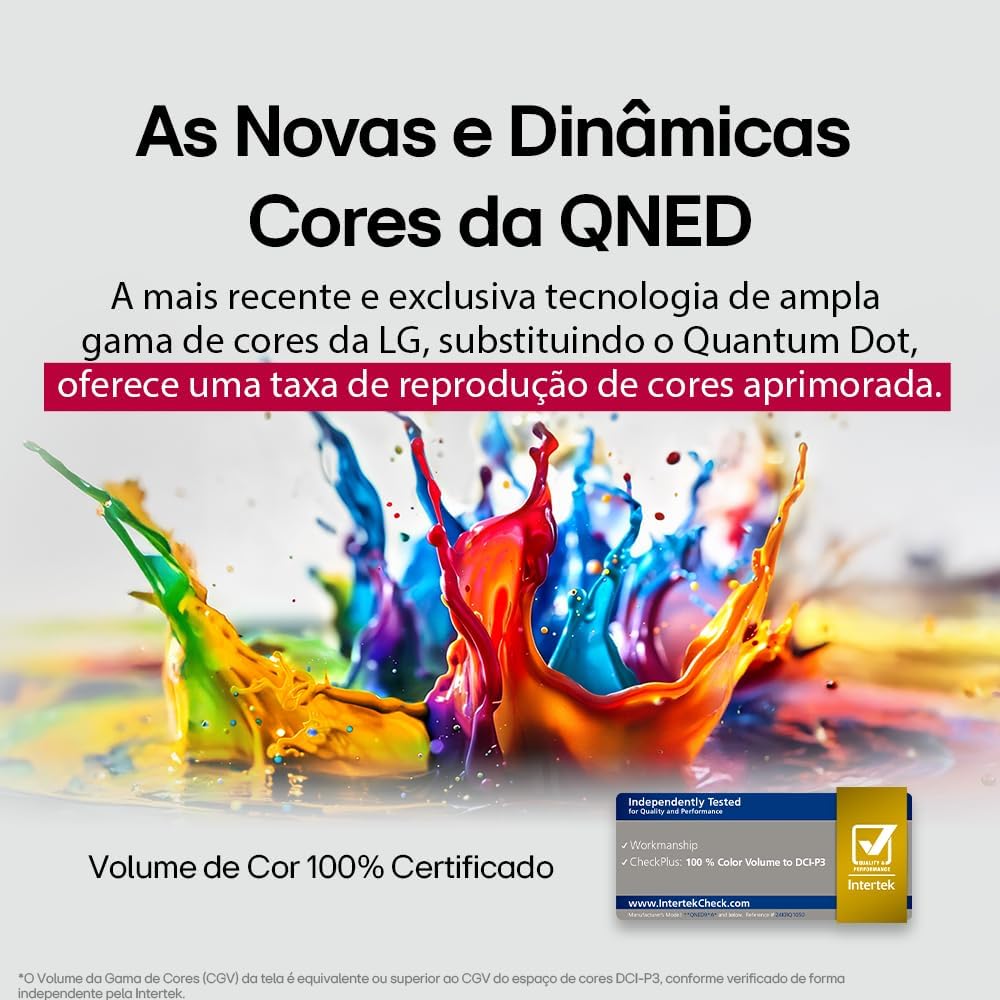
LG's QNED technology delivers new and dynamic colors, offering an improved color reproduction rate with 100% Certified Color Volume to DCI-P3.
- MiniLED: This technology enhances sharpness and provides superior contrast for an immersive viewልምድ.
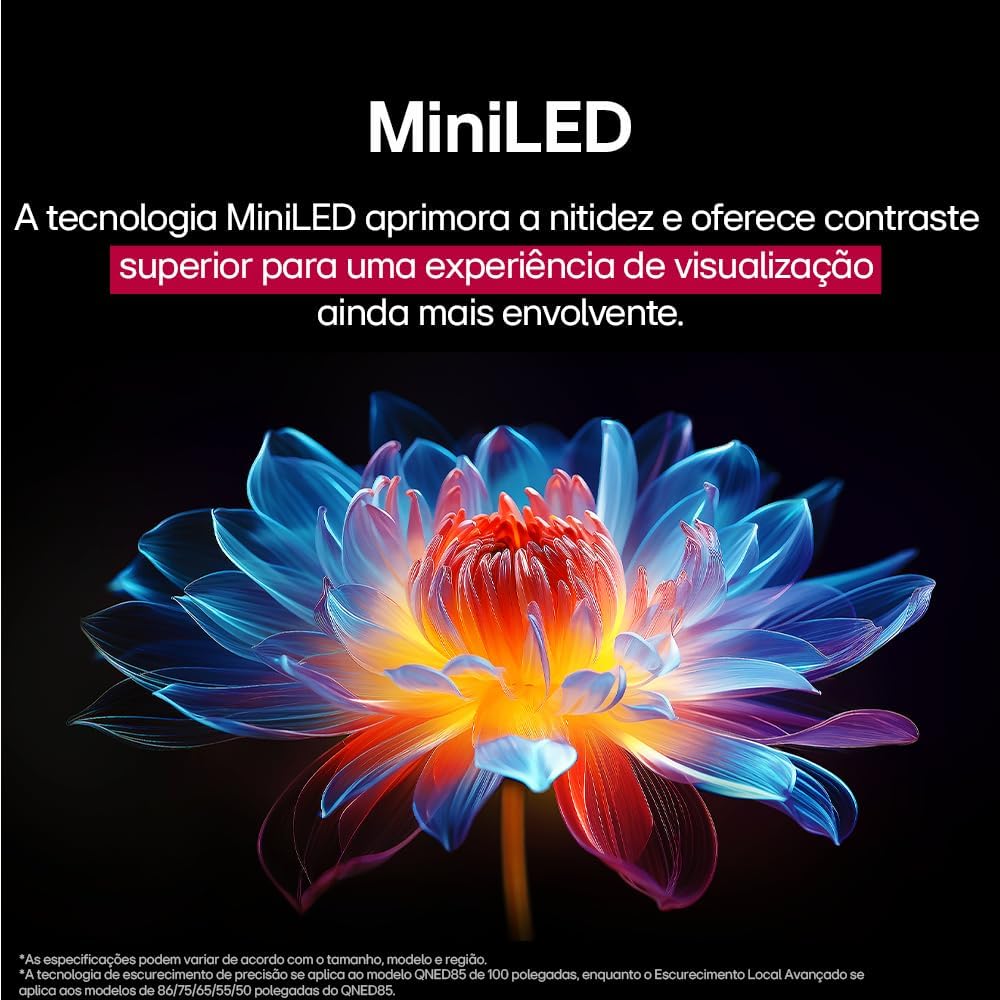
MiniLED technology improves sharpness and offers superior contrast for an immersive viewልምድ.
- α8 AI Processor Gen 2: This processor enhances 4K visuals with impressive colors and brightness.
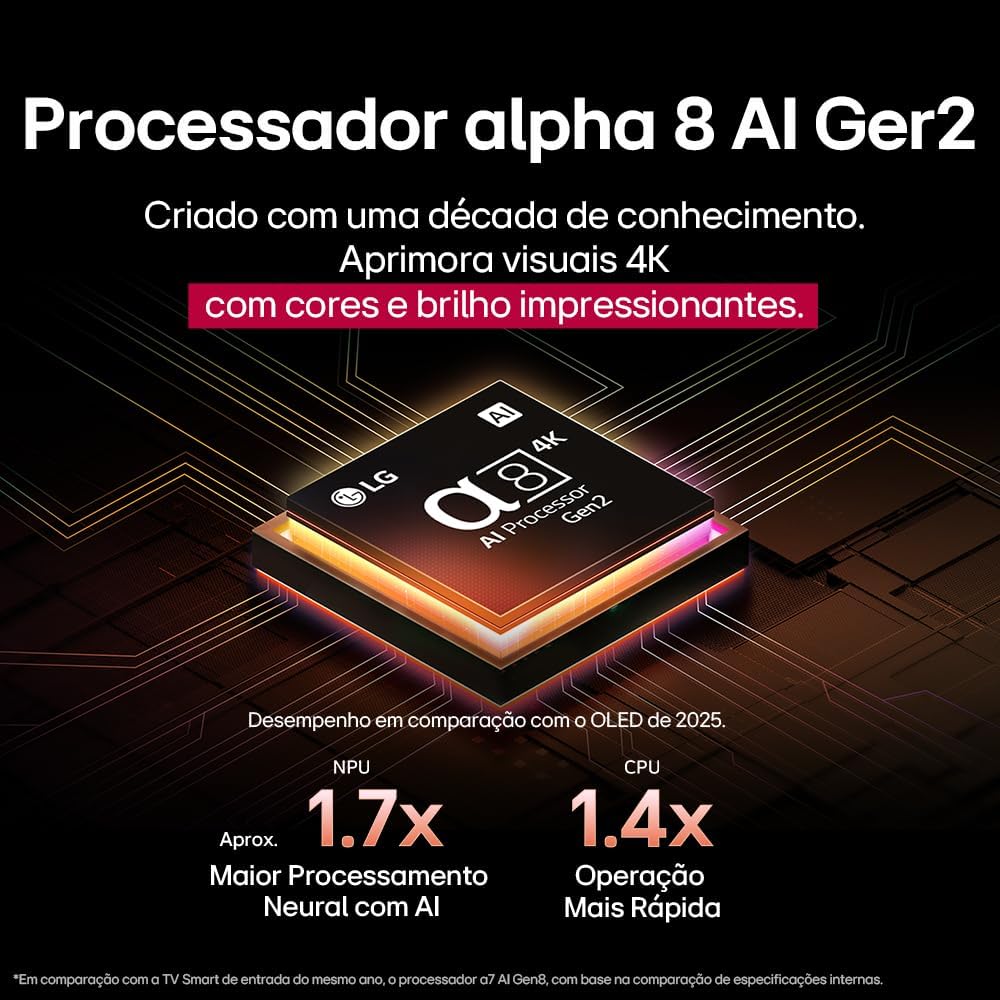
The Alpha 8 AI Processor Gen 2 enhances 4K visuals with impressive colors and brightness, offering approximately 1.7x greater neural processing with AI and 1.4x faster operation compared to previous generations.
- AI Picture Pro: Analyzes each frame, enhancing resolution, brightness, depth, and clarity to bring every scene to life.

AI Picture Pro analyzes each frame, enhancing resolution, brightness, depth, and clarity to bring every scene to life.
4.4 የድምጽ ቅንብሮች
The TV includes AI Sound Wizard features to optimize audio output based on your environment and content.
4.5 ግንኙነት
ቴሌቪዥንዎ የተለያዩ የግንኙነት አማራጮችን ይደግፋል፦
- ዋይ ፋይ፡ የኢንተርኔት መዳረሻ እና ስማርት ባህሪያትን ለማግኘት ከቤትዎ ገመድ አልባ አውታረ መረብ ጋር ይገናኙ።
- ኢተርኔት፡ የተረጋጋ የኢንተርኔት መዳረሻ ለማግኘት ባለገመድ ግንኙነት ይጠቀሙ።
- ኤችዲኤምአይ: እንደ ብሉ-ሬይ ማጫወቻዎች፣ የጨዋታ ኮንሶሎች እና የድምፅ አሞሌዎች ያሉ ከፍተኛ ጥራት ያላቸውን መሳሪያዎች ያገናኙ።
- ዩኤስቢ፡ ሚዲያ አጫውት files ከዩኤስቢ ማከማቻ መሳሪያዎች.
- ብሉቱዝ፡ Connect wireless headphones, speakers, or other compatible devices.
4.6 የጨዋታ ባህሪያት
The LG 55QNED85T is equipped with features for an enhanced gaming experience:
- 120Hz Panel: Provides smoother motion for fast-paced games.
- FreeSync፡ Reduces screen tearing and stuttering when connected to compatible gaming devices.
5. ጥገና
5.1 ጽዳት
- ስክሪን፡ ስክሪኑን በቀስታ ለስላሳ እና ከተሸፈነ ጨርቅ ይጥረጉ። ለግትር ምልክቶች፣ በትንሹ መampጨርቁን በውሃ ወይም በልዩ ማያ ገጽ ማጽጃ (በቀጥታ በስክሪኑ ላይ አይረጩ)።
- ፍሬም እና መቆሚያ; ለስላሳ እና ደረቅ ጨርቅ ይጥረጉ.
- የርቀት መቆጣጠሪያ፡- Use a soft, dry cloth to clean the remote.
5.2 የሶፍትዌር ዝመናዎች
Your TV may receive software updates to improve performance and add new features. You can usually check for and install updates through the TV's settings menu (Settings > General > About This TV > Check for Updates).
6. መላ መፈለግ
በቲቪዎ ላይ ችግሮች ካጋጠሙዎት የሚከተሉትን የተለመዱ መፍትሄዎች ይመልከቱ፡
| ችግር | ሊሆን የሚችል መፍትሄ |
|---|---|
| ኃይል የለም | የኃይል ገመዱ ከቴሌቪዥኑ እና ከግድግዳው መውጫ ጋር ደህንነቱ በተጠበቀ ሁኔታ መገናኘቱን ያረጋግጡ። መውጫው የሚሰራ መሆኑን ያረጋግጡ። |
| ምንም ስዕል የለም፣ ግን ድምጽ አሁን አለ። | Check the input source. Ensure external devices are powered on and connected correctly via HDMI. |
| ምንም ድምፅ የለም፣ ግን ሥዕል አሁን አለ። | የድምጽ መጠኑን ያረጋግጡ እና ድምጸ-ከል ሁኔታውን ያረጋግጡ። የድምጽ ውፅዓት ቅንብሮችን ያረጋግጡ (ለምሳሌ፣ የውስጥ ድምጽ ማጉያዎች፣ ውጫዊ የድምጽ አሞሌ)። |
| የርቀት መቆጣጠሪያ አይሰራም | ባትሪዎቹን ይተኩ። በርቀት መቆጣጠሪያው እና በቴሌቪዥኑ መካከል ምንም እንቅፋት አለመኖሩን ያረጋግጡ። አስፈላጊ ከሆነ ማጂክ ሪሞትን እንደገና ያጣምሩ። |
| የአውታረ መረብ ግንኙነት ጉዳዮች | ራውተርዎን እና ሞደምዎን እንደገና ያስጀምሩ። የWi-Fi የይለፍ ቃልን ያረጋግጡ። ከተቻለ ባለገመድ የኢተርኔት ግንኙነት ይሞክሩ። |
| የምስል ጥራት ጉዳዮች | የምስል ቅንብሮችን ያስተካክሉ (ብሩህነት ፣ ንፅፅር ፣ ጥርት)። የግቤት ምንጭ ከፍተኛ ጥራት ያለው ምልክት እያቀረበ መሆኑን ያረጋግጡ። |
ችግሩ ከቀጠለ የፋብሪካ ዳግም ማስጀመር (የቴሌቪዥኑን መቼት ሜኑ ይመልከቱ) ወይም የ LG ደንበኛ ድጋፍን ለማግኘት ይሞክሩ።
7. ዝርዝሮች
Detailed specifications for the LG 55QNED85T 55-inch 4K QNED Smart TV:
| ባህሪ | ዝርዝር መግለጫ |
|---|---|
| የስክሪን መጠን | 55 ኢንች |
| የምርት ስም | LG |
| የማሳያ ቴክኖሎጂ | LED (QNED, MiniLED) |
| ጥራት | 4ኬ (3840 x 2160) |
| የማደስ ደረጃ | 120 Hz |
| ልዩ ባህሪያት | QNED Dynamic Colors, MiniLED, α8 AI Processor Gen 2 |
| የግንኙነት ቴክኖሎጂ | ብሉቱዝ፣ ኢተርኔት፣ HDMI፣ USB፣ Wi-Fi |
| ምጥጥነ ገጽታ | 16፡9 |
| የምርት ልኬቶች (DxWxH) | 25.7D x 123.6W x 78.3H centimeters (with stand) |

Dimensions of the LG 55QNED85T 55-inch TV. Indicated values and actual measurements may differ.
8. ዋስትና እና ድጋፍ
Your LG 55QNED85T Smart TV comes with a manufacturer's warranty. Please refer to the warranty card included in your product packaging for specific terms and conditions.
For technical support, service, or warranty claims, please contact LG customer service through their official webጣቢያ ወይም በእርስዎ የዋስትና ሰነድ ውስጥ የቀረበው የእውቂያ መረጃ።