
መግቢያ
This manual provides essential instructions for setting up, operating, maintaining, and troubleshooting your C idea CM776 Tablet. Please read this manual thoroughly before using your device to ensure proper function and longevity.

Image: The C idea CM776 Tablet, featuring a vibrant display and icons representing its core specifications.
ማዋቀር
1. ጡባዊውን መሙላት
Before first use, fully charge the tablet using the provided USB cable and power adapter. The battery indicator on the screen will show charging status.
2. ማብራት / ማጥፋት
- ለማብራት፡- ማያ ገጹ እስኪበራ ድረስ የኃይል አዝራሩን ተጭነው ይያዙ ፡፡
- ለማጥፋት፡- የኃይል አዝራሩን ተጭነው ይያዙ እና ከዚያ በማያ ገጹ ላይ ካሉት አማራጮች ውስጥ "Power off" የሚለውን ይምረጡ።
- ዳግም ለመጀመር፡- የኃይል አዝራሩን ተጭነው ይያዙት፣ ከዚያም በማያ ገጹ ላይ ካሉት አማራጮች ውስጥ "ዳግም አስጀምር" የሚለውን ይምረጡ።
3. የመጀመሪያ ደረጃ ማዋቀር
በመጀመሪያ ሲበራ፣ የማያ ገጽ ላይ ጥያቄዎችን ይከተሉ፡-
- የሚመርጡትን ቋንቋ ይምረጡ።
- ከWi-Fi አውታረ መረብ ጋር ይገናኙ።
- በጉግል መለያዎ ይግቡ ወይም አዲስ ይፍጠሩ።
- Set up screen lock and other security features.
4. የጆሮ ማዳመጫዎችን ማገናኘት
Connect standard 3.5mm headphones to the audio jack for private listening.
በመስራት ላይ
1. መሰረታዊ ዳሰሳ
The tablet uses a touch-sensitive screen. Use the following gestures:
- መታ ያድርጉ፡ አንድ ንጥል ለመምረጥ ወይም መተግበሪያ ለመክፈት።
- ያንሸራትቱ በገጾች ወይም ዝርዝሮች ውስጥ ለማሸብለል።
- መቆንጠጥ ምስሎችን ለማጉላት ወይም ለማሳነስ እና web ገጾች.
- ሎንግ ፕሬስ የአውድ ምናሌዎችን ለመድረስ ወይም የመተግበሪያ አዶዎችን ለማንቀሳቀስ።
2. የ Wi-Fi ግንኙነት
ከWi-Fi ጋር ለመገናኘት፡-
- ወደ ሂድ ቅንብሮች > አውታረ መረብ እና በይነመረብ > ዋይ ፋይ.
- Wi-Fiን ያብሩ።
- ከዝርዝሩ ውስጥ የሚፈልጉትን አውታረ መረብ ይምረጡ እና አስፈላጊ ከሆነ የይለፍ ቃሉን ያስገቡ።
3. Parental Control Mode
The tablet features a Parental Control Mode to manage content, limit screen time, and restrict app access for children. This mode helps create a safe digital environment.

Image: The tablet demonstrating its Parental Control Mode features, ensuring a safe experience for young users.
4. የሚዲያ መልሶ ማጫወት
The tablet supports various media formats for videos and music. You can stream content or play fileበመሳሪያው ላይ የተከማቸ.

ምስል፡ የጡባዊው ማሳያasing its ability to play videos and display a range of entertainment content.
5. Educational and Learning Features
The tablet is designed to support learning through play, offering access to educational applications and content.
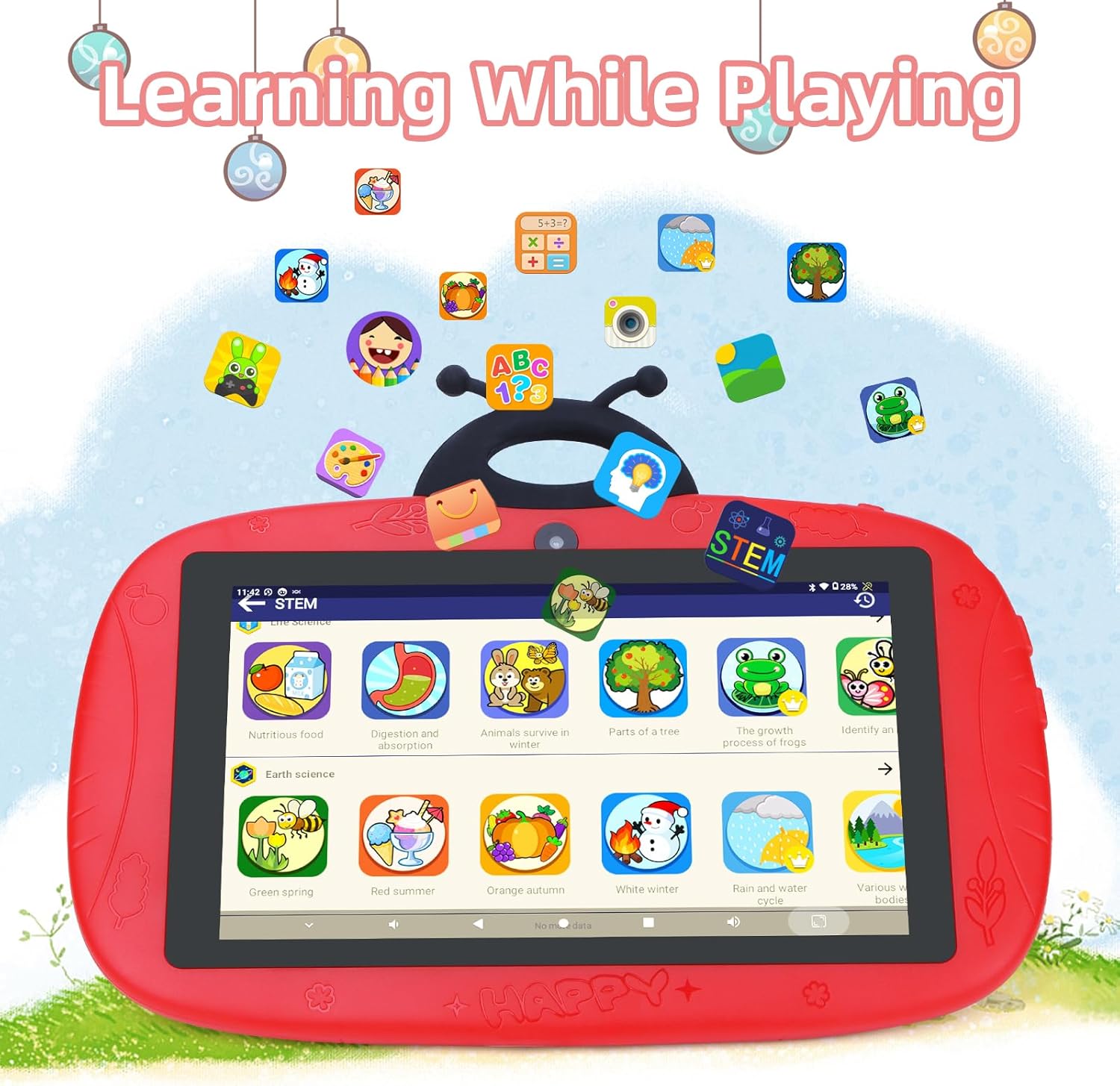
Image: The tablet interface showing educational applications, promoting learning through interactive content.
6. ካሜራዎችን መጠቀም
The tablet is equipped with dual cameras (2MP front, 5MP rear) for capturing photos and videos.
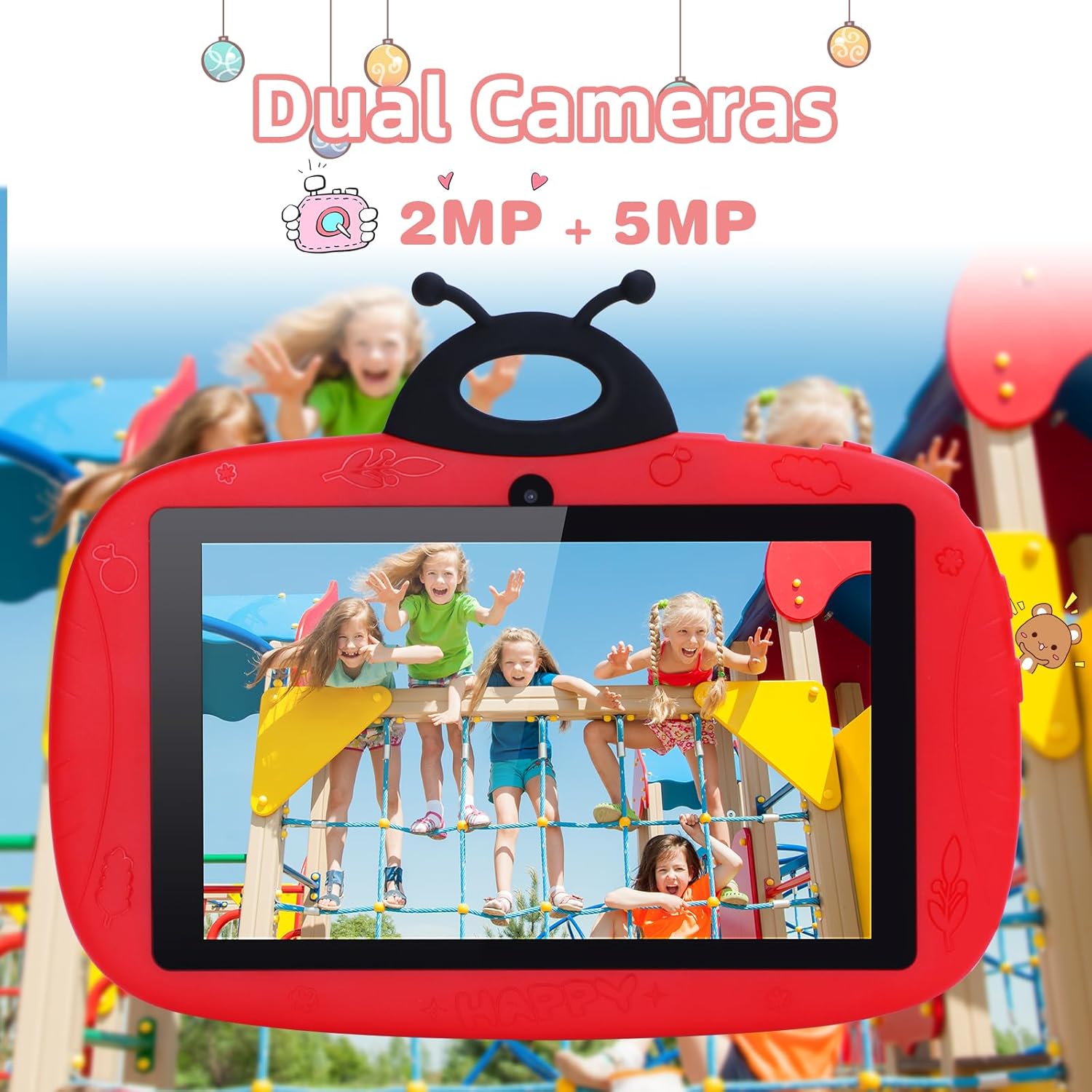
Image: The tablet's camera functionality demonstrated by a picture of children, highlighting its dual camera setup.
ጥገና
1. ጡባዊውን ማጽዳት
የጡባዊውን ስክሪን እና አካል ለማፅዳት ለስላሳ፣ ከተሸፈነ ጨርቅ ነጻ የሆነ ጨርቅ ይጠቀሙ። ኃይለኛ ኬሚካሎችን ወይም ሻካራ ቁሳቁሶችን ከመጠቀም ይቆጠቡ.
2. የባትሪ እንክብካቤ
- ከፍተኛ የሙቀት መጠንን ያስወግዱ.
- ባትሪው በተደጋጋሚ እንዲወጣ አትፍቀድ።
- ዋናውን ቻርጀር ወይም የተረጋገጠ ተኳሃኝ ባትሪ መሙያ ብቻ ይጠቀሙ።
3. የሶፍትዌር ዝመናዎች
ጥሩ አፈጻጸም እና ደህንነትን ለማረጋገጥ የሶፍትዌር ማሻሻያዎችን በመደበኛነት ያረጋግጡ እና ይጫኑ። ወደ ሂድ ቅንብሮች > ስርዓት > የስርዓት ዝመና.
4. የማከማቻ አስተዳደር
የማከማቻ ቦታ ለማስለቀቅ፣ አላስፈላጊውን በመደበኛነት ሰርዝ files, uninstall unused apps, and clear app caches. You can check storage usage in ቅንብሮች > ማከማቻ.
መላ መፈለግ
ጡባዊው እየበራ አይደለም
- ባትሪው መሙላቱን ያረጋግጡ። ባትሪ መሙያውን ያገናኙ እና ለማብራት ከመሞከርዎ በፊት ጥቂት ደቂቃዎችን ይጠብቁ.
- Try holding the Power button for 10-15 seconds to force a restart.
የWi-Fi ግንኙነት ጉዳዮች
- Check if Wi-Fi is enabled in Settings.
- የእርስዎን Wi-Fi ራውተር እና ጡባዊውን እንደገና ያስጀምሩ።
- አውታረ መረቡን እርሳው እና የይለፍ ቃሉን እንደገና በማስገባት እንደገና ማገናኘት።
Slow Performance / Apps Crashing
- ጥቅም ላይ ያልዋሉ የጀርባ መተግበሪያዎችን ዝጋ።
- የመተግበሪያ መሸጎጫዎችን አጽዳ (ቅንብሮች > መተግበሪያዎች > መተግበሪያን ይምረጡ > ማከማቻ እና መሸጎጫ > መሸጎጫ አጽዳ).
- በቂ ነፃ የማከማቻ ቦታ ያረጋግጡ።
- ጡባዊውን እንደገና ያስጀምሩ.
የፋብሪካ ዳግም ማስጀመር (የመጨረሻው ሪዞርት)
If issues persist, a factory reset can resolve many software problems. ማስጠንቀቂያ፡ ይህ በጡባዊዎ ላይ ያለውን ሁሉንም ውሂብ ይሰርዛል። ከመቀጠልዎ በፊት አስፈላጊ ውሂብን ያስቀምጡ።
- ወደ ሂድ ቅንብሮች > ስርዓት > አማራጮችን ዳግም አስጀምር.
- ይምረጡ ሁሉንም ውሂብ አጥፋ (የፋብሪካ ዳግም ማስጀመር).
- ምርጫዎን ያረጋግጡ።
ዝርዝሮች
| ባህሪ | ዝርዝር |
|---|---|
| የምርት ስም | ሐ ሀሳብ |
| የሞዴል ስም | CM776 |
| ስርዓተ ክወና | አንድሮይድ |
| የስክሪን መጠን | 7 ኢንች |
| ከፍተኛው የማሳያ ጥራት | 600x1024 ፒክስል |
| የ RAM መጠን | 4 ጊባ |
| የማከማቻ አቅም | 32 ጊባ |
| ግንኙነት | ዋይ ፋይ |
| ጠቅላላ የዩኤስቢ ወደቦች | 1 |
| ተስማሚ መሣሪያዎች | የጆሮ ማዳመጫዎች |
| የባትሪ ቅንብር | ሊቲየም-ፖሊመር |
| የሃርድዌር በይነገጽ | 3.5 ሚሜ ኦዲዮ |
| ሞዴል ዓመት | 2024 |
የዋስትና መረጃ
The C idea CM776 Tablet comes with a የ 1 ዓመት የአምራች ዋስትና from the date of purchase. This warranty covers defects in materials and workmanship under normal use. It does not cover damage caused by misuse, accidents, unauthorized modifications, or external causes.
ለዋስትና ጥያቄዎች እባክዎ የግዢ ማረጋገጫዎን ያቆዩ።
ድጋፍ
For further assistance, technical support, or warranty claims, please contact C idea customer service. Refer to the packaging or the official C idea webየእውቂያ ዝርዝሮች ጣቢያ።
When contacting support, please have your tablet's model number (CM776) and proof of purchase readily available.