
መግቢያ
The Talkpod A36SE is a versatile GMRS handheld radio designed for reliable communication. It features multi-band reception, NOAA weather alerts, and a durable design suitable for various outdoor and professional environments. This manual provides detailed instructions for the proper setup, operation, and maintenance of your A36SE radio.
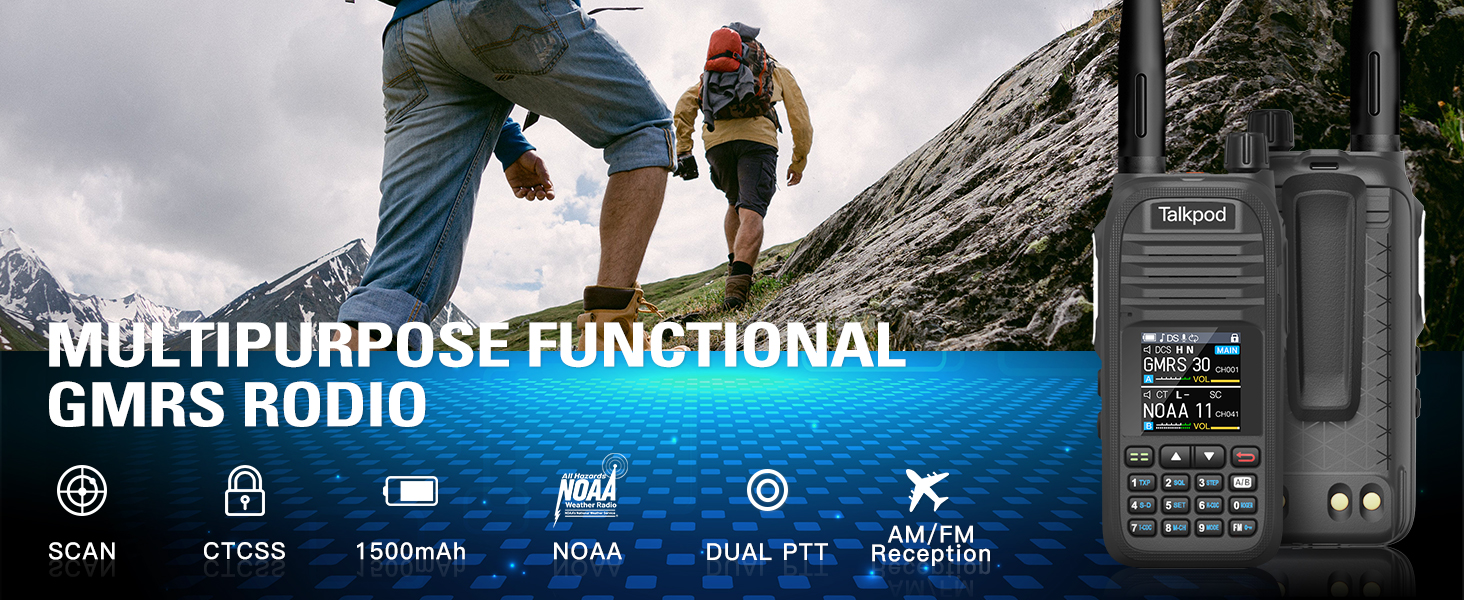
ምስል፡ አልቋልview of the Talkpod A36SE's exceptional performance features.
ማዋቀር
የተካተቱ አካላት
ሁሉም የሚከተሉት ንጥሎች በጥቅልዎ ውስጥ መካተታቸውን ያረጋግጡ፡-
- 1 x Talkpod A36SE GMRS Radio Handheld
- 1 x 1500mAh አይነት-ሲ ባትሪ
- 1 x 805 Short Antenna
- 1 x 15.12 ኢንች 771 AM አንቴና (120/300MHz)
- 1 x የጆሮ ማዳመጫ
- 1 x Desk Charger
- 1 x USB-C Charger & Cable
- 1 x K-Port Cable
- 1 x ተመለስ ክሊፕ
- 1 x የተጠቃሚ መመሪያ
- 1 x Lanyard
ምርት አልቋልview

Image: Detailed diagram of the Talkpod A36SE radio with all components labeled and dimensions.
የባትሪ ጭነት እና ኃይል መሙላት
To install the battery, align the battery pack with the compartment on the back of the radio and slide it into place until it clicks. To remove, press the release latch and slide the battery out.

Image: The 1500mAh Type-C rechargeable battery.
The A36SE radio can be charged using the included desk charger or directly via a USB-C cable. Ensure the radio is powered off during charging for optimal battery life.

Image: Multiple charging options for the Talkpod A36SE, including desk charger and USB-C direct charging.
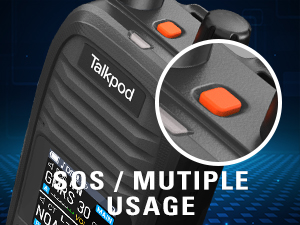
Image: Detail of the Type-C charging port on the Talkpod A36SE.
አንቴና አባሪ
Screw the desired antenna clockwise onto the antenna connector on top of the radio until it is finger-tight. Do not overtighten.

Image: The 771 long antenna for extended range and the 805 short antenna for compact use.
The A36SE includes both a 771 long antenna for extended range communication and an 805 short antenna for situations where a compact size is preferred, such as indoor use or when ultra-long-distance communication is not required.
የአሠራር መመሪያዎች
መሰረታዊ ቁጥጥሮች
- የኃይል/የድምጽ ማዞሪያ፡- ራዲዮውን ለማብራት/ለማጥፋት አሽከርክር እና ድምጹን ለማስተካከል።
- PTT (ለመናገር ግፋ) አዝራር፡- ለማስተላለፍ ተጭነው ይያዙ፣ ለመቀበል ይልቀቁ።
- የኤስኦኤስ ቁልፍ፡- Press for emergency alert functions.
- የጎን አዝራሮች (1 እና 2): Customizable functions, refer to the programming section.
- የቁልፍ ሰሌዳ Used for frequency input, menu navigation, and feature activation.
- Menu/Confirm Key: Accesses the menu and confirms selections.
- ወደ ላይ/ታች ቁልፎች፡- Navigate through menu options and channels.
Channel and Frequency Management
The A36SE supports 512 channels. It operates on GMRS frequencies (Tx: 462/467MHz) and has a wide receive range (Rx: 136-520MHz).
Entering Your Favorite Channel
- Press and hold the Menu button to switch to VFO mode.
- Enter the desired channel number on the keypad. The channel will be displayed on the screen.
- Briefly press the Menu button and use the "Up" key to navigate to menu option 09.
- Press the "Up" key to find the channel (e.g., CH-011) and then press the Menu button to save.

Image: Step-by-step guide for entering and saving a favorite channel.
Clearing Memory Channels
- Press the Menu button briefly and press the Up button to go to menu option 20.
- Press the Up button to find the channel you want to delete.
- Press the Menu Key to save the deletion.

Image: Step-by-step guide for clearing memory channels.
የላቁ ባህሪያት
- ባለብዙ ባንድ አቀባበል፡ Enjoy AM/FM radio reception, NOAA Weather alerts, and Air Band receiving capabilities.
- DTMF Lock & Roger Beep: Enhance communication control and signal confirmation.
- ሸርተቴ Provides basic voice privacy.
- VOX (በድምጽ የሚሰራ ልውውጥ)፡- እጅ-ነጻ ስርጭትን ይፈቅዳል።
- Repeater Function: Extends communication range through repeaters.
- ቃኝ፡ በራስ-ሰር በቻናሎች ወይም በድግግሞሾች በኩል ይቃኛል።

Image: The Talkpod A36SE supports Aviation Band receiving.
Single-Key Frequency Matching (Crack Frequency)
This feature allows you to quickly capture and match frequencies during transmission.
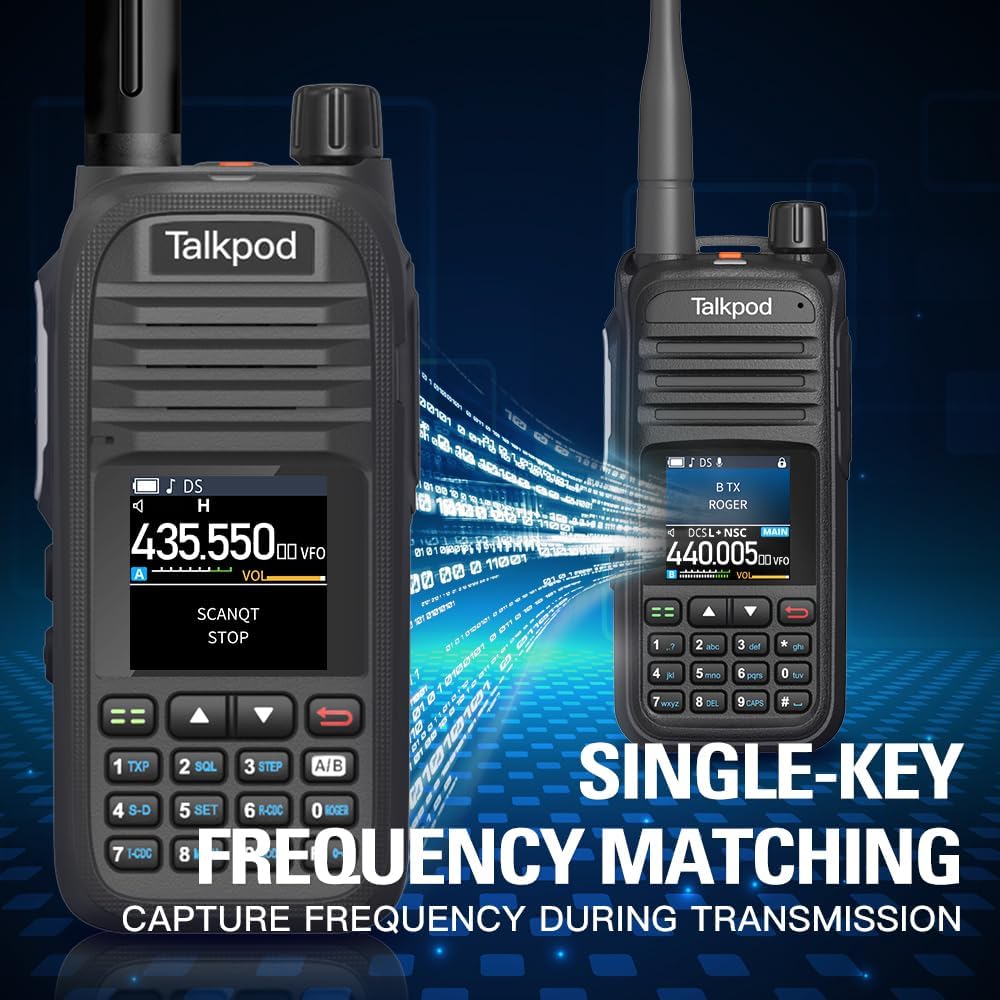
Image: Single-Key Frequency Matching for quick frequency capture.
የክትትል ሁነታ
To monitor other radios, press and hold Side Key 3 to enter Monitor mode, which instantly opens the squelch.

Image: Using Monitor mode to listen to other radios.
የሬዲዮ ፕሮግራም ማዘጋጀት
The A36SE can be programmed using a K-Port Cable with CHIRP software or Talkpod's dedicated programming software. This allows for advanced customization of channels, frequencies, and features.
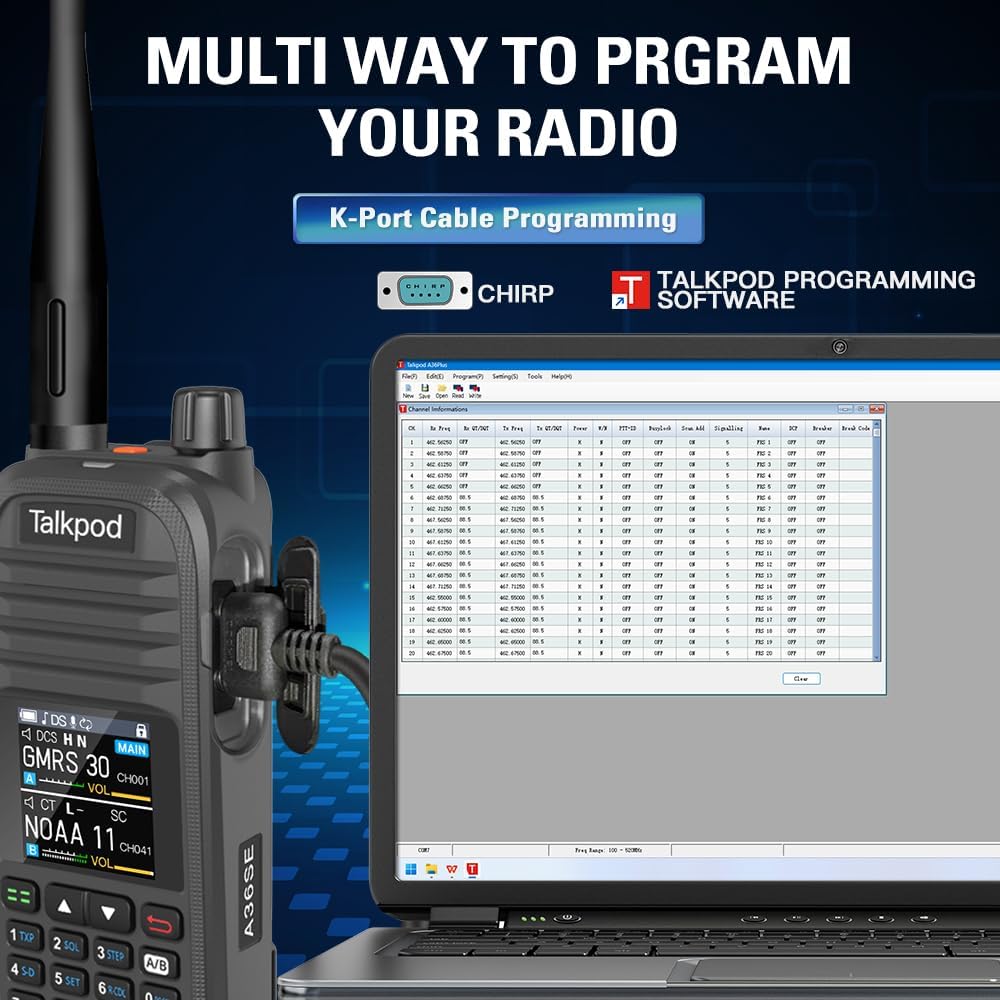
Image: Programming the Talkpod A36SE using a K-Port cable and CHIRP software.
የምርት ቪዲዮ አልፏልview
Video: An official product video demonstrating various features and uses of the Talkpod A36SE GMRS Handheld Radio.
ጥገና
የባትሪ እንክብካቤ
- መጀመሪያ ከመጠቀምዎ በፊት ባትሪውን ሙሉ በሙሉ ኃይል ይሙሉ ፡፡
- የባትሪውን ዕድሜ ለማራዘም ከመጠን በላይ መሙላት ወይም ሙሉ በሙሉ ማፍሰስን ያስወግዱ።
- ለረጅም ጊዜ ጥቅም ላይ በማይውልበት ጊዜ ባትሪውን በቀዝቃዛና ደረቅ ቦታ ያከማቹ።
ጽዳት እና ማከማቻ
- የራዲዮውን ውጫዊ ክፍል ለስላሳ፣ መamp ጨርቅ. ኃይለኛ ኬሚካሎችን ወይም ፈሳሾችን አይጠቀሙ.
- መለዋወጫዎችን ከመሙላት ወይም ከማገናኘትዎ በፊት ሁሉም ወደቦች ደረቅ መሆናቸውን ያረጋግጡ።
- ሬዲዮውን ደረቅ በሆነ አካባቢ፣ ከከፍተኛ የሙቀት መጠን እና ከፀሐይ ብርሃን ርቆ ያስቀምጡ።
መላ መፈለግ
If you encounter issues with your Talkpod A36SE radio, consider the following basic troubleshooting steps:
- ኃይል የለም፡ Ensure the battery is properly installed and charged. Check the power/volume knob.
- ማስተላለፍ/መቀበል አይቻልም፡- Verify the antenna is securely attached. Check the selected channel/frequency. Ensure you are within range of other radios or repeaters.
- ደካማ የድምጽ ጥራት፡ Adjust the volume. Check the antenna connection. Ensure there is no interference.
- የፕሮግራም አወጣጥ ጉዳዮች፡- Ensure the K-Port cable is correctly connected and the programming software is compatible and up-to-date.
For more complex issues, refer to the Customer Support section.
ዝርዝሮች
| ባህሪ | ዝርዝር መግለጫ |
|---|---|
| የሞዴል ቁጥር | አ36SE |
| የFCC መታወቂያ | 2ADQZGMRS1 (Part 15B and Part 95E) |
| የእቃው ክብደት | 1.28 ፓውንድ |
| የጥቅል ልኬቶች | 9.21 x 7.01 x 2.52 ኢንች |
| ባትሪዎች | 1 ሊቲየም አዮን ባትሪ ያስፈልጋል (ተካቷል) |
| የሰርጦች ብዛት | 512 |
| ልዩ ባህሪ | Dual Band, Multi-band Receiving (AM/FM, NOAA, Air Band) |
| የድግግሞሽ ክልል (Tx) | 462/467 ሜኸ |
| የድግግሞሽ ክልል (Rx) | 136-520 ሜኸ |
| ከፍተኛ የንግግር ክልል | 10 ማይል (ግምታዊ፣ እንደ መልከዓ ምድር ይለያያል) |
| የውሃ መቋቋም ደረጃ | የውሃ መቋቋም አይደለም |
| ተስማሚ መሣሪያዎች | Earpieces, Antennas, Devices supporting DTMF and Roger Beep features |
የዋስትና መረጃ
Talkpod products are manufactured to high-quality standards. This product comes with a standard manufacturer's warranty against defects in materials and workmanship. Please retain your proof of purchase for warranty claims. Specific warranty duration and terms may vary by region and retailer. For detailed warranty information, please contact Talkpod customer support.
የደንበኛ ድጋፍ
Should you encounter any problems while using your Talkpod A36SE two-way radio, our professional technical team is available to provide assistance. Please do not hesitate to contact us for a satisfactory solution.
የእውቂያ መረጃ፡-
- Via Amazon messaging system (if purchased through Amazon)
- Via email (refer to product packaging or official Talkpod website for email address)


