
Sameo ML/7754
Sameo Micro Lite HDMI Gaming Console Game Stick User Manual
Model: ML/7754
1. መግቢያ
ምርት አልቋልview
The Sameo Micro Lite HDMI Gaming Console Game Stick is a plug-and-play device designed for retro gaming. It connects to your TV via HDMI for high-definition output and operates without requiring a network connection. The console features a built-in LED display lamp and a charging interface.
Equipped with a GB2 CPU, 256 MB DDR3 SDRAM, and 128 MB FLASH memory, it runs on a Linux-based operating system utilizing the RetroArch open-source system. It supports various classic gaming systems, including MD, SFC, PS1, Atari 2600, and Atari 7800. The device includes over 10,000 built-in games on a 64GB TF card, offering game search functions and the ability to save and load game progress.
Two 2.4GHz wireless controllers are included, enabling two-player games with an effective connection range of 8-10 meters. These controllers are designed for responsive gameplay. The console's compact and lightweight design ensures portability and ease of setup.

Image 1.1: The Sameo Micro Lite HDMI Gaming Console Game Stick and its two accompanying wireless controllers.
2. ምን ይካተታል
ጥቅሉ የሚከተሉትን ነገሮች ይዟል:
- 1 Dongle (Game Stick)
- 2 Game Controllers
- 1 የዩኤስቢ ኃይል መሙያ ገመድ
- 1 HDMI Extend Cable
- 1 የተጠቃሚ መመሪያ
- 1 የዋስትና ካርድ
3. የማዋቀር መመሪያዎች
3.1 Connecting the Game Stick
- Locate an available HDMI port on your television, monitor, or projector.
- Insert the Sameo Micro Lite Game Stick directly into the HDMI port. If space is limited, use the provided HDMI Extend Cable.
- Connect the USB charging cable to the C-PORT on the game stick and plug the other end into a USB power source (e.g., TV USB port, USB wall adapter).
- Ensure the TF card is properly inserted into the designated slot on the game stick.

Image 3.1: Connection diagram for the Sameo Micro Lite Game Stick, illustrating HDMI, C-PORT, TF card, and wireless transmitter connections.
3.2 Connecting the Wireless Controllers
- Insert the wireless transmitter (small USB dongle) into the USB port on the game stick.
- Ensure the controllers have sufficient charge. Use the provided USB charging cable to charge them if necessary.
- Turn on the controllers. They should automatically pair with the game stick via the wireless transmitter.

Image 3.2: The two wireless game controllers included with the Sameo Micro Lite system.
3.3 በማብራት ላይ
Once all connections are made, switch your TV's input source to the HDMI port where the game stick is connected. The system should boot up automatically, displaying the main menu.
4. የአሠራር መመሪያዎች
4.1 ምናሌውን ማሰስ
Use the directional pad (D-pad) on your controller to navigate through the main menu options and game lists. The 'A' button typically confirms selections, and the 'B' button usually returns to the previous screen.
4.2 Selecting and Starting Games
From the main menu, select the desired emulator or game category. Browse the list of available games. Press the 'A' button to select a game and then confirm to start it.
4.3 የጨዋታውን ሂደት ማስቀመጥ እና መጫን
The system supports saving and loading game records. Specific instructions for saving and loading may vary by emulator or game. Generally, an in-game menu or a combination of controller buttons (often 'SELECT' + 'START') will access these functions.
4.4 ከጨዋታዎች መውጣት
To exit a game and return to the main menu, typically press a combination of buttons on the controller (e.g., 'SELECT' + 'START' simultaneously for a few seconds). Refer to the on-screen prompts if available.
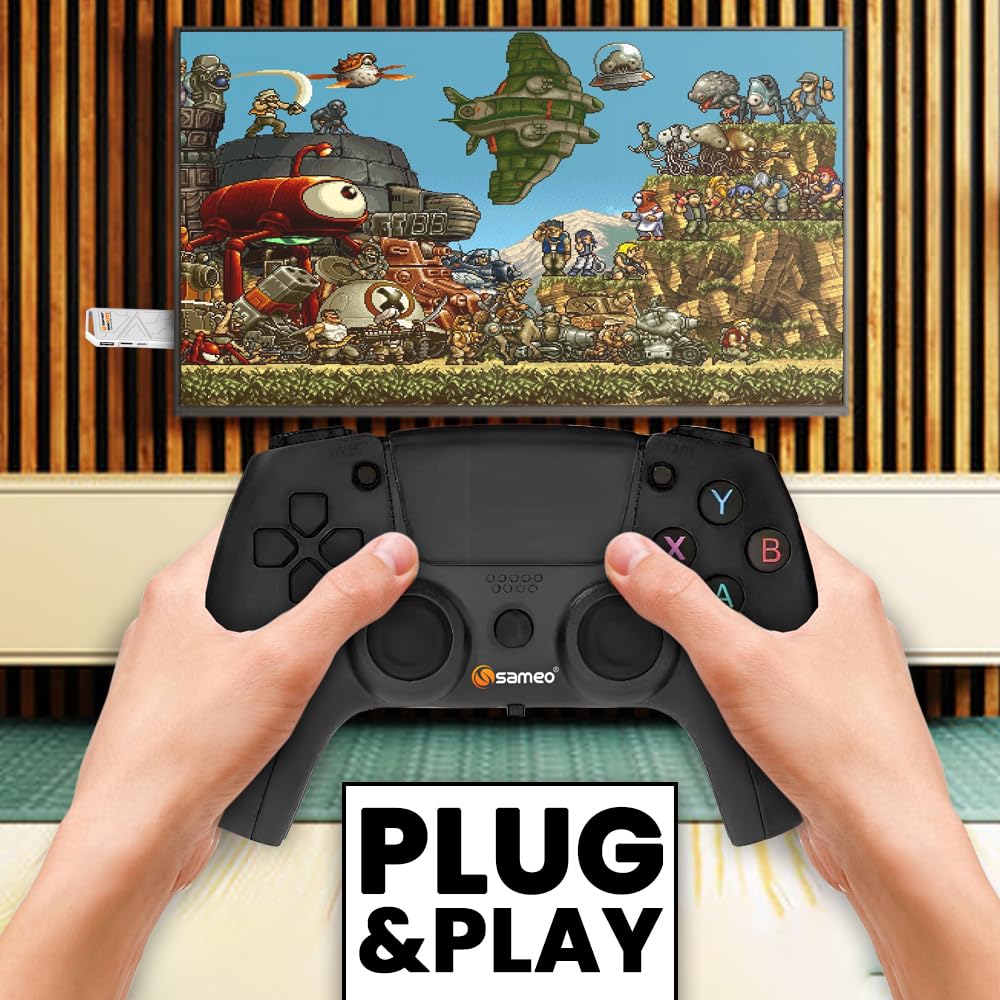
Image 4.1: The Sameo Micro Lite Game Stick in operation, connected to a television, with a user playing a game using the wireless controller.
5. ጥገና
5.1 ጽዳት
To clean the game stick and controllers, use a soft, dry cloth. Do not use liquid cleaners, aerosols, or abrasive materials, as these can damage the device. Keep the ventilation openings clear of dust.
5.2 ማከማቻ
Store the device and its accessories in a cool, dry place away from direct sunlight, extreme temperatures, and high humidity. When not in use for extended periods, ensure controllers are fully charged before storage and periodically recharged to maintain battery health.
6. መላ መፈለግ
6.1 No Signal on TV
- Ensure the game stick is securely plugged into the HDMI port.
- Verify that the TV input source is set to the correct HDMI channel.
- Check if the game stick is receiving power via the USB cable. The LED indicator on the stick should be on.
- Try connecting the game stick to a different HDMI port or another TV.
6.2 Controllers Not Responding
- Ensure the wireless transmitter is firmly inserted into the game stick's USB port.
- Check if the controllers are powered on and have sufficient battery charge. Recharge if necessary.
- Move closer to the game stick to ensure you are within the 8-10 meter operating range.
- Restart the game stick and controllers to re-establish the connection.
6.3 Games Not Loading or Freezing
- Ensure the TF card is properly inserted and not damaged.
- Restart the game stick.
- Some games may have specific requirements or compatibility issues. Try other games to see if the problem persists.
7. ዝርዝሮች
| ባህሪ | ዝርዝር |
|---|---|
| የሞዴል ቁጥር | ML/7754 |
| የምርት ስም | Sameo |
| ቀለም | Black New |
| ጭብጥ | Retro ጨዋታዎች |
| የተጫዋቾች ብዛት | 2 |
| የመቆጣጠሪያ አይነት | የአዝራር መቆጣጠሪያ |
| የሃርድዌር በይነገጽ | HDMI |
| የማሳያ ዓይነት | LED |
| የማህደረ ትውስታ ማከማቻ አቅም | 128 MB (FLASH) |
| የቅጽ ምክንያት | ሚኒ |
| Platform for Display | ሊኑክስ |
| ስብሰባ ያስፈልጋል | አይ |
| የክወና ሁነታ | አውቶማቲክ |
| የንጥል መጠኖች (L x W x H) | 7 x 25 x 20 ሴንቲሜትር |
| የእቃው ክብደት | 0.5 ኪ |
| ቁሳቁስ | ፕላስቲክ |
| የዕድሜ ክልል መግለጫ | 5+ ዓመታት |
| የእቃዎች ብዛት | 1 |
| የክፍል ብዛት | 1.0 ቆጠራ |
8. ዋስትና እና ድጋፍ
The Sameo Micro Lite HDMI Gaming Console Game Stick comes with a የ 6-ወር ዋስትና ከተገዛበት ቀን ጀምሮ. ይህ ዋስትና የማምረቻ ጉድለቶችን ይሸፍናል እና አስተማማኝ አፈፃፀምን ያረጋግጣል።
The product is BIS approved, meeting Indian safety and quality standards.
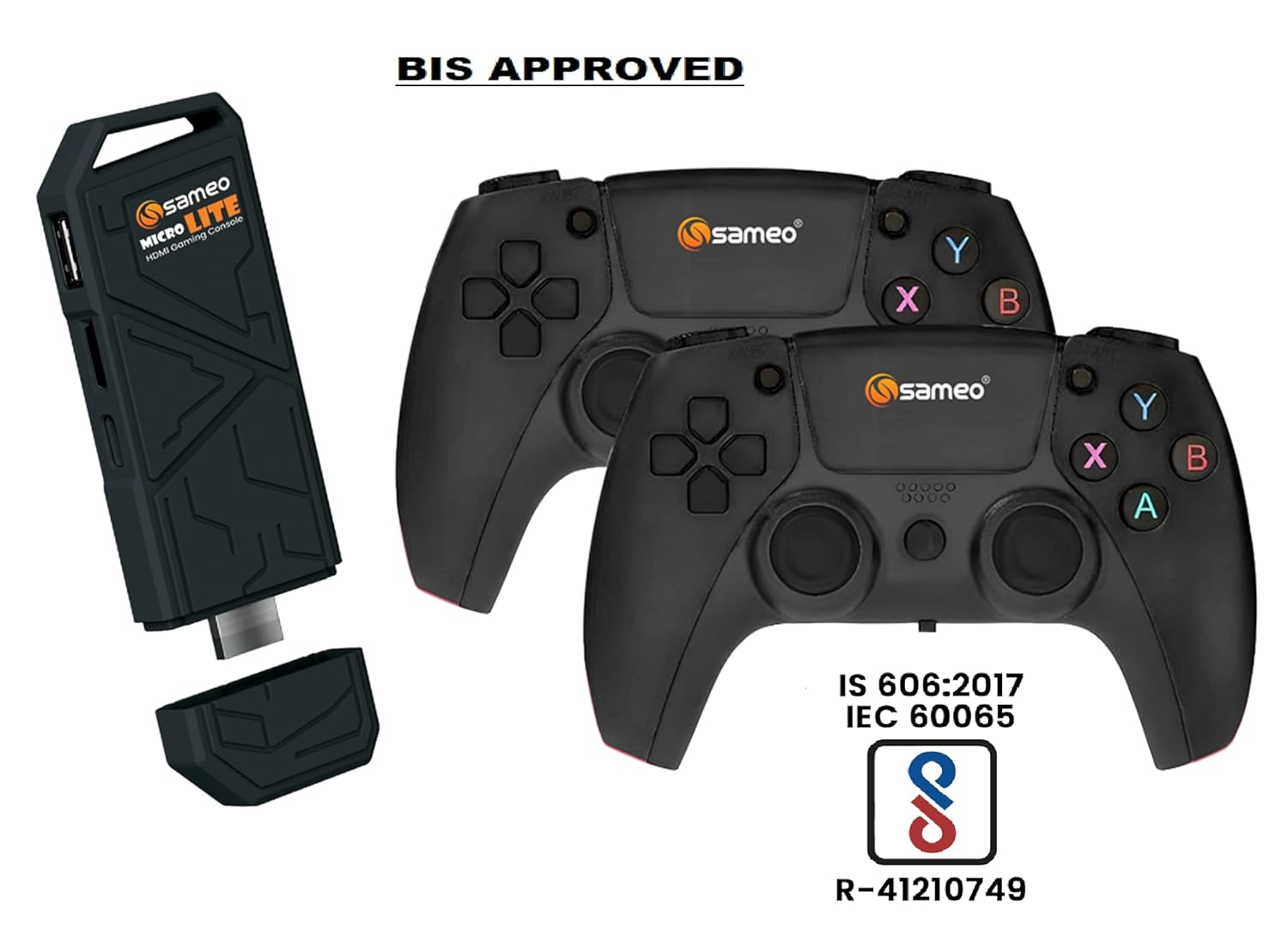
Image 8.1: The Sameo Micro Lite Game Stick and controllers displaying the BIS Approved certification.
For any setup assistance, troubleshooting, or warranty claims, please contact Sameo customer support. You can find more information and contact details by visiting the Sameo Store on Amazon.
Ask a question about this manual
Ask about setup, troubleshooting, compatibility, parts, safety, or missing instructions. Manuals+ will review the question and use this page’s manual context to help answer it.