
Bmax X15 Pro
Bmax X15 Pro 15.6-inch Laptop User Manual
ሞዴል: X15 Pro
1. መግቢያ
This manual provides essential information for setting up, operating, and maintaining your Bmax X15 Pro 15.6-inch laptop. Please read this manual thoroughly to ensure proper use and to maximize the performance and longevity of your device.

Image: The Bmax X15 Pro laptop displaying the Windows 11 Pro operating system, highlighting its Intel N95 processor, 16GB RAM, 512GB SSD, and 1920x1080 FHD display.
2. በሳጥኑ ውስጥ ያለው
Upon unpacking your Bmax X15 Pro laptop, please verify that all the following items are included:
- 1 x BMAX MaxBook X15 Pro Intel N95 Notebook Computer
- 1 x 12V/3A የዲሲ የኃይል አስማሚ
- 1 x Multi-Language User Manual
3. ምርት አብቅቷልview
3.1. Physical Components and Ports
Familiarize yourself with the various ports and components of your laptop for optimal connectivity and usage.

ምስል: ጎን view of the Bmax X15 Pro laptop illustrating the placement of its various ports, including Micro SD, USB 3.0, Headset jack, HDMI, and Power input.
- የግራ ጎን፡ Micro SD slot, 2x USB 3.0 ports, 3.5mm Headset jack.
- የቀኝ ጎን፡ Power input, HDMI port, 1x USB 3.0 port, Security Lock slot.
3.2. የቁልፍ ሰሌዳ እና የመዳሰሻ ሰሌዳ
The laptop features a full-size keyboard with large keycaps and a large touchpad supporting multi-touch gestures for efficient navigation and input.

ምስል፡- ከላይ ወደ ታች view of the Bmax X15 Pro laptop's full-size keyboard and large touchpad, highlighting its ergonomic design for comfortable use.
4. ማዋቀር
4.1. የመነሻ ኃይል በማብራት እና በመሙላት ላይ
- Connect the provided DC power adapter to the laptop's power input port and a wall outlet.
- ለመጀመሪያ ጊዜ ጥቅም ላይ ከመዋሉ በፊት ላፕቶፑ ቢያንስ ለ 30 ደቂቃዎች እንዲሞላ ይፍቀዱ ወይም የባትሪ አመልካች በቂ ክፍያ እስኪያሳይ ድረስ።
- ላፕቶፑን ለማብራት በቁልፍ ሰሌዳው ላይ የሚገኘውን የኃይል ቁልፍ ተጫን።
- Follow the on-screen instructions to complete the Windows 11 Pro setup process.
5. የአሠራር መመሪያዎች
5.1. የኃይል አስተዳደር
- አብራ፡ የኃይል አዝራሩን ይጫኑ.
- የእንቅልፍ ሁኔታ: ሽፋኑን ይዝጉ ወይም የኃይል አዝራሩን በአጭሩ ይጫኑ.
- ዝጋ፡ የጀምር አዝራሩን ጠቅ ያድርጉ፣ ከዚያ ኃይል > ዝጋ።
- እንደገና ጀምር፥ የጀምር አዝራሩን ጠቅ ያድርጉ፣ ከዚያ Power> ዳግም አስጀምር።
5.2. የማሳያ አጠቃቀም
The 15.6-inch FHD IPS display offers a 180° convertible design, allowing for flexible viewing angles and collaborative use.

Image: The Bmax X15 Pro laptop shown in its 180-degree lay-flat configuration, demonstrating its versatility for sharing and collaboration.
5.3. ግንኙነት
The laptop supports various wireless and wired connections:
- ዋይ ፋይ፡ Dual-band Wi-Fi 5 (802.11ac/a/b/g/n) for fast internet access.
- ብሉቱዝ፡ ገመድ አልባ ተጓዳኝ መሳሪያዎችን ለማገናኘት ብሉቱዝ 5.0።
- ኤችዲኤምአይ: ከውጭ ማሳያዎች ወይም ፕሮጀክተሮች ጋር ይገናኙ.
- ዩኤስቢ 3.0: Three ports for high-speed data transfer with external devices.
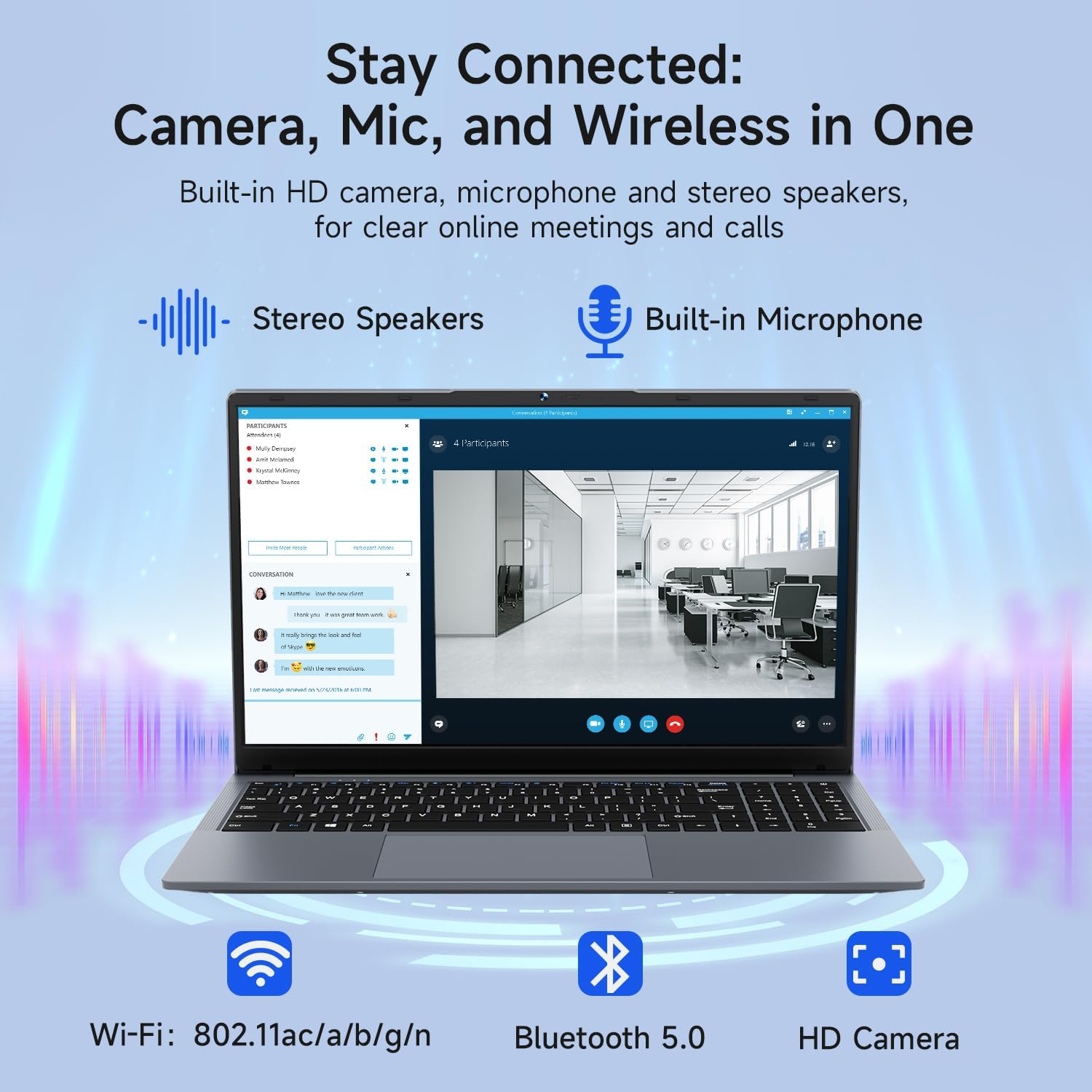
Image: The Bmax X15 Pro laptop with icons representing its integrated Wi-Fi, Bluetooth 5.0, and HD camera capabilities, emphasizing its comprehensive connectivity for communication.
6. ማከማቻ እና አፈጻጸም
The Bmax X15 Pro is equipped with robust components for efficient performance and ample ማከማቻ.
6.1. ፕሮሰሰር
Powered by the Intel Celeron N95 Quad-Core Processor (up to 3.4GHz), featuring 4 cores and 4 threads with a 6MB cache, ensuring efficient performance for various tasks.

Image: A graphic detailing the Intel 12th Gen Processor N95, showing its 3.40GHz Turbo Frequency, 6MB Cache, 15W Power Consumption, and 4 cores/4 threads, alongside performance benchmarks.
6.2. ማህደረ ትውስታ እና ማከማቻ
The laptop includes 16GB DDR4 RAM and a 512GB SSD, providing substantial storage capacity and enabling efficient multitasking. An M.2_SATA 2280 expansion slot is available for additional storage.

Image: A visual representation of the Bmax X15 Pro laptop's internal components, highlighting its 16GB memory, 512GB high-speed SSD, and an accessible M.2 2280 expansion slot for storage upgrades.
7. የማሳያ ባህሪያት
Experience clear and vibrant visuals with the 15.6-inch FHD 1920x1080 IPS display, featuring a slim bezel design and 180° viewing ማዕዘኖች.

Image: A graphic illustrating the Bmax X15 Pro laptop's display features, including its 15.6-inch IPS FHD screen, 1920x1080 resolution, 5.7mm ultra-narrow bezel, and 180° lay-flat design.
8. የማቀዝቀዣ ዘዴ
The laptop incorporates intelligent fans and dual copper heat pipes to ensure rapid heat dissipation, maintaining optimal performance and preventing overheating during extended use.

Image: An internal diagram of the Bmax X15 Pro laptop, highlighting its dual copper heat pipes and silent smart fan, illustrating the efficient and quiet cooling system.
9. የባትሪ አስተዳደር
The laptop is powered by a 51.3Wh battery, providing up to 6-8 hours of usage on a single charge, depending on usage patterns.
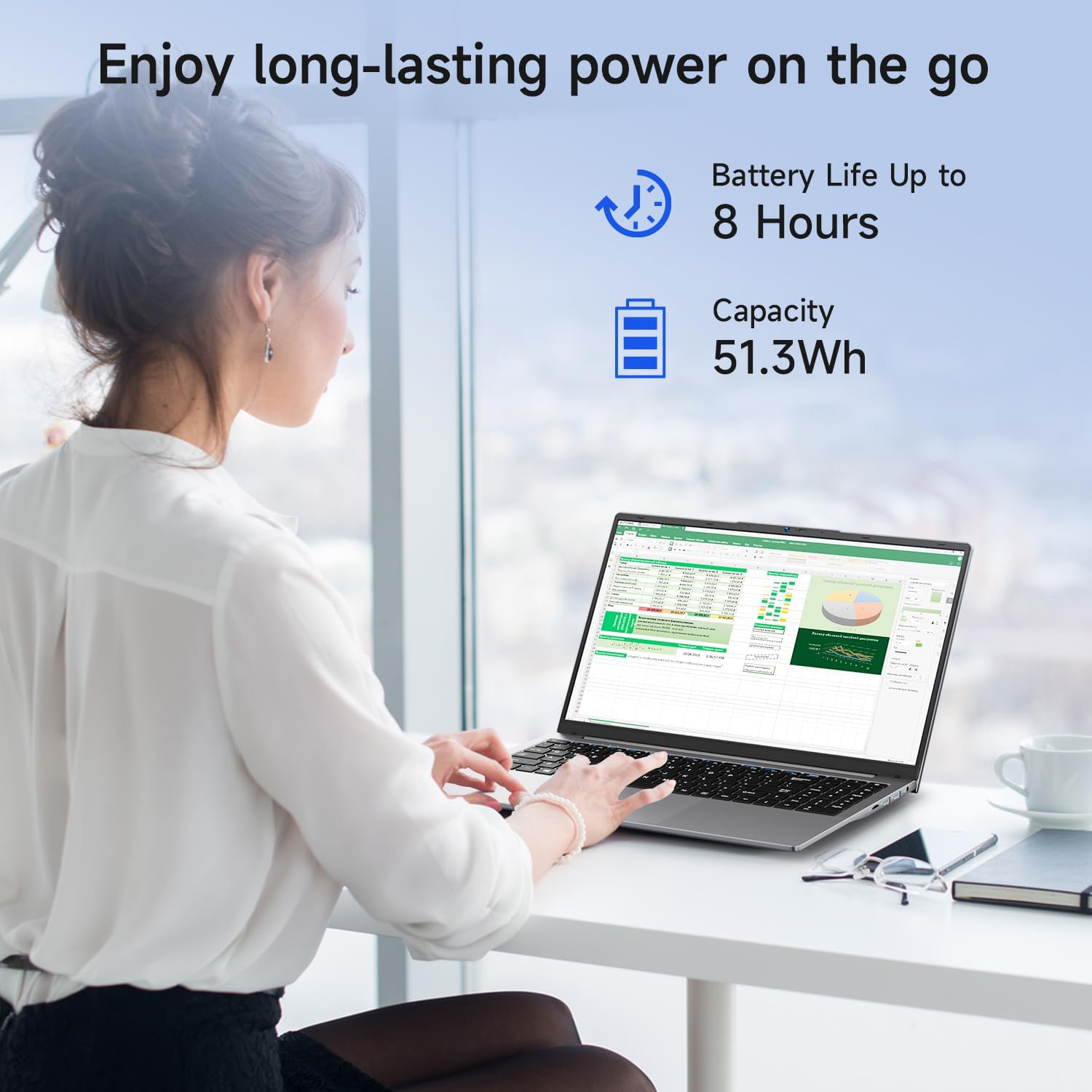
Image: A woman working on the Bmax X15 Pro laptop, with an overlay indicating a battery life of up to 8 hours and a capacity of 51.3Wh, emphasizing its long-lasting power.
10. ጥገና
ትክክለኛ ጥገና የላፕቶፕዎን ረጅም ዕድሜ እና ጥሩ አፈፃፀም ያረጋግጣል።
- ማጽዳት፡ ማያ ገጹን እና ውጫዊውን ለማጽዳት ለስላሳ እና ለስላሳ ጨርቅ ይጠቀሙ. ኃይለኛ ኬሚካሎችን ያስወግዱ.
- የአየር ማናፈሻ; ከመጠን በላይ ሙቀትን ለመከላከል የአየር ማናፈሻ ክፍተቶች ከችግር የፀዱ መሆናቸውን ያረጋግጡ።
- የሶፍትዌር ማሻሻያ Regularly update your operating system and drivers to maintain security and performance.
- የባትሪ እንክብካቤ Avoid fully discharging the battery frequently. Store the laptop in a cool, dry place if not used for extended periods.
11. መላ መፈለግ
This section addresses common issues you might encounter with your Bmax X15 Pro laptop.
- ላፕቶፕ አይበራም፦ የኃይል አስማሚው ደህንነቱ በተጠበቀ ሁኔታ መገናኘቱን እና ባትሪው በቂ ክፍያ እንዳለው ያረጋግጡ። የተለየ የኃይል መውጫ ይሞክሩ።
- የማሳያ ችግሮች፡- ስክሪኑ ባዶ ከሆነ፣ ችግሩ በላፕቶፑ ማሳያ ላይ መሆኑን ለማረጋገጥ የውጭ መቆጣጠሪያን ለማገናኘት ይሞክሩ። የብሩህነት ቅንብሮችን ያስተካክሉ።
- የWi-Fi ግንኙነት ችግሮች፡- በዊንዶውስ ቅንብሮች ውስጥ Wi-Fi መንቃቱን ያረጋግጡ። ራውተርዎን እና ላፕቶፑን እንደገና ያስጀምሩ። የዘመኑ የWi-Fi ነጂዎችን ያረጋግጡ።
- ዝቅተኛ አፈጻጸም; አላስፈላጊ መተግበሪያዎችን ይዝጉ። ማልዌር መኖሩን ያረጋግጡ። በኤስኤስዲ (SSD) ላይ በቂ ነፃ ቦታ ያረጋግጡ።
12. ዝርዝሮች
| ባህሪ | ዝርዝር መግለጫ |
|---|---|
| የማያ ገጽ ማሳያ መጠን | 15.6 ኢንች |
| የማያ ጥራት | 1920 x 1080 ፒክስል |
| ከፍተኛው ማያ ገጽ ጥራት | 1920x1080 ፒክስል |
| ፕሮሰሰር | 3.4 GHz Celeron (Intel N95 Quad-Core) |
| ራም | 16 ጊባ DDR4 |
| የማህደረ ትውስታ ፍጥነት | 2666 ሜኸ |
| ሃርድ ድራይቭ | 512 GB SSD (PCIE x 4 interface) |
| ግራፊክስ ኮፕሮሰሰር | Intel UHD ግራፊክስ |
| ግራፊክስ ካርድ ራም መጠን | 8 GB (Integrated) |
| የገመድ አልባ አይነት | 2.4 GHz Radio Frequency, 5 GHz Radio Frequency, 802.11a/b/g/n/ac, Bluetooth 5.0 |
| የዩኤስቢ 3.0 ወደቦች ብዛት | 3 |
| አማካይ የባትሪ ህይወት (በሰዓታት ውስጥ) | 4-8 Hours (51.3Wh) |
| ስርዓተ ክወና | ዊንዶውስ 11 ፕሮ |
| የእቃው ክብደት | 3.57 ፓውንድ |
| የምርት ልኬቶች | 14.08 x 9.04 x 0.76 ኢንች |
| ቀለም | ክፍተት ግራጫ |
| ልዩ ባህሪ | HD Audio, Lightweight, Memory Card Slot, Numeric Keypad |
13. ዋስትና እና ድጋፍ
Your Bmax X15 Pro laptop comes with a 12-month warranty from the date of purchase. This warranty covers manufacturing defects and ensures product reliability.
- የዋስትና ጊዜ፡- 12 months from the purchase date.
- የመመለሻ መመሪያ፡ Worry-free 30-day return period.
- የደንበኛ አገልግሎት፡ 7 days/24 hours friendly customer support.
- የተካተቱ መለዋወጫዎች፡- 2 replaceable plugs (US, EU) are included to meet diverse connectivity needs.
For technical assistance or warranty claims, please refer to the contact information provided with your purchase documentation or visit the official Bmax support webጣቢያ.