
1. ማዋቀር እና መጫን
1.1 Unboxing እና ጥቅል ይዘቶች
Carefully unpack your new TCL 65Q5K QLED 4K Google TV. Ensure all components are present before proceeding with installation.
- TCL 65Q5K Television
- የርቀት መቆጣጠሪያ
- የጠረጴዛ ማቆሚያ (ተገቢ ከሆነ)
- የኃይል ገመድ
- ፈጣን ጅምር መመሪያ
- የዋስትና ካርድ
1.2 አካላዊ ልኬቶች እና አቀማመጥ
Before installation, consider the dimensions of your television to ensure proper fit and ventilation. The TV can be placed on a table stand or mounted on a wall using a VESA compatible mount (200 x 200 mm).

ምስል: የፊት እና ጎን view of the TCL 65Q5K television, illustrating its dimensions with and without the stand. The TV with stand measures 144.6 cm (width) x 87.8 cm (height) x 30.0 cm (depth). Without the stand, it measures 144.6 cm (width) x 83.3 cm (height) x 7.3 cm (depth).
- TV with Stand: 144.6 ሴሜ (ስፋት) x 87.8 ሴሜ (ቁመት) x 30.0 ሴሜ (ጥልቀት)
- TV without Stand: 144.6 ሴሜ (ስፋት) x 83.3 ሴሜ (ቁመት) x 7.3 ሴሜ (ጥልቀት)
- ክብደት፡ 15 ኪ
- VESA የመጫኛ ደረጃ፡ 200 x 200 ሚ.ሜ
1.3 ማገናኛ ፔሪፈራል
Connect your external devices such as cable boxes, gaming consoles, or Blu-ray players to the available ports on the TV.
- HDMI ወደቦች፡ ቴሌቪዥኑ ለከፍተኛ ጥራት ኦዲዮ እና ቪዲዮ ግንኙነቶች 3 የኤችዲኤምአይ ወደቦችን ያካትታል።
- የWi-Fi ግንኙነት፡- Connect to your home network wirelessly using the integrated Wi-Fi (802.11 b/g).
2. Operating Your TCL 65Q5K TV
2.1 ጎግል ቲቪ በይነገጽ
Your TCL 65Q5K TV operates on the Google TV platform, providing a comprehensive and user-friendly interface for accessing streaming services, apps, and live TV. The system offers a fluid experience and intuitive content recommendations.

Image: A screenshot of the Google TV home screen, displaying recommended content and various streaming applications like Netflix, Amazon Prime Video, and Apple TV+.
2.2 Voice Control and Smart Connectivity
The TV supports hands-free voice control, allowing you to navigate, search for content, and control smart home devices using voice commands. It is compatible with Google Assistant, Alexa, Apple AirPlay, and Apple HomeKit.

Image: A person relaxing on a couch, using the TV remote to activate voice control, indicated by a speech bubble with "Hey Google".
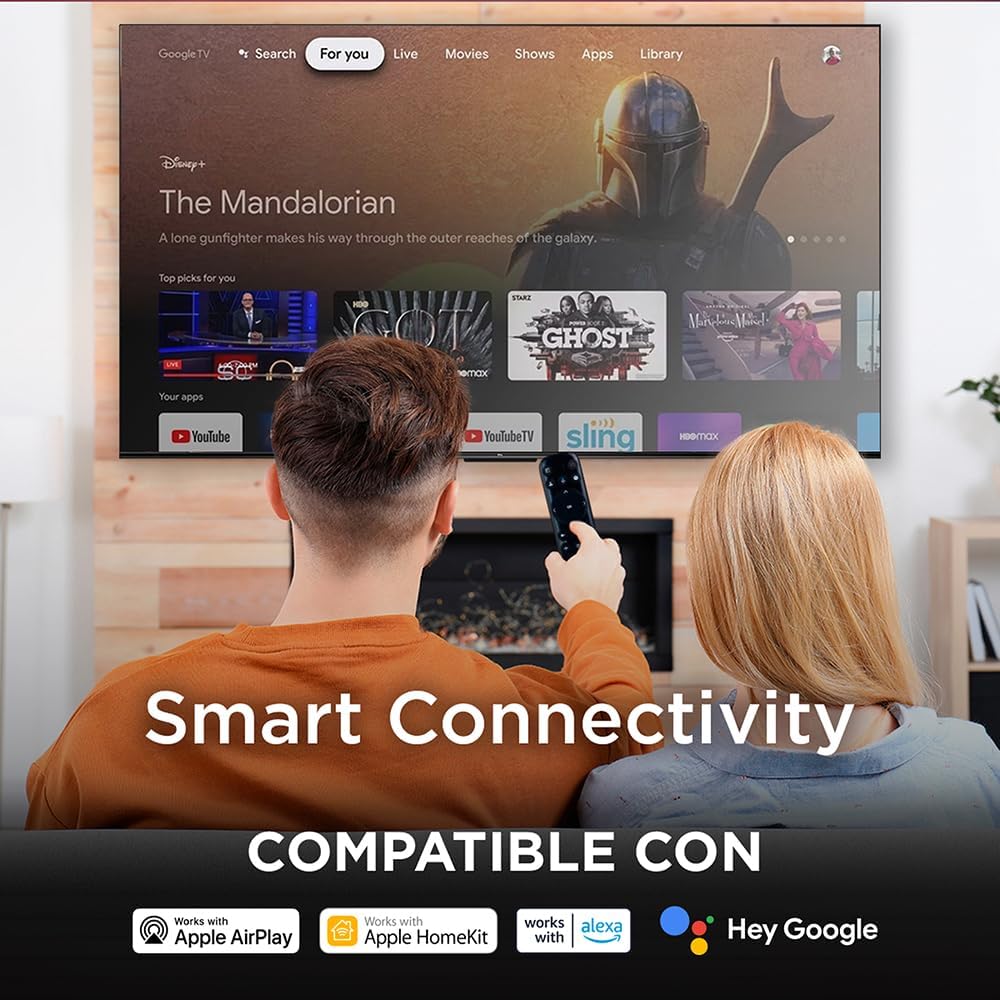
Image: A couple watching TV, with an overlay highlighting "Smart Connectivity" and logos indicating compatibility with Apple AirPlay, Apple HomeKit, Alexa, and Google.
2.3 የምስል እና የድምጽ ቅንብሮች
Your QLED TV offers advanced picture and sound technologies for an immersive viewልምድ.
- QLED ቴክኖሎጂ፡- Experience vibrant colors and enhanced brightness with Quantum Dot technology.
- 4ኬ ጥራት፡ Enjoy crisp, detailed images with 4K Ultra HD resolution.
- HDR10+ and VisionHDR10+: Supports high dynamic range content for greater contrast and color accuracy.
- የAIPQ ፕሮሰሰር፡ The AiPQ engine optimizes picture quality by analyzing and enhancing various visual elements.
- Dolby Atmos: Integrated Dolby Atmos provides immersive, multi-dimensional audio.

Image: A split screen comparison demonstrating the enhanced color and vibrancy of QLED technology versus a non-QLED display.

Image: A living room scene with a TV displaying a vibrant image, accompanied by the Dolby Vision Atmos logo and visual representations of immersive sound waves.
2.4 የጨዋታ ባህሪያት
For gamers, the TV includes features designed to enhance your experience:
- 60 Hz Panel: Provides a smooth viewing experience for various content.
- ALLM (ራስ-ዝቅተኛ መዘግየት ሁነታ) ምላሽ ሰጪ ጨዋታዎችን በራስ-ሰር ወደ ዝቅተኛ መዘግየት ሁነታ ይቀየራል።
- ቪአርአር (ተለዋዋጭ የማደሻ መጠን) Helps eliminate screen tearing and stuttering for smoother gameplay.

Image: A TV screen displaying a high-speed racing game, with text overlays highlighting "GAMING," "120Hz Game Accelerator," "ALLM (Auto Low Latency Mode)," and "VRR."
3. ጥገና
3.1 የእርስዎን ቲቪ ማጽዳት
To maintain the visual quality of your TV, follow these cleaning guidelines:
- ስክሪን፡ ስክሪኑን በቀስታ ለስላሳ፣ ደረቅ፣ ከተሸፈነ ጨርቅ ይጥረጉ። ለግትር ምልክቶች፣ በትንሹ መampጨርቁን በውሃ ወይም በልዩ ማያ ገጽ ማጽጃ። ኃይለኛ ኬሚካሎችን ወይም ገላጭ ቁሳቁሶችን ያስወግዱ.
- ፍሬም እና መቆሚያ; የቴሌቪዥኑን ፍሬም ለማፅዳት ለስላሳ እና ደረቅ ጨርቅ ይጠቀሙ።
- የርቀት መቆጣጠሪያ፡- Wipe the remote with a soft, dry cloth. Do not use liquids directly on the remote.
3.2 የሶፍትዌር ዝመናዎች
Your Google TV will periodically receive software updates to improve performance and add new features. Ensure your TV is connected to the internet to receive these updates automatically. You can also manually check for updates in the TV's settings menu.
4. መላ መፈለግ
If you encounter issues with your TCL 65Q5K TV, refer to the following common troubleshooting steps. For more detailed solutions, consult the full instruction manual provided with your product.
- ኃይል የለም፡ የኃይል ገመዱ ከቴሌቪዥኑም ሆነ ከሚሰራው የኃይል መውጫ ጋር ደህንነቱ በተጠበቀ ሁኔታ መገናኘቱን ያረጋግጡ። ሌላ መሳሪያ ኃይል እንዳለው ለማረጋገጥ በተመሳሳይ መውጫ ላይ ለማገናኘት ይሞክሩ።
- ምንም ምስል/ድምጽ የለም፡ Verify that the correct input source is selected. Check all cable connections (HDMI, etc.) for looseness. Restart the TV by unplugging it from the power outlet for a few minutes, then plugging it back in.
- የርቀት መቆጣጠሪያ ምላሽ አይሰጥም; በርቀት መቆጣጠሪያው ውስጥ ያሉትን ባትሪዎች ይተኩ. በርቀት መቆጣጠሪያው እና በቴሌቪዥኑ IR ዳሳሽ መካከል ምንም እንቅፋቶች አለመኖራቸውን ያረጋግጡ።
- የአውታረ መረብ ግንኙነት ጉዳዮች፡- Check your Wi-Fi router and modem to ensure they are working correctly. Restart your router. In the TV settings, try forgetting the network and reconnecting.
- Picture/Sound Quality: For optimal picture and sound, it may be necessary to adjust settings for different content types (e.g., normal, HDR). Explore the picture and sound settings menus to calibrate to your preference.
5. ዝርዝሮች
| ባህሪ | ዝርዝር መግለጫ |
|---|---|
| የሞዴል ስም | 65Q5 ኪ |
| የስክሪን መጠን | 65 ኢንች |
| የማሳያ ቴክኖሎጂ | QLED |
| ጥራት | 4ኬ (3840 x 2160) |
| የማደስ ደረጃ | 60 Hz |
| የኤችዲአር ቅርጸት ድጋፍ | HDR10+, VisionHDR10+ |
| ከፍተኛ ብሩህነት | 350 NITS |
| የምስል ማሻሻያ ቴክኖሎጂ | AiPQ™ |
| የጀርባ ብርሃን ውቅር | Direct Illumination LED |
| የድምጽ ቅርጸት | Dolby Atmos |
| የተናጋሪ መግለጫ | Dolby Atmos Surround Sound System |
| ግንኙነት | Wi-Fi (802.11 b/g) |
| HDMI ወደቦች | 3 |
| ልዩ ባህሪያት | Chromecast, Flat Panel, Smart Voice Recognition |
| ስርዓተ ክወና | ጎግል ቲቪ |
| መጠኖች (ከቆመበት ጋር) | 144.6 ሴሜ (ወ) x 87.8 ሴሜ (ኤች) x 30.0 ሴሜ (ዲ) |
| መጠኖች (ያለ ማቆሚያ) | 144.6 ሴሜ (ወ) x 83.3 ሴሜ (ኤች) x 7.3 ሴሜ (ዲ) |
| ክብደት | 15 ኪ |
| VESA ማውንት ስታንዳርድ | 200 x 200 ሚ.ሜ |
| ሞዴል ዓመት | 2025 |
6. የዋስትና መረጃ
Your TCL 65Q5K television comes with a የ 1 ዓመት ውስን ምርት ዋስትና from the date of purchase. This warranty covers manufacturing defects under normal use. Please refer to the warranty card included in your package for full terms and conditions, including details on what is covered and how to make a claim.
ለዋስትና ማረጋገጫ የግዢ ማረጋገጫዎን ያስቀምጡ።
7. ድጋፍ
For technical assistance or customer service, please contact TCL Support:
- ስልክ፡ 800 112 4656 (Monday to Saturday, 8:00 a.m. to 8:00 p.m.)
- WhatsApp: 55 7005 5159 (Monday to Saturday, 8:00 a.m. to 8:00 p.m.)
- ኢሜይል፡- servicio.mx@tcl.com
When contacting support, please have your TV model number (65Q5K) and serial number ready.


