
1. መግቢያ
This manual provides detailed instructions for the proper use, setup, operation, and maintenance of your AOCHUAN Smart X2 3-Axis Gimbal Stabilizer and the accompanying B10 Storage Bag. Please read this manual thoroughly before using the product to ensure optimal performance and longevity.
The Smart X2 gimbal is designed to provide stable and smooth video footage for smartphones, featuring advanced 3-axis stabilization and intelligent tracking capabilities. The B10 Storage Bag offers a convenient and protective solution for transporting your gimbal and its accessories.
2. የጥቅሉ ይዘቶች እና ክፍሎች
Verify that all items listed below are included in your package. If any items are missing, please contact customer support.
- AOCHUAN Smart X2 3-Axis Gimbal Stabilizer
- B10 Storage Bag
- የዩኤስቢ ባትሪ መሙያ ገመድ
- የተጠቃሚ መመሪያ (ይህ ሰነድ)
2.1 Gimbal Components
- ስማርትፎን ክሊamp: Secures your smartphone to the gimbal.
- 3-Axis Motor System: Provides stabilization for pitch, roll, and yaw.
- የቁጥጥር ፓነል Includes joystick, mode button, power button, and other controls.
- Built-in Extension Rod: Extends up to 7.8 inches for wider shots and different perspectives.
- ማግኔቲክ RGB ሙሌት መብራት፡ Attaches to the smartphone clamp for adjustable lighting.
- ዩኤስቢ-ሲ ወደብ For charging the gimbal.
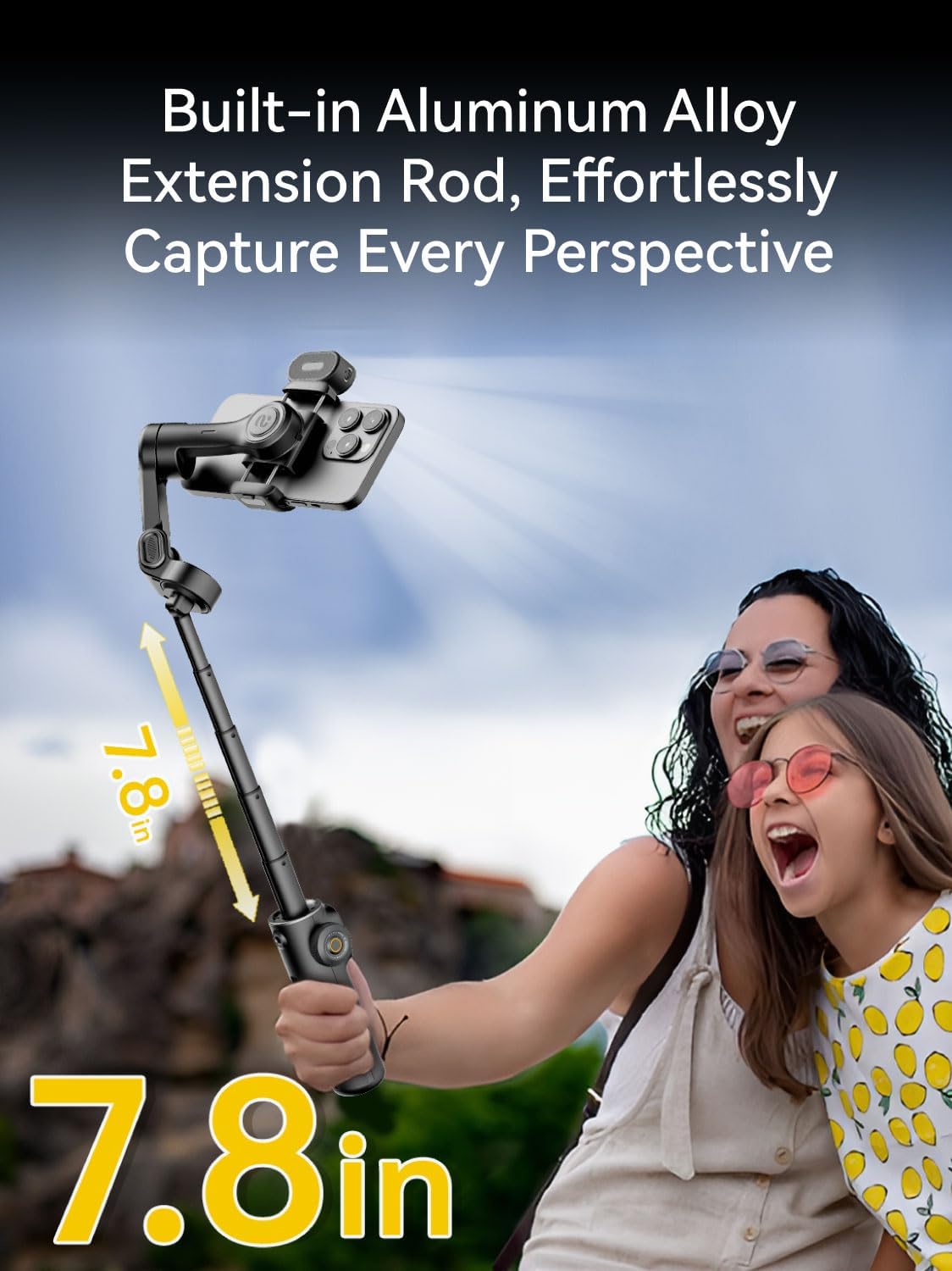
Image: The Smart X2 gimbal featuring its built-in 7.8-inch aluminum alloy extension rod, allowing for versatile shooting angles.
2.2 B10 Storage Bag Components
- ዋና ክፍል: For the gimbal and larger accessories.
- Internal Dividers/Pockets: For organizing cables, chargers, and smaller items.
- የሚስተካከለው የትከሻ ማሰሪያ; ምቹ በሆነ መንገድ ለመሸከም።

Image: The B10 Storage Bag demonstrating its ample capacity to hold the gimbal, extension pole, phone, chargers, and other accessories.
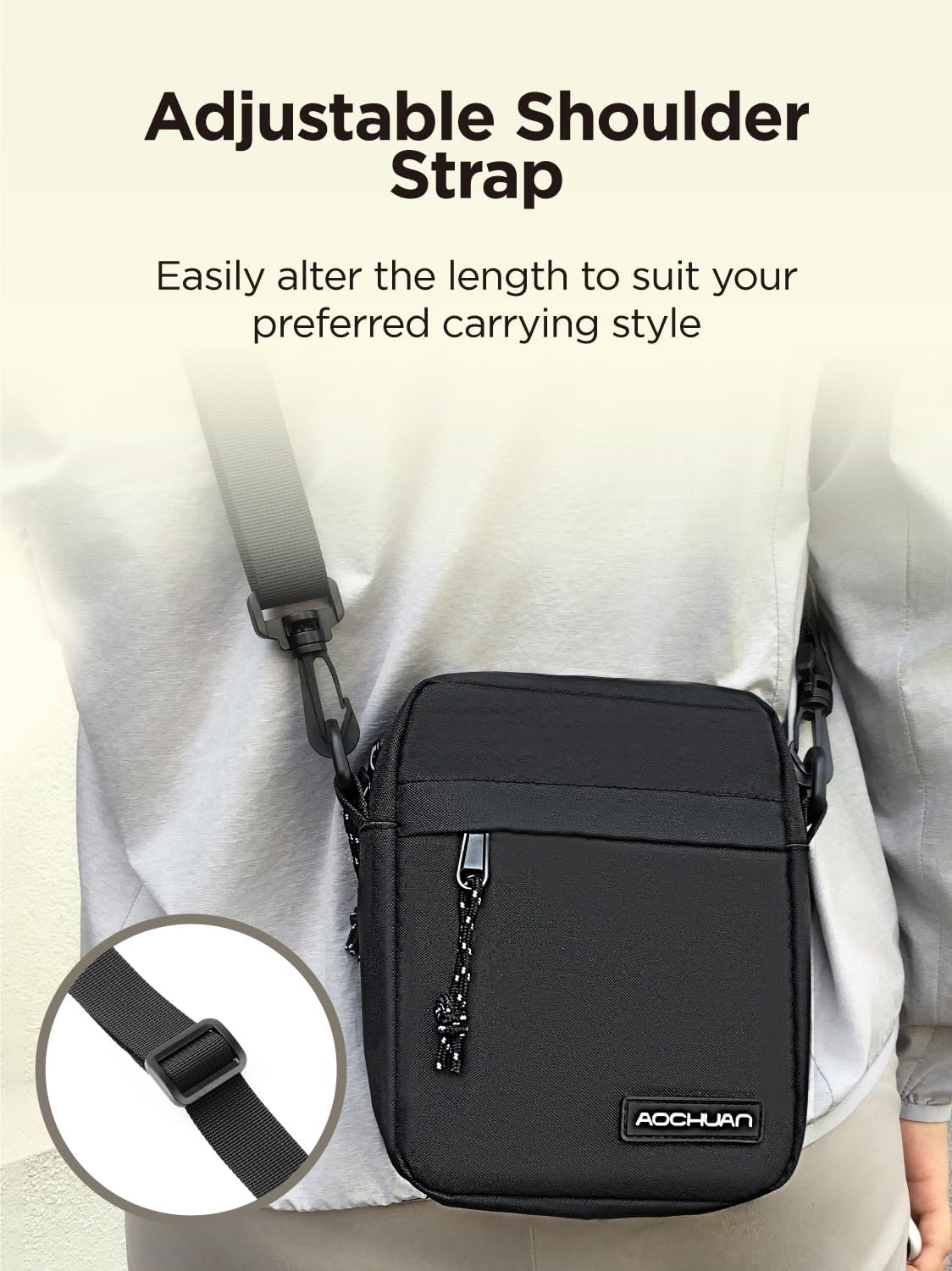
Image: The B10 Storage Bag with its adjustable shoulder strap, designed for comfortable and customizable carrying.
3. የማዋቀር መመሪያ
3.1 የጊምባል መሙላት
Before initial use, fully charge the gimbal. Connect the USB charging cable to the gimbal's USB-C port and a compatible USB power adapter (not included). The indicator light will show charging status and turn off when fully charged.
3.2 ስማርትፎንዎን በማያያዝ ላይ
- የስማርትፎን cl ን ዘርጋamp and carefully place your smartphone into it. Ensure the phone is securely seated.
- Position the phone centrally in the clamp to facilitate easier balancing.
3.3 የጊምባልን ሚዛን መጠበቅ
Proper balancing is crucial for optimal performance and battery life. The gimbal should be roughly balanced before powering on.
- After attaching your smartphone, adjust the sliding arm of the gimbal until the phone remains level when released.
- The gimbal motors will fine-tune the balance once powered on.
3.4 ማብራት / ማጥፋት
- አብራ፡ የኃይል አዝራሩን ለ 3 ሰከንዶች ተጭነው ይያዙ.
- ኃይል ዝጋ: የኃይል አዝራሩን ለ 3 ሰከንዶች ተጭነው ይያዙ.
3.5 በብሉቱዝ መገናኘት
For full control and access to advanced features, connect the gimbal to your smartphone via Bluetooth:
- Download the official AOCHUAN app from your smartphone's app store.
- በእርስዎ ዘመናዊ ስልክ ላይ ብሉቱዝን ያንቁ።
- Power on the Smart X2 gimbal.
- Open the AOCHUAN app and follow the on-screen instructions to connect to the gimbal.
4. የአሠራር መመሪያዎች
4.1 የጊምባል ማረጋጊያ
The Smart X2 features an advanced 3-axis stabilization system with 8.0 anti-shake technology to ensure smooth and stable footagሠ በተለያዩ ሁኔታዎች.
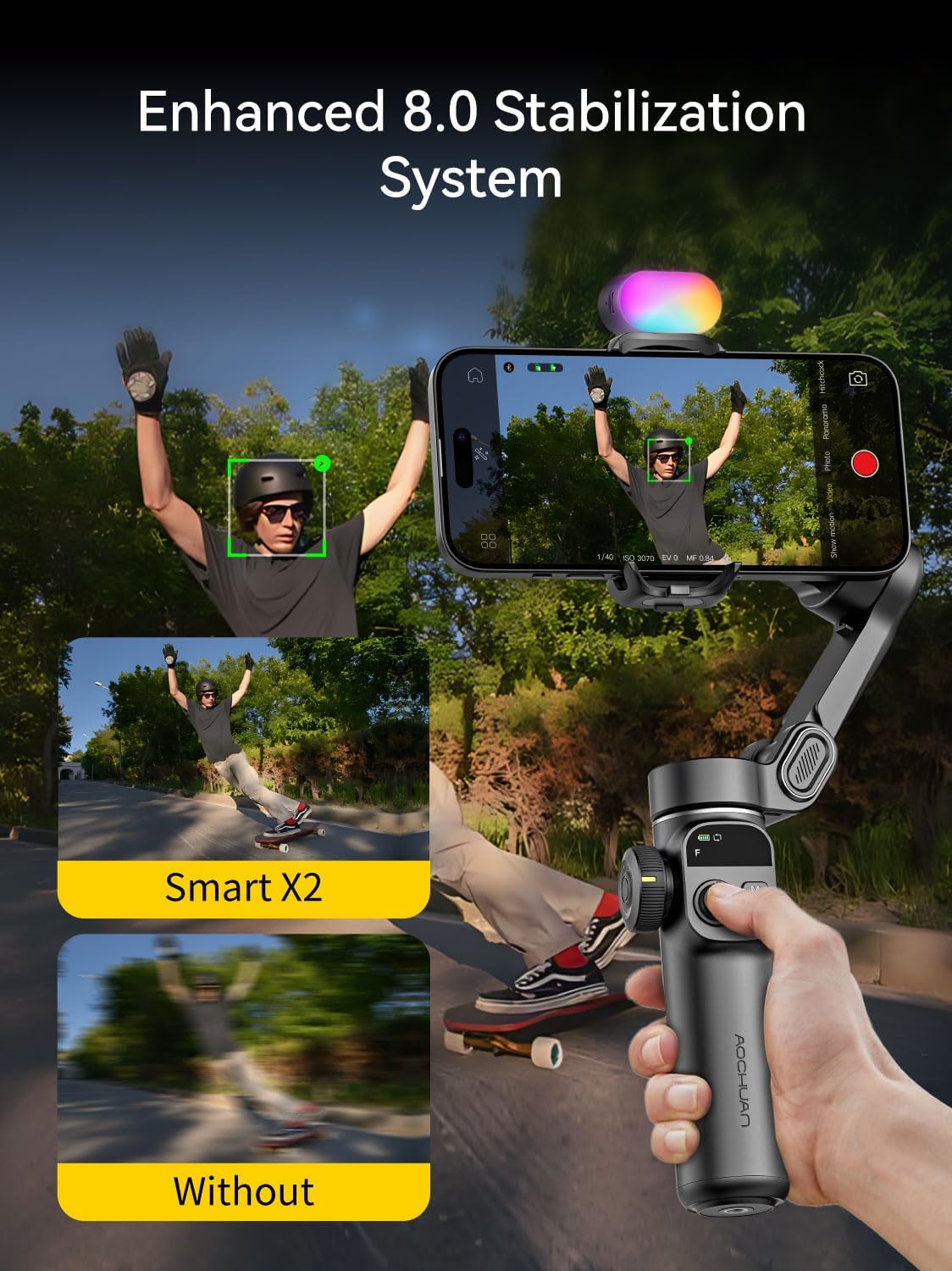
Image: Visual representation of the enhanced 8.0 stabilization system, comparing footage taken with and without the Smart X2 gimbal.
4.2 Using the Extension Rod
The built-in 7.8-inch aluminum alloy extension rod allows you to capture wider angles and dynamic viewpoints. To extend, simply pull the rod upwards from the handle. To retract, push it back down until it locks into place.
4.3 Magnetic RGB Fill Light
The Smart X2 includes a portable magnetic RGB fill light to enhance illumination in low-light environments. It offers 3 brightness levels and 7 color options.
- አባሪ፡ The fill light magnetically attaches to either side of the smartphone clamp. Dual fill lights can be used if available.
- ተግባር፡- Refer to the fill light's specific controls (usually a button on the light itself) to cycle through brightness levels and color modes.

Image: The magnetic RGB fill light in action, highlighting its 7 color options, 3 brightness levels, 3-hour battery life, and magnetic attachment.
4.4 Advanced Tracking Technology
Utilize the AOCHUAN app to access advanced tracking features, including AI Face Tracking, AI Body Tracking, and AI Object Tracking. These features allow the gimbal to automatically follow your chosen subject, keeping it in frame.
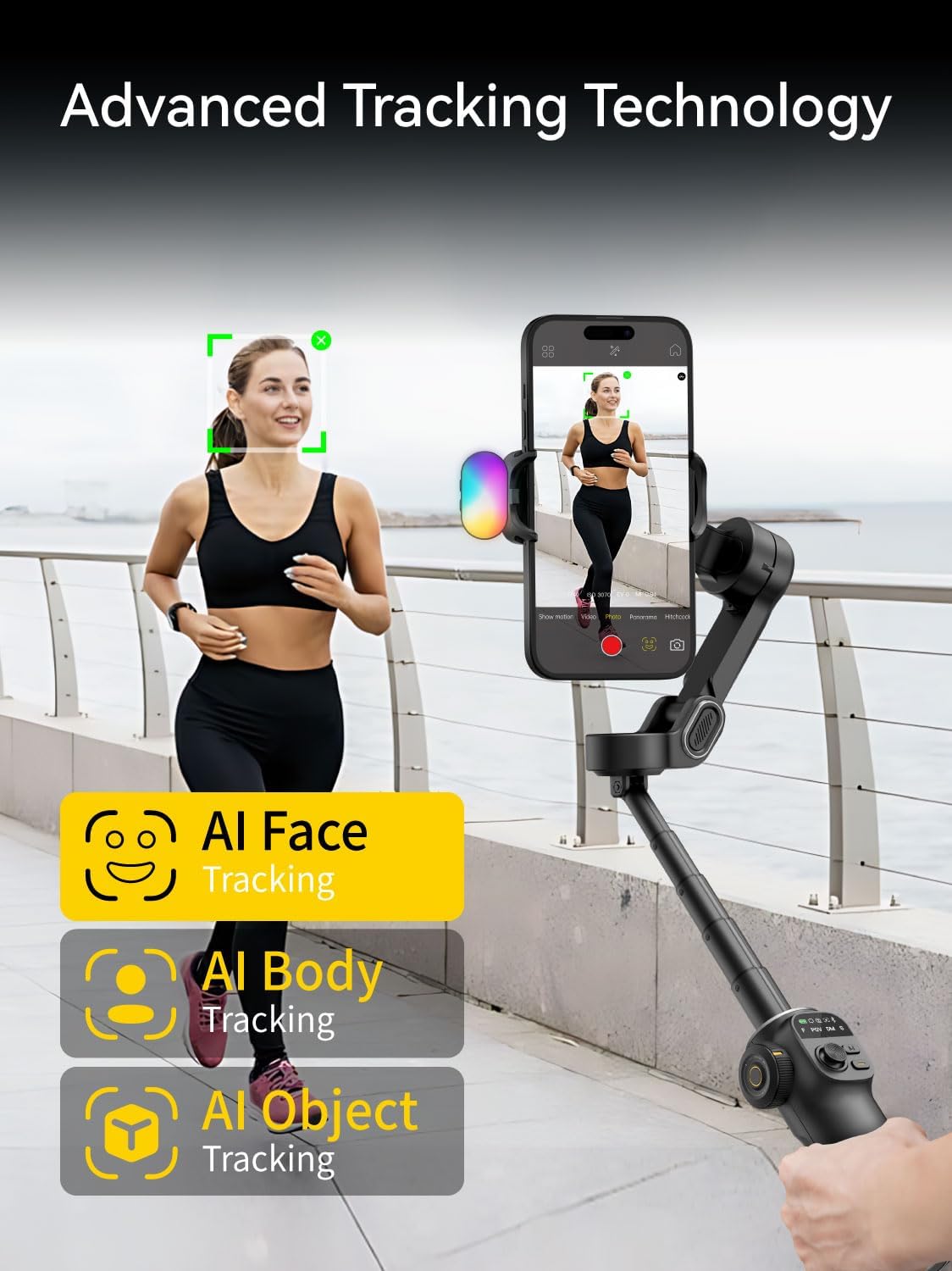
Image: Demonstrating the advanced tracking technology of the Smart X2, including AI Face, Body, and Object tracking capabilities.
4.5 የጊምባል መቆጣጠሪያዎች
The control panel on the gimbal handle provides intuitive access to various functions:
- ጆይስቲክ የስማርትፎንን የፓን እና የዘንበል እንቅስቃሴዎችን ይቆጣጠራል።
- ሁነታ አዝራር፡- Cycles through different gimbal modes (e.g., Pan Follow, Lock Mode, POV). Refer to the app for detailed mode descriptions.
- የመዝጊያ ቁልፍ፡- Triggers photo capture or video recording in the connected app.
- አጉላ ተንሸራታች፡ Adjusts the zoom level of your smartphone camera (functionality depends on phone model and app).
5. ጥገና
5.1 ጽዳት
Wipe the gimbal and storage bag with a soft, dry cloth. Do not use liquid cleaners or solvents, as they may damage the product's finish or internal components.
5.2 የባትሪ መሙያ እና እንክብካቤ
To prolong battery life, avoid fully discharging the gimbal frequently. Charge the gimbal regularly, even if not in use for extended periods (e.g., once every 3 months).
5.3 ማከማቻ
When not in use, store the gimbal in the provided B10 Storage Bag. The bag is designed to protect the gimbal and its accessories from dust, scratches, and minor impacts. Ensure the gimbal is powered off before storing.
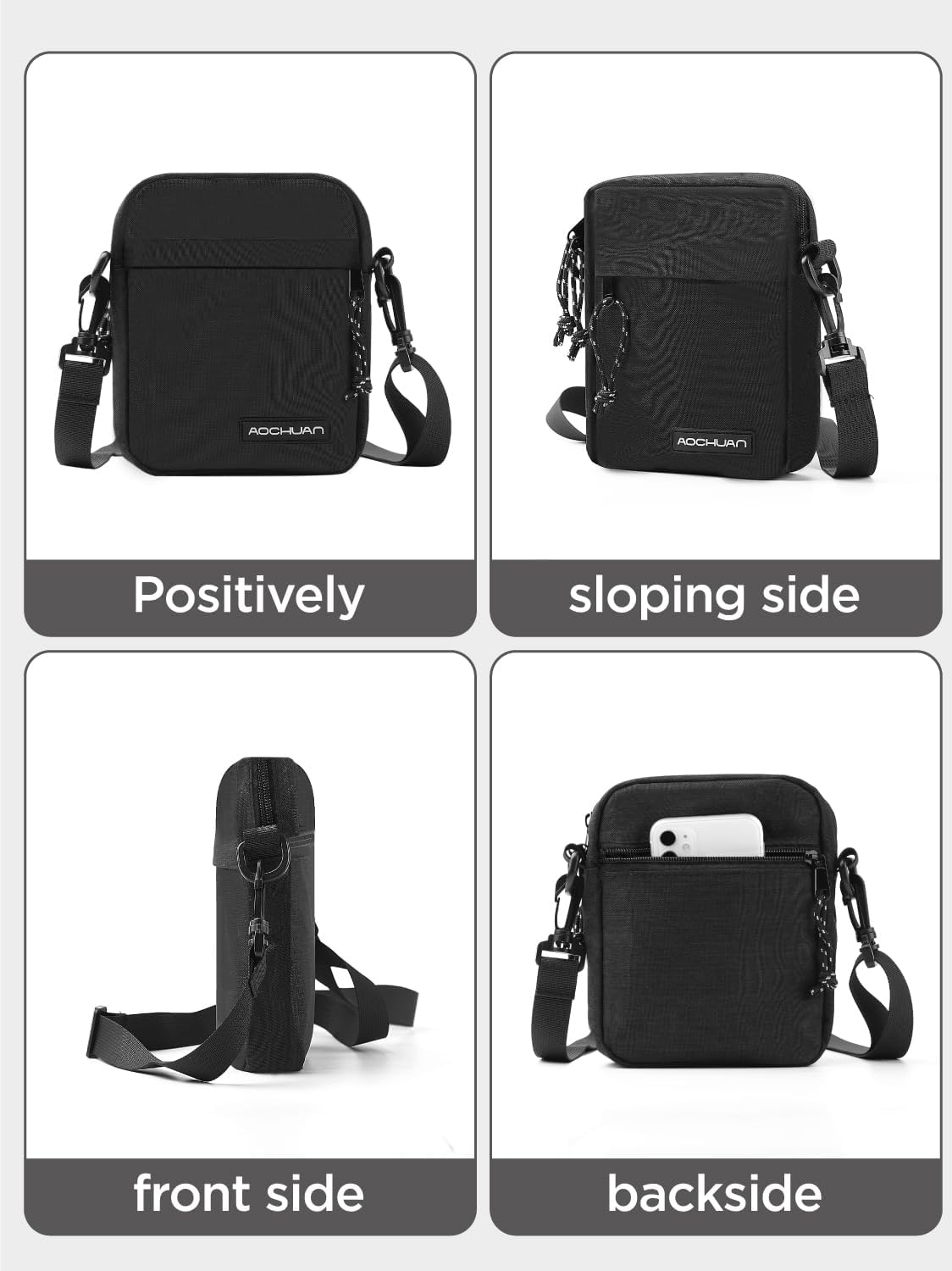
ምስል፡ የተለያዩ views of the B10 Storage Bag, illustrating its design and compact form factor for easy storage and transport.
6. መላ መፈለግ
6.1 Gimbal Not Powering On
- Ensure the gimbal is fully charged. Connect it to a power source and wait for the charging indicator.
- ቢያንስ ለ 3 ሰከንዶች የኃይል ቁልፍን ተጭነው ይያዙ።
6.2 Gimbal Vibrates or Does Not Stabilize Properly
- Check if the smartphone is properly balanced on the gimbal before powering on.
- Ensure the smartphone is securely clampተነፈሰ እና ልቅ አይደለም።
- Restart the gimbal and the AOCHUAN app.
6.3 የብሉቱዝ ግንኙነት ጉዳዮች
- በእርስዎ ዘመናዊ ስልክ ላይ ብሉቱዝ መንቃቱን ያረጋግጡ።
- Make sure the gimbal is powered on and within range.
- Close and reopen the AOCHUAN app.
- በስልክዎ የብሉቱዝ ቅንብሮች ውስጥ ያለውን መሳሪያ ይርሱት እና እንደገና ለማጣመር ይሞክሩ።
6.4 App Functionality Problems
- Ensure the AOCHUAN app is updated to the latest version.
- Check your smartphone's operating system for updates.
- ችግሮች ከቀጠሉ የመተግበሪያውን መሸጎጫ ያጽዱ ወይም መተግበሪያውን እንደገና ይጫኑት።
7. ዝርዝሮች
| ባህሪ | ዝርዝር |
|---|---|
| ሞዴል | Smart X2 |
| የምርት ስም | አኦቾን |
| ማረጋጋት | 3-Axis, 8.0 Anti-Shake Technology |
| ተስማሚ መሣሪያዎች | ስማርትፎኖች |
| የኤክስቴንሽን ዘንግ ርዝመት | 7.8 inches (Built-in Aluminum Alloy) |
| Fill Light Type | Magnetic RGB Fill Light |
| Fill Light Features | 3 የብሩህነት ደረጃዎች፣ 7 የቀለም አማራጮች |
| Fill Light Weight | በግምት. 0.05 ፓውንድ (22.7 ግ) |
| Battery Life (Fill Light) | እስከ 3 ሰዓታት (በግምት) |
| የመከታተያ ቴክኖሎጂ | AI Face, AI Body, AI Object Tracking |
| Storage Bag Dimensions (approx.) | 18 ሴሜ (H) x 16 ሴሜ (ወ) x 4 ሴሜ (ዲ) |

Image: Dimensions of the B10 Storage Bag, illustrating its compact and lightweight design.
8. የዋስትና መረጃ
AOCHUAN products are manufactured to high quality standards. This product is covered by a limited warranty against defects in materials and workmanship for a period specified at the point of purchase. Please retain your proof of purchase for warranty claims.
The warranty does not cover damage caused by improper use, unauthorized modifications, accidents, or natural disasters. For specific warranty terms and conditions, please refer to the warranty card included with your product or visit the official AOCHUAN webጣቢያ.
9. የደንበኛ ድጋፍ
If you encounter any issues or have questions regarding your AOCHUAN Smart X2 Gimbal Stabilizer or B10 Storage Bag that are not addressed in this manual, please contact AOCHUAN customer support.
- የመስመር ላይ ድጋፍ Visit the official AOCHUAN webለተደጋጋሚ ጥያቄዎች፣ የመላ መፈለጊያ መመሪያዎች እና የእውቂያ መረጃ ጣቢያ።
- የኢሜል ድጋፍ የምርት ማሸጊያውን ወይም ኦፊሴላዊውን ይመልከቱ webለደንበኛ አገልግሎት ኢሜል አድራሻ ጣቢያ.
When contacting support, please have your product model (Smart X2) and purchase information ready.


