
መግቢያ
This manual provides comprehensive instructions for the ZWP Replacement Remote Control. It covers product features, setup, operation, maintenance, troubleshooting, and specifications to ensure optimal use with your compatible vibration plate exercise machine.
ምርት አልቋልview
The ZWP Replacement Remote Control is designed to seamlessly operate various vibration plate exercise machines. It offers a reliable and user-friendly experience with advanced infrared technology.
ቁልፍ ባህሪዎች
- ተኳኋኝነት Designed for SoftGym, SpacEver RC-CFM-V16, Taevno VSL4201, TISSCARE SZJ-BK01, DamKee V16, and DERACY Vibration Plate Exercise Machines. Ensure your original remote matches the appearance of this replacement.
- Advanced Infrared Technology: Provides a strong, stable signal with long transmission distance, 0.2-second fast response, and multi-angle control without obstruction.
- ዘላቂ ግንባታ; Made from high-quality ABS material, resistant to falling, and free from peculiar odors, ensuring long-lasting use and safety.
- ለመጠቀም ቀላል; No programming or setup is required. Simply insert batteries to begin operation.

Image: The ZWP Replacement Remote Control, emphasizing its long lifespan, safety materials (ABS), advanced chip, and quality assurance.
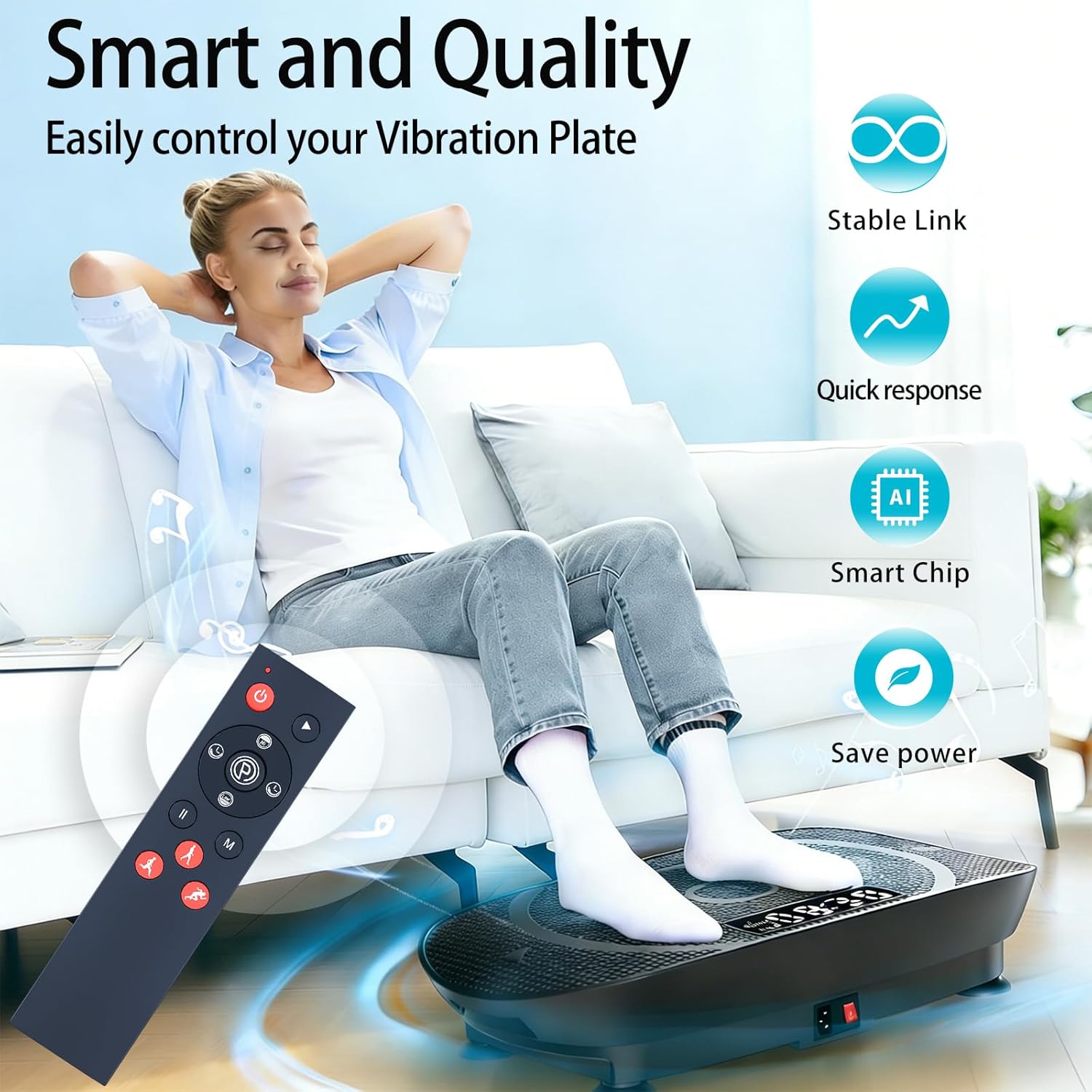
Image: A user comfortably controlling a vibration plate with the ZWP remote, illustrating stable link, quick response, smart chip, and power-saving features.

Image: The ZWP remote control demonstrating an effective operational distance of 8 meters, requiring no prior setup.
ማዋቀር
የባትሪ ጭነት;
- የባትሪውን ክፍል ከርቀት መቆጣጠሪያው ጀርባ ያግኙት።
- ለመክፈት የባትሪውን ሽፋን ወደ ታች ያንሸራትቱ።
- Insert two (2) 1.5V AAA batteries, ensuring the positive (+) and negative (-) terminals align correctly with the markings inside the compartment.
- ደህንነቱ በተጠበቀ ሁኔታ ጠቅ እስኪያደርግ ድረስ የባትሪውን ሽፋን ወደ ቦታው ያንሸራትቱት።
ማሳሰቢያ፡ ባትሪዎች ከርቀት መቆጣጠሪያው ጋር አልተካተቱም።

Image: A diagram showing the battery compartment of the ZWP remote control and the correct orientation for inserting two AAA batteries.
የአሠራር መመሪያዎች
The ZWP Replacement Remote Control is designed for immediate use without any complex programming. Once batteries are installed, it is ready to operate your compatible vibration plate exercise machine.
የአዝራር ተግባራት፡-
- ማብሪያ ማጥፊያ (⏻): Turns the vibration plate ON or OFF.
- አጫውት/አፍታ አቁም አዝራር (▶ / ⏸): Starts or pauses the exercise program.
- Speed Up/Down Buttons (▲ / ▼): Adjusts the vibration intensity or speed.
- ሁነታ አዝራር (ኤም)፦ Cycles through different exercise modes or programs.
- Time Up/Down Buttons (⏱): Adjusts the duration of the exercise session.
- Exercise Mode Buttons (🏃): Dedicated buttons for specific exercise types such as Running (Strong), Walking (Relax), and Jogging (Comfortable).
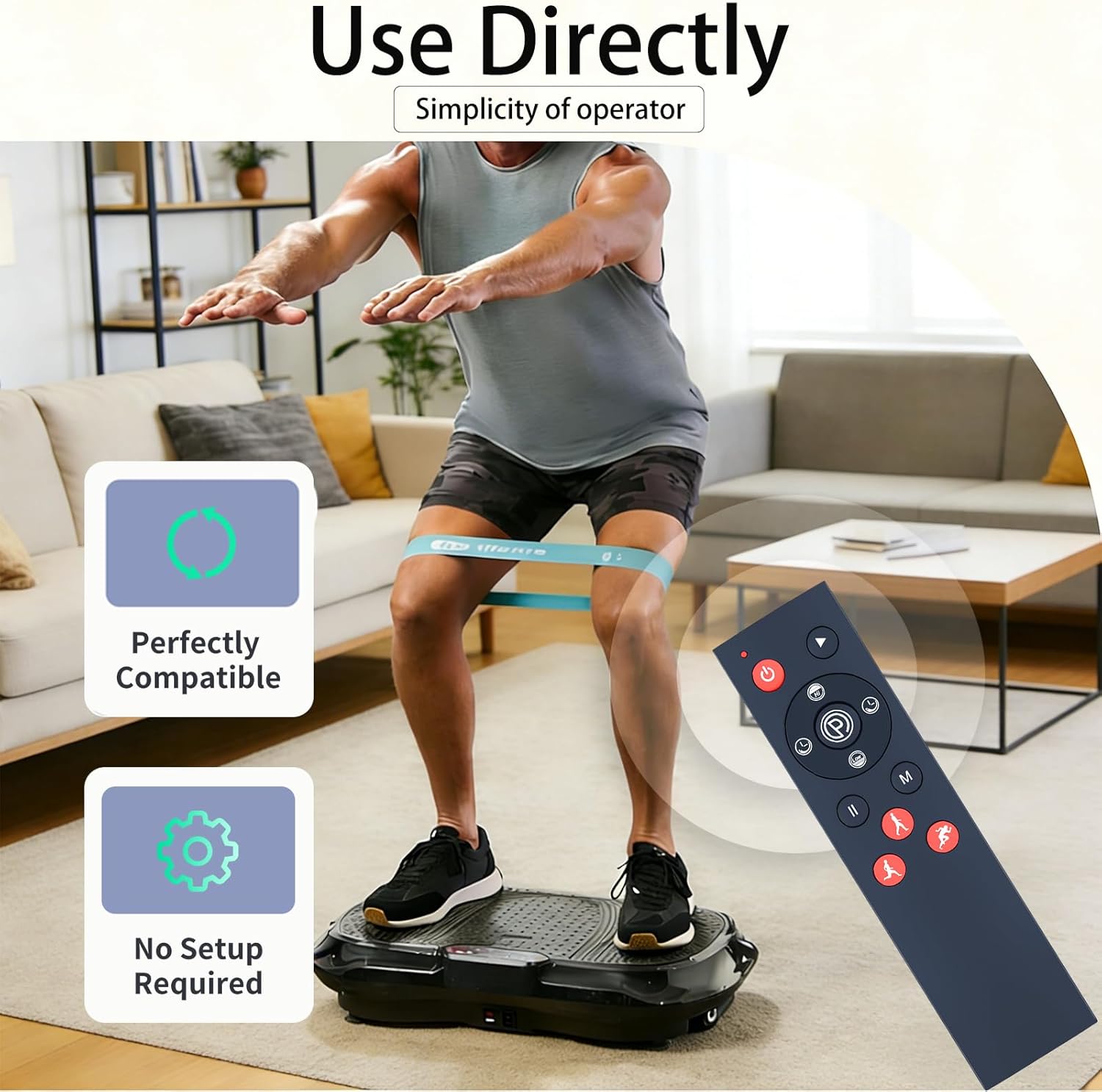
Image: The ZWP remote control emphasizing its direct usability and lack of setup requirements for immediate operation.

Image: The ZWP remote control illustrating how to easily switch between different exercise modes (Running, Walking, Jogging) on a vibration plate without pairing or setup.

Image: A user operating a vibration plate with the ZWP remote, showcasing its 26-foot long-range and 360-degree multi-angle control capabilities.
ጥገና
To ensure the longevity and proper functioning of your ZWP Replacement Remote Control, follow these simple maintenance guidelines:
- ማጽዳት፡ የርቀት መቆጣጠሪያውን ለስላሳ እና ደረቅ ጨርቅ ይጥረጉ። ለግትር ቆሻሻ፣ በትንሹ መampጨርቁን በውሃ ወይም መለስተኛ፣ የማያበላሽ ማጽጃ ያድርጉ። ጠበኛ ኬሚካሎችን ወይም ጠለፋ ቁሳቁሶችን ከመጠቀም ይቆጠቡ።
- የባትሪ መተካት፡ Replace batteries when the remote's response becomes sluggish or stops working. Always replace both batteries at the same time with new ones of the same type (AAA 1.5V).
- ማከማቻ፡ የርቀት መቆጣጠሪያውን ከፀሐይ ብርሃን እና ከፍተኛ የሙቀት መጠን ራቅ ባለ ቀዝቃዛና ደረቅ ቦታ ያስቀምጡ። ለረጅም ጊዜ ከተከማቹ፣ እንዳይፈስ ለመከላከል ባትሪዎቹን ያስወግዱ።
- ጠብታዎችን ያስወግዱ፡ While made of durable ABS material, repeated drops can damage internal components. Handle with care.
መላ መፈለግ
If you encounter issues with your ZWP Replacement Remote Control, please refer to the following common solutions:
| ችግር | ሊሆን የሚችል ምክንያት | መፍትሄ |
|---|---|---|
| የርቀት መቆጣጠሪያ ምላሽ እየሰጠ አይደለም። |
|
|
| አዝራሮች ምላሽ የማይሰጡ ወይም የሚጣበቁ ናቸው። |
|
|
እነዚህን መፍትሄዎች ከሞከሩ በኋላ ችግሩ ከቀጠለ፣ እባክዎ ለተጨማሪ እርዳታ የዋስትና እና ድጋፍ ክፍልን ይመልከቱ።
ዝርዝሮች
| የምርት ስም | ZWP |
| ልዩ ባህሪ | Ergonomic |
| ቀለም | ጥቁር |
| የሚደገፉ መሳሪያዎች ከፍተኛ ቁጥር | 1 |
| ተስማሚ መሣሪያዎች | Vibration Plate (SoftGym, SpacEver RC-CFM-V16, Taevno VSL4201, TISSCARE SZJ-BK01, DamKee V16, DERACY) |
| የግንኙነት ቴክኖሎጂ | ኢንፍራሬድ |
| የመቆጣጠሪያ አይነት | የአዝራር መቆጣጠሪያ |
| ከፍተኛው ክልል | 10 ሜትር (በግምት 32.8 ጫማ) |
| የባትሪ ዓይነት | 2 x 1.5V AAA ባትሪዎች (አልተካተተም) |
| የእቃው ክብደት | 0.13 ፓውንድ (በግምት 59 ግራም) |
ዋስትና እና ድጋፍ
ZWP provides a የ 1 ዓመት ዋስትና የመመለሻ አገልግሎት for this replacement remote control. This warranty covers manufacturing defects and ensures your satisfaction with the product.
If you have any questions about your order, product functionality, or require assistance with troubleshooting that is not covered in this manual, please do not hesitate to contact ZWP customer support directly. We aim to respond to inquiries within 12 hours.
For support, please refer to the contact information provided with your purchase or visit the official ZWP store on Amazon: ZWP Store