
መግቢያ
ስለገዙ እናመሰግናለንasing the EBTOOLS Portable AM FM SW Shortwave Radio. This device offers versatile listening options, including AM, FM, and Shortwave radio bands, Bluetooth connectivity, and playback from USB drives or storage cards. Designed for portability and clear sound, this radio is suitable for home, outdoor, and travel use. This manual provides detailed instructions for setup, operation, maintenance, and troubleshooting to ensure optimal performance and longevity of your radio.
የደህንነት መረጃ
- ራዲዮውን ለዝናብ፣ ለእርጥበት እና ለከፍተኛ ሙቀት አታጋልጥ።
- ክፍሉን ከመበተን ይቆጠቡ። ሁሉንም አገልግሎት ለሚሰጡ ባለሙያዎች ይላኩ።
- ሬዲዮን ከጠንካራ መግነጢሳዊ መስኮች ያርቁ።
- ለኃይል መሙያ የቀረበውን የኃይል መሙያ ገመድ ወይም ተኳሃኝ የሆነ የ Type-C ገመድ ብቻ ይጠቀሙ።
- የአየር ማናፈሻ ክፍተቶችን አያግዱ.
የጥቅል ይዘቶች
እባክዎን ጥቅሉን ለሚከተሉት ነገሮች ያረጋግጡ፡
- 1 x Portable Radio (Model MK-178BT)
- 1 x የተጠቃሚ መመሪያ
- 1 x Lanyard
- 1 x የኃይል መሙያ ገመድ (አይነት-ሲ)

Image: The EBTOOLS Portable Radio shown with its included lanyard and Type-C charging cable.
ምርት አልቋልview
Familiarize yourself with the various parts and controls of your radio.
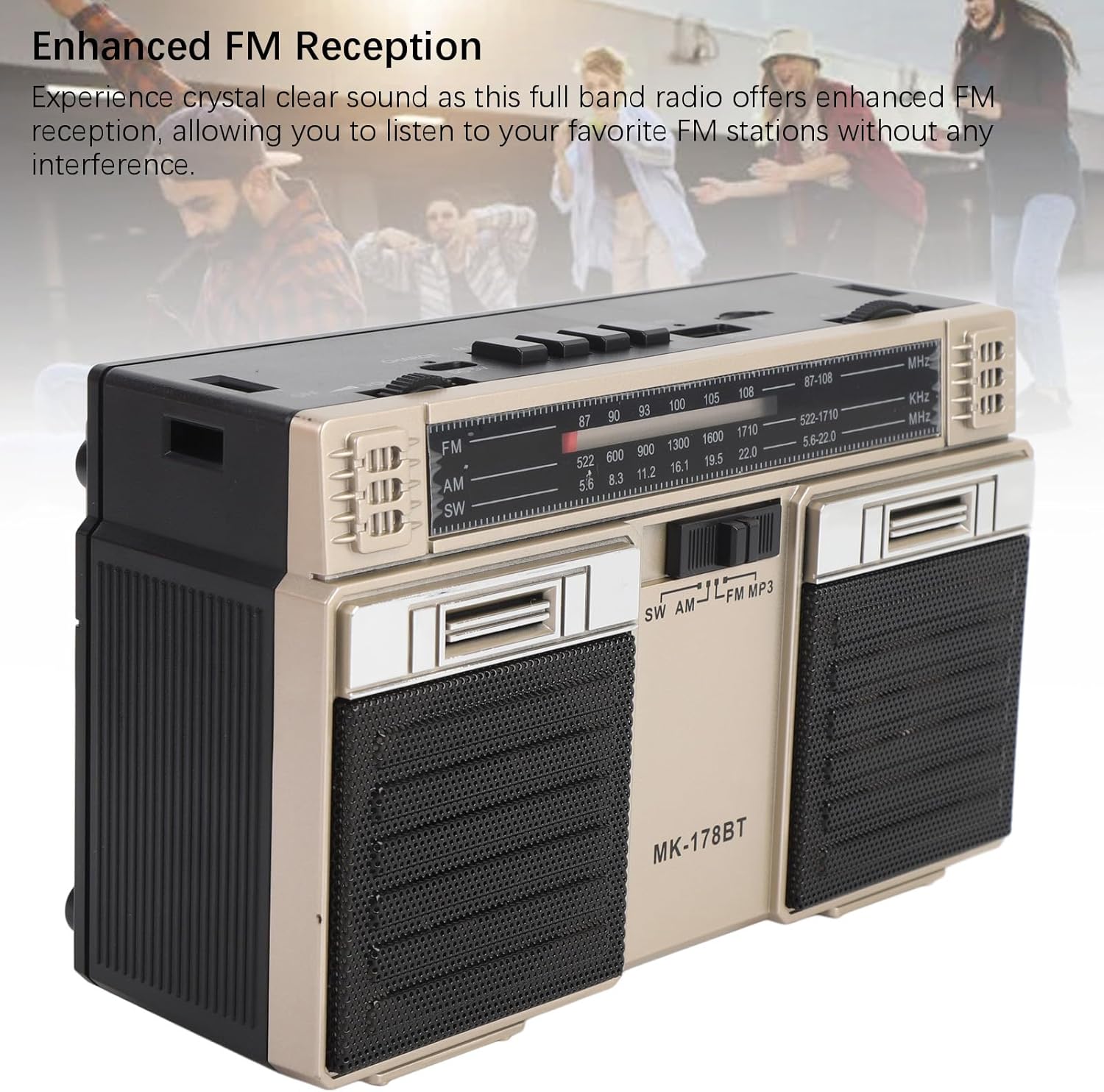
ምስል፡ ፊት ለፊት view of the radio, highlighting the dual speakers and the frequency display panel.
ምስል: ከፍተኛ view of the radio, detailing the power switch, volume knob, mode/playback controls, charging port, LED indicator, USB port, and TF card slot.

ምስል፡ መቀራረብ view of the tuning knob, USB port, and TF (Micro SD) card slot, located on the top panel of the radio.
የቁልፍ መቆጣጠሪያዎች፡
- ጠፍቷል/ማብራት መቀየሪያ፡- Located on the top left, controls power.
- የድምፅ ኖት ፦ የድምጽ ውፅዓት ደረጃን ያስተካክላል።
- CHARGE (DC 5V) Port: ለባትሪ መሙላት የአይነት-ሲ ወደብ።
- M/* Button: Mode selection / Bluetooth pairing.
- ◀◀ / ►► Buttons: Previous/Next track in media modes, or fine-tuning in radio modes.
- ►█ Button: Play/Pause for media playback.
- የ LED አመልካች፡- Shows charging status or mode.
- TF ማስገቢያ፡ For Micro SD (storage) cards.
- የዩኤስቢ ማስገቢያ For USB drives.
- ማስተካከያ ቁልፍ፡ የሬዲዮ ድግግሞሽን ያስተካክላል።
- አንቴና፡ የተሻሻለ የሬዲዮ አቀባበል ለማድረግ ሊራዘም የሚችል።
ማዋቀር
1. ባትሪውን በመሙላት ላይ
- የቀረበውን የአይነት-ሲ የኃይል መሙያ ገመድ ከ ጋር ያገናኙ CHARGE (DC 5V) በሬዲዮ ላይ ወደብ.
- የኬብሉን ሌላኛውን ጫፍ ከመደበኛ የዩኤስቢ የኃይል አስማሚ (ያልተካተተ) ወይም ከኮምፒዩተር የዩኤስቢ ወደብ ጋር ያገናኙ።
- The LED indicator will illuminate during charging. It will change color or turn off once fully charged.
- ሙሉ ኃይል መሙላት እስከ 18 ሰዓታት የባትሪ ዕድሜ ይሰጣል።
2. ማብራት / ማጥፋት
- ሬዲዮን ለማብራት፣ ያንሸራቱት። ጠፍቷል/በርቷል። switch to the 'ON' position.
- To power off, slide the switch back to the 'OFF' position.
የአሠራር መመሪያዎች
1. ሁነታን መምረጥ
የሚለውን ይጫኑ M/* button repeatedly to cycle through the available modes: FM, AM, SW, Bluetooth, USB, and TF Card (if inserted).
2. Radio Operation (FM/AM/SW)
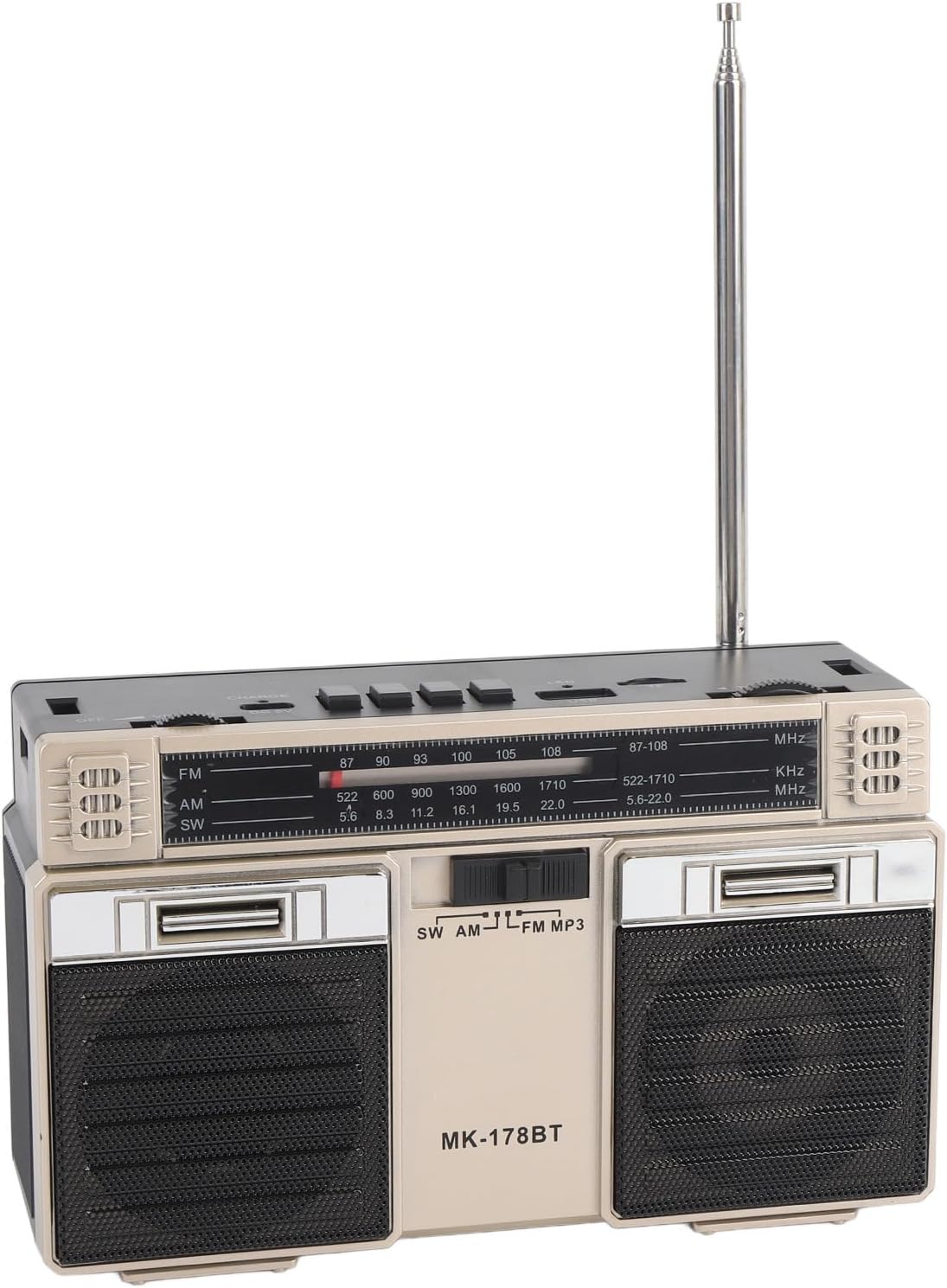
- Extend the telescopic antenna for optimal reception, especially for FM and SW bands.
- Select the desired radio band (FM, AM, or SW) using the M/* አዝራር።
- ቀስ ብሎ ማዞር ማስተካከል knob to scan for stations. The frequency will be displayed on the front panel.
- አስተካክል። ድምጽ ወደሚፈልጉት የማዳመጥ ደረጃ የሚወስደውን ቁልፍ ይጫኑ።
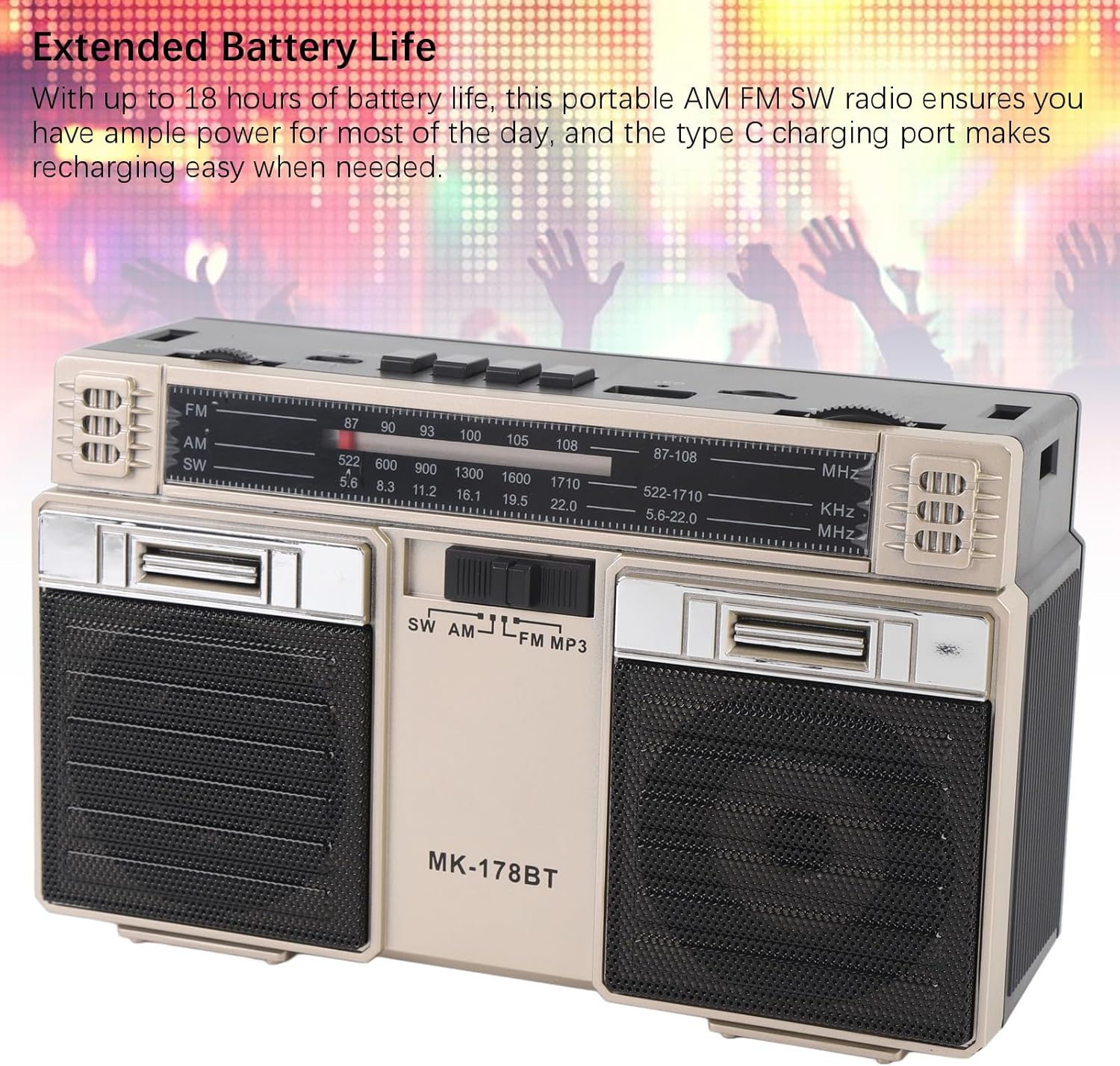
Image: The radio with its telescopic antenna fully extended, demonstrating optimal setup for radio reception.
3. የብሉቱዝ ኦፕሬሽን
- የሚለውን ይጫኑ M/* button until the radio enters Bluetooth mode (an audible prompt or indicator may confirm this).
- በብሉቱዝ የነቃ መሳሪያዎ ላይ (ለምሳሌ፡ ስማርትፎን፣ ታብሌት) የሚገኙ የብሉቱዝ መሳሪያዎችን ይፈልጉ።
- Select "MK-178BT" (or similar name) from the list to pair.
- Once paired, you can stream audio from your device to the radio. Use the ►█, ◀◀, እና ►► መልሶ ማጫወትን ለመቆጣጠር አዝራሮች።
4. USB/Storage Card Playback
- የዩኤስቢ ድራይቭን ወደ ውስጥ ያስገቡ የዩኤስቢ ማስገቢያ or a Micro SD (TF) card into the የ TF ማስገቢያ.
- ሬዲዮው በራስ-ሰር ወደ ዩኤስቢ ወይም TF ካርድ ሁነታ መቀየር አለበት። ካልሆነ ግን ይጫኑ። M/* ትክክለኛውን ሁነታ ለመምረጥ አዝራር.
- ሬዲዮው ኦዲዮ ማጫወት ይጀምራል files ከገባው የማከማቻ መሣሪያ.
- የሚለውን ተጠቀም ►█ ለመጫወት/ለማቆም የሚያስችል አዝራር፣ እና ◀◀ / ►► ትራኮችን ለመዝለል ቁልፎች.
ጥገና
1. ማጽዳት
- Wipe the exterior of the radio with a soft, dry cloth.
- ሻካራ ማጽጃዎችን፣ ፈሳሾችን ወይም ጠንካራ ኬሚካሎችን አይጠቀሙ።
2. የባትሪ እንክብካቤ
- መጀመሪያ ከመጠቀምዎ በፊት ባትሪውን ሙሉ በሙሉ ኃይል ይሙሉ ፡፡
- የባትሪውን ዕድሜ ለማራዘም ብዙ ጊዜ ሙሉ በሙሉ ከማጥፋት ይቆጠቡ።
- If storing the radio for an extended period, charge it to about 50% every few months.
3. ማከማቻ
- Store the radio in a cool, dry place, away from direct sunlight and extreme temperatures.
- ከአቧራ እና እርጥበት ያርቁ።
መላ መፈለግ
| ችግር | ሊሆን የሚችል ምክንያት | መፍትሄ |
|---|---|---|
| ሬዲዮ አይበራም። | ባትሪው ተሟጧል። የኃይል ማብሪያ / ማጥፊያው ጠፍቷል። | Charge the battery. Ensure the power switch is in the 'ON' position. |
| ደካማ የሬዲዮ አቀባበል። | አንቴናው አልተዘረጋም። ደካማ የሲግናል አካባቢ። ጣልቃ ገብነት። | Fully extend the telescopic antenna. Try repositioning the radio. Move away from electronic devices causing interference. |
| ብሉቱዝ አይገናኝም። | Radio not in Bluetooth mode. Device not discoverable. Already paired with another device. | Ensure radio is in Bluetooth mode. Make sure your device's Bluetooth is on and discoverable. Disconnect from other devices. |
| የዩኤስቢ/TF ካርድ አይጫወትም። | Incorrect mode selected. Incompatible file format. Corrupted storage device. | ተጫን M/* to select USB/TF mode. Ensure audio files are in a compatible format (e.g., MP3). Try a different USB drive or TF card. |
| ምንም ድምጽ ወይም ዝቅተኛ ድምጽ የለም. | Volume too low. Mute activated (if applicable). | ጨምር ድምጽ knob. Check if the connected Bluetooth device's volume is also up. |
ዝርዝሮች
- የሞዴል ቁጥር፡- MK-178BT (Internal SKU: EBTOOLSshukg7o0ny-12)
- ቁሳቁስ፡ ኤቢኤስ
- ኤፍኤም ተደጋጋሚነት ወሰን: ከ 87 እስከ 108 ሜኸ
- AM ድግግሞሽ ክልል፡ ከ 522 እስከ 1710 ኪኸ
- የ SW ድግግሞሽ ክልል፡ ከ 5.6 እስከ 22 ሜኸ
- Storage Card/Small Memory Card Support: Maximum 32GB (not included)
- አብሮ የተሰራ ባትሪ; 1200mAh ሊ-ፖሊመር
- የኃይል ምንጭ፡- በባትሪ የተጎላበተ (አይነት-ሲ መሙላት)
- የግንኙነት ቴክኖሎጂ; ብሉቱዝ
- የምርት መጠኖች: 7.48 x 4.72 x 3.14 ኢንች (19 x 12 x 8 ሴሜ)
- የእቃው ክብደት፡ 1.35 ፓውንድ (0.61 ኪ.ግ)
- ልዩ ባህሪያት፡ Portable, Bluetooth, Rechargeable
ዋስትና እና ድጋፍ
For warranty information or technical support, please refer to the purchase platform or contact EBTOOLS customer service directly. Keep your purchase receipt as proof of purchase.