
Havion D2
የሃቪዮን D2 ባለገመድ ቪዲዮ የበር ደወል ካሜራ የተጠቃሚ መመሪያ
Model: D2 | Brand: Havion
1. መግቢያ
This manual provides detailed instructions for the installation, operation, and maintenance of your Havion D2 Wired Video Doorbell Camera. Please read this manual thoroughly before using the product to ensure proper function and safety. The Havion D2 offers advanced security features including dual cameras, 5MP (3K) resolution, AI motion detection, and two-way audio communication.
2. የጥቅል ይዘቶች
ከዚህ በታች የተዘረዘሩት ሁሉም እቃዎች በጥቅልዎ ውስጥ መካተታቸውን ያረጋግጡ፡-
- Havion D2 Wired Video Doorbell Camera
- የቤት ውስጥ ቺም
- መስቀያ ብሎኖች እና መልህቆች
- የትምህርት መመሪያ (ይህ ሰነድ)

Image: Havion D2 Wired Video Doorbell Camera, indoor chime, and a smartphone displaying the app interface.
3. ምርት አብቅቷልview
The Havion D2 is designed to provide comprehensive security for your home entrance. Key features include:
- ድርብ ካሜራዎች፡- Main 5MP (3K) camera and a sub-camera for head-to-toe view.
- 160° እጅግ በጣም ሰፊ Viewአንግል ውስጥ; Minimizes blind spots.
- 2-inch OLED Screen: Provides instant feedback and interactive display.
- AI እንቅስቃሴ ማወቂያ፡- Recognizes people, packages, vehicles, and pets.
- ባለሁለት እንቅስቃሴ ዳሳሾች፡- PIR and radar sensors reduce false alarms.
- Built-in 32GB eMMC Storage: Local storage for recordings, no subscription fees.
- ባለሁለት መንገድ ኦዲዮ፡- Communicate with visitors via the Havion app.
- የላቀ የምሽት እይታ; Dual-light infrared and white-light cameras for 24/7 monitoring.
- ዘመናዊ ቤት ውህደት፡- ከ Amazon Alexa እና Google ረዳት ጋር ተኳሃኝ.
- ባለገመድ የኃይል አቅርቦት; Ensures continuous operation without battery concerns.

Image: Diagram illustrating key features of the Havion D2 doorbell, including 2K camera, dual lenses, dual sensors, 32GB eMMC/cloud storage, 160° view angle, 2-way audio, 2'' OLED screen, smart app, AI motion, and 3.0A fast charging.

ምስል፡ ዝርዝር view of the Havion D2 doorbell components, highlighting the main camera (5MP, 160° wide angle), sub-camera (2MP), and 2-inch True Color OLED screen.
4. ማዋቀር እና መጫን
4.1 ቅድመ-መጫኛ ማረጋገጫ ዝርዝር
- የWi-Fi አውታረ መረብዎ 2.4GHz መሆኑን ያረጋግጡ (5GHz አይደገፍም)።
- Confirm you have existing doorbell wiring (8-24VAC).
- Download the Havion app from your smartphone's app store.
4.2 አካላዊ ጭነት
- ኃይል አጥፋ፡ ከመጀመርዎ በፊት፣ በወረዳ ማብሪያ / ማጥፊያው ላይ ያለውን ነባር የበር ደወል ኃይል ያጥፉ።
- Remove Existing Doorbell: Disconnect and remove your old doorbell button.
- ቅንፍ ይጫኑ፡- Use the provided mounting screws and anchors to secure the mounting bracket to your wall. Ensure it is level.
- ሽቦዎችን ማገናኘት; Connect your existing doorbell wires to the terminals on the back of the Havion D2 doorbell. The D2 is designed for wired power, ensuring continuous operation.
- የበር ደወል ያያይዙ፡ Secure the Havion D2 doorbell to the mounting bracket.
- Install Indoor Chime: Plug the indoor chime into a standard wall outlet within range of your doorbell.
- ኃይልን ወደነበረበት መልስ Turn the power back on at the circuit breaker. The doorbell should power on.
4.3 App Pairing and Initial Setup
- መተግበሪያ ያውርዱ ፈልግ "Havion" in your app store and download the official application.
- መለያ ይፍጠሩ፡ መተግበሪያውን ይክፈቱ እና አዲስ መለያ ለመፍጠር ወይም ለመግባት የማያ ገጽ ላይ መመሪያዎችን ይከተሉ።
- መሣሪያ አክል፡ Tap the "+" icon to add a new device. Select the Havion D2 Video Doorbell.
- የብሉቱዝ ማገናኘት The Havion D2 supports Bluetooth network pairing for a faster and simpler setup compared to traditional QR code methods. Follow the app's prompts to connect via Bluetooth.
- ከWi-Fi ጋር ይገናኙ፡ የእርስዎን 2.4GHz Wi-Fi አውታረ መረብ ይምረጡ እና የይለፍ ቃሉን ያስገቡ።
- የተሟላ ማዋቀር; Follow any remaining instructions in the app to finalize the setup, including naming your device and adjusting initial settings. The built-in 2-inch OLED screen provides instant feedback during this process.

Image: A smartphone displaying the Havion app interface, showing a live view from the doorbell camera and options to modify device name, disconnect lock, and share device.
5. ኦፕሬሽን
5.1 ቀጥታ ስርጭት View እና ባለሁለት መንገድ ኦዲዮ
- Open the Havion app and select your D2 doorbell to access the live view.
- Tap the microphone icon to initiate two-way audio communication with visitors.
- The 2-inch OLED screen on the doorbell will display "Calling" when someone presses the doorbell button.

Image: Illustration of real-time two-way audio communication via the Havion app, showing a user talking to visitors.
5.2 የእንቅስቃሴ ማወቂያ እና ማንቂያዎች
- The D2 features advanced AI motion detection, recognizing people, packages, vehicles, and pets.
- Dual PIR and radar sensors work together to significantly reduce false alarms (up to 95%).
- እንቅስቃሴ ሲገኝ በስማርትፎንዎ ላይ የእውነተኛ ጊዜ ማንቂያዎችን ይቀበሉ።
- Adjust motion sensitivity and detection zones within the Havion app settings.

Image: Illustration of the Havion D2's smart detection capabilities, showing a delivery person being recognized and the doorbell's radar sensors in action.

Image: A man walking a dog, with a green box highlighting the enhanced motion detection area of the Havion D2 doorbell.
5.3 ባለሁለት ካሜራ ተግባራዊነት
- The main camera provides a wide-angle view የአካባቢዎ.
- The sub-camera offers a head-to-toe view, ensuring packages left on your doorstep are visible.
- በካሜራ መካከል ይቀያይሩ views ወይም view both simultaneously within the Havion app.

Image: Illustration showing the dual camera coverage of the Havion D2, with a wide-angle view እና ጥቅል view በስማርትፎን ማያ ገጽ ላይ።
5.4 የምሽት ራዕይ
- The D2 is equipped with dual-light infrared and white-light cameras for clear night vision.
- White-light cameras activate upon motion detection to provide color night vision and deter unwanted visitors.

Image: Comparison of standard night vision (black and white) and Havion's advanced night vision with activated white-light for clearer, illuminated views.
5.5 ስማርት ቤት ውህደት
- The Havion D2 is compatible with Amazon Alexa and Google Assistant.
- Follow the instructions in your Alexa or Google Home app to link your Havion account and enable voice commands.
- Example commands: "Alexa, show me the front door," or "Hey Google, what's happening at the doorbell?"
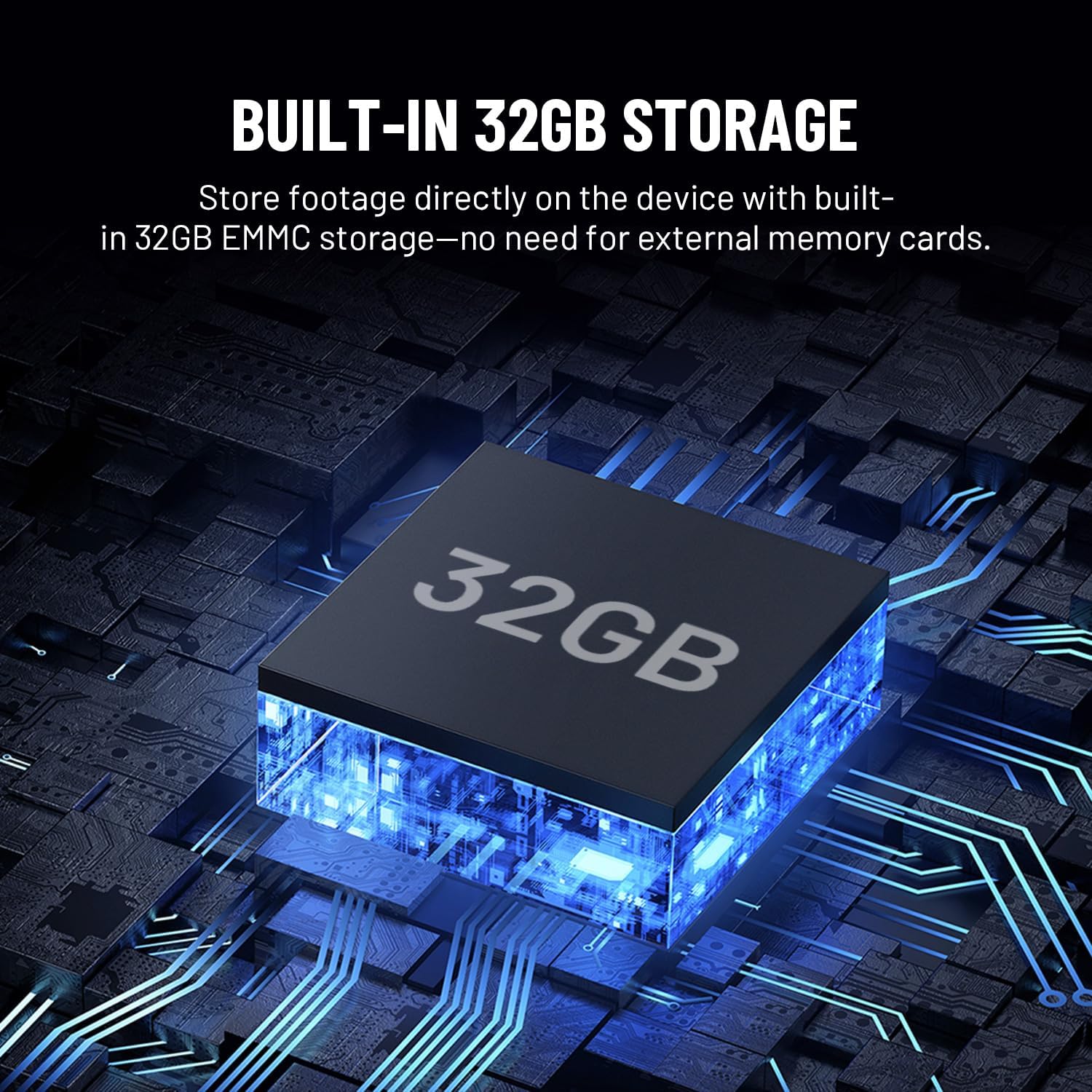
Image: Illustration showing the Havion D2 doorbell integrated into a smart home ecosystem, with a floor plan indicating connected devices like a smart lock and the doorbell.
6. ጥገና
- ማጽዳት፡ የካሜራውን ሌንስ እና የበር ደወሉን ገጽታ በቀስታ ያብሱ፣ መamp ጨርቅ. ገላጭ ማጽጃዎችን ያስወግዱ.
- የጽኑዌር ዝማኔዎች ፦ Regularly check the Havion app for firmware updates to ensure optimal performance and access to new features.
- ማከማቻ፡ The D2 has built-in 32GB eMMC local storage. Review and manage recordings through the Havion app.
- የአየር ሁኔታ መቋቋም; The doorbell is designed to be durable and weather-resistant with an IP66 waterproof rating.

Image: The Havion D2 doorbell mounted on a wall, with water droplets indicating its weather-resistant design.
7. መላ መፈለግ
| ችግር | ሊሆን የሚችል ምክንያት | መፍትሄ |
|---|---|---|
| የበር ደወል እየበራ አይደለም። | No power from existing wiring; circuit breaker off. | Check circuit breaker. Ensure wires are correctly connected to the doorbell terminals. Verify existing wiring provides 8-24VAC. |
| ከWi-Fi ጋር መገናኘት አልተቻለም። | የተሳሳተ የWi-Fi የይለፍ ቃል፤ የ5GHz አውታረ መረብ ተመርጧል፤ ደካማ ምልክት። | Ensure correct 2.4GHz Wi-Fi network is selected and password is accurate. Move doorbell closer to router or consider a Wi-Fi extender. |
| ተደጋጋሚ ግንኙነቶች. | ደካማ የ Wi-Fi ምልክት; የአውታረ መረብ ጣልቃገብነት. | Improve Wi-Fi signal strength. Ensure no other devices are causing interference. Restart router and doorbell. |
| የእንቅስቃሴ ማንቂያዎች በጣም ተደጋጋሚ/አልፎ አልፎ ናቸው። | Motion sensitivity settings are too high/low. | Adjust motion detection sensitivity and detection zones in the Havion app. |
| ባለሁለት መንገድ ኦዲዮ አይሰራም። | Microphone/speaker permissions not granted to app; network issues. | በስማርትፎንዎ ላይ የመተግበሪያ ፈቃዶችን ያረጋግጡ። የተረጋጋ የኢንተርኔት ግንኙነት ያረጋግጡ። |
8. ዝርዝሮች
| ባህሪ | ዝርዝር |
|---|---|
| የሞዴል ስም | D2 |
| የምርት ስም | ሃቪዮን |
| የቤት ውስጥ / የውጭ አጠቃቀም | ከቤት ውጭ |
| የኃይል ምንጭ | Corded Electric (8-24VAC) |
| የግንኙነት ፕሮቶኮል | ዋይ ፋይ (2.4GHz ብቻ) |
| የቪዲዮ ቀረጻ ጥራት | 5MP (3K) / 1920p |
| ማከማቻ | Built-in 32GB eMMC Local Storage |
| ማሳያ | 2-ኢንች OLED ማያ |
| ልዩ ባህሪ | 2-Way Audio, AI Motion Detection, Dual Cameras, Night Vision |
| ተስማሚ መሣሪያዎች | ስማርትፎን፣ አማዞን አሌክሳ፣ የጉግል ረዳት |
| የመጫኛ አይነት | የግድግዳ ተራራ |
| የምርት ልኬቶች | 5 x 2 x 1 ኢንች |
| የእቃው ክብደት | 1 ፓውንድ |
9. ዋስትና እና ድጋፍ
Havion provides reliable after-sales support, including a 2-year warranty. In case of product issues, a replacement will be provided in exchange for repairs.
For detailed warranty information or technical assistance, please refer to the official Havion website or contact customer support through the Havion app.
You can visit the Havion Store for more information: Havion Store on Amazon
Ask a question about this manual
Ask about setup, troubleshooting, compatibility, parts, safety, or missing instructions. Manuals+ will review the question and use this page’s manual context to help answer it.