
1. መግቢያ
This manual provides essential information for setting up, operating, and maintaining your ZTE Nubia Neo 3 GT 5G smartphone. Designed for an ultimate gaming experience, this device combines powerful performance with advanced features. Please read this manual thoroughly to ensure proper use and to maximize your device's capabilities.
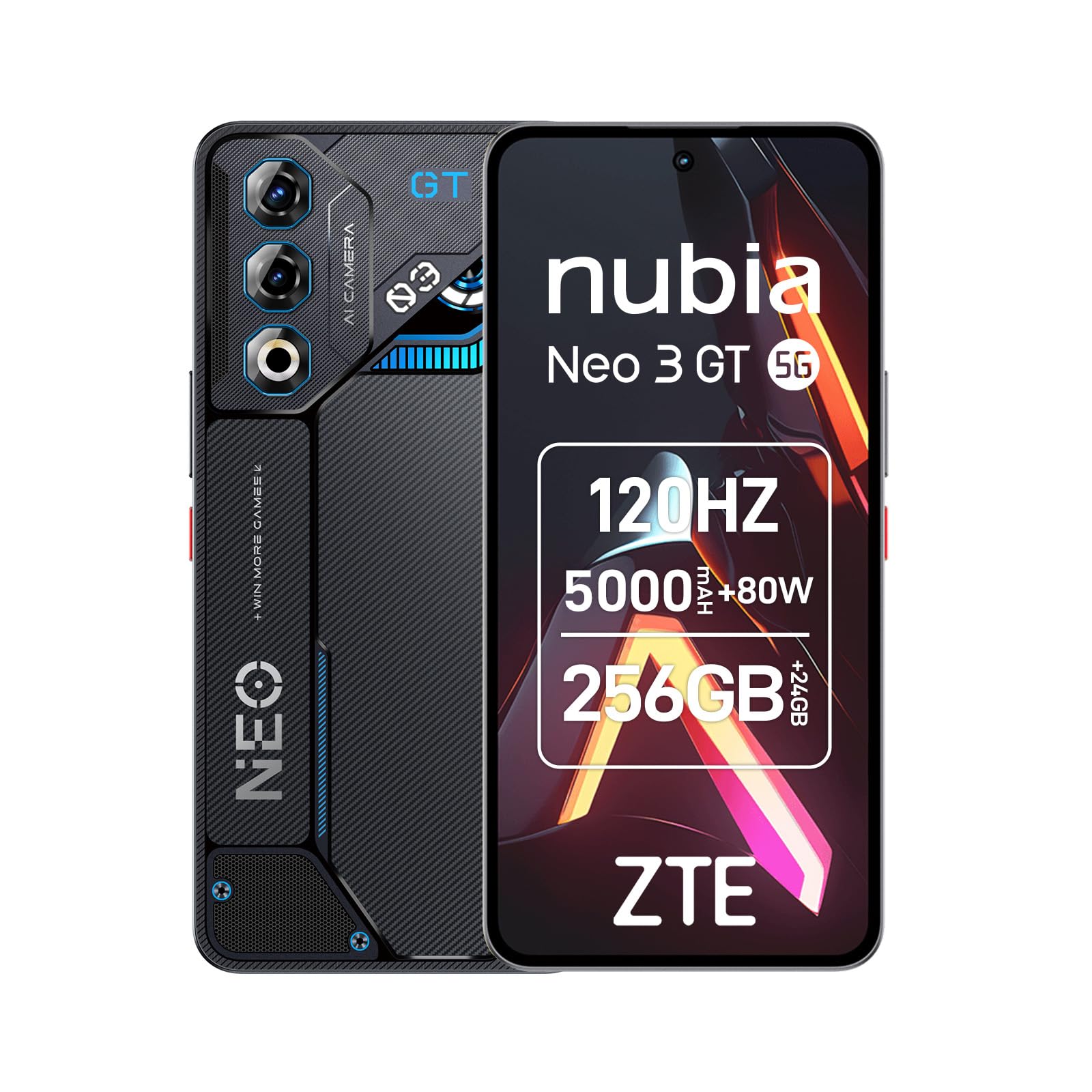
Image 1: ZTE Nubia Neo 3 GT 5G smartphone, showcasing የእሱ ንድፍ.
2. ማዋቀር
2.1 የጥቅል ይዘቶች
ጥቅልዎ የሚከተሉትን ንጥሎች መያዙን ያረጋግጡ፡-
- ZTE Nubia Neo 3 GT 5G Smartphone
- የዩኤስቢ ገመድ
- የስልክ መያዣ
- ስክሪን ተከላካይ
- ሲም ኢጀክተር መሣሪያ
2.2 ሲም ካርዶችን ማስገባት
The Nubia Neo 3 GT supports Dual SIM functionality.
- የሲም ካርዱን ትሪ ከመሳሪያው ጎን ያግኙት።
- የሲም ማስወጫ መሳሪያውን ከትሪው አጠገብ ባለው ትንሽ ቀዳዳ ውስጥ ያስገቡ እና ትሪው ብቅ እስኪል ድረስ በቀስታ ይግፉት።
- የናኖ ሲም ካርድዎን(ዎች) በትሪው ላይ በተቀመጡት ቦታዎች ውስጥ ያስቀምጡ። የወርቅ ንክኪዎቹ ወደ ታች መመልከታቸውን ያረጋግጡ።
- ትሪውን በጥንቃቄ ወደ ስልኩ አስገባ።

Image 2: Illustrative image of the phone's side, where the SIM tray is typically located.
2.3 የመጀመሪያ የኃይል ማብራት እና መሰረታዊ ውቅር
- መሣሪያው እስኪነዝር እና ማያ ገጹ እስኪበራ ድረስ የኃይል አዝራሩን ተጭነው ይያዙት።
- ቋንቋዎን ለመምረጥ፣ ከWi-Fi አውታረ መረብ ጋር ለመገናኘት እና የGoogle መለያዎን ለማዋቀር የማያ ገጽ ላይ ጥያቄዎችን ይከተሉ።
- Configure security features such as fingerprint recognition (in-display sensor) and facial recognition for enhanced device security.
3. መሳሪያዎን ማስኬድ
3.1 ማሳያ እና አሰሳ
Your device features a 6.8-inch FHD+ OLED display with a 120Hz refresh rate, offering a smooth and immersive visual experience. Navigate using touch gestures and on-screen buttons.

Image 3: The 120Hz OLED Gaming Display, highlighting its vibrant visuals and smooth performance.
3.2 የጨዋታ ባህሪያት
The Nubia Neo 3 GT is optimized for gaming with several dedicated features:
- Dual Gaming Shoulder Triggers: Customizable, ultra-sensitive side triggers for enhanced control in games.
- Rear LED Lights: Personalizable LED lights on the back for a gaming aesthetic.
- Z-axis Linear Motor: Provides precise and immersive haptic feedback during gameplay.
- Game Space Application: A dedicated app to centralize your games and customize settings like touch area and CPU/GPU performance.
- In-game Gaming Menu: Access quick settings by swiping down twice from the top to record screen, adjust refresh rate, or boost performance without pausing your game.
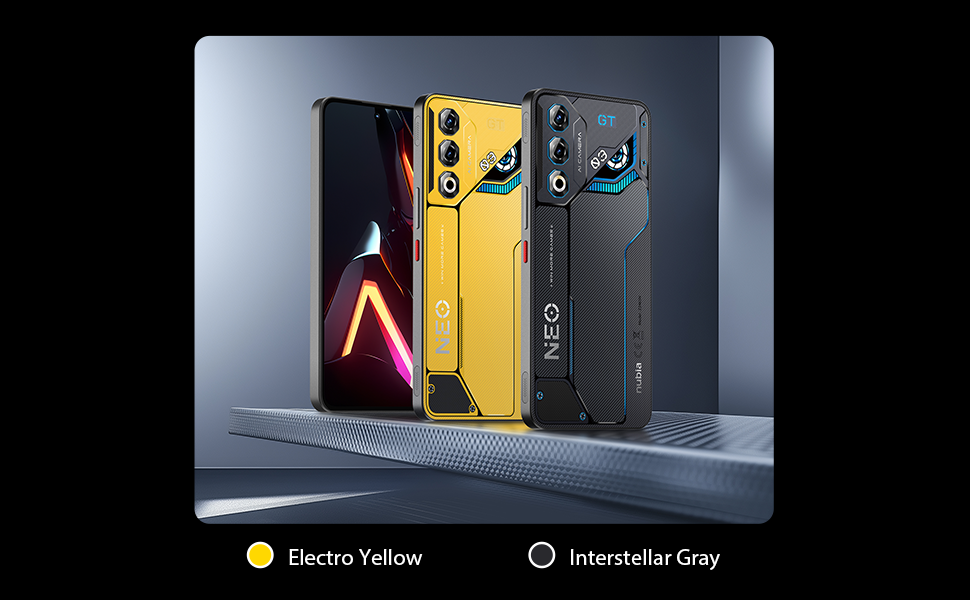
ምስል 4፡ አልቋልview of key gaming features including the NeoTurbo Performance Engine, Dual Gaming Shoulder Triggers, Z-axis Linear Motor for haptic feedback, and DTS:X Ultra stereo speakers for immersive sound.
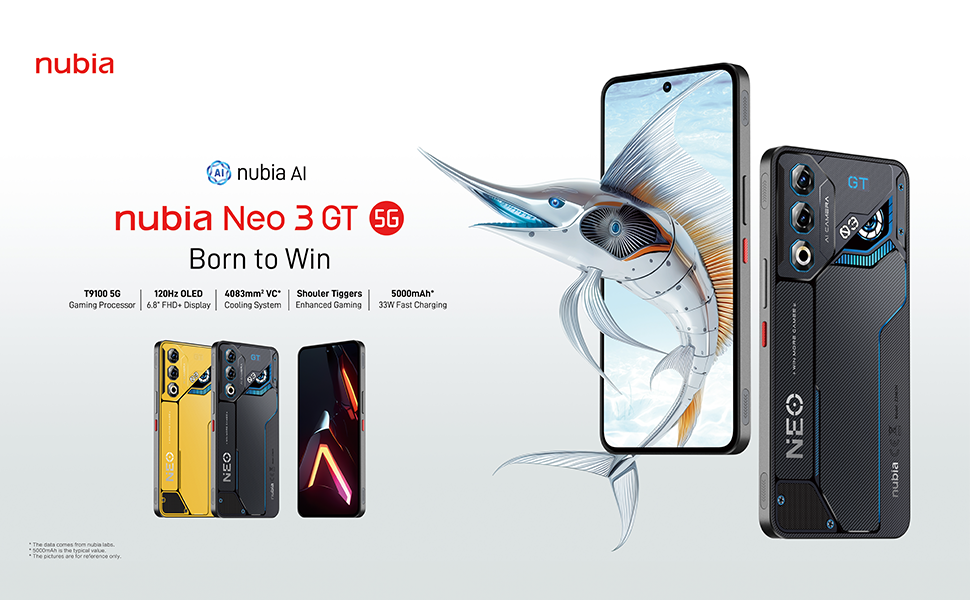
Image 5: Additional gaming functions such as highly sensitive controls, screen recording, data display, key mapping, and peripheral control.
3.3 ካሜራ
Capture moments with the device's camera system:
- የኋላ ካሜራ; 50 Megapixels with AI enhancements.
- የፊት ካሜራ፡ 8 ሜጋፒክስል.
Access the camera app from the home screen or lock screen to take photos and videos. Explore various modes and settings for optimal results.
3.4 ባትሪ እና ኃይል መሙያ
The device is equipped with a 5000 mAh battery.
- ፈጣን ኃይል መሙላት; Supports 33W fast charging. Use the provided USB cable and a compatible charger for best results.
- Bypass Charging: This technology allows power to be supplied directly to the device from the charger, bypassing the battery during intense gaming sessions to reduce heat and prolong battery life.

Image 6: Illustration of the 5000 mAh high-capacity battery and the Bypass Charging feature, which directs power directly to the device from the charger.
3.5 ግንኙነት
መሣሪያዎ የተለያዩ የግንኙነት አማራጮችን ይደግፋል፡-
- 5G አውታረ መረብ፡ ለከፍተኛ ፍጥነት የሞባይል ዳታ።
- ዋይ ፋይ፡ ከገመድ አልባ አውታረ መረቦች ጋር ይገናኙ።
- ብሉቱዝ፡ ከገመድ አልባ መለዋወጫዎች ጋር ለመገናኘት.
- NFC: ንክኪ ለሌላቸው ክፍያዎች እና ፈጣን ማጣመር።
- የዩኤስቢ ዓይነት-C፡ ለክፍያ እና የውሂብ ማስተላለፍ.
- ጂፒኤስ፡ Integrated GPS for navigation.
4. ጥገና
4.1 የባትሪ እንክብካቤ
- መሳሪያውን ለከፍተኛ ሙቀት ከማጋለጥ ይቆጠቡ።
- በተደጋጋሚ ባትሪውን ሙሉ በሙሉ አያድርጉ.
- Use the original charger and cable for optimal charging and to preserve battery health.
- The average battery lifespan is estimated at 5 years.
4.2 መሳሪያዎን ማጽዳት
- ማያ ገጹን እና ገላውን ለማፅዳት ለስላሳ ፣ ከጥጥ ነፃ የሆነ ጨርቅ ይጠቀሙ።
- ኃይለኛ ኬሚካሎችን ወይም ሻካራ ቁሳቁሶችን ከመጠቀም ይቆጠቡ.
- Do not expose the device to water as it is not waterproof.
4.3 የሶፍትዌር ዝመናዎች
Regularly check for software updates to ensure your device has the latest features, security patches, and performance improvements. You can usually find this option in the device settings under "System" or "About phone".
5. መላ መፈለግ
5.1 የተለመዱ ጉዳዮች እና መፍትሄዎች
- መሳሪያ አይበራም ባትሪው መሙላቱን ያረጋግጡ። እንደገና ለማብራት ከመሞከርዎ በፊት ከኃይል መሙያ ጋር ይገናኙ እና ጥቂት ደቂቃዎችን ይጠብቁ።
- የሚቀዘቅዙ ወይም የሚበላሹ መተግበሪያዎች፡- ችግር ያለበትን መተግበሪያ ዝጋ እና እንደገና ይክፈቱት። ችግሩ ከቀጠለ መሣሪያውን እንደገና ያስጀምሩ።
- ደካማ የአውታረ መረብ ግንኙነት; Check your SIM card insertion. Try toggling Airplane Mode on and off. If issues persist, contact your network provider.
- ዝቅተኛ አፈጻጸም; Close unnecessary background apps. Clear cache for frequently used apps. Consider a factory reset as a last resort (back up your data first).
6. ዝርዝሮች
| ባህሪ | ዝርዝር መግለጫ |
|---|---|
| የሞዴል ስም | ZTE Nubia Neo 3 GT |
| ስርዓተ ክወና | አንድሮይድ 15 |
| የሲፒዩ ፍጥነት | 2.7 ጊኸ |
| ራም | 12 GB (expandable up to 24 GB dynamic RAM) |
| የማከማቻ አቅም | 256 GB (Maximum flash memory supported) |
| የማሳያ መጠን | 6.8 ኢንች |
| የማሳያ ዓይነት | FHD+ OLED |
| ጥራት | 2392 x 1080 ፒክስል |
| የማደስ ደረጃ | 120 Hz |
| የኋላ ካሜራ ጥራት | 50 ሜጋፒክስል |
| የፊት ካሜራ ጥራት | 8 ሜጋፒክስል |
| የባትሪ አቅም | 5000 ሚአሰ |
| በመሙላት ላይ | 33W Fast Charging, Bypass Charging |
| ሴሉላር ቴክኖሎጂ | 5G |
| ግንኙነት | Bluetooth, NFC, USB Type-C, Wi-Fi |
| ሲም ካርድ ማስገቢያዎች | ድርብ ሲም (ናኖ) |
| ባዮሜትሪክ ደህንነት | የጣት አሻራ እና የፊት እውቅና |
| ክብደት | 203 ግራም |
| የውሃ መቋቋም | የውሃ መከላከያ አይደለም |
| የዓመት ሞዴል | 2025 |
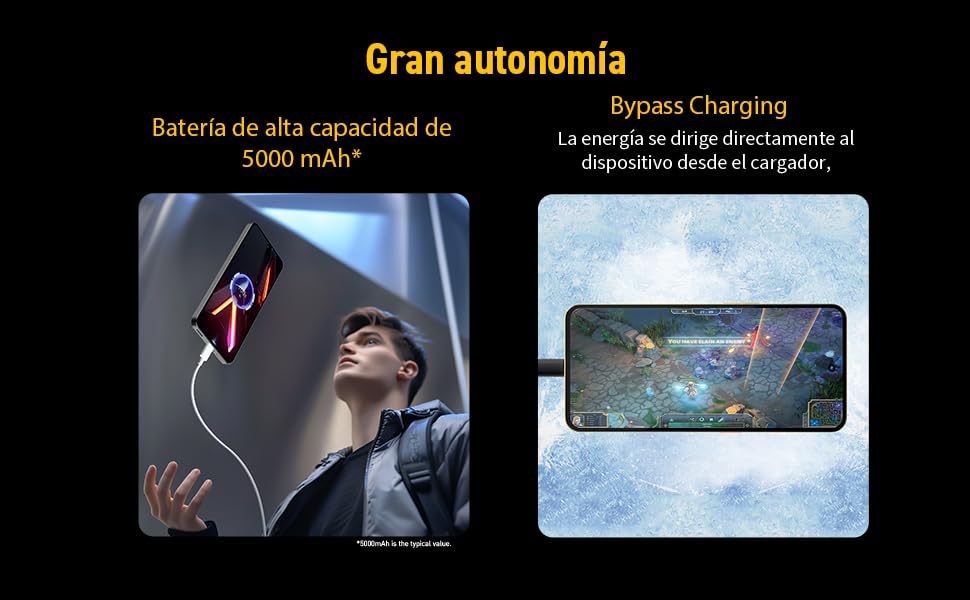
Image 7: Illustration of the T9100 5G-SoC processor, highlighting its powerful performance up to 2.7 GHz.

Image 8: Visual representation of the device's dynamic RAM, indicating up to 24 GB (12GB + 12GB).
7. ዋስትና እና ድጋፍ
For detailed warranty information, please refer to the warranty card included with your product or visit the official nubia webጣቢያ.
- የመለዋወጫ አቅርቦት: 10 ዓመታት.
- Average battery lifespan: 5 Years.
For technical support or service inquiries, please contact nubia customer service through their official channels.