
መግቢያ
Welcome to the user manual for your new Generic X10 MINI Smart Watch. This guide provides essential information on setting up, operating, and maintaining your device to ensure optimal performance. Please read this manual thoroughly before using your smartwatch.
በሣጥኑ ውስጥ ያለው
ሁሉም እቃዎች በምርት ማሸጊያዎ ውስጥ መኖራቸውን ያረጋግጡ፡-
- X10 MINI Smart Watch (with one pink band attached)
- Additional Pink Watch Band
- ገመድ አልባ ባትሪ መሙያ ገመድ
- የተጠቃሚ መመሪያ (ይህ ሰነድ)

Image: The X10 MINI Smart Watch, an additional pink band, and the wireless charging cable as typically found in the box.
ምርት አልቋልview
The X10 MINI Smart Watch features a 2.19-inch display, wireless charging, and a sleek design. It is designed to help you stay connected and track your activities throughout the day.
- ማሳያ፡- Large 2.19-inch touchscreen for clear visibility and easy navigation.
- ንድፍ፡ Sleek smartwatch with a modern square face and comfortable pink band.
- በመሙላት ላይ፡ ምቹ ገመድ አልባ ባትሪ መሙላት ችሎታ።
- ግንኙነት፡ Advanced wireless technology for seamless synchronization with compatible devices.
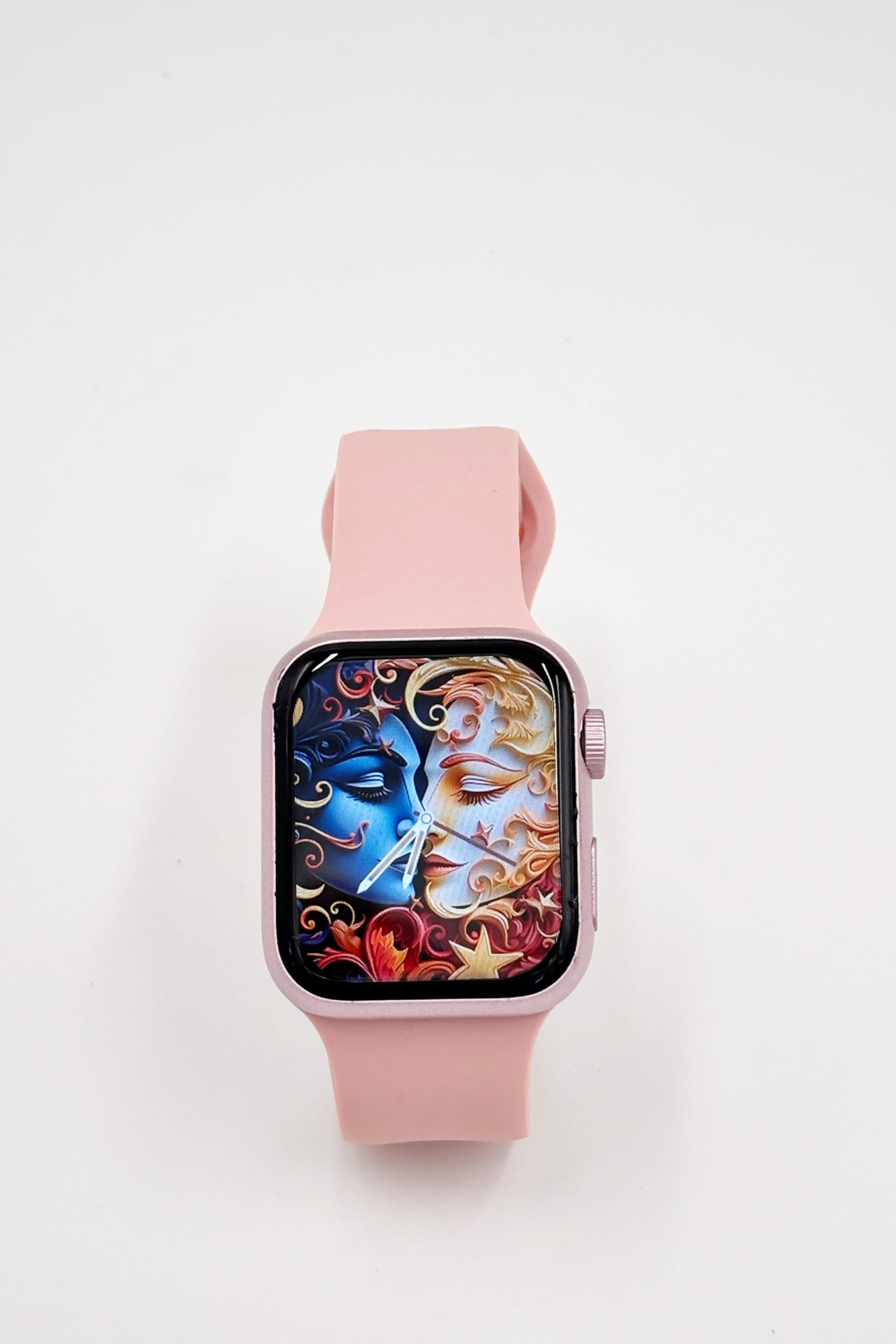
Image: A close-up of the X10 MINI Smart Watch, showcasing its 2.19-inch display and pink band.
ማዋቀር
1. የመነሻ ኃይል መሙላት
Before first use, fully charge your smartwatch. Connect the wireless charging cable to a USB power source and place the back of the watch onto the charging pad. The watch display will indicate charging status.
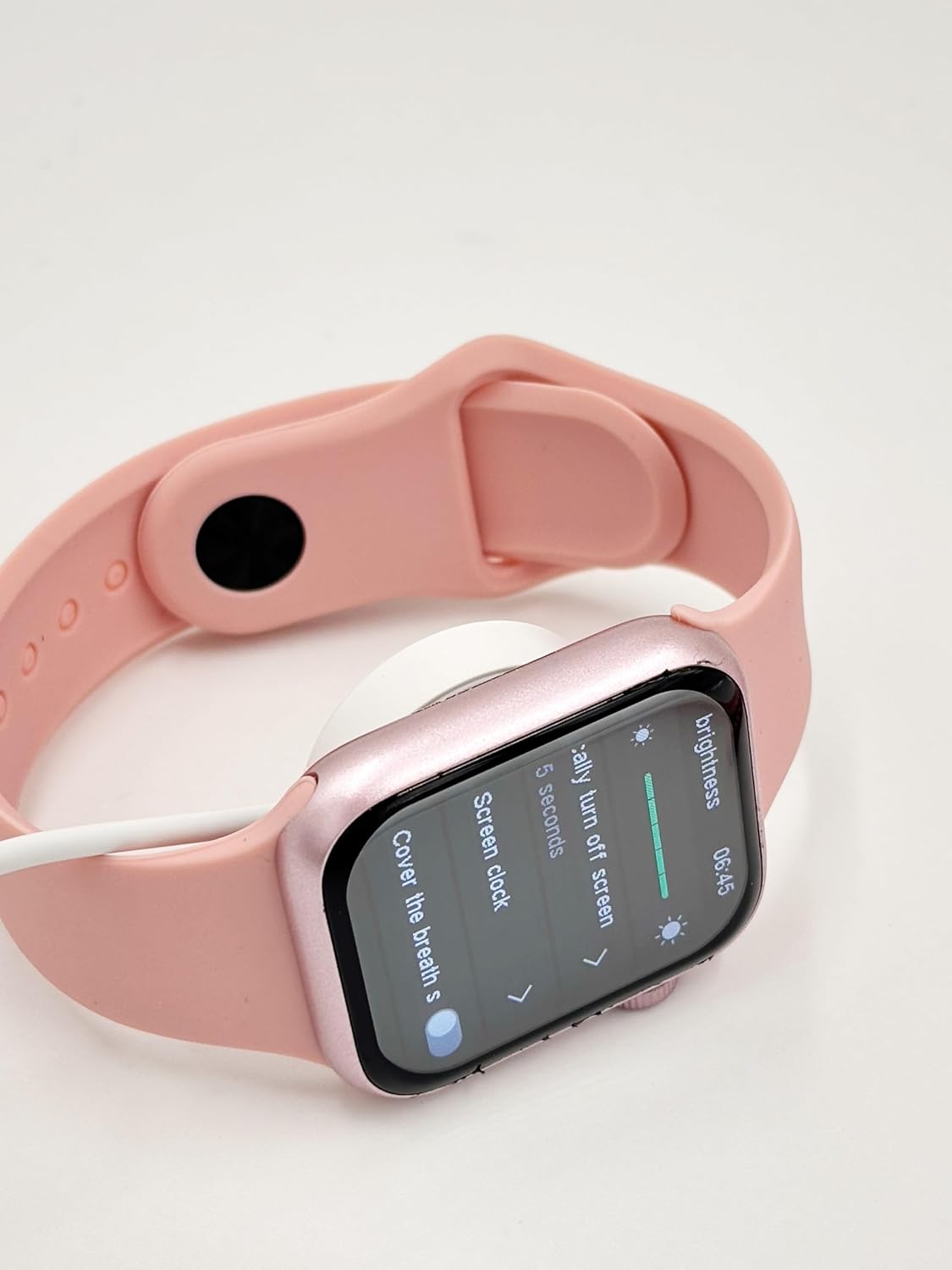
Image: The X10 MINI Smart Watch resting on its wireless charging pad, displaying the brightness settings.
2. ማብራት / ማጥፋት
- ለማብራት፡- ማያ ገጹ እስኪበራ ድረስ የጎን አዝራሩን ተጭነው ይቆዩ።
- ለማጥፋት፡- የጎን ቁልፉን ተጭነው ተጭነው ከዚያ በስክሪኑ ላይ 'Power Off' የሚለውን ይምረጡ።
3. የመተግበሪያ ጭነት እና ማጣመር
To unlock full functionality, download the companion application on your smartphone. Refer to the 'Download APP' option in the watch's General settings for the correct application. Once installed, open the app and follow the on-screen instructions to pair your smartwatch via Bluetooth.

Image: The smartwatch display showing the 'General' settings menu, including options for Bluetooth, About, Language, and Download APP.
የአሠራር መመሪያዎች
አሰሳ
The X10 MINI Smart Watch features a responsive touchscreen. Swipe left, right, up, or down to navigate through menus and access different features. Press the side button to return to the home screen or wake the device.
ቁልፍ ባህሪያት
- ማሳወቂያዎች፡- ለጥሪዎች፣ መልዕክቶች እና የመተግበሪያ ማሳወቂያዎች በቀጥታ በእጅ አንጓ ላይ ማንቂያዎችን ይቀበሉ።
- የእንቅስቃሴ መከታተያ Monitor your steps, distance, and calories burned throughout the day.
- የድምፅ ጥሪ Make and receive calls directly from your smartwatch when connected to your phone.
- Phone/Contacts: Access your call log and contacts list.

Image: The smartwatch display showing activity tracking metrics, including steps, distance, and calories burned.

Image: The smartwatch display showing the phone-related menu, with options for Phone, Call Log, and Contacts.
በመሙላት ላይ
The X10 MINI Smart Watch supports wireless charging. Use the provided wireless charging cable. Ensure the watch is properly aligned on the charging pad for efficient charging. A full charge typically takes approximately 2-3 hours and provides up to 48 hours of average use.
ጥገና
ማጽዳት
Wipe the watch screen and body with a soft, dry cloth. For the bands, use a slightly damp cloth and mild soap if necessary, then rinse and dry thoroughly. Avoid using harsh chemicals or abrasive materials.
የባንዱ መተካት
The X10 MINI Smart Watch comes with dual bands, allowing for customization. To replace a band, locate the quick-release pins on the underside of the watch where the band connects. Slide the pin to detach the band, then align the new band and slide the pin back into place to secure it.
መላ መፈለግ
- አለመበራቱን ይመልከቱ፡- ሰዓቱ ሙሉ በሙሉ መሙላቱን ያረጋግጡ። ቢያንስ ለ 30 ደቂቃዎች ከኃይል መሙያው ጋር ያገናኙት.
- ከስልክ ጋር ማጣመር አልተቻለም፡- Make sure Bluetooth is enabled on your phone and the watch. Restart both devices and try pairing again. Ensure the companion app is installed and running.
- የመሙላት ችግሮች፡- Check if the charging cable is properly connected to a power source and the watch is correctly placed on the wireless charging pad.
- የተሳሳተ የእንቅስቃሴ ክትትል፦ ሰዓቱ በእጅ አንጓዎ ላይ በጥብቅ መያዙን ያረጋግጡ። የሚገኝ ከሆነ የእንቅስቃሴ መከታተያውን በአጃቢ መተግበሪያ በኩል ያስተካክሉት።
ዝርዝሮች
| የምርት ስም | አጠቃላይ |
| የሞዴል ስም | X10 MINI |
| የማሳያ መጠን | 2.19 ኢንች |
| የማሳያ ዓይነት | LED |
| ስርዓተ ክወና | አንድሮይድ (ተኳሃኝ) |
| የማህደረ ትውስታ ማከማቻ አቅም | 40 ሜባ |
| የባትሪ አቅም | 1200 ሚሊamp ሰዓታት |
| የባትሪ አማካይ ሕይወት | 48 ሰዓታት |
| የገመድ አልባ አይነት | 2.4 GHz የሬዲዮ ድግግሞሽ |
| የማገናኛ አይነት | ብሉቱዝ |
| ልዩ ባህሪያት | Activity Tracker, Notifications, Touchscreen, Voice Call, Wireless Charging |
| ተስማሚ መሣሪያዎች | ስማርትፎን ፣ ታብሌት |
| የእቃው ክብደት | 200 ግ |
| የትውልድ ሀገር | ቻይና |
ዋስትና እና ድጋፍ
This product comes with a standard manufacturer's warranty. For specific warranty details, claims, or technical support, please refer to the documentation provided with your purchase or contact the retailer. Keep your proof of purchase for warranty purposes.