
መግቢያ
This user manual provides detailed instructions for the C idea CM817 Pro Max 8-inch Tablet. Please read this manual thoroughly before using your device to ensure proper operation and to maximize its features. Keep this manual for future reference.
የጥቅል ይዘቶች
ሁሉም እቃዎች በጥቅሉ ውስጥ መኖራቸውን ያረጋግጡ፡-
- C idea CM817 Pro Max 8-inch Tablet
- የኃይል መሙያ አስማሚ
- የ USB-C ገመድ
- የተጠቃሚ መመሪያ (ይህ ሰነድ)
- Stylus Pen (if included in your specific package)
- Keyboard (if included in your specific package)
- Mouse (if included in your specific package)

Image: The C idea CM817 Pro Max tablet shown with its common accessories, which may include a keyboard, mouse, charging adapter, USB-C cable, and stylus pen.
ምርት አልቋልview
Familiarize yourself with the physical components of your C idea CM817 Pro Max tablet.

Image: A diagram illustrating the various ports and buttons on the C idea CM817 Pro Max tablet, including the front camera, rear camera, power button, volume controls, speakers, TF/SIM card slot, USB-C port, and headphone jack.
- የፊት ካሜራ፡ ለቪዲዮ ጥሪዎች እና የራስ ፎቶዎች።
- የኋላ ካሜራ; ፎቶዎችን እና ቪዲዮዎችን ለማንሳት።
- የኃይል ማብሪያ / ማጥፊያ ቁልፍ Press and hold to power on/off or restart. Press briefly to wake/sleep the screen.
- የድምጽ አዝራሮች፡- Adjust the tablet's audio volume.
- ተናጋሪዎች፡- Output audio.
- TF/SIM Slot: Insert a TF (MicroSD) card for expandable storage or a SIM card for cellular connectivity.
- ዩኤስቢ-ሲ ወደብ ጡባዊውን ለመሙላት እና ለውሂብ ማስተላለፍ ከኮምፒዩተር ጋር ለመገናኘት።
- የጆሮ ማዳመጫ ጃክ 3.5 ሚሜ የጆሮ ማዳመጫዎችን ያገናኙ።
ማዋቀር
1. ጡባዊውን መሙላት
Before first use, fully charge the tablet. Connect the USB-C cable to the tablet's USB-C port and the other end to the charging adapter. Plug the adapter into a power outlet. The battery indicator on the screen will show charging status.
2. ማብራት / ማጥፋት
- አብራ፡ Press and hold the Power On/Off button until the C idea logo appears.
- ኃይል ዝጋ: Press and hold the Power On/Off button until the power options menu appears, then select "Power off".
- እንደገና ጀምር፥ ከኃይል አማራጮች ምናሌ ውስጥ "ዳግም አስጀምር" ን ይምረጡ.
3. የመጀመሪያ ደረጃ ማዋቀር
በመጀመሪያ ሲበራ፣ ጡባዊዎን ለማዋቀር የማያ ገጽ ላይ ጥያቄዎችን ይከተሉ፡
- የሚመርጡትን ቋንቋ ይምረጡ።
- ከWi-Fi አውታረ መረብ ጋር ይገናኙ።
- Sign in with your Google account or create a new one. This is necessary to download apps from the Google Play Store.
- የማያ ገጽ መቆለፊያ (ፒን፣ ስርዓተ-ጥለት ወይም የይለፍ ቃል) ያዘጋጁ።
- Review እና ውሎችን እና ሁኔታዎችን ይቀበሉ።
4. ሲም እና ማይክሮ ኤስዲ ካርዶችን ማስገባት
Locate the TF/SIM slot on the side of the tablet. Use the provided SIM ejector tool (if applicable) to open the tray. Carefully place your SIM card and/or MicroSD card into the designated slots, ensuring correct orientation. Close the tray securely.
የአሠራር መመሪያዎች
1. መሰረታዊ ዳሰሳ
- ንካ፡ መተግበሪያ ለመክፈት ወይም ንጥል ለመምረጥ አዶን ይንኩ።
- ያንሸራትቱ ገጾችን ወይም ይዘቶችን ለማሸብለል ጣትዎን በማያ ገጹ ላይ ይጎትቱ።
- መቆንጠጥ ምስሎችን ለማጉላት ወይም ለማሳነስ ሁለት ጣቶችን ይጠቀሙ web ገጾች.
- መነሻ ስክሪን፡ መተግበሪያዎችን እና መግብሮችን የሚደርሱበት ዋናው ማያ ገጽ።
- የማሳወቂያ ፓነል፡- ማሳወቂያዎችን እና ፈጣን ቅንብሮችን ለመድረስ ከማያ ገጹ ላይኛው ክፍል ወደ ታች ያንሸራትቱ።

Image: The C idea CM817 Pro Max tablet showcasing its Android home screen, featuring various application icons and a clean user interface.
2. Wi-Fi and Cellular Connectivity
To connect to Wi-Fi, go to ቅንብሮች > አውታረ መረብ እና በይነመረብ > Wi-Fi. Turn Wi-Fi on and select your desired network. Enter the password if prompted. For cellular data, ensure a SIM card is inserted and go to ቅንብሮች > አውታረ መረብ እና በይነመረብ > የሞባይል አውታረ መረብ to configure data settings.
3. ካሜራውን መጠቀም
Open the Camera app from the home screen or app drawer. Tap the shutter button to take a photo. Switch between the 5MP front camera and 8MP rear camera using the camera switch icon. You can also record videos.
4. የማከማቻ አስተዳደር
Your tablet comes with 512GB of internal storage and supports up to 512GB expandable storage via a MicroSD card. To view የማከማቻ አጠቃቀም፣ ወደሚከተለው ይሂዱ ቅንብሮች > ማከማቻ. አዘውትሮ ማጽዳት አላስፈላጊ files and uninstall unused apps to maintain performance.

Image: Multiple C idea tablets demonstrating the ample storage capacity, highlighting 8GB RAM, 512GB internal ROM, and support for an additional 512GB via TF (MicroSD) card.
5. የባትሪ ህይወት
The 8000mAh battery provides extended usage. To optimize battery life, reduce screen brightness, disable Wi-Fi/Bluetooth when not in use, and close background apps. You can monitor battery usage in ቅንብሮች > ባትሪ.
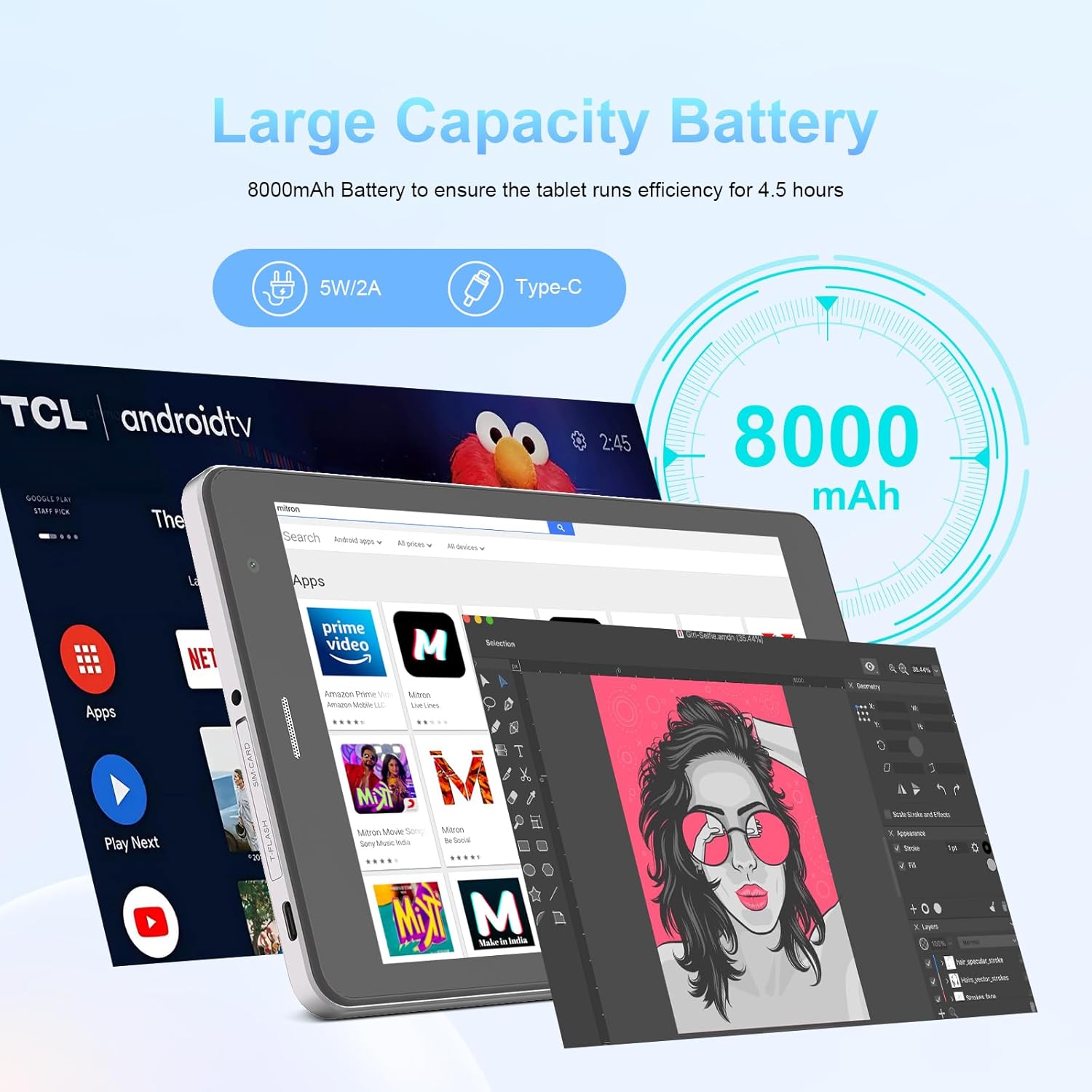
Image: The C idea CM817 Pro Max tablet, emphasizing its 8000mAh large capacity battery, designed for extended operational hours.
6. የማሳያ ቅንጅቶች
The tablet features an 8-inch 1280x800 IPS HD display. Adjust brightness, font size, and display timeout in ቅንብሮች > ማሳያ ለተመቻቸ viewልምድ.

Image: The C idea CM817 Pro Max tablet showcasing its 8-inch IPS HD screen with a resolution of 800x1280 pixels, providing clear visuals.
ጥገና
1. ማጽዳት
Use a soft, lint-free cloth to clean the screen and body of the tablet. Do not use abrasive cleaners or solvents, as they may damage the surface. Avoid getting moisture into ports.
2. የሶፍትዌር ዝመናዎች
Regularly check for system updates to ensure your tablet has the latest features and security patches. Go to ቅንብሮች > ስርዓት > የስርዓት ማሻሻያ ዝመናዎችን ለመፈተሽ እና ለመጫን.
3. የባትሪ እንክብካቤ
To prolong battery lifespan, avoid exposing the tablet to extreme temperatures. Do not let the battery completely drain frequently. Use the original charger or a certified compatible charger.
መላ መፈለግ
- ጡባዊው የማይበራ; Ensure the tablet is charged. Press and hold the Power On/Off button for at least 10-15 seconds to force a restart.
- የWi-Fi ግንኙነት ችግሮች፡- የWi-Fi ራውተርዎን እና ታብሌቱን እንደገና ያስጀምሩ። አውታረ መረቡን በWi-Fi ቅንብሮች ውስጥ ይርሱት እና እንደገና ያገናኙት።
- ዝቅተኛ አፈጻጸም; Close unused apps, clear cache (Settings > Storage), and restart the tablet. Consider uninstalling large or unnecessary applications.
- ካሜራ አይሰራም; Ensure the Camera app has necessary permissions (Settings > Apps > Camera > Permissions). Restart the tablet.
- ማከማቻ ሙሉ፡ Delete old photos/videos, uninstall unused apps, or move files to an inserted MicroSD card.
- የሚበላሹ መተግበሪያዎች Clear the app's cache and data (Settings > Apps > [App Name] > Storage > Clear cache/Clear data). If the issue persists, uninstall and reinstall the app.
ዝርዝሮች
| ባህሪ | ዝርዝር |
|---|---|
| የምርት ስም | ሐ ሀሳብ |
| የሞዴል ስም | CM817 Pro Max |
| ስርዓተ ክወና | አንድሮይድ 15 |
| ፕሮሰሰር | Octa-core (MediaTek) |
| ራም | 8 ጊባ |
| የውስጥ ማከማቻ (ሮም) | 512 ጊባ |
| ሊሰፋ የሚችል ማከማቻ | Up to 512GB (via TF/MicroSD card) |
| የስክሪን መጠን | 8 ኢንች |
| የማያ ጥራት | 1280 x 800 ፒክሰሎች (አይፒኤስ HD) |
| የፊት ካሜራ | 5 ሜፒ |
| የኋላ ካሜራ | 8 ሜፒ |
| የባትሪ አቅም | 8000mAh (ሊቲየም ፖሊመር) |
| ግንኙነት | Wi-Fi, 5G SIM, Bluetooth |
| ወደቦች | USB-C, 3.5mm Headphone Jack |
| የእቃው ክብደት | 1 ኪ.ግ 80 ግራም |
| የጥቅል ልኬቶች | 29.8 x 18 x 6.4 ሴ.ሜ |
ዋስትና እና ድጋፍ
For warranty information and technical support, please refer to the warranty card included in your package or contact C idea customer service. Keep your purchase receipt as proof of purchase.