
መግቢያ
Thank you for choosing KICKER TW3 Wireless Earbuds. These earbuds are designed to provide a superior audio experience with advanced features such as Hybrid Active Noise Cancellation (ANC) and Environmental Noise Cancellation (ENC) for clear calls. Enjoy extended listening times, intuitive touch controls, and a durable, sweatproof design suitable for various activities.
በሣጥኑ ውስጥ ያለው
- KICKER TW3 ገመድ አልባ የጆሮ ማዳመጫዎች
- የኃይል መሙያ መያዣ
- የዩኤስቢ-ሲ ኃይል መሙያ ገመድ
- Three (3) Sizes of Rubber Ear Tips (S, M, L)
- ፈጣን ጅምር መመሪያ / የተጠቃሚ መመሪያ

Image: Contents of the KICKER TW3 Earbuds box, including the earbuds, charging case, USB-C cable, and various sizes of ear tips.
ምርት አልቋልview
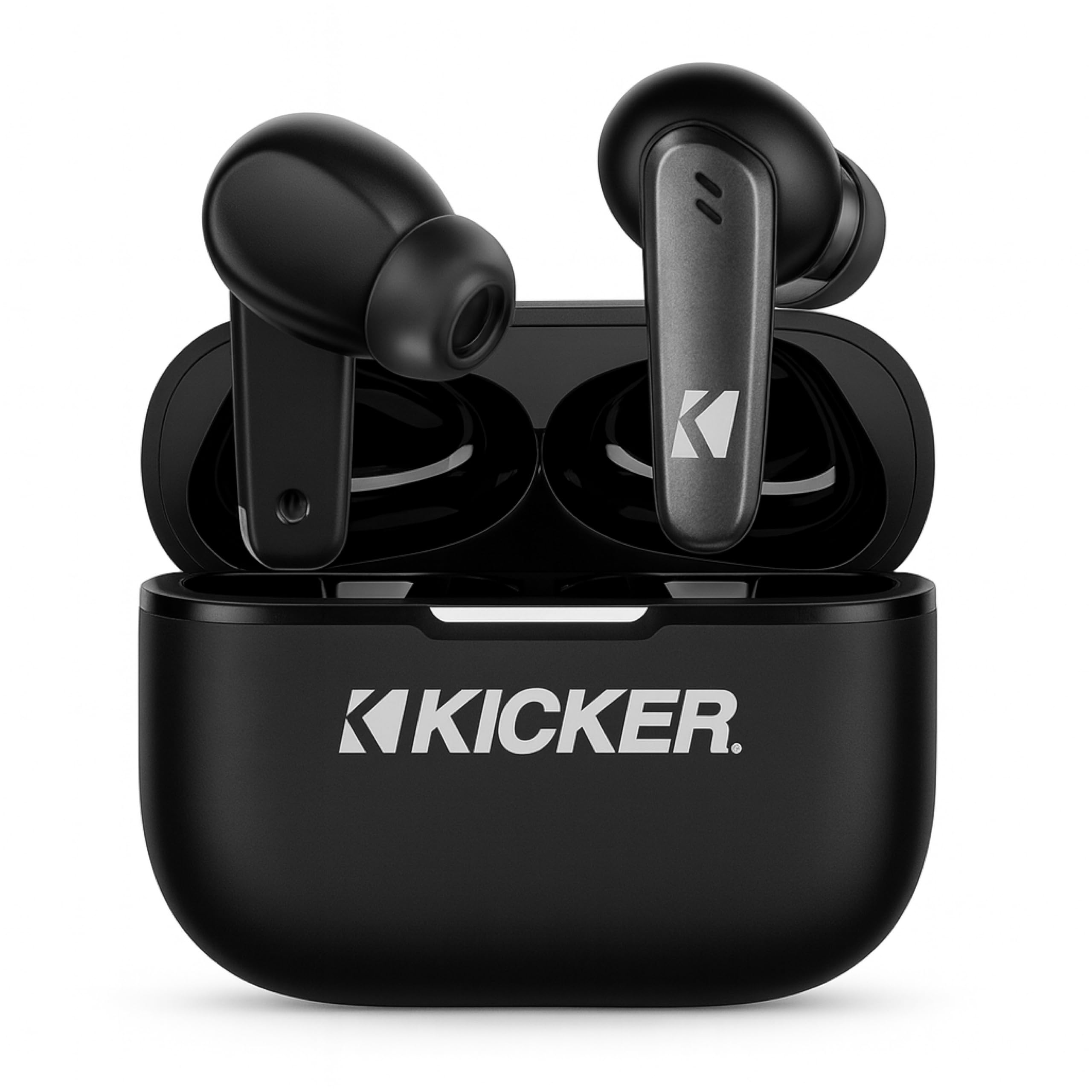
Image: The KICKER TW3 Wireless Earbuds resting inside their sleek black charging case.

ምስል፡ መቀራረብ view of a KICKER TW3 earbud, illustrating its noise reduction feature with a graphic showing noise being reduced by 35dB.
ማዋቀር
1. ተስማሚ የጆሮ ምክሮች
Select the ear tips (Small, Medium, Large) that provide the most comfortable and secure fit for your ears. A proper seal is crucial for optimal sound quality and noise cancellation. Insert the earbud into your ear and gently twist it until it feels snug.

Image: A diagram illustrating the correct way to insert the earbuds and the three available ear tip sizes (S, M, L) for a comfortable fit.
2. የመነሻ ኃይል መሙላት
Before first use, fully charge the earbuds and the charging case. Place the earbuds into the charging case and connect the USB-C cable to the case and a power source. The indicator light on the case will show charging status.
3. ከመሳሪያዎ ጋር ማጣመር
- የኃይል መሙያ መያዣውን ይክፈቱ። የጆሮ ማዳመጫዎች በራስ-ሰር የማጣመሪያ ሁነታን ያስገባሉ።
- በመሳሪያዎ ላይ (ስማርትፎን ፣ ታብሌት ፣ ላፕቶፕ) ወደ የብሉቱዝ ቅንብሮች ይሂዱ።
- Select "KICKER TW3" from the list of available devices.
- አንዴ ከተገናኙ በኋላ የማረጋገጫ ድምጽ ይሰማሉ፣ እና የጆሮ ማዳመጫዎቹ ለአገልግሎት ዝግጁ ናቸው።
Image: An icon representing Bluetooth wireless earbuds with auto-pairing functionality to a smartphone or device.
የአሠራር መመሪያዎች
ኃይል አብራ/ አጥፋ
- አብራ፡ የኃይል መሙያ መያዣውን ይክፈቱ እና የጆሮ ማዳመጫው በራስ-ሰር ይበራል።
- ኃይል ዝጋ: Place the earbuds back into the charging case and close the lid. They will automatically power off. Earbuds will also auto power off after 3 minutes of no signal.
የንክኪ መቆጣጠሪያዎች
The KICKER TW3 earbuds feature intuitive touch sensors on each earbud for easy control of music, calls, and noise modes.

Image: A visual guide to the touch controls on the KICKER TW3 earbuds, showing actions for play/pause, previous/next song, voice assistance, ANC on/off/transparency, answer/end call, and reject call.
| ድርጊት | ቁጥጥር |
|---|---|
| ተጫወት/ ለአፍታ አቁም | በሁለቱም የጆሮ ማዳመጫዎች ላይ አንድ ጊዜ መታ ያድርጉ |
| ቀጣይ ዘፈን | የቀኝ የጆሮ ማዳመጫውን ሁለቴ መታ ያድርጉ |
| የቀድሞ ዘፈን | የግራ የጆሮ ማዳመጫውን ሁለቴ መታ ያድርጉ |
| መልስ/ ጥሪን ጨርስ | በሁለቱም የጆሮ ማዳመጫዎች ላይ አንድ ጊዜ መታ ያድርጉ |
| ጥሪን ውድቅ አድርግ | በሁለቱም የጆሮ ማዳመጫዎች ላይ በረጅሙ ተጫን |
| የድምጽ ረዳትን አግብር | በሁለቱም የጆሮ ማዳመጫዎች ላይ ሶስት ጊዜ መታ ያድርጉ |
| የANC/የግልጽነት ሁነታን ቀይር | Long press on either earbud (when not on a call) |
Active Noise Cancellation (ANC) & Environmental Noise Cancellation (ENC)
The TW3 earbuds feature Hybrid Active Noise Cancellation, reducing ambient noise by up to -35dB, allowing you to focus on your audio. Transparency mode can be activated to hear your surroundings when needed. Environmental Noise Cancellation with dual microphones ensures your voice is clear during calls by blocking background chatter.
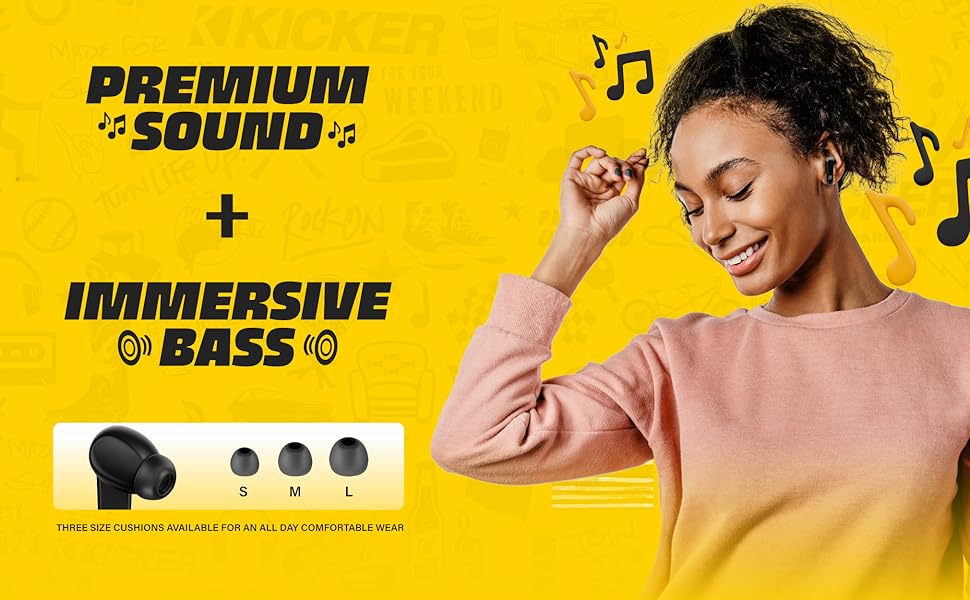
Image: A graphic illustrating the benefits of ENC for clear calls and ANC for blocking external noise from airplanes, offices, and cafes.
በመሙላት ላይ
The KICKER TW3 earbuds offer extended battery life with their charging case.
- የጆሮ ማዳመጫ ጨዋታ ጊዜ፡- በአንድ ክፍያ እስከ 5 ሰዓታት ድረስ.
- ጠቅላላ የጨዋታ ጊዜ ከጉዳይ ጋር፡ Up to 25 hours (20 additional hours from the charging case).
- የኃይል መሙያ ጊዜ: መያዣውን እና የጆሮ ማዳመጫውን ሙሉ በሙሉ ለመሙላት በግምት 1.5 ሰዓታት።
ጉዳዩን እና የጆሮ ማዳመጫዎችን መሙላት
- የጆሮ ማዳመጫዎቹን በቻርጅ መሙያ መያዣው ውስጥ ደህንነቱ በተጠበቀ ሁኔታ ወደየራሳቸው ክፍተቶች ያስቀምጡ።
- Connect the provided USB-C charging cable to the charging port on the case and to a USB power adapter (not included).
- The LED indicator on the case will flash red while charging.
- The LED indicator will turn solid red when the case is fully charged.
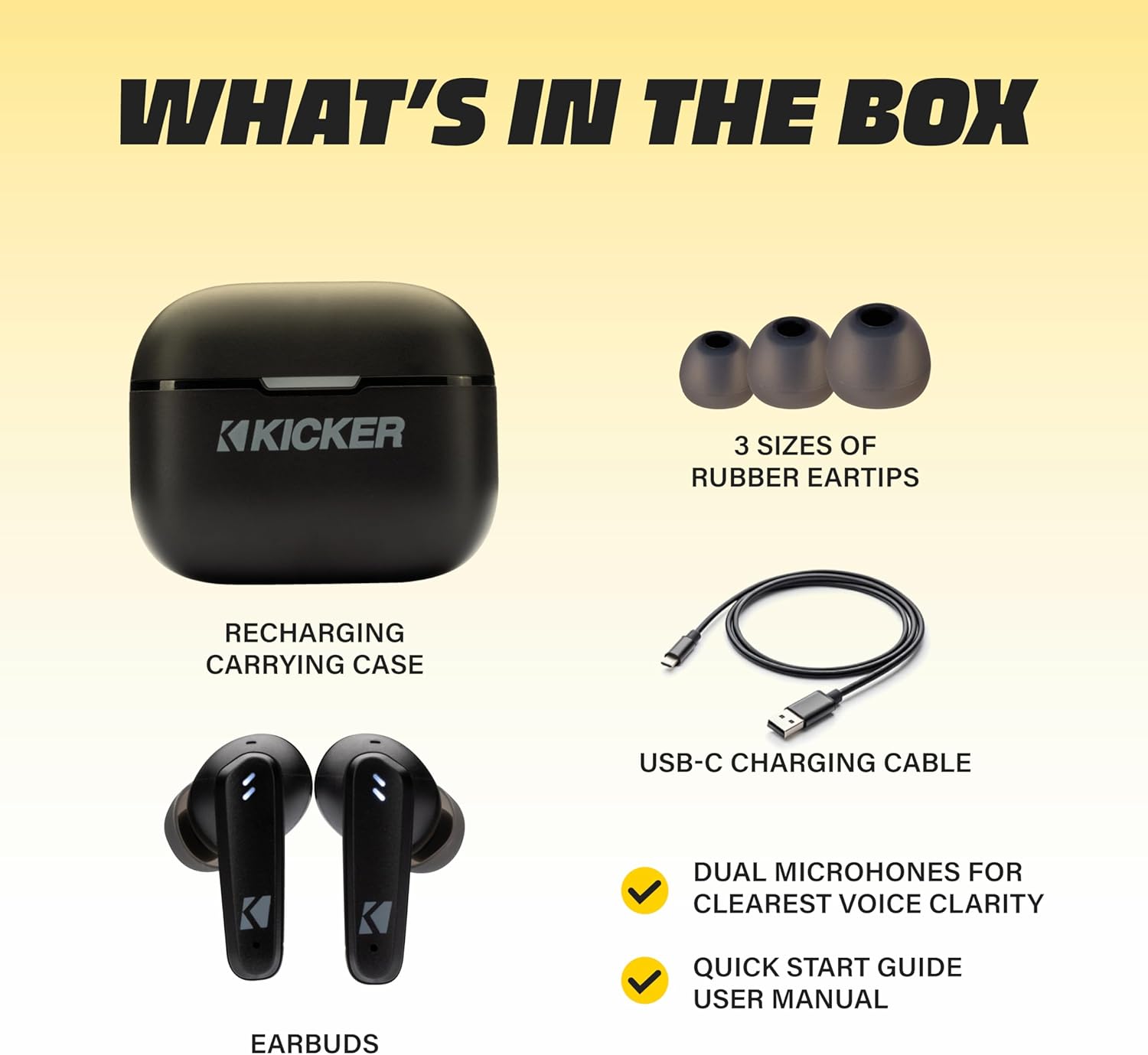
Image: The KICKER TW3 charging case being charged via a USB-C cable, with text indicating 5 hours of playtime for earbuds and 20 additional hours from the charging case, totaling 25 hours.
ጥገና
ማጽዳት
Regularly clean your earbuds and charging case to ensure optimal performance and hygiene. Use a soft, dry, lint-free cloth. Do not use harsh chemicals or abrasive materials. Gently remove ear tips and clean them with mild soap and water, ensuring they are completely dry before reattaching.
የውሃ መቋቋም (IPX4)
The KICKER TW3 earbuds are IPX4 sweatproof, meaning they are resistant to splashes and sweat. They are suitable for workouts and outdoor activities but should not be submerged in water.

Image: An icon indicating the earbuds are sweat and water resistant.
ማከማቻ
ጥቅም ላይ በማይውሉበት ጊዜ የጆሮ ማዳመጫዎቹን ለመጠበቅ እና ቻርጅ ለማድረግ በቻርጅ መያዣቸው ውስጥ ያስቀምጡ። በከፍተኛ ሙቀት ውስጥ አያስቀምጡ።
መላ መፈለግ
| ችግር | ሊሆን የሚችል መፍትሄ |
|---|---|
| የጆሮ ማዳመጫዎች አይጣመሩም። | Ensure earbuds are charged. Turn off and on your device's Bluetooth. Forget "KICKER TW3" in your device's Bluetooth settings and re-pair. |
| ከአንድ የጆሮ ማዳመጫ ድምጽ የለም። | Ensure both earbuds are charged. Place both earbuds back in the case, close the lid, then open again to reset. Check device audio balance settings. |
| የመሙያ መያዣው እየሞላ አይደለም። | Check USB-C cable connection. Try a different USB power adapter or port. Ensure the charging port is clean and free of debris. |
| ኤኤንሲ ውጤታማ አይደለም። | Ensure ear tips provide a proper seal. Switch between ANC and Transparency modes using touch controls to confirm functionality. |
ዝርዝሮች
- ሞዴል፡ TWS3
- የብሉቱዝ ስሪት፡ 5.0
- የገመድ አልባ ክልል፡ እስከ 10 ሜትር (33 ጫማ)
- የድምጽ መቆጣጠሪያ; Hybrid Active Noise Cancellation (up to -35dB), Environmental Noise Cancellation (ENC)
- የጆሮ ማዳመጫ ጨዋታ ጊዜ፡- እስከ 5 ሰዓታት ድረስ
- ጠቅላላ የጨዋታ ጊዜ ከጉዳይ ጋር፡ እስከ 25 ሰዓታት ድረስ
- የኃይል መሙያ ጊዜ: በግምት 1.5 ሰዓታት
- የውሃ መቋቋም; IPX4 (የላብ መከላከያ)
- ማይክሮፎኖች፡- Dual Microphones for clear voice clarity
- ራስ-ሰር ኃይል ጠፍቷል; After 3 minutes of no signal
ይፋዊ የምርት ቪዲዮ
Video: An official product features video for the KICKER Bluetooth TW3 ANC Earbuds, showcasing their design, noise cancellation, and other key functionalities.
ዋስትና እና ድጋፍ
KICKER products are designed for durability and performance. For warranty information, technical support, or any questions regarding your KICKER TW3 Wireless Earbuds, please refer to the official KICKER website or contact KICKER customer service directly. Keep your proof of purchase for warranty claims.
Contact KICKER Support: 1(800) 256-0800 or visit kicker.com/support