
1. የደህንነት መረጃ
Please read all safety instructions carefully before using the innioasis G1 MP3 Player. Keep this manual for future reference.
- መሳሪያውን ለከፍተኛ ሙቀት፣ ቀጥተኛ የፀሐይ ብርሃን ወይም ከፍተኛ እርጥበት አያጋልጡት።
- መሳሪያውን ለጠንካራ ተጽእኖዎች ከመጣል ወይም ከማስገዛት ተቆጠብ።
- መሳሪያውን እራስዎ ለመበተን ወይም ለመጠገን አይሞክሩ። ይህ ዋስትናውን ውድቅ ያደርገዋል።
- ለመሙላት የቀረበውን የዩኤስቢ-ሲ ገመድ ብቻ ይጠቀሙ።
- መሳሪያውን ከውሃ እና ከሌሎች ፈሳሾች ያርቁ.
- በከፍተኛ የድምፅ መጠን ለረጅም ጊዜ ማዳመጥ የመስማት ችሎታን ሊጎዳ ይችላል።
2. የጥቅል ይዘቶች
ሁሉም እቃዎች በጥቅልዎ ውስጥ መኖራቸውን ያረጋግጡ፡-
- 1 x ኢኒዮሲስ G1 MP3 ማጫወቻ
- 1 x 64GB SD card (pre-installed or separate)
- 1 x የዩኤስቢ-ሲ ኃይል መሙያ ገመድ
- 1 x Wired headphones
- 1 x የተጠቃሚ መመሪያ

Image: The innioasis G1 MP3 Player, USB-C cable, wired headphones, 64GB SD card, and user manual included in the package.
3. መሣሪያ አብቅቷልview
The innioasis G1 MP3 Player features a compact design with a 4-inch full-touch screen. It includes physical buttons for power and volume control, and ports for charging and headphones.

ምስል፡ ፊት ለፊት view of the innioasis G1 MP3 Player displaying various preinstalled applications on its touch screen.
ቁልፍ ባህሪዎች
- 4 ኢንች ሙሉ የንክኪ ማያ ገጽ
- Android OS with 1.9GHz Octa-core CPU and 2GB RAM
- 80GB Storage (16GB ROM + 64GB TF card), expandable up to 1TB
- ብሉቱዝ 4.2 ግንኙነት
- ዋይ ፋይ (2.4GHz እና 5GHz)
- Pre-installed streaming apps (Spotify, Spotify Kids, Amazon Music, Pandora, Tidal, Deezer, Audible)
- የወላጅ ቁጥጥሮች
- FM Radio, Voice Recorder, Video Player, Ebook Reader, Calculator, Clock, Gallery, Browser, Calendar
4. ማዋቀር
4.1 የመጀመሪያ ደረጃ መሙላት
Before first use, fully charge the device using the provided USB-C cable and a compatible power adapter (not included). The battery indicator on the screen will show charging status.
4.2 ማብራት / ማጥፋት
- ለማብራት፡- ማያ ገጹ እስኪበራ ድረስ በመሳሪያው ጎን ላይ ያለውን የኃይል ቁልፍ ተጭነው ይያዙ።
- ለማጥፋት፡- የኃይል አዝራሩን ተጭነው ይያዙት፣ ከዚያም በማያ ገጹ ላይ ካሉት አማራጮች ውስጥ "ፓወር አጥፋ" የሚለውን ይምረጡ።
4.3 የቋንቋ እና የጊዜ ቅንብሮች
Upon first startup, you may be prompted to select your preferred language and set the date and time. Follow the on-screen instructions.
4.4 የ Wi-Fi ግንኙነት
To access streaming services and online features, connect your device to a Wi-Fi network:
- ወደ ሂድ ቅንብሮች > አውታረ መረብ እና በይነመረብ > ዋይ ፋይ.
- Wi-Fi ቀይር On.
- ከዝርዝሩ ውስጥ የሚፈልጉትን አውታረ መረብ ይምረጡ።
- የይለፍ ቃሉን ከተጠየቀ ያስገቡ እና መታ ያድርጉ ተገናኝ.

Image: The innioasis G1 MP3 Player displaying its home screen with app icons, illustrating its strong network connection capabilities.
5. የአሠራር መመሪያዎች
5.1 መሰረታዊ ዳሰሳ
The device features a full touch screen for navigation. Swipe left/right to browse app pages, tap an icon to open an app, and use the navigation buttons at the bottom of the screen (Back, Home, Recent Apps) to move between screens and applications.
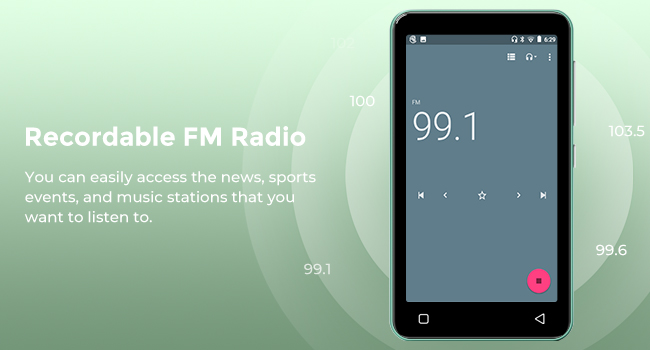
Image: A hand demonstrating touch screen interaction on the innioasis G1 MP3 Player, highlighting its ease of use.
5.2 የሙዚቃ መልሶ ማጫወት
The innioasis G1 supports various audio formats including MP3, FLAC, WAV, AAC, APE, OGG, M4A, WMA, and MP2.
- የአካባቢው የሙዚቃ ማጫወቻ፡ Open the "Music" app to play files stored on the device or SD card. You can create playlists, search for songs, and use the graphic equalizer to adjust sound.
- የዥረት መተግበሪያዎች፡- Access pre-installed apps like Spotify, Spotify Kids, Amazon Music, Pandora, Tidal, and Deezer. Ensure you are connected to Wi-Fi for streaming.

Image: The innioasis G1 MP3 Player displaying its local music player interface, showing song categories, search function, playlist creation, and equalizer options.
5.3 የብሉቱዝ ግንኙነት
Connect your MP3 player to Bluetooth headphones, speakers, or car stereos.
- ወደ ሂድ ቅንብሮች > የተገናኙ መሣሪያዎች > ብሉቱዝ.
- ብሉቱዝን ቀያይር On.
- Make sure your Bluetooth accessory is in pairing mode.
- ለመጣመር ከሚገኙት መሳሪያዎች ዝርዝር ውስጥ መለዋወጫዎን ይምረጡ።
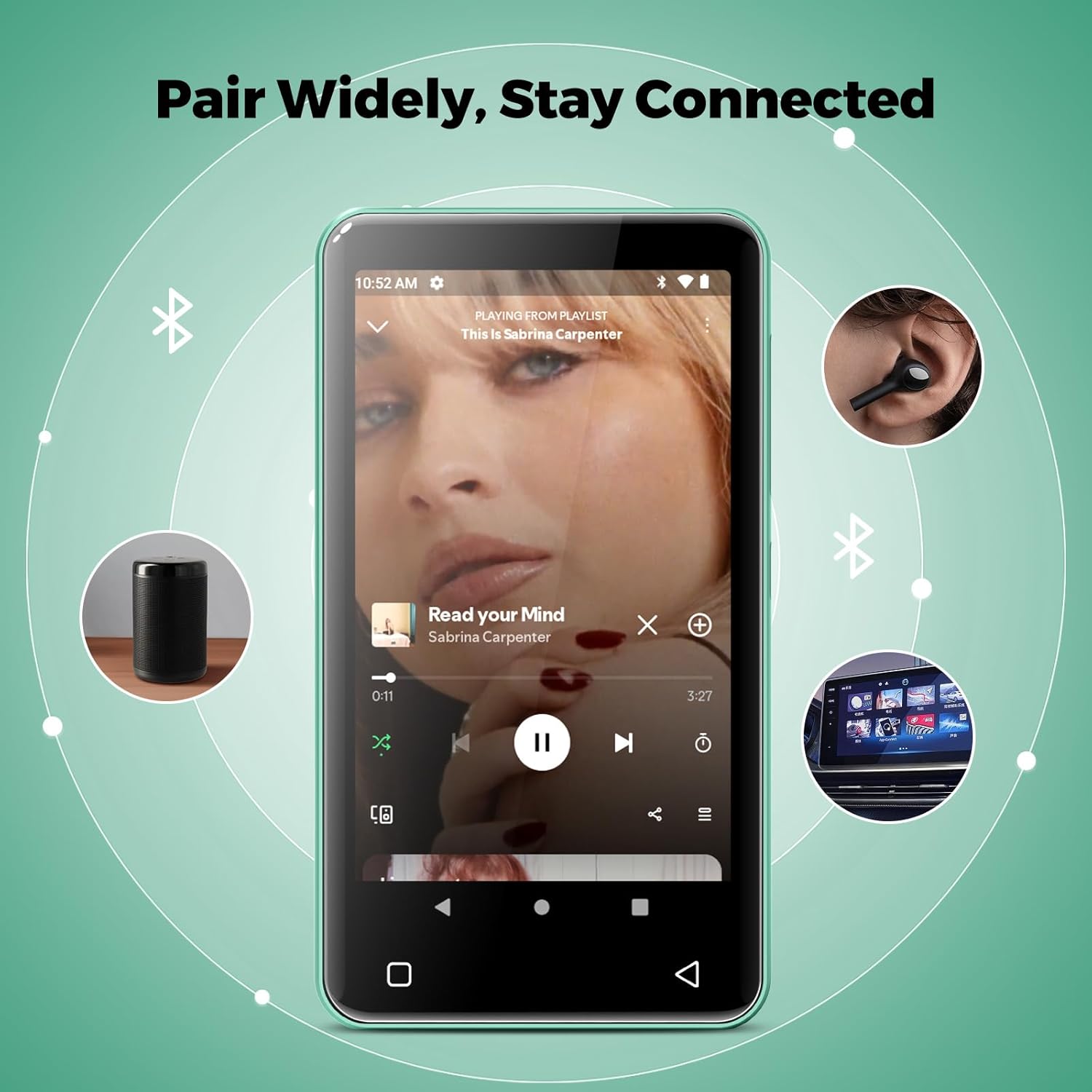
Image: The innioasis G1 MP3 Player showing its Bluetooth connection capabilities, pairing with headphones, a portable speaker, and a car stereo system.
5.4 የወላጅ ቁጥጥር
The device includes parental control features to manage app access and settings.
- ወደ ሂድ ቅንብሮች > የወላጅ ቁጥጥር.
- Set a parental control password.
- You can enable/disable app installation, limit internet usage, and restrict device usage time.
- Preloaded apps can be removed, and settings can be locked with the passcode.

Image: The innioasis G1 MP3 Player displaying its parental control settings, including options for password management, app installation, internet usage limits, and device usage limits.
5.5 File ማስተላለፍ
To transfer music, videos, and other files from a computer:
- የዩኤስቢ-ሲ ገመድን በመጠቀም የMP3 ማጫወቻውን ከኮምፒዩተርዎ ጋር ያገናኙ።
- On the MP3 player, swipe down from the top of the screen to open the notification panel.
- Tap the USB notification (e.g., "USB charging this device") and select "File "ማስተላለፍ" ወይም "MTP"።
- Your computer should now recognize the device as a removable storage drive. You can drag and drop files to the internal storage or the SD card.
5.6 ሌሎች መተግበሪያዎች
The innioasis G1 comes with several other useful applications:
- ኤፍኤም ሬዲዮ Tune into local radio stations. Some models may support recording.
- ቪዲዮ ማጫወቻ፡ Supports 1080P HD video playback and various formats including AVI, MKV, MP4, MPEG, MOV, VOB, WMV, WEBM, DIVX, F4V, FLV, XviD, 3GP.
- የድምጽ መቅጃ፡ አብሮ የተሰራውን ማይክሮፎን በመጠቀም ድምጽ ይቅረጹ።
- Ebook Reader: Access pre-loaded Audible for audiobooks and other e-book formats.
- Calculator, Clock, Gallery, Browser, Calendar: Standard utility apps for daily use.
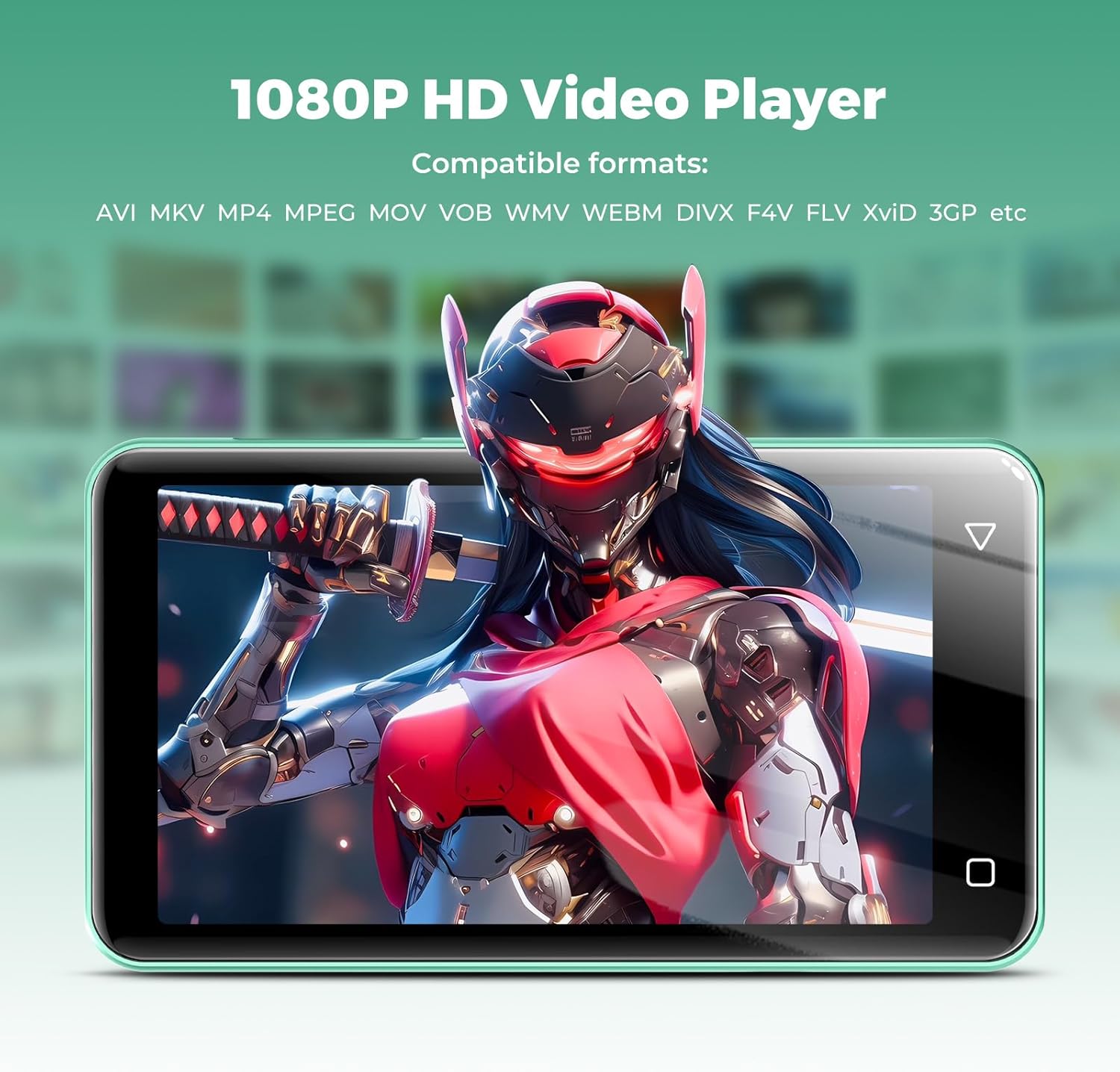
Image: The innioasis G1 MP3 Player displaying a high-definition video on its screen, illustrating its 1080P HD video playback capability.
6. ጥገና
- ማጽዳት፡ መሳሪያውን ለማጽዳት ለስላሳ እና ደረቅ ጨርቅ ይጠቀሙ. ፈሳሽ ማጽጃዎችን ወይም ኤሮሶሎችን አይጠቀሙ.
- የባትሪ እንክብካቤ To prolong battery life, avoid fully discharging the battery frequently. Charge the device regularly. If storing for a long period, charge it to about 50% every few months.
- የሶፍትዌር ማሻሻያ Periodically check for software updates in the device settings to ensure optimal performance and security.
7. መላ መፈለግ
| ችግር | ሊሆን የሚችል መፍትሄ |
|---|---|
| መሣሪያው አይበራም። | Ensure the battery is charged. Connect to a charger for at least 30 minutes. If unresponsive, press and hold the power button for 10-15 seconds to force a restart. |
| ከWi-Fi ጋር መገናኘት አልተቻለም። | Check if Wi-Fi is enabled in settings. Verify the Wi-Fi password. Restart your router and the MP3 player. Ensure you are within range of the Wi-Fi signal. |
| የብሉቱዝ መሣሪያ አልተጣመረም። | Ensure Bluetooth is enabled on both devices and the accessory is in pairing mode. Move the devices closer together. Try restarting both devices. |
| Apps are slow or unresponsive. | Close unused background apps. Clear app cache in Settings > Apps. Restart the device. Ensure sufficient storage space is available. |
| ማስተላለፍ አይቻልም fileከኮምፒውተር ወደ/ከኮምፒውተር። | Ensure the USB-C cable is properly connected and functioning. On the MP3 player, select "File transfer" mode from the USB notification. Try a different USB port or computer. |
| ደካማ የድምፅ ጥራት። | Check headphone connection. Test with different headphones. Adjust equalizer settings in the music player. Ensure audio fileዎች አልተበላሹም. |
8. ዝርዝሮች
- የሞዴል ስም፡- G1
- የምርት መጠኖች: 0.39 x 2.56 x 4.13 ኢንች
- የእቃው ክብደት፡ 5.9 አውንስ
- አምራች፡ INNIOASIS
- የማህደረ ትውስታ ማከማቻ አቅም፡ 80 ጊባ (16 ጊባ ሮም + 64 ጊባ TF ካርድ)
- ሊሰፋ የሚችል ማከማቻ፡ Up to 1TB (SDXC/SDHC compatible)
- የስክሪን መጠን፡ 4 ኢንች
- የግንኙነት ቴክኖሎጂ; ብሉቱዝ 4.2፣ ዋይፋይ (2.4GHz እና 5GHz)
- ልዩ ባህሪያት፡ Equalizer, FM Radio, Hi-Res Audio, Video Playback, Voice Recorder, Parental Controls
- ተስማሚ መሣሪያዎች Headphones, Earphones
- የሚዲያ ዓይነት፡ ማይክሮ ኤስዲ፣ ማይክሮ ኤስዲኤችሲ፣ ማይክሮ ኤስዲኤክስሲ፣ ኤስዲ ካርድ፣ ኤስዲኤችሲ
- ባትሪ፡ 1500mAh (up to 25 hours music, 5 hours video playback)

Image: The innioasis G1 MP3 Player screen displaying battery life indicators for video (5 hours) and music (25 hours) playback.
9. ዋስትና እና ድጋፍ
The innioasis G1 MP3 Player comes with a standard manufacturer's warranty. For detailed warranty information, please refer to the warranty card included in your package or contact innioasis customer support.
If you encounter any issues or have questions about your device, please contact innioasis customer support through their official webበምርት ማሸጊያው ውስጥ የቀረበው ጣቢያ ወይም የእውቂያ መረጃ.