1. መግቢያ
This manual provides detailed instructions for the proper use and care of your FileNest 4-in-1 USB Flash Drive. This device is designed to expand storage and facilitate file management across various platforms, including iPhone, iPad, Android devices, and personal computers. Please read this manual thoroughly before using the product to ensure optimal performance and longevity.
2. ምርት አብቅቷልview
የ FileNest 4-in-1 USB Flash Drive is a versatile external memory solution featuring multiple connectors for broad compatibility. It offers high-speed data transfer, one-click backup, and easy file የማጋራት ችሎታዎች.
ቁልፍ ባህሪዎች
- ባለ 4-በ-1 ግንኙነት፦ Equipped with Lightning, USB-A, USB-C, and Micro USB connectors for universal compatibility.
- ባለከፍተኛ ፍጥነት የውሂብ ማስተላለፍ; Facilitates quick movement of photos, videos, music, and documents between devices.
- External Memory & Backup: Provides additional storage space and a one-click backup function for important data.
- ሰፊ ተኳኋኝነት Supports iPhone, iPad, Android smartphones and tablets, and PC/Mac computers.
- ተንቀሳቃሽ ንድፍ; Compact, lightweight, and durable for convenient storage and transport.
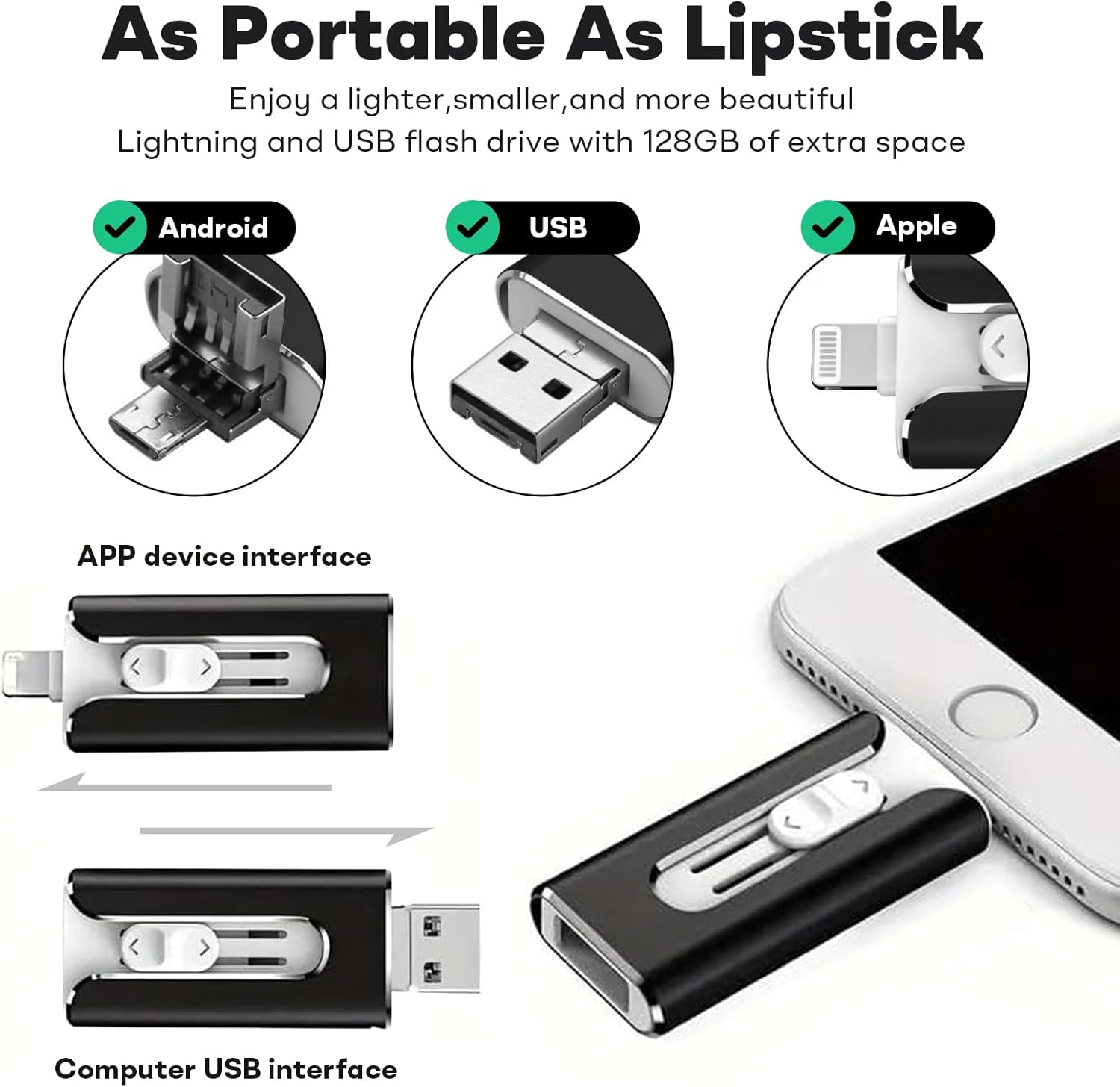
ምስል 1፡ የ FileNest 4-in-1 USB Flash Drive showcasing its multiple connector types for broad device compatibility.

Image 2: Physical dimensions of the FileNest USB Flash Drive, highlighting its compact and portable design.
3. ማዋቀር
የእርስዎን ከመጠቀምዎ በፊት FileNest USB Flash Drive, ensure your device is compatible and follow the appropriate connection steps.
3.1. App Installation (for iOS/Android)
For iPhone, iPad, and Android devices, a dedicated application is required to manage files on the flash drive. When you first connect the drive to your mobile device, you may be prompted to download the recommended app. If not, search for the "i-FlashDevice HD" app (or similar as indicated by the product packaging/instructions) in your device's app store and install it.
3.2. ከመሳሪያዎች ጋር በመገናኘት ላይ
- For iPhone/iPad (Lightning): Carefully insert the Lightning connector into your iPhone or iPad's charging port. Ensure it is fully seated.
- For Android (USB-C/Micro USB): Identify the correct connector (USB-C or Micro USB) for your Android device and insert it into the device's charging/data port.
- For PC/Mac (USB-A): Insert the standard USB-A connector into an available USB port on your computer. The drive should be recognized automatically by your operating system.
Note: Always ensure the correct connector is used for your device to prevent damage.
4. የአሠራር መመሪያዎች
4.1. File Management (iOS/Android App)
Once the flash drive is connected and the app is launched:
- መድረስ Files: The app will display the internal storage of your device and the external storage of the flash drive. Navigate between these locations to view ያንተ files.
- በማስተላለፍ ላይ Files:
- የሚለውን ይምረጡ files (photos, videos, documents) you wish to transfer.
- Use the app's copy/move function to transfer them between your device's internal storage and the flash drive.
- የአንድ-ጠቅታ ምትኬ፦ The app typically includes a "One-Click Backup" feature for photos and videos. Activate this function to quickly back up your mobile device's media to the flash drive.

ምስል 3፡ የ FileNest USB Flash Drive offers efficient data transfer speeds for quick file ስራዎች.
4.2. File Management (PC/Mac)
When connected to a computer, the flash drive will appear as a removable storage device. You can drag and drop fileዎች፣ ኮፒ፣ ለጥፍ እና ሰርዝ files using your computer's file አሳሽ (ዊንዶውስ) ወይም ፈላጊ (ማክ)።
4.3. ማጋራት። Files
The companion app for mobile devices may offer direct sharing options. You can select photos or videos stored on the flash drive and share them to social media platforms or other applications installed on your device.
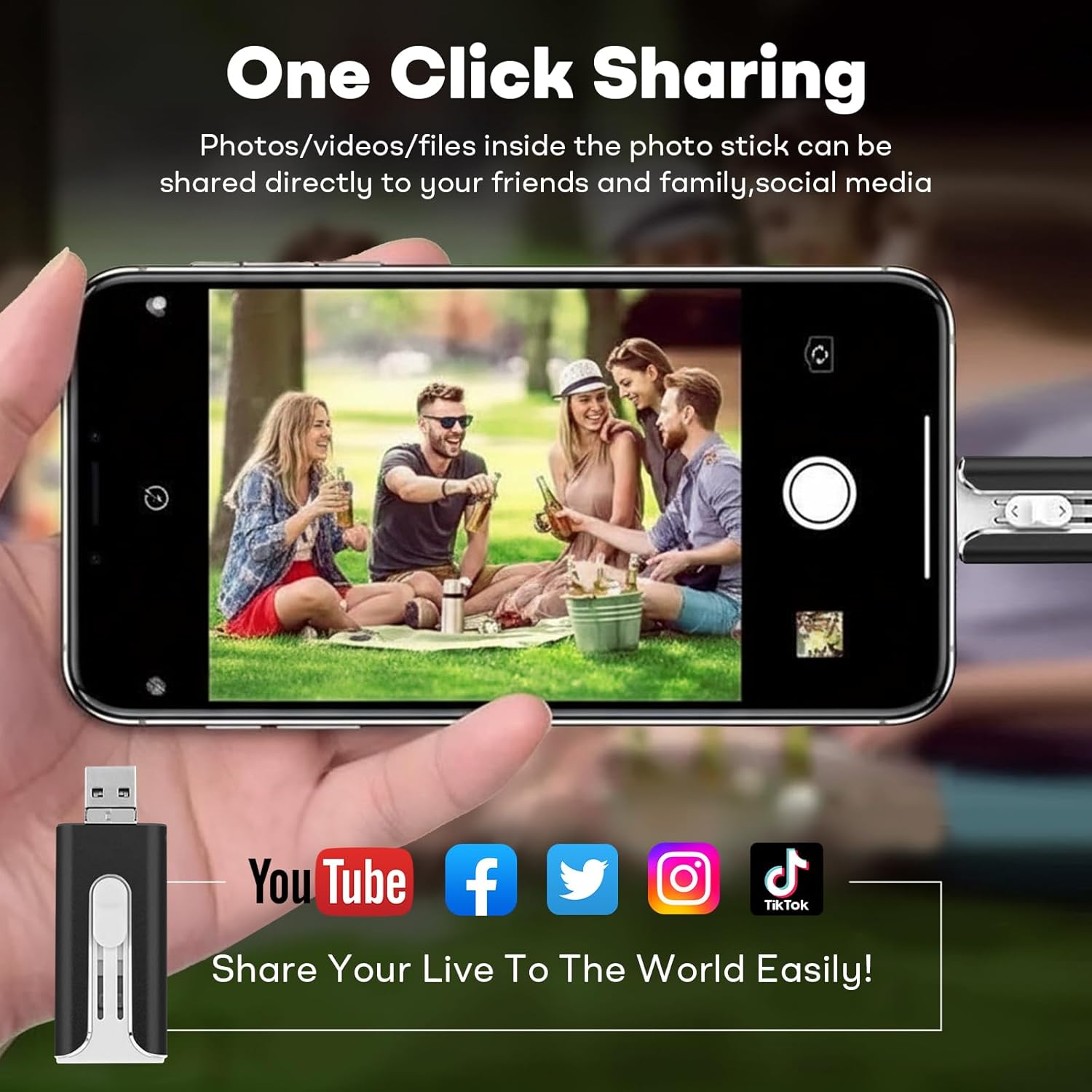
ምስል 4፡ የ FileNest USB Flash Drive enables easy sharing of media directly from the drive to various social media platforms.
5. ጥገና
- ትክክለኛ አያያዝ; መሳሪያውን ከመጣል ወይም ለጠንካራ ተጽእኖዎች ከማድረግ ተቆጠብ።
- የአካባቢ ሁኔታዎች; Keep the flash drive away from extreme temperatures, direct sunlight, moisture, and strong magnetic fields.
- ማጽዳት፡ የመሳሪያውን ውጫዊ ክፍል ለማጽዳት ለስላሳና ደረቅ ጨርቅ ይጠቀሙ። ፈሳሽ ማጽጃዎችን ወይም መሟሟቶችን አይጠቀሙ።
- ደህንነቱ የተጠበቀ ማስወገድ; Always safely eject the flash drive from your computer's operating system before physically disconnecting it to prevent data corruption. For mobile devices, ensure all transfer operations are complete before removal.
6. መላ መፈለግ
| ችግር | ሊሆን የሚችል ምክንያት | መፍትሄ |
|---|---|---|
| Drive not recognized by mobile device. | App not installed or not running. Incorrect connector used. Loose connection. | Ensure the correct app is installed and open. Verify the connector is fully inserted and matches your device port. Try reconnecting. |
| Drive በኮምፒውተር አልታወቀም። | Loose connection. Faulty USB port. Driver issue. | Try a different USB port. Reconnect the drive. Restart your computer. Check Device Manager (Windows) or System Information (Mac) for USB device status. |
| ቀርፋፋ የውሂብ ማስተላለፍ ፍጥነት። | ትልቅ file sizes. Other background processes. USB port version. | Close unnecessary applications. Ensure you are using a USB 3.0 port on your computer for optimal speeds. |
| ማስተላለፍ አይቻልም files. | Insufficient space on destination. File system limitations. App permissions. | Check available storage. Ensure the file size is within limits for the destination file system (e.g., FAT32 has a 4GB file size limit). Grant necessary permissions to the app. |
7. ዝርዝሮች
- ሞዴል፡ FileNest 4-in-1 USB Flash Drive
- የማህደረ ትውስታ ማከማቻ አቅም፡ 256 ጂቢ (እንደ ወቅታዊው ልዩነት)
- የግንኙነት ቴክኖሎጂ; ዩኤስቢ
- የሃርድዌር በይነገጽ፡ ዩኤስቢ 3.0
- አያያዦች፡ USB-A, Lightning, USB-C, Micro USB
- ቀለም፡ ጥቁር (እንደ የአሁኑ ስሪት)
- የእቃው ክብደት፡ 1.13 አውንስ
- የጥቅል መጠኖች: 5.87 x 3.15 x 0.79 ኢንች
- ልዩ ባህሪ፡ ቀላል ክብደት
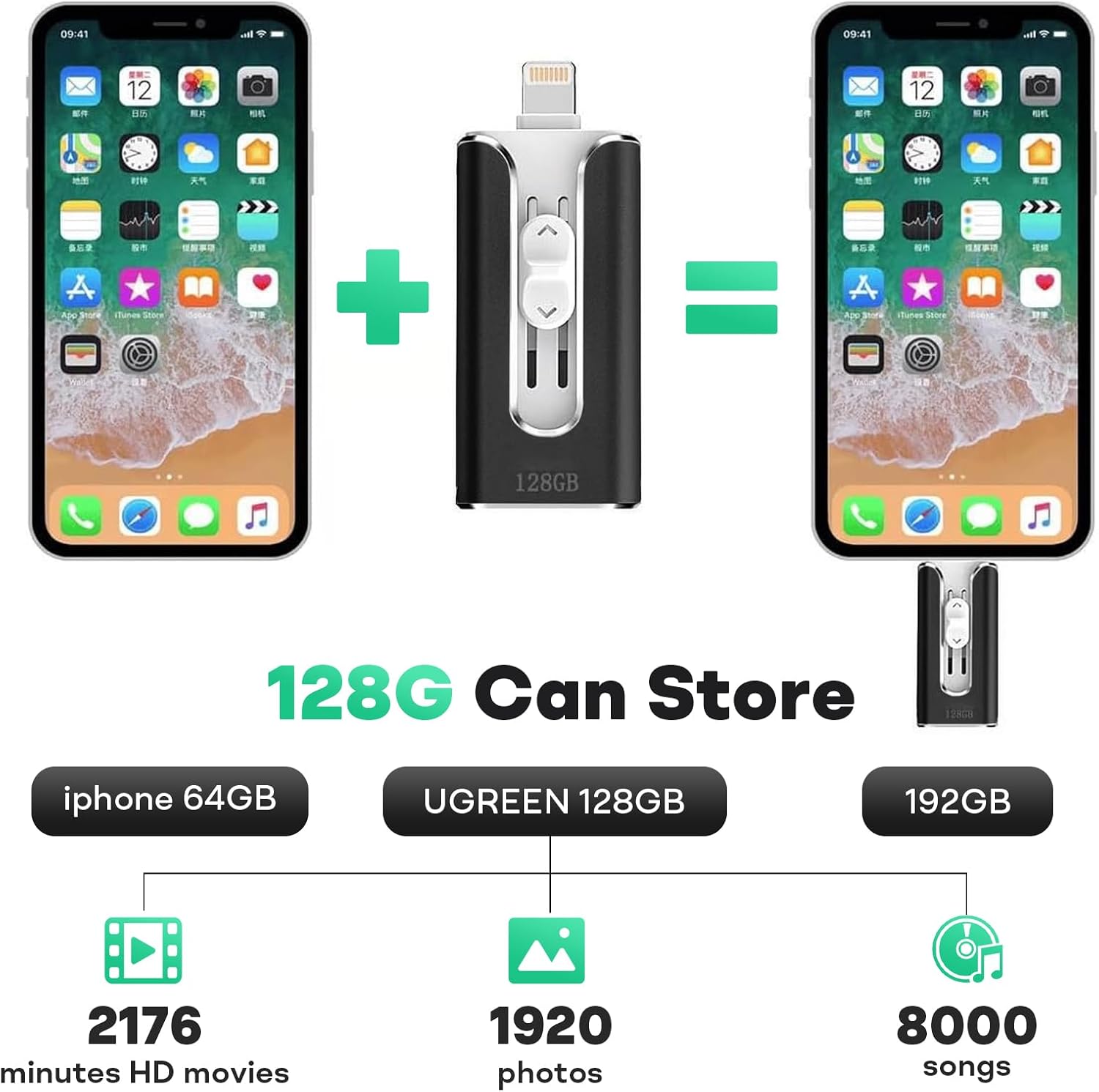
Image 5: Illustrative storage capacity of the FileNest USB Flash Drive, demonstrating its ability to hold a significant amount of media. Note: The image displays 128GB capacity for illustration; this product variant is 256GB.
8. ዋስትና እና ድጋፍ
This product comes with a standard manufacturer's warranty. For specific warranty details, please refer to the product packaging or contact the retailer where the product was purchased. For technical support or further assistance, please contact the manufacturer's customer service through the contact information provided on the product packaging or their official webጣቢያ.
ለዋስትና ጥያቄዎች እባክዎ የግዢ ማረጋገጫዎን ያቆዩ።