
1. መግቢያ
This manual provides comprehensive instructions for setting up, operating, and maintaining your RUPA Android TV Box 14.0. Please read this manual carefully before using the device to ensure optimal performance and safety. Keep this manual for future reference.
The RUPA Android TV Box 14.0 is a high-performance streaming media player designed to transform your television into a smart entertainment hub. Featuring the powerful RK3518pro chipset, 2 ጊባ ራም, እና 32GB ውስጣዊ ማከማቻ, it delivers smooth operation and supports stunning 4K and 8K Ultra HD resolutions. ጋር አንድሮይድ 14.0, ዋይፋይ 6, dual-band connectivity, ብሉቱዝ 5.0, and a voice-controlled remote, it offers a rich and interactive viewልምድ.

Image: An illustration of the RK3518pro chipset, highlighting its core processing unit, 2GB RAM, and 32GB internal storage, which are crucial for the TV box's performance.
2. የጥቅል ይዘቶች
Carefully unpack your RUPA Android TV Box and verify that all items listed below are included and in good condition. If any items are missing or damaged, please contact customer support.
- RUPA Android TV Box Unit
- የድምጽ የርቀት መቆጣጠሪያ
- HDMI ገመድ
- የኃይል አስማሚ
- የተጠቃሚ መመሪያ (ይህ ሰነድ)

Image: The complete contents of the RUPA Android TV Box package, laid out on a surface. This includes the main TV box unit, a voice-controlled remote, an HDMI cable, a power adapter, and the printed user manual.
3. ምርት አብቅቷልview
Familiarize yourself with the main components and ports of your Android TV Box.

Image: The RUPA Android TV Box, a compact black square device, shown alongside its voice-controlled remote. The remote features a circular navigation pad and dedicated buttons for popular streaming services.
3.1. Device Ports and Indicators
The Android TV Box features various interfaces for connectivity:
- የኤችዲኤምአይ ወደብ For connecting to your television or display.
- LAN Port (Ethernet): For a wired network connection (10/100M Ethernet).
- የዩኤስቢ ወደቦች፡ Multiple USB ports (including USB 3.0) for connecting external storage, keyboards, mice, or other peripherals.
- የኃይል ግቤት፡ የቀረበውን የኃይል አስማሚ ለማገናኘት።
4. የማዋቀር መመሪያ
Follow these steps to set up your RUPA Android TV Box:
- ከቲቪ ጋር ይገናኙ፡ Connect one end of the HDMI cable to the HDMI port on the Android TV Box and the other end to an available HDMI input on your television.
- የግንኙነት ኃይል; የኃይል አስማሚውን በቴሌቪዥን ሳጥኑ ላይ ባለው የዲሲ ኢን ወደብ ላይ ይሰኩት፣ ከዚያም አስማሚውን ከግድግዳ ሶኬት ጋር ይሰኩት።
- አብራ፡ Turn on your television and select the correct HDMI input source using your TV's remote control. The Android TV Box should automatically power on and display the boot screen.
- የመጀመሪያ ማዋቀር፡- Follow the on-screen instructions to complete the initial setup, which typically includes language selection, network connection (Wi-Fi or Ethernet), and Google account sign-in.
- የርቀት መቆጣጠሪያ ማጣመር; If your voice remote control is not automatically paired, follow the instructions provided on-screen or in the remote control section of this manual to pair it.
5. የአሠራር መመሪያዎች
5.1. መሰረታዊ ዳሰሳ
Use the directional pad (up, down, left, right) and the "OK" button on your remote control to navigate through menus and select items. The "Back" button returns to the previous screen, and the "Home" button takes you to the main Android TV home screen.
5.2. የመተግበሪያ አስተዳደር
The RUPA Android TV Box runs on the latest Android 14.0 system, providing access to a vast library of applications via the Google Play Store. You can download and install your favorite streaming services, games, and utility apps.
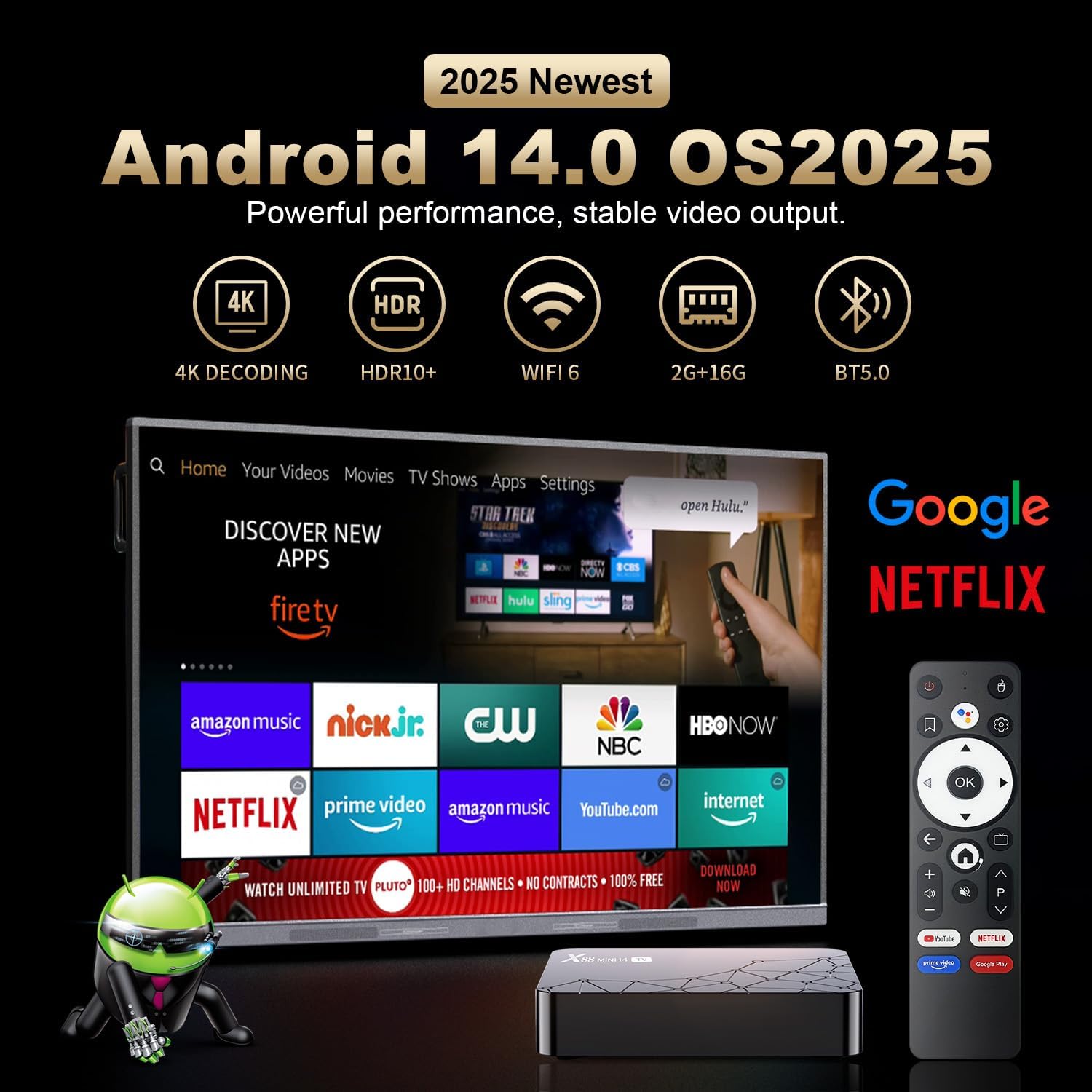
Image: A television screen displaying the Android 14.0 operating system interface. Various popular streaming applications such as Netflix, YouTube, Amazon Prime Video, and Google Play are visible, indicating broad app compatibility and access to the Google Play Store.
5.3. የድምጽ መቆጣጠሪያ
The included remote control features voice control capabilities. Press the dedicated voice button on the remote and speak your commands to search for content, open applications, or control playback. This feature enhances user interaction and convenience.

Image: A voice-controlled remote for the Android TV Box, positioned next to a television displaying various streaming app icons. A speech bubble indicates the voice command "Ask Google for a little help on your big screen," highlighting the remote's functionality for voice search and control.
The remote also supports motion sensing operating, utilizing a gyroscope for gesture recognition, providing an alternative method for navigation and control.
5.4. ስክሪን ማንጸባረቅ
The Android TV Box supports screen mirroring technologies like Airplay and Airscreen, allowing you to cast content from your mobile phone, tablet, or laptop directly to your television screen for a larger viewልምድ.
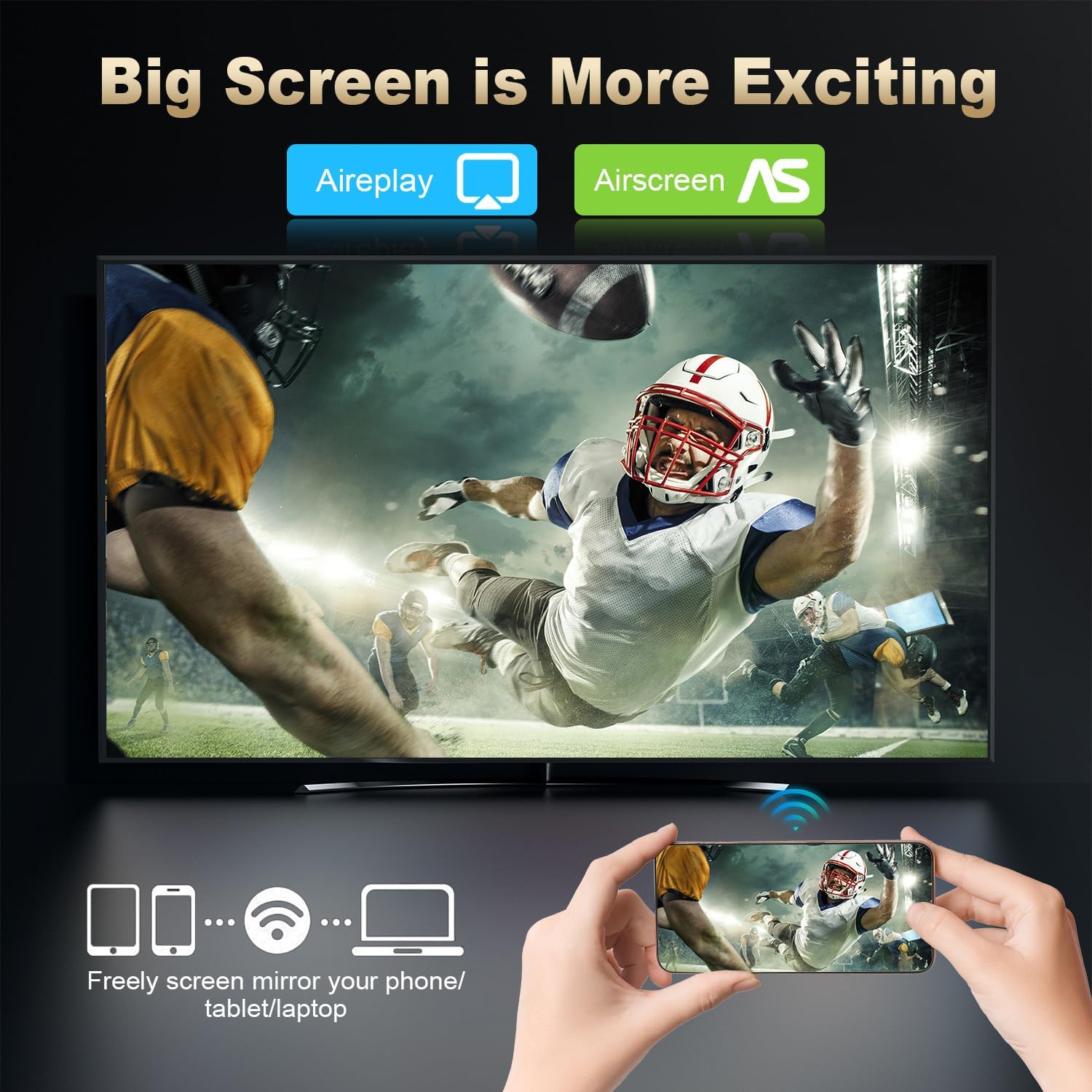
Image: A large television screen displaying a sports event, with a smartphone in the foreground showing the same content. Text indicates "Airplay" and "Airscreen" support, illustrating the screen mirroring capability from mobile devices to the TV.
6. የአውታረ መረብ ግንኙነት
Your RUPA Android TV Box offers flexible network connection options for stable and fast internet access:
- ዋይ ፋይ፡ Supports WIFI6 dual-band Wi-Fi (2.4 GHz and 5.8 GHz) for reliable wireless internet access, reducing interference from external signals.
- ኢተርኔት፡ A 100M Ethernet port is available for a direct, wired internet connection, providing maximum stability and speed for streaming and online activities.
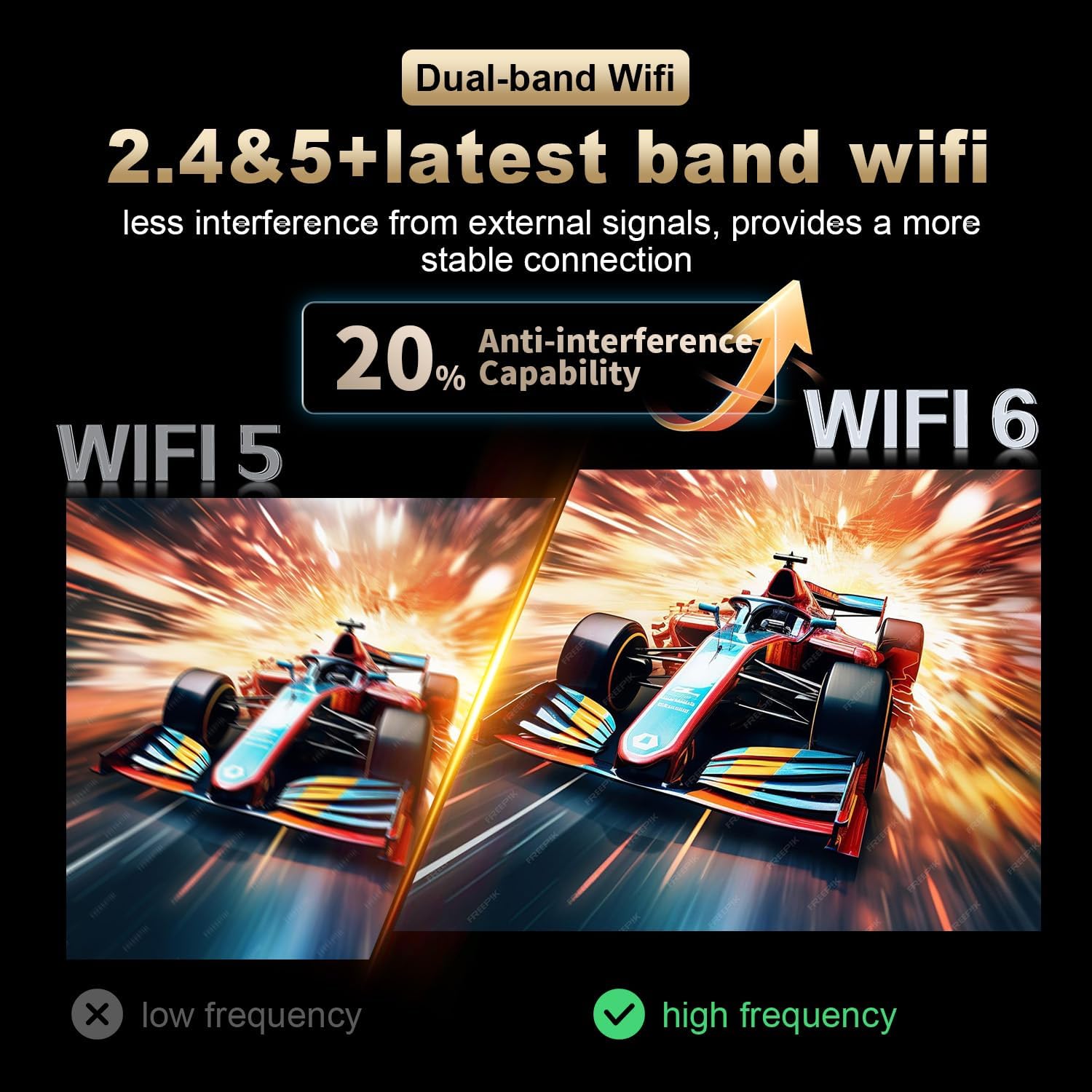
Image: A visual comparison illustrating the improved anti-interference capability of WiFi 6 (2.4 & 5.8 GHz dual-band) compared to older WiFi 5 technology, indicating a more stable and reliable wireless connection for the Android TV Box.
7. Display and Resolution
The RUPA Android TV Box supports advanced display technologies for a superior viewልምድ;
- ጥራት፡ Supports up to 4K and 8K Ultra HD resolutions, providing sharp and vivid images for movies, TV shows, and games.
- HDR10+፡ Enhances picture quality with improved contrast, brightness, and color accuracy, delivering a more immersive visual experience.

Image: A visual representation comparing the clarity and detail of 1080P, 4K, and 8K resolutions. The image highlights the significant visual improvement offered by 8K Ultra HD and HDR10+, showcasing a vibrant floral display on a television screen.
8. ጥገና
To ensure the longevity and optimal performance of your RUPA Android TV Box, follow these maintenance guidelines:
- ማጽዳት፡ Use a soft, dry cloth to clean the device. Do not use liquid cleaners, abrasive materials, or aerosols.
- የአየር ማናፈሻ; Ensure the device is placed in a well-ventilated area to prevent overheating. Do not block any ventilation openings on the device.
- ኃይል ዝጋ: When not in use for extended periods, it is recommended to power off the device and unplug it from the power outlet to conserve energy and protect the device.
- የሶፍትዌር ማሻሻያ Regularly check for and install system updates to ensure you have the latest features, performance enhancements, and security patches.
9. መላ መፈለግ
If you encounter issues with your RUPA Android TV Box, refer to the following common problems and solutions:
| ችግር | ሊሆን የሚችል መፍትሄ |
|---|---|
| ምንም ኃይል/ መሳሪያ አይበራም። |
|
| በቲቪ ላይ ምንም ምስል የለም። |
|
| የርቀት መቆጣጠሪያ ምላሽ አይሰጥም |
|
| የWi-Fi ግንኙነት ችግሮች |
|
| ትግበራዎች እየተበላሹ ወይም እየቀዘቀዙ |
|
10. ዝርዝሮች
| ባህሪ | ዝርዝር |
|---|---|
| የምርት ስም | RUPA |
| ሞዴል | RK3518pro |
| ስርዓተ ክወና | አንድሮይድ 14.0 |
| ፕሮሰሰር | RK3518pro Chipset |
| ራም | 2 ጊባ |
| የውስጥ ማከማቻ | 32 ጊባ |
| የመፍትሄ ድጋፍ | Up to 8K Ultra HD, 4K, 1080P |
| የኤችዲአር ድጋፍ | HDR10+ |
| ዋይ ፋይ | WIFI 6, Dual-Band (2.4 GHz / 5.8 GHz) |
| ኤተርኔት | 10/100M LAN Port |
| ብሉቱዝ | ብሉቱዝ 5.0 |
| የዩኤስቢ ወደቦች | Multiple (including USB 3.0) |
| የቪዲዮ ውፅዓት | HDMI |
| የመቆጣጠሪያ አይነት | Voice Remote Control (with motion sensing) |
| የምርት ልኬቶች | 7.2 x 4.4 x 2.2 ኢንች (18.3 x 11.2 x 5.6 ሴሜ) |
| የእቃው ክብደት | 10.6 አውንስ (0.3 ኪሎ ግራም) |
| መጀመሪያ የሚገኝ ቀን | ሴፕቴምበር 16፣ 2025 |
11. የደህንነት መረጃ
በመሳሪያው ላይ ጉዳት ወይም የግል ጉዳት እንዳይደርስ ለመከላከል የሚከተሉትን የደህንነት ጥንቃቄዎች ይከተሉ፡
- መሳሪያውን ለውሃ፣ ለእርጥበት እና ለከፍተኛ የሙቀት መጠን አያጋልጡት።
- መሳሪያውን በሙቀት ምንጮች አጠገብ ወይም በቀጥታ የፀሐይ ብርሃን ላይ ከማስቀመጥ ይቆጠቡ.
- መሳሪያውን እራስዎ ለመክፈት ወይም ለመጠገን አይሞክሩ. ሁሉንም አገልግሎቶች ብቁ ለሆኑ ባለሙያዎች ያመልክቱ።
- የተሰጠውን የኃይል አስማሚ ብቻ ይጠቀሙ። ያልተፈቀዱ አስማሚዎችን መጠቀም መሳሪያውን ሊጎዳ እና ዋስትናውን ሊያሳጣ ይችላል።
- መሳሪያውን እና መለዋወጫዎቹን ህጻናት በማይደርሱበት ቦታ ያቆዩት።
- ከመጠን በላይ ሙቀትን ለመከላከል በመሳሪያው ዙሪያ ትክክለኛውን አየር ማናፈሻን ያረጋግጡ.
12. ዋስትና እና ድጋፍ
የዋስትና መረጃ እና የደንበኛ ድጋፍ ለማግኘት እባክዎ ከግዢዎ ጋር የተካተቱትን ሰነዶች ይመልከቱ ወይም አምራቹን በቀጥታ ያነጋግሩ።
አምራች፡ Shenzhen Hugsun Technology Co., Ltd.
የእውቂያ ኢሜይል፡- contact@hugsun.com
For additional support and resources, you may visit the RUPA Store on Amazon: RUPA Store