1. መግቢያ
This manual provides essential instructions for the installation, operation, and maintenance of the Generic AMX-MT070IE Touch Panel. This industrial touch screen is designed for integration with various Programmable Logic Controllers (PLCs) and features Ethernet connectivity for reliable communication. Please read this manual thoroughly before using the device to ensure proper functionality and safety.
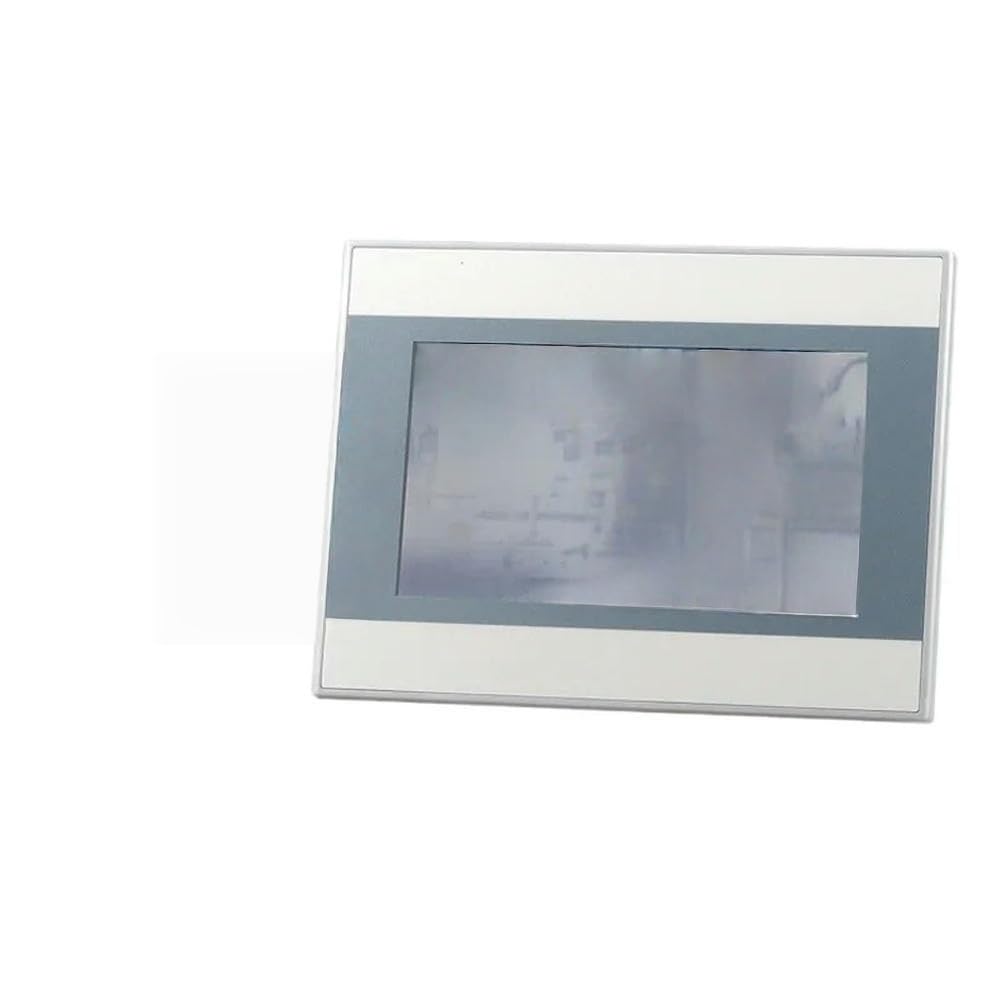
ይህ ምስል የፊት ገጽታን ያሳያል view of the AMX-MT070IE Touch Panel, highlighting its screen and overall design. The panel is designed for industrial applications, featuring a robust build suitable for various PLC systems.
2. ማዋቀር
Follow these steps to set up your AMX-MT070IE Touch Panel:
- ማሸግ፡ Carefully remove the touch panel from its packaging. Inspect for any visible damage. Report any damage to your supplier immediately.
- መጫን፡ Securely mount the touch panel in the desired location using appropriate mounting hardware (not included). Ensure adequate ventilation around the unit.
- የኃይል ግንኙነት; Connect the power supply to the designated power input port on the touch panel. Ensure the power source matches the panel's voltagሠ መስፈርቶች.
- የኤተርኔት ግንኙነት፡- Connect an Ethernet cable from your network or PLC to the Ethernet port on the touch panel.
- ሌሎች ግንኙነቶች፡- If applicable, connect any other necessary cables (e.g., serial communication, USB) to their respective ports.
- አብራ፡ Once all connections are secure, apply power to the touch panel. The device should initiate its boot sequence.
3. የአሠራር መመሪያዎች
The AMX-MT070IE Touch Panel is designed for intuitive operation. Here are general guidelines:
- የመጀመሪያ ቡት፡ Upon powering on, the panel will display a boot screen followed by the configured application interface.
- የንክኪ በይነገጽ፡ Interact with the panel using light touches. Avoid excessive force.
- አሰሳ፡ Navigate through menus and screens by tapping on buttons or icons displayed on the screen.
- የውሂብ ግቤት፡ For data input fields, a virtual keyboard may appear. Tap on characters to enter data.
- የስርዓት ቅንብሮች Access system settings (if available in your application) to configure network parameters, display brightness, or other device-specific options. Refer to your application's documentation for details.
4. ጥገና
Regular maintenance ensures the longevity and optimal performance of your touch panel:
- ማያ ገጹን ማጽዳት; ለስላሳ፣ ከቆሸሸ ነፃ የሆነ ጨርቅ በትንሹ ተጠቀምampened with a non-abrasive, ammonia-free cleaner. Do not spray cleaner directly onto the screen.
- ሲን ማጽዳትasing: ሐን ይጥረጉasing በደረቅ ወይም በትንሹ መamp ጨርቅ. ኃይለኛ ኬሚካሎችን ያስወግዱ.
- የአካባቢ ሁኔታዎች; ጉዳት እንዳይደርስ ለመከላከል የአሠራር አካባቢው በተወሰነው የሙቀት መጠን እና የእርጥበት ክልል ውስጥ መሆኑን ያረጋግጡ።
- የጽኑዌር ዝማኔዎች ፦ Periodically check for firmware updates from the manufacturer or your system integrator. Follow update instructions carefully.
- የኃይል ዑደት፡- If the device becomes unresponsive, perform a controlled power cycle by turning off the power, waiting 10 seconds, and then turning it back on.
5. መላ መፈለግ
If you encounter issues with your AMX-MT070IE Touch Panel, refer to the following common problems and solutions:
| ችግር | ሊሆን የሚችል ምክንያት | መፍትሄ |
|---|---|---|
| ፓነል አይበራም። | No power supply, faulty cable, or power adapter. | Check power connections. Ensure power adapter is functional. Verify power outlet. |
| የንክኪ ማያ ገጽ ምላሽ አይሰጥም። | Software freeze, calibration issue, or physical damage. | Perform a power cycle. If issue persists, check for calibration options in system settings or contact support. |
| ምንም የአውታረ መረብ ግንኙነት የለም። | Loose Ethernet cable, incorrect network settings, or network device issue. | Verify Ethernet cable is securely connected. Check network settings on the panel. Test network cable with another device. |
| ማሳያው ደብዛዛ ወይም ብልጭ ድርግም የሚል ነው። | Brightness settings, power issue, or hardware fault. | Adjust brightness settings. Ensure stable power supply. If problem continues, contact support. |
እነዚህን መፍትሄዎች ከሞከሩ በኋላ ችግሩ ከቀጠለ፣ እባክዎ የቴክኒክ ድጋፍን ያነጋግሩ።
6. ዝርዝሮች
Key specifications for the Generic AMX-MT070IE Touch Panel:
- አምራች፡ አጠቃላይ
- ASIN: B0G5243CPW
- የሞዴል ቁጥር፡- 7853444981472
- መጀመሪያ የሚገኝ ቀን፡- ዲሴምበር 4፣ 2025
- ግንኙነት፡ Ethernet (specifics depend on model variant)
- የማሳያ መጠን፡ Available in 4.3, 7, and 10 inch variants (this model is AMX-MT070IE, typically indicating a 7-inch display)
- ማመልከቻ፡- Designed for use with PLCs and industrial control systems.
7. የዋስትና መረጃ
This Generic AMX-MT070IE Touch Panel is covered by a standard manufacturer's warranty against defects in materials and workmanship. The specific duration and terms of the warranty may vary by region and retailer. Please retain your proof of purchase for warranty claims.
For detailed warranty information, refer to the documentation provided at the time of purchase or contact your supplier.
8. የቴክኒክ ድጋፍ
For technical assistance, troubleshooting beyond this manual, or warranty inquiries, please contact your product supplier or the manufacturer's support channels.
ድጋፍ በሚያገኙበት ጊዜ፣ እባክዎ የሚከተለውን መረጃ ያዘጋጁ፡-
- የሞዴል ቁጥር: 7853444981472
- የጉዳዩ መግለጫ
- Steps taken to resolve the issue
- የተገዛበት ቀን