
Introduction to Your iPhone 17e
The Apple iPhone 17e is a powerful and versatile smartphone designed to enhance your daily life. This guide provides clear, step-by-step instructions to help you unlock its full potential, from initial setup to mastering advanced features. Whether you are a new iPhone user or upgrading from an older model, this manual will assist you in confidently navigating your device.
The iPhone 17e integrates advanced camera capabilities, intelligent software, and seamless connectivity. This manual covers essential topics to ensure you get the most out of your device.
1. የመጀመሪያ ደረጃ ማዋቀር
This section guides you through the process of setting up your iPhone 17e for the first time.
- አብራ፡ የአፕል አርማ እስኪታይ ድረስ የጎን አዝራሩን ተጭነው ይቆዩ።
- ቋንቋ እና ክልል፡- የሚመርጡትን ቋንቋ እና ክልል ይምረጡ።
- ፈጣን ጅምር፡ If you have another iPhone or iPad, you can use Quick Start to transfer data and settings automatically.
- ከWi-Fi ጋር ይገናኙ፡ የ Wi-Fi አውታረ መረብ ይምረጡ እና የይለፍ ቃሉን ያስገቡ።
- ውሂብ እና ግላዊነት፡ Review የአፕል የውሂብ እና የግላዊነት መረጃ።
- Face ID/Touch ID & Passcode: Set up Face ID (or Touch ID on applicable models) and create a strong passcode for security.
- Transfer Your Data: Choose how to transfer apps and data from an old device or restore from an iCloud/computer backup.
- የአፕል መታወቂያ፡- Sign in with your Apple ID or create a new one. This is essential for App Store, iCloud, and other Apple services.
- ሲሪ፡ Configure Siri, Apple's intelligent assistant.
- የስክሪን ጊዜ፡ Set up Screen Time to monitor and manage device usage.
- App Analytics: Decide whether to share app analytics with Apple.
- True Tone/Display Zoom: Adjust display settings as desired.
2. Operating Your iPhone 17e and iOS Interface
Learn to navigate the iOS interface and utilize gestures for efficient operation.
- የእጅ ምልክቶች፡ Understand common gestures like swipe up for Home, swipe down for Control Center/Notifications, and pinch to zoom.
- መነሻ ስክሪን፡ Customize your Home Screen with apps and widgets.
- ቁልፍ ቆልፍ Personalize your Lock Screen with wallpapers, widgets, and Focus modes.
- የመቆጣጠሪያ ማዕከል፡- Access quick settings like Wi-Fi, Bluetooth, brightness, and volume by swiping down from the top-right corner.
- ማሳወቂያዎች፡- Manage notifications from various apps.
- የትኩረት ሁነታዎች፡ Configure Focus modes to minimize distractions during specific activities.
3. ግንኙነት እና ግንኙነት
Stay connected with family and friends using your iPhone 17e.
- መልዕክቶች፡- Send and receive text messages, iMessages, photos, and videos.
- የስልክ ጥሪዎች፡- Make and receive phone calls, including FaceTime audio and video calls.
- እውቂያዎች፡- የእውቂያ ዝርዝርዎን ያስተዳድሩ።
- ኢሜይል፡- Set up and manage email accounts.
4. Camera System and Photography
Utilize the powerful camera system of your iPhone 17e to capture stunning photos and videos.
- ፎቶ ማንሳት Learn about different camera modes (Photo, Portrait, Pano, etc.) and settings.
- ቪዲዮዎችን መቅዳት Capture high-quality videos with various options.
- Photos App: Organize, view, and edit your photos and videos using the Photos app.
- የአርትዖት መሳሪያዎች፡ Explore built-in editing features to enhance your media.
5. Internet Browsing and Applications
Browse the internet safely and manage your applications.
- ሳፋሪ፡ Use Safari for secure and efficient web browsing. Manage bookmarks and tabs.
- የመተግበሪያ መደብር Discover, download, and manage applications from the App Store.
- ምዝገባዎች፡- Manage your app subscriptions.
- ውርዶች፡- ያዝ file ማውረድ።
6. Apple Services Integration
አድቫን ይውሰዱtage of Apple's integrated services to enhance your iPhone experience.
- iCloud: Understand iCloud for data backup, synchronization, and storage.
- አፕል ክፍያ Set up and use Apple Pay for secure mobile payments.
- Apple Maps: Navigate with Apple Maps for directions and location services.
- አፕል ሙዚቃ፡ Explore and stream music with Apple Music.
7. የምርታማነት ባህሪያት
Boost your productivity using built-in iPhone tools.
- ማስታወሻዎች፡- Create and organize notes.
- የቀን መቁጠሪያ፡ Manage your schedule and appointments.
- አስታዋሾች፡- ለተግባሮች እና ለክስተቶች አስታዋሾችን ያዘጋጁ።
- Voice Memos: የድምጽ ማስታወሻዎችን ይቅረጹ.
- ሲሪ፡ Use Siri for voice commands, information, and task automation.
- አቋራጮች፡- Create custom shortcuts for frequently performed actions.
- AI-powered Suggestions: Utilize intelligent suggestions to save time.
8. ደህንነት እና ግላዊነት
Protect your data and maintain your privacy with iPhone's security features.
- የግላዊነት ቅንብሮች፡ Configure app permissions and location services.
- የፊት መታወቂያ፡- Secure your device and authenticate purchases with Face ID.
- የይለፍ ኮድ፡- Use a strong passcode for an additional layer of security.
- Find My: Locate your device if it's lost or stolen.
9. Device Management and Performance
Efficiently manage your iPhone's battery life, storage, and overall performance.
- የባትሪ ህይወት፡ Optimize settings to extend battery life.
- ማከማቻ፡ Monitor and manage your device's storage space.
- አፈጻጸም፡ Tips for maintaining smooth device operation.
10. መለዋወጫዎችን ማገናኘት
Connect various accessories to enhance your iPhone 17e experience.
- AirPods: Pair and use Apple AirPods for wireless audio.
- አፕል ሰዓት፡ Connect and synchronize with your Apple Watch.
- MagSafe Devices: Utilize MagSafe accessories for charging and other functions.
11. የተለመዱ ችግሮችን መፍታት
This section provides solutions for common issues you might encounter with your iPhone 17e.
- መሳሪያ ምላሽ የማይሰጥ፡ Force restart your iPhone.
- የመተግበሪያ ብልሽት፡ Close and reopen the app, or reinstall it.
- የግንኙነት ጉዳዮች፡- Reset network settings or restart your router.
- የባትሪ ፍሳሽ: Check battery usage in settings and adjust app activity.
- ማከማቻ ሙሉ፡ Delete unnecessary apps, photos, or videos, or offload apps.
- የሶፍትዌር ማሻሻያ የእርስዎ iPhone የቅርብ ጊዜውን የ iOS ስሪት እያሄደ መሆኑን ያረጋግጡ።
12. ዝርዝሮች
Key technical specifications for the iPhone 17e (as described in the user guide book).
| Guide Publication Date | መጋቢት 11 ቀን 2026 ዓ.ም |
| Guide Language | እንግሊዝኛ |
| Guide Print Length | 207 ገፆች |
| Guide ISBN-13 | 979-8251604511 |
| Guide Item Weight | 1.35 ፓውንድ |
| መመሪያ ልኬቶች | 8.5 x 0.47 x 11 ኢንች |
Note: These specifications pertain to the physical user guide book. For detailed technical specifications of the Apple iPhone 17e device, please refer to Apple's official documentation.
13. የድጋፍ እና የዋስትና መረጃ
For further assistance with your Apple iPhone 17e, please refer to the following resources:
- የአፕል ድጋፍ Webጣቢያ፡ ጎብኝ ድጋፍ.apple.com for comprehensive articles, troubleshooting guides, and contact options.
- አፕል መደብር፡ Visit an authorized Apple Store for in-person support and service.
- ዋስትና፡- Your iPhone 17e comes with a standard limited warranty from Apple. Details can be found on Apple's official website or within the device's settings under "About".
For support regarding this specific user guide book, please contact the publisher.
Images of the iPhone 17e User Guide Book
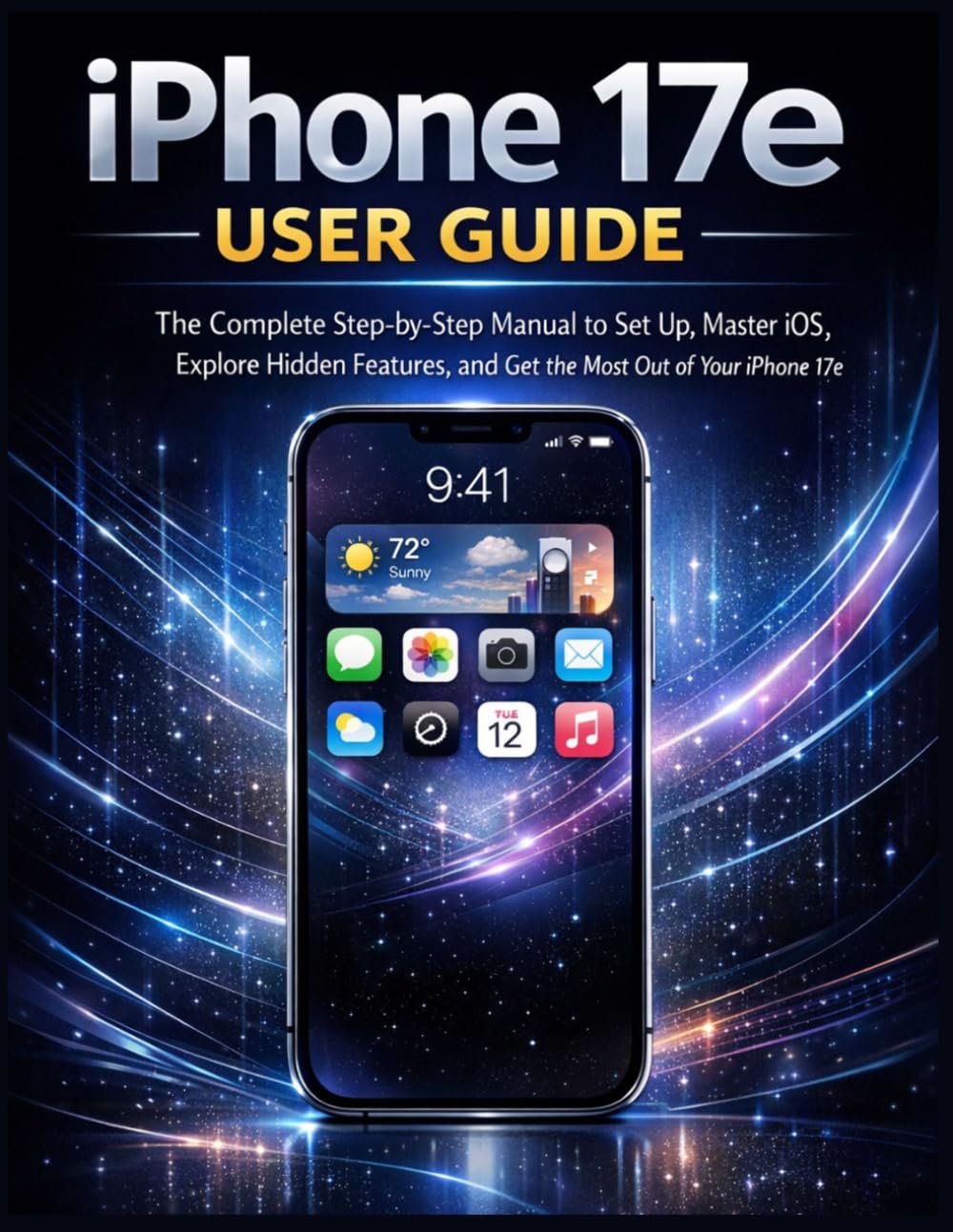
የምስል መግለጫ፡- This image displays the front cover of the "iPhone 17e User Guide" book. The cover features the title prominently, indicating it is a comprehensive manual for setting up and mastering the iPhone 17e. The design is clean and informational, typical of a technical guide.

የምስል መግለጫ፡- This image shows the back cover of the "iPhone 17e User Guide" book. It includes the ISBN barcode (979-8251604511) and other publication details. The background is a solid dark color, consistent with the front cover's aesthetic, and may contain brief descriptive text about the book's content.
Note: The images above are of the physical user guide book, which serves as the source for this digital manual. They are not images of the Apple iPhone 17e device itself.