1. መግቢያ
This manual provides detailed instructions for the proper use and maintenance of your Baseus H08 Immersive Virtual 3D Gaming Headset. Please read this manual thoroughly before using the product to ensure optimal performance and safety. Keep this manual for future reference.
2. የደህንነት መረጃ
- የመስማት ችሎታ; Avoid using the headset at high volume levels for extended periods to prevent hearing damage.
- የአካባቢ ሁኔታዎች; የጆሮ ማዳመጫውን ለከፍተኛ ሙቀት፣ እርጥበት ወይም ቀጥተኛ የፀሐይ ብርሃን አያጋልጡ።
- ማጽዳት፡ ለማጽዳት ለስላሳና ደረቅ ጨርቅ ይጠቀሙ። ፈሳሽ ማጽጃዎችን ወይም ሻካራ ቁሳቁሶችን ያስወግዱ።
- ማስወገጃ- የጆሮ ማዳመጫውን ለመበተን ወይም ለማስተካከል አይሞክሩ። ይህ ዋስትናውን ሊያሳጣ እና ጉዳት ሊያስከትል ይችላል።
- ልጆች፡- Keep the headset and its accessories out of reach of small children to prevent choking hazards.
3. የጥቅል ይዘቶች
ሁሉም እቃዎች በጥቅሉ ውስጥ መኖራቸውን ያረጋግጡ፡-
- Baseus H08 Immersive Virtual 3D Gaming Headset
- 3.5 ሚሜ የድምጽ ገመድ
- መያዣ
- የተጠቃሚ መመሪያ (ይህ ሰነድ)
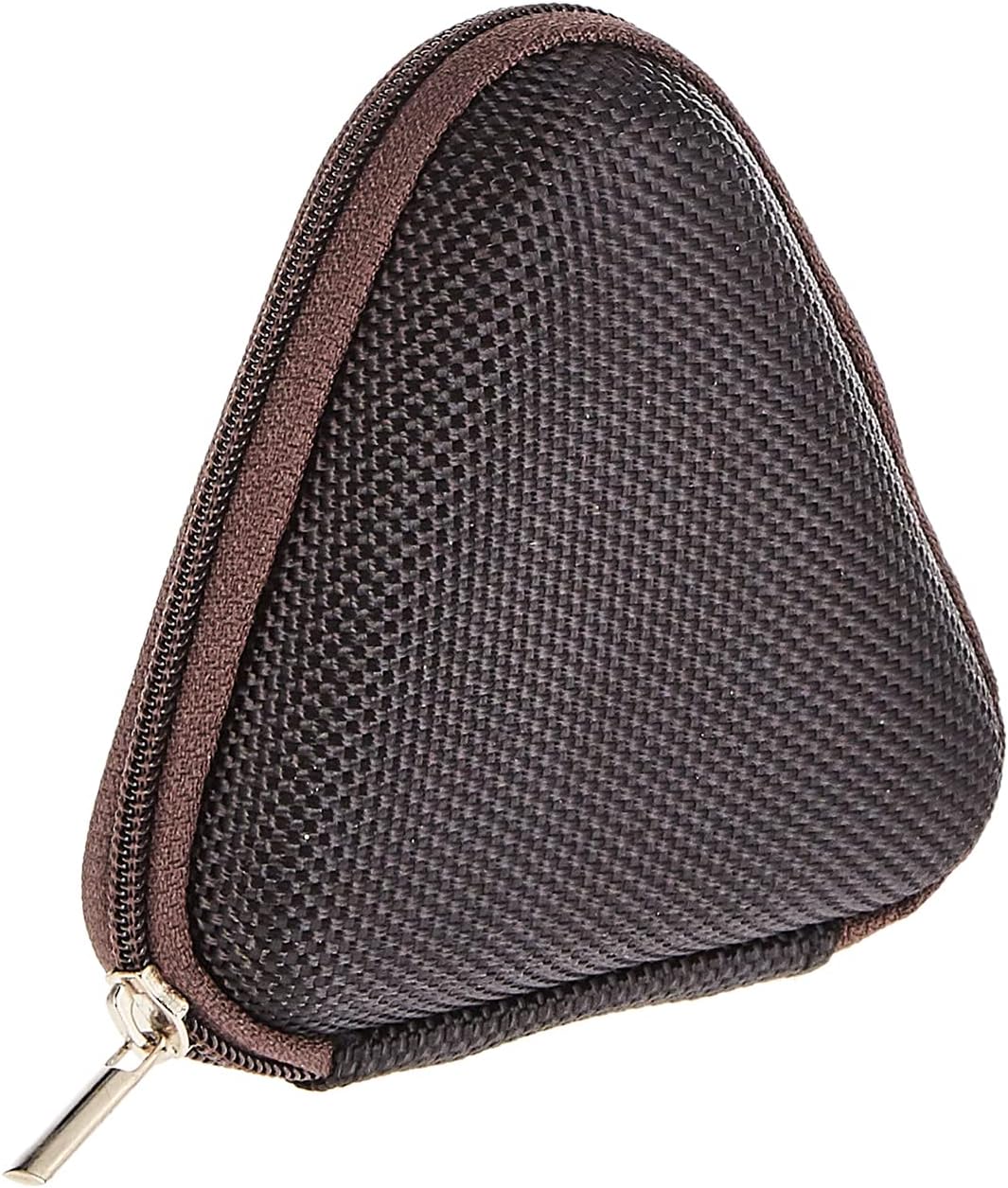
Image: The included triangular carrying case, designed for protecting and transporting the headset.
4. ምርት አብቅቷልview
The Baseus H08 headset is designed for an immersive gaming audio experience. It features a comfortable over-ear design and integrated controls.

Image: The Baseus H08 Immersive Virtual 3D Gaming Headset, showcasing የእሱ ንድፍ እና አካላት.
አካላት፡-
- የጆሮ ማዳመጫዎች ለምቾት እና ለድምፅ ማግለል የተለበጡ የጆሮ መሸፈኛዎች።
- የጭንቅላት ማሰሪያ፡ ደህንነቱ በተጠበቀ ሁኔታ እንዲገጣጠም የሚስተካከል የጭንቅላት ማሰሪያ።
- ማይክሮፎን Integrated microphone for communication.
- ኦዲዮ ገመድ Detachable 3.5mm audio cable for connection to devices.
- የድምጽ መቆጣጠሪያ፡- In-line or earcup-mounted volume adjustment.
5. ማዋቀር
- ማሸግ ፦ የጆሮ ማዳመጫውን እና ሁሉንም መለዋወጫዎች ከማሸጊያው በጥንቃቄ ያስወግዱ።
- የድምጽ ገመድ ያገናኙ፡ Insert the 3.5mm audio jack into the corresponding port on your gaming device (PC, console controller, smartphone, etc.). Ensure the connection is secure.
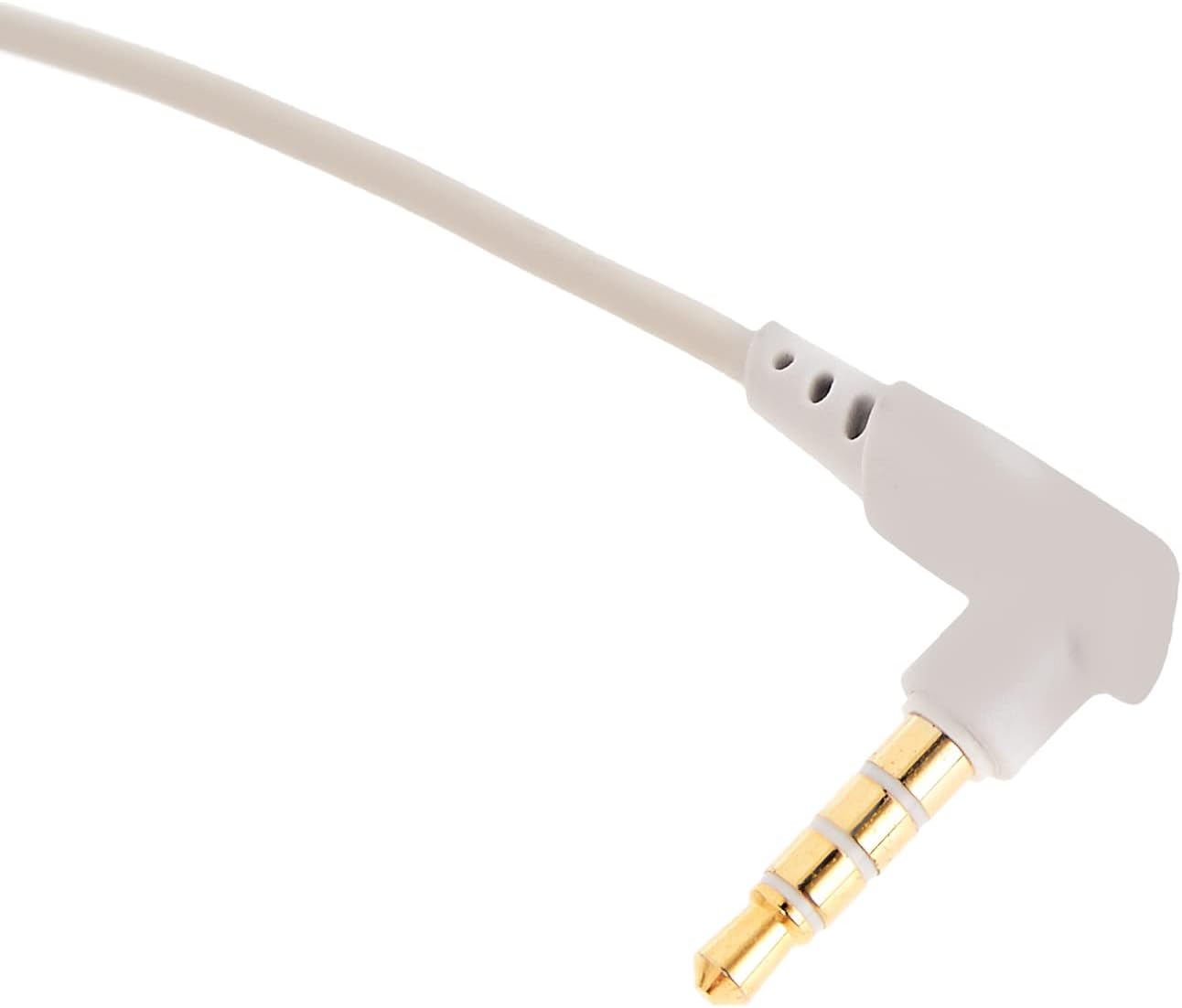
ምስል፡ መቀራረብ view of the 3.5mm audio jack, used for connecting the headset to compatible devices.
- የጆሮ ማዳመጫውን አስተካክል; Place the headset on your head and adjust the headband for a comfortable and secure fit. Position the earcups over your ears.
- የማይክሮፎን አቀማመጥ፡- If the microphone is adjustable, position it appropriately for clear voice capture, typically near the corner of your mouth.
6. የአሠራር መመሪያዎች
- የድምጽ መቆጣጠሪያ፡- Use the integrated volume control (if present on the cable or earcup) to adjust the audio output level. Rotate or slide the control to increase or decrease volume.
- የማይክሮፎን ድምጸ-ከል አድርግ፡ If your headset features a microphone mute switch, use it to toggle the microphone on or off as needed during gameplay or calls.
- Virtual 3D Sound: The headset provides an immersive virtual 3D sound experience. This feature is typically active upon connection and enhances spatial audio cues in compatible games. No specific activation is usually required unless indicated by your device's audio settings.
7. ጥገና
- ማጽዳት፡ Wipe the headset with a soft, dry, lint-free cloth. Do not use harsh chemicals, cleaning solvents, or strong detergents.
- ማከማቻ፡ When not in use, store the headset in its carrying case to protect it from dust, scratches, and physical damage. Keep it in a cool, dry place.
- የኬብል እንክብካቤ; Avoid sharp bends or excessive pulling on the audio cable to prevent internal damage.
8. መላ መፈለግ
የተለመዱ ጉዳዮች እና መፍትሄዎች:
- ድምጽ የለም፡
- Ensure the 3.5mm audio cable is fully plugged into both the headset and your device.
- Check the volume control on the headset and your device to ensure it is not muted or set too low.
- ትክክለኛው የድምጽ ውፅዓት መሣሪያ በመሣሪያዎ የድምጽ ቅንብሮች ውስጥ መመረጡን ያረጋግጡ።
- ደካማ የድምፅ ጥራት;
- የተበላሹ ግንኙነቶችን ያረጋግጡ።
- በመሳሪያው ላይ የተወሰነ ችግር እንዳይፈጠር የጆሮ ማዳመጫውን በሌላ መሳሪያ ይሞክሩት።
- የድምጽ ምንጩ ጥራት ያለው መሆኑን ያረጋግጡ።
- ማይክሮፎን አይሰራም;
- ማይክሮፎኑ ድምጸ-ከል አለመደረጉን ያረጋግጡ (ካለ)።
- የጆሮ ማዳመጫ ማይክሮፎኑ እንደ የግቤት መሣሪያ መመረጡን ለማረጋገጥ የመሣሪያዎን የድምፅ ቅንብሮች ያረጋግጡ።
- ማይክሮፎኑን በሌላ መተግበሪያ ወይም መሳሪያ ይሞክሩ።
- በአጠቃቀም ወቅት ምቾት ማጣት;
- Adjust the headband and earcup positions for a better fit.
- Take breaks during long gaming sessions.
9. ዝርዝሮች
| ባህሪ | ዝርዝር |
|---|---|
| የምርት ስም | ቤዝየስ |
| የሞዴል ስም | NGH08-2G |
| የንጥል ሞዴል ቁጥር | B012LZLE1U |
| የምርት ልኬቶች | 5 x 3 x 10 ሴ.ሜ |
| የእቃው ክብደት | 200 ግራም |
| ቀለም | ነጭ + ግራጫ |
| የመቆጣጠሪያ ዓይነት | የድምጽ መቆጣጠሪያ |
| የእቃዎች ብዛት | 1 |
| ልዩ የምርት አጠቃቀሞች | አይገኝም |
| የጆሮ ማዳመጫ ቅጽ ምክንያት | አይገኝም |
| የጆሮ ማዳመጫ ጃክ | አይገኝም |
| የግንኙነት ቴክኖሎጂ | አይገኝም |
| ገመድ አልባ የመገናኛ ቴክኖሎጂ | አይገኝም |
| የተካተቱ አካላት | አይገኝም |
| የዕድሜ ክልል (መግለጫ) | አይገኝም |
| ቁሳቁስ | አይገኝም |
10. ዋስትና እና ድጋፍ
For warranty information and technical support, please refer to the warranty card included with your product or visit the official Baseus webድህረ ገጽ። እንዲሁም እርዳታ ለማግኘት ምርቱን የገዙበትን ቸርቻሪ ማግኘት ይችላሉ።
Baseus Official Webጣቢያ፡ www.baseus.com


