1. መግቢያ
The VTech Count and Learn Turtle is an interactive educational toy designed to introduce children aged 2 to 5 years to numbers, counting, basic math, shapes, colors, and instruments. It features light-up buttons, engaging sounds, melodies, and a bilingual mode to enhance learning and development.
2. የጥቅል ይዘቶች
- One VTech Count and Learn Turtle electronic learning toy
- 2 AA batteries (for demo purposes only; new batteries recommended for regular use)
3. ማዋቀር
3.1 የባትሪ ጭነት
- Locate the battery compartment on the underside of the turtle.
- Using a screwdriver, loosen the screw and open the battery compartment cover.
- Insert 2 new 'AA' (LR6) batteries, ensuring correct polarity (+/-) as indicated inside the compartment.
- የባትሪውን ክፍል ሽፋን ይቀይሩት እና ዊንጣውን ደህንነቱ በተጠበቀ ሁኔታ ያጥብቁ.
ማስታወሻ፡- The included batteries are for demonstration purposes only. For optimal performance, replace them with new alkaline batteries.
3.2 ማብራት / ማጥፋት
To turn the toy ON, slide the power switch, located on the top of the turtle's shell, to the 'ON' position. To turn the toy OFF, slide the switch to the 'OFF' position.
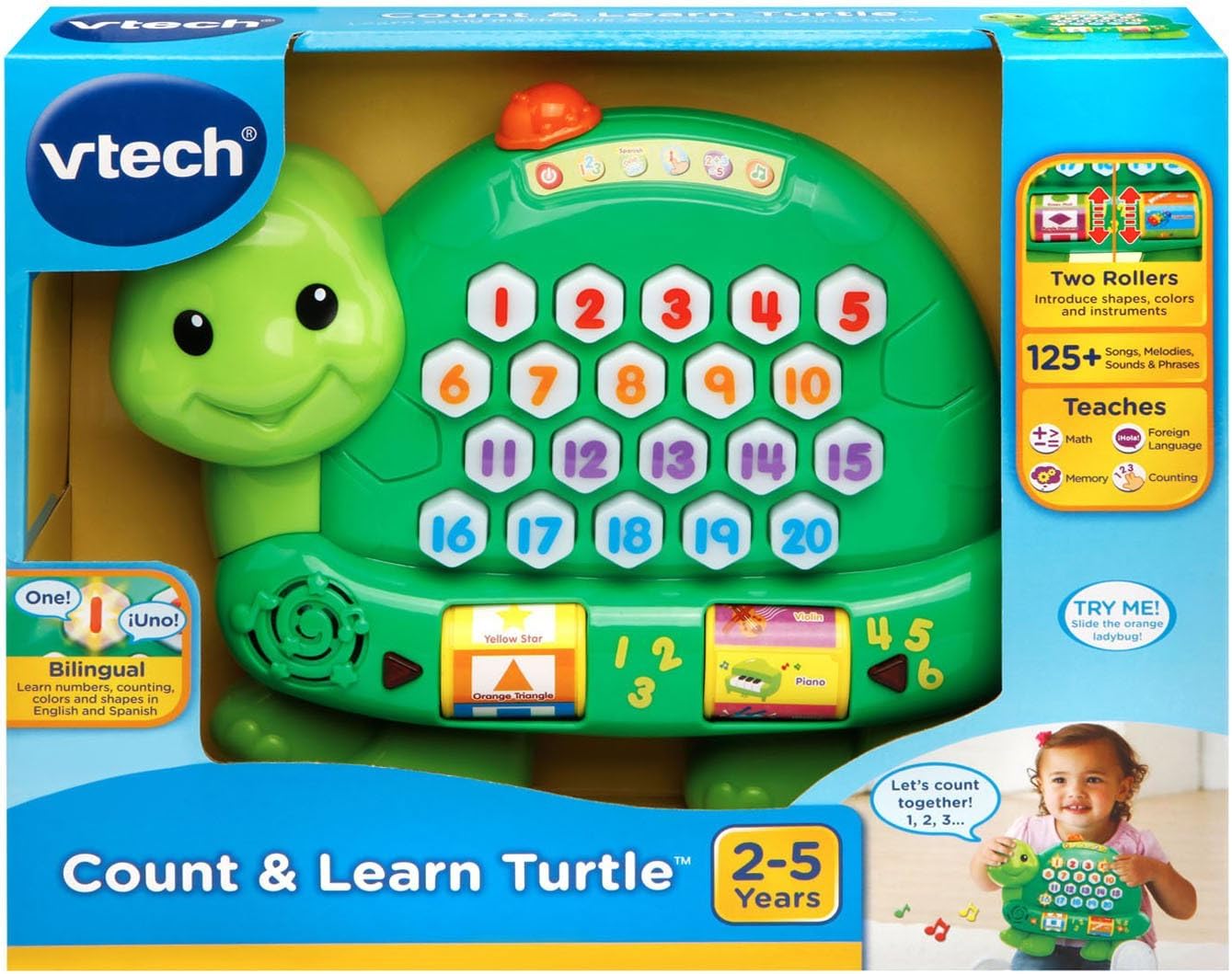
Image: The VTech Count and Learn Turtle, illustrating its overall design and the location of the power switch on its shell.
4. የአሠራር መመሪያዎች
4.1 Number Buttons and Counting
Press any of the light-up number buttons (1-20) on the turtle's shell to hear the number spoken aloud. The turtle will also count along with your child.
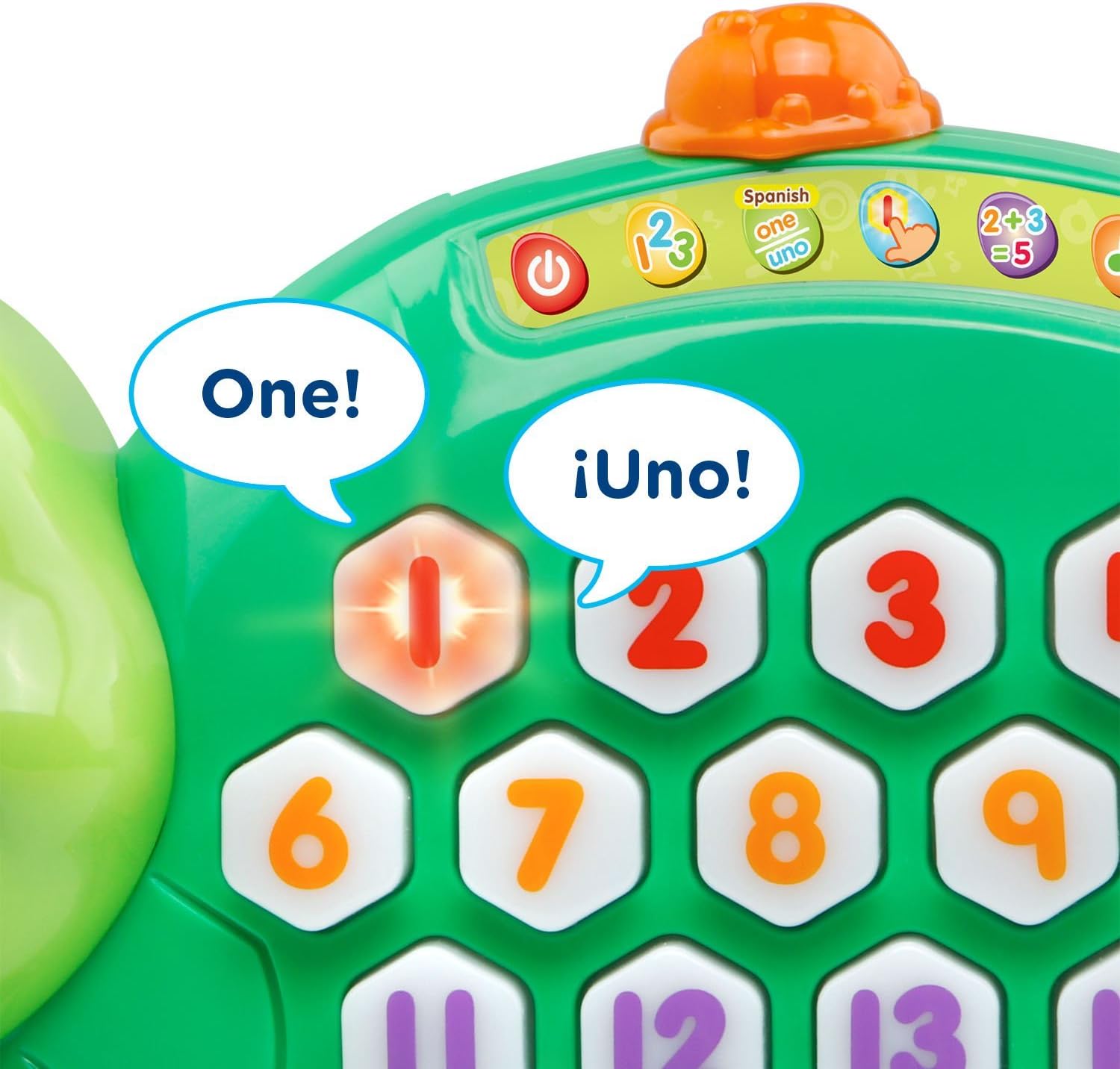
ምስል፡ መቀራረብ view of the turtle's shell, highlighting the interactive light-up number buttons.
4.2 Addition Activity
Select the addition activity mode (indicated by a '2+3=5' icon on the shell). The turtle will guide your child through simple addition problems, lighting up the correct number of buttons to represent the sum.
4.3 Roller Functions: Shapes, Colors, and Instruments
Spin the two rollers located on the sides of the turtle. Each roller introduces different shapes, colors, and musical instruments with corresponding sounds and phrases.

ምስል: ዝርዝር view of the interactive rollers on the side of the turtle, displaying various shapes and instruments.
4.4 Music Activity
Engage with the music activity mode to hear various sing-along songs and melodies. The sounds from the rollers will integrate into the music for an enriched experience.
4.5 Spanish Mode
Switch to Spanish mode to learn numbers, counting, colors, shapes, and instruments in Spanish. This feature supports bilingual development.
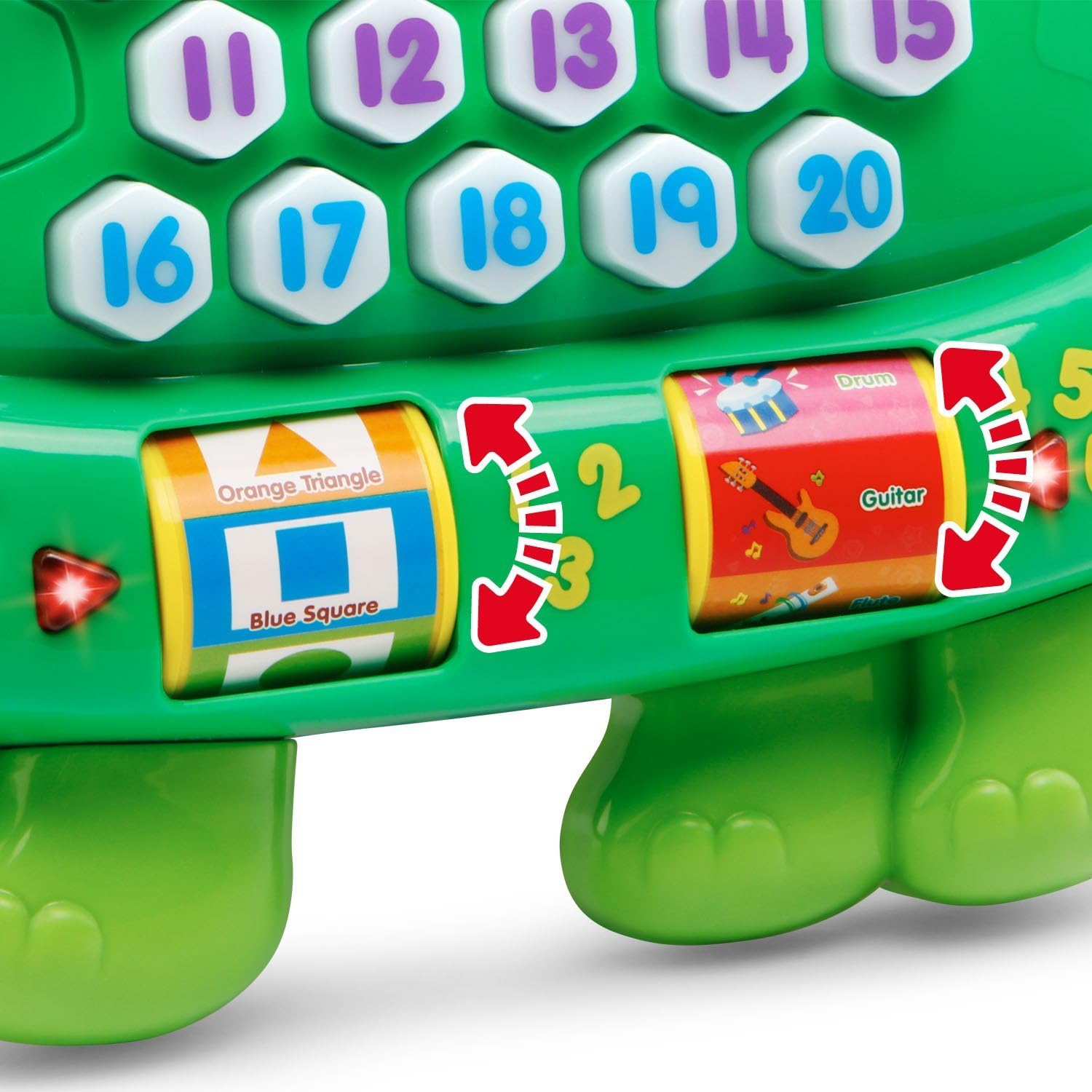
Image: The turtle's number buttons, demonstrating the bilingual feature with English and Spanish words for 'one'.
4.6 Memory Game
Activate the memory game mode. Watch the buttons light up in a sequence and then repeat the sequence by pressing the buttons in the correct order. This helps develop memory and hand-eye coordination.
Video: An official VTech demonstration of the Count and Learn Turtle's features, including counting, music, and interactive play modes.
5. እንክብካቤ እና ጥገና
- ክፍሉን በትንሹ በማጽዳት ንፁህ ያድርጉትamp ጨርቅ. ኃይለኛ ኬሚካሎችን ወይም ሻካራ ቁሳቁሶችን አይጠቀሙ.
- ክፍሉን በቀጥታ ከፀሀይ ብርሀን እና ከሙቀት ምንጮች ያርቁ.
- ክፍሉ ለረጅም ጊዜ ጥቅም ላይ የማይውል ከሆነ ባትሪዎቹን ያስወግዱ.
- Do not drop the unit on a hard surface or expose it to moisture or water.
6. መላ መፈለግ
6.1 No Power or Intermittent Operation
- Ensure the batteries are installed correctly with the proper polarity.
- አሮጌ ባትሪዎችን በአዲስ የአልካላይን ባትሪዎች ይተኩ።
- If the toy is still not functioning, try turning it off and then on again.
6.2 የድምጽ ጉዳዮች
- Check the volume setting.
- Ensure the toy is not in a quiet mode or muted.
7. ዝርዝሮች
| ባህሪ | ዝርዝር |
|---|---|
| የምርት ልኬቶች | 2.34 x 9.8 x 8.31 ኢንች |
| የእቃው ክብደት | 15.8 አውንስ |
| የንጥል ሞዴል ቁጥር | 80-178100 |
| አምራቹ የሚመከር ዕድሜ | 24 ወራት - 5 ዓመታት |
| ባትሪዎች | 2 የ AA ባትሪዎች ያስፈልጋሉ (ለማሳያ ተካትተዋል) |
| የተለቀቀበት ቀን | የካቲት 1 ቀን 2016 ዓ.ም |
| አምራች | ቪቴክ |
8. ዋስትና እና ድጋፍ
የዋስትና መረጃ ወይም የቴክኒክ ድጋፍ ለማግኘት፣ እባክዎን ኦፊሴላዊውን VTech ይመልከቱ። webጣቢያ ወይም በቀጥታ VTech የደንበኞች አገልግሎት ያነጋግሩ. የግዢ ደረሰኝህን እንደ ግዢ ማረጋገጫ አቆይ።
You can visit the VTech store for more information: በአማዞን ላይ VTech መደብር


