1. ምርት አብቅቷልview
These ultrafine replacement filters are designed for use with various Respironics Remstar CPAP and BiPAP machines. They play a crucial role in maintaining the air quality delivered by your device by removing fine particles such as dust and pollen from the air intake.

Image 1.1: An individual UpStart Components ultrafine filter, showing its rectangular shape with a tab for easy handling.
Each package contains 8 replacement ultrafine filters. Regular replacement of these filters is essential for optimal performance of your CPAP machine and for ensuring you breathe clean air during therapy.

Image 1.2: The product packaging displaying eight individual ultrafine filters, highlighting the quantity included in the set.
2. ተኳሃኝነት
These ultrafine filters are compatible with the following Respironics REMstar CPAP and BiPAP machine models:
- Respironics REMstar Lite CPAP (with Tab)
- Respironics REMstar Plus CPAP (with and without C-Flex)
- Respironics REMstar Pro CPAP (with and without C-Flex)
- Respironics REMstar Pro 2 CPAP (with and without C-Flex)
- Respironics REMstar Auto CPAP (with and without C-Flex)
- Respironics REMStar BiPAP Plus
- Respironics REMstar BiPAP Pro 2
- Respironics REMstar BiPAP Auto (with and without Bi-Flex)
- Respironics REMstar BiPAP ST (New Gray Model)
- Respironics RemStar BiPAP AutoSV
- Respironics REMStar BiPAP AutoSV Advanced
Please ensure your machine model is listed above for proper fit and function.
3. ማዋቀር እና መጫን
Follow these steps to install the ultrafine filter into your compatible Respironics CPAP or BiPAP machine:
- ኃይል ዝጋ: Disconnect your CPAP machine from the power source before beginning any maintenance.
- የማጣሪያ ማስገቢያ አግኝ፡ Identify the air intake filter slot on your CPAP machine. This is typically located at the back or side of the device.
- የድሮ ማጣሪያን ያስወግዱ; Carefully remove the existing ultrafine filter. If your machine uses a reusable foam filter, remove that as well.
- Insert New Ultrafine Filter: Place the new ultrafine filter into the machine's air intake slot. It should be inserted first, before any reusable foam filter. Ensure the tab is positioned for easy removal.
- Reinsert Foam Filter (if applicable): If your machine uses a reusable foam filter, place it on top of the newly installed ultrafine filter.
- ሽፋን ዝጋ፡ Securely close the filter cover or compartment.
- ኃይልን እንደገና ማገናኘት; Reconnect your CPAP machine to the power source.
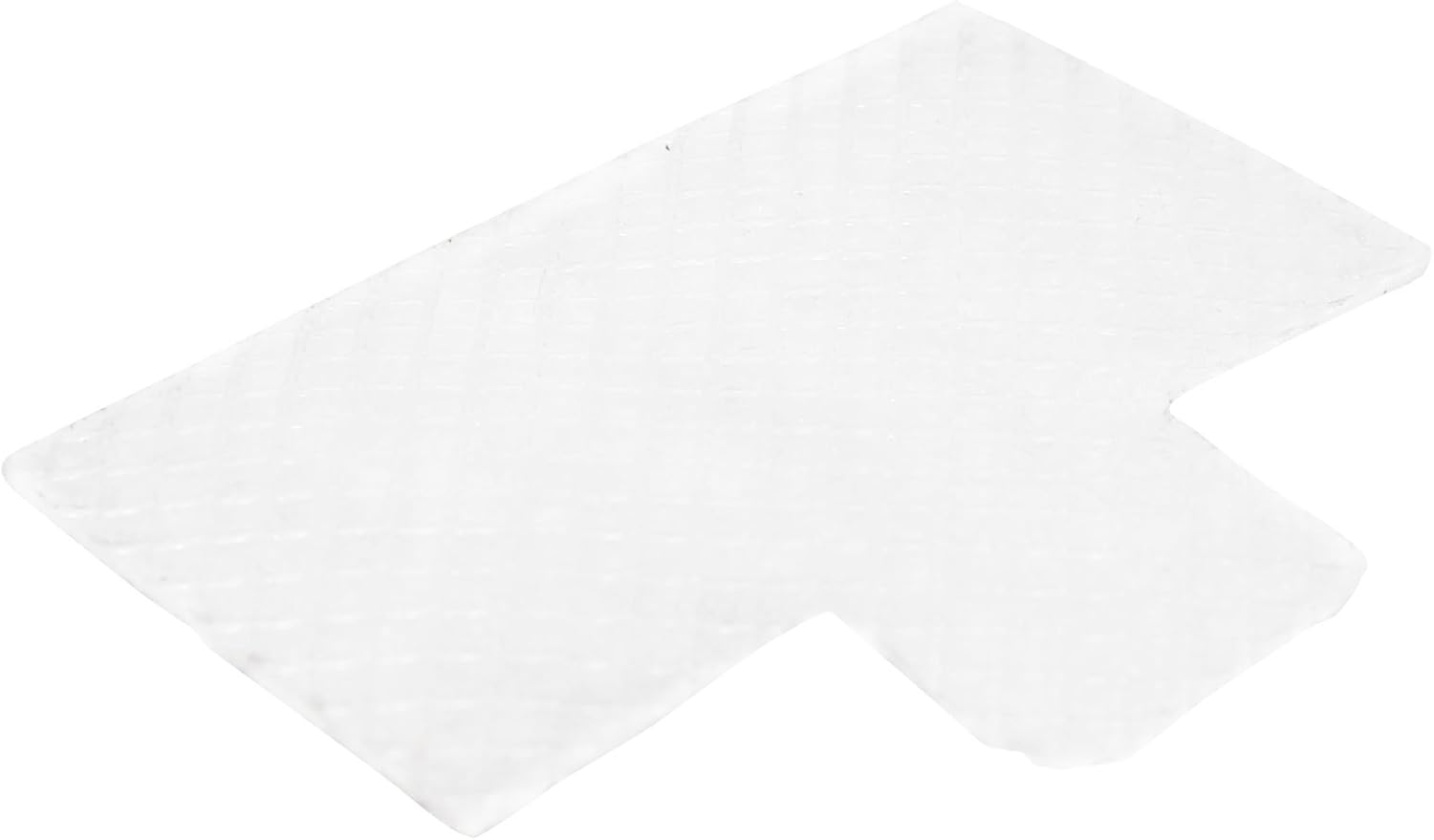
ምስል 3.1: ከፍተኛ view of an ultrafine filter, illustrating its texture and the tab for handling during installation and removal.
For specific instructions regarding your CPAP machine model, refer to your device's original user manual.
4. ጥገና
Regular replacement of your ultrafine filter is crucial for effective air filtration and the longevity of your CPAP machine.
- የመተካት ድግግሞሽ፡ These disposable filters should be replaced as soon as there is visible dirt or debris. For optimal filter efficiency, it is recommended to replace the filter every month, or more frequently depending on usage and environmental conditions (e.g., dusty environments).
- ምርመራ፡- Periodically inspect the filter for discoloration or accumulation of particles.
- ማጽዳት፡ Ultrafine filters are disposable and are not designed to be cleaned or washed. Attempting to clean them may damage the filter material and reduce their effectiveness.
Using a dirty or clogged filter can reduce airflow, strain your machine, and compromise the quality of the air you breathe.
5. መላ መፈለግ
If you experience issues related to air filtration after installing a new filter, consider the following:
- የተቀነሰ የአየር ፍሰት; Ensure the filter is correctly seated in its compartment and not obstructing the air intake. Check if the filter is visibly dirty or clogged, and replace it if necessary.
- ያልተለመዱ ሽታዎች; If you notice unusual odors, ensure the filter is new and clean. If the odor persists, it may indicate an issue with another component of your CPAP machine, and you should consult your device's manual or a healthcare professional.
- ማጣሪያ የማይመጥን; Double-check the compatibility list to ensure these filters are appropriate for your specific Respironics machine model.
For issues unrelated to the filter, refer to your CPAP machine's user manual or contact your healthcare provider or equipment supplier.
6. ዝርዝሮች
| ባህሪ | ዝርዝር |
|---|---|
| የምርት ዓይነት | Ultrafine Replacement Filters |
| ብዛት | በአንድ ጥቅል 8 ማጣሪያዎች |
| መጠኖች (ግምታዊ) | 1.88 x 1.38 x 0.06 inches (each filter) |
| ተኳኋኝነት | Respironics REMstar CPAP and BiPAP series (see Section 2 for full list) |
| የማጣሪያ ዓይነት | ሊጣል የሚችል |
7. ዋስትና እና ድጋፍ
Any warranties for this product are offered solely by UpStart Components. This product is not affiliated with any OEM brands and is not covered under any warranties offered by the original manufacturers. All mentions of brand names or model descriptions are made strictly to illustrate compatibility.
For support or warranty inquiries, please contact UpStart Components directly through their official channels.
8. አስፈላጊ ማስታወሻዎች
የሕግ ማስተባበያ Statements regarding dietary supplements have not been evaluated by the FDA and are not intended to diagnose, treat, cure, or prevent any disease or health condition. This product is for filtration purposes within compatible CPAP machines only.


