መግቢያ
The Google Nest Temperature Sensor is designed to enhance the comfort and efficiency of your home's climate control. It communicates the temperature to compatible Google Nest thermostats, such as the Nest Learning Thermostat (3rd Gen) and the Nest Thermostat E. By placing multiple sensors in different rooms, you can use the Nest app to specify the desired temperature for each area at different times of the day, ensuring optimal comfort where it matters most.
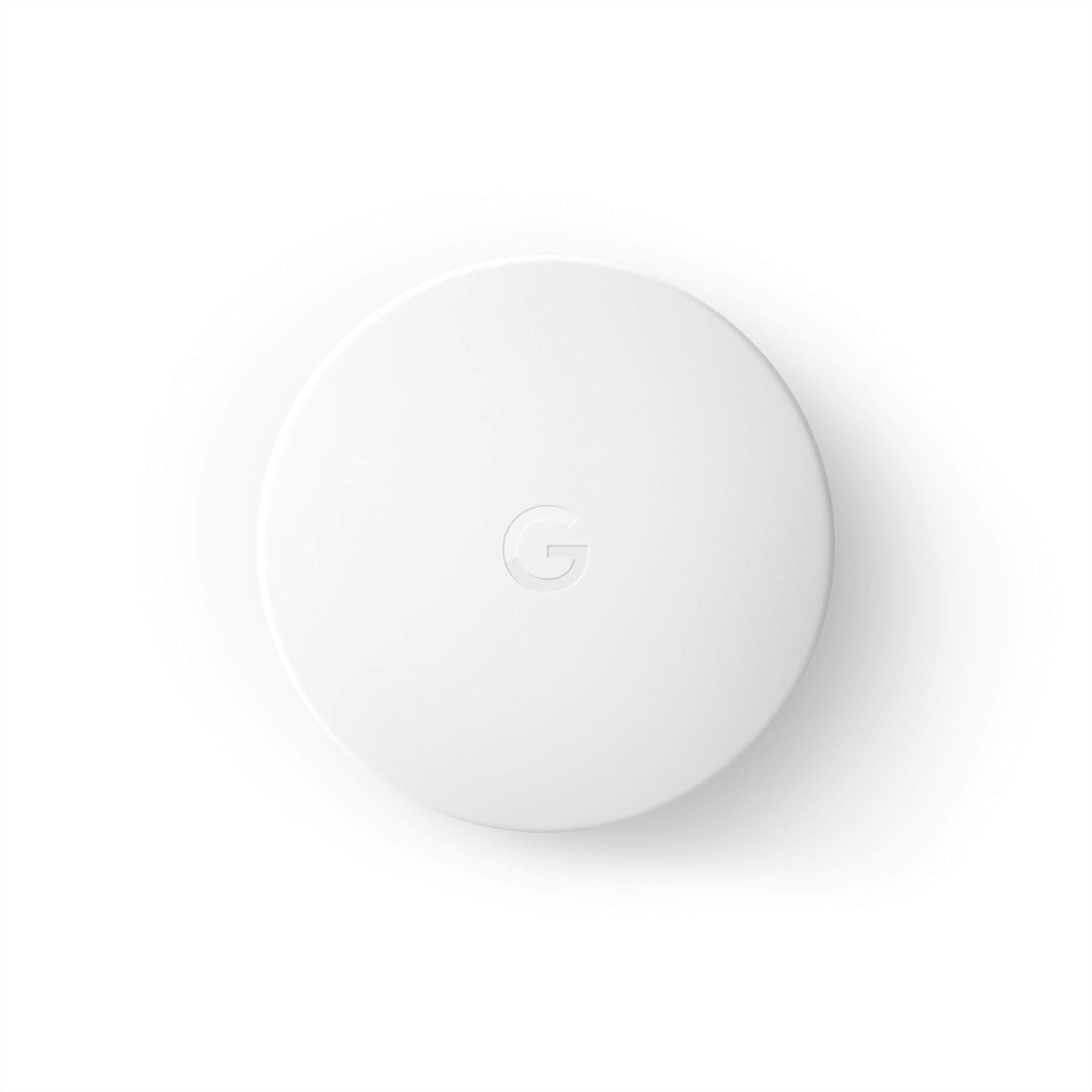
ማዋቀር
Setting up your Google Nest Temperature Sensor is a straightforward process that can be completed in minutes using the Nest app.
- የNest መተግበሪያውን ያውርዱ፦ Ensure you have the latest version of the Nest app installed on your smartphone or tablet.
- ምርት አክል፡ Open the Nest app, tap the settings gear icon, and select "Add product."
- የማያ ገጽ ላይ መመሪያዎችን ይከተሉ፡- The app will guide you through the steps to connect your new temperature sensor to your compatible Nest thermostat. This typically involves scanning a QR code on the sensor and selecting its desired location within your home.

The sensor is designed for easy installation; it can be hung on a wall or placed on a shelf in any room where you wish to monitor and control the temperature.

የመጫኛ ቪዲዮ
Video 1: This video demonstrates the compact size and ease of wall mounting for the Google Nest Temperature Sensor.
የአሠራር መመሪያዎች
The Nest Temperature Sensor works by providing precise temperature readings from its location to your compatible Nest thermostat. This allows the thermostat to adjust heating or cooling based on the temperature in the specific room where the sensor is placed, rather than just the thermostat's immediate vicinity.

Room Prioritization
You can place multiple sensors in different rooms, such as a baby's room or a living room, and then use the Nest app to prioritize which room's temperature the thermostat should focus on at different times. This feature ensures that the most important areas of your home are always at your preferred temperature.

Sensor Limits
Each compatible Nest thermostat can support up to 6 temperature sensors. This allows for extensive coverage and precise temperature control across various zones in your home.

የምርት ድጋሚview and Usage Tips
ቪዲዮ 2: ይህ እንደገናview provides insights into the practical uses and benefits of the Nest Temperature Sensor in a smart home environment, including tips for optimal placement and energy efficiency.
ተኳኋኝነት
The Google Nest Temperature Sensor is compatible with specific Nest thermostat models. It requires a 3rd generation Google Nest Learning Thermostat or a Google Nest Thermostat E. Please verify your thermostat model to ensure compatibility.

ጥገና
The Nest Temperature Sensor is battery-powered, offering convenient placement without the need for wiring. The included CR2 3V lithium battery provides a long lifespan of up to 2 years. The Nest app will notify you when the battery is running low, indicating it's time for a replacement.
- የባትሪ ዓይነት፡ CR2 3V lithium battery (included)
- የሚጠበቀው የባትሪ ህይወት፡- እስከ 2 ዓመት ድረስ
- መተካት፡ Replace battery when notified by the Nest app.
መላ መፈለግ
If you encounter issues with your Nest Temperature Sensor, consider the following common troubleshooting steps:
- የግንኙነት ጉዳዮች፡- Ensure the sensor is within the Bluetooth Low Energy range (up to 50 feet) of your compatible Nest thermostat. Obstacles like thick walls or large furniture can affect signal strength. Try repositioning the sensor closer to the thermostat.
- Temperature Inaccuracies: Verify that the sensor is not placed near heat sources (e.g., direct sunlight, lamps, electronics) or cold drafts (e.g., open windows, vents) that could skew readings.
- ክልላዊ ተኳሃኝነት፡ Be aware that the Nest Temperature Sensor may have regional software limitations. For instance, some users in the UK or Italy have reported compatibility issues with locally sold Nest thermostats due to software differences. Always check regional compatibility information from Google's official support channels if you are outside the US/Canada/Mexico region.
- የባትሪ መሟጠጥ፡ If the sensor is unresponsive, check the battery status in the Nest app. Replace the CR2 3V lithium battery if it is low or depleted.
- የመተግበሪያ ጉዳዮች፡- Ensure your Nest app is updated to the latest version. If problems persist, try restarting the app or your smartphone.
ዝርዝሮች
| ባህሪ | ዝርዝር |
|---|---|
| የምርት ስም | በጉግል መፈለግ |
| የሞዴል ቁጥር | T5000SF |
| ቁሳቁስ | ፕላስቲክ |
| የእቃው ክብደት | 1.6 አውንስ |
| ልኬቶች (D x W x H) | 2" ዲ x 4" ዋ x 4" ኤች |
| ቀለም | ነጭ |
| የኃይል ምንጭ | በባትሪ የተጎላበተ |
| የባትሪ ዓይነት | 1 CR123A (ተካቷል) |
| ግንኙነት | የብሉቱዝ ዝቅተኛ ኃይል |
| ክልል | እስከ 50 ጫማ |
| የመጫኛ አይነት | የግድግዳ ተራራ፣ የገጽታ ተራራ |
| የላይኛው የሙቀት ደረጃ | 104 ዲግሪ ፋራናይት |
| የመለኪያ ትክክለኛነት | ± 1.5% |
| ልዩ ባህሪያት | Remote access and control via Nest app, integration with other Nest thermostats |
ዋስትና እና ድጋፍ
Warranty information for the Google Nest Temperature Sensor is typically provided with the product packaging or can be found on the official Google Nest support website. For detailed warranty terms, product support, or technical assistance, please visit the Google Nest Help Center or contact Google support directly.


