1. መግቢያ
This manual provides essential instructions for setting up, operating, and maintaining your PRITOM K7 7-inch Kids Tablet. Please read this guide thoroughly to ensure proper use and to maximize your child's learning and entertainment experience.
2. በሳጥኑ ውስጥ ያለው
- 1 x PRITOM 7-inch Tablet PC
- 1 x ኃይል መሙያ
- 1 x የተጠቃሚ መመሪያ
- 1 x የዩኤስቢ ገመድ
- 1 x የኦቲጂ ገመድ
- 1 x Screen Film
- 1 x Silicone Kid-Proof Case
3. መሣሪያ አብቅቷልview
The PRITOM K7 tablet is designed with a durable, kid-friendly silicone case that includes a built-in stand and handles for easy carrying and viewing. It features a 7-inch IPS HD display and dual cameras.
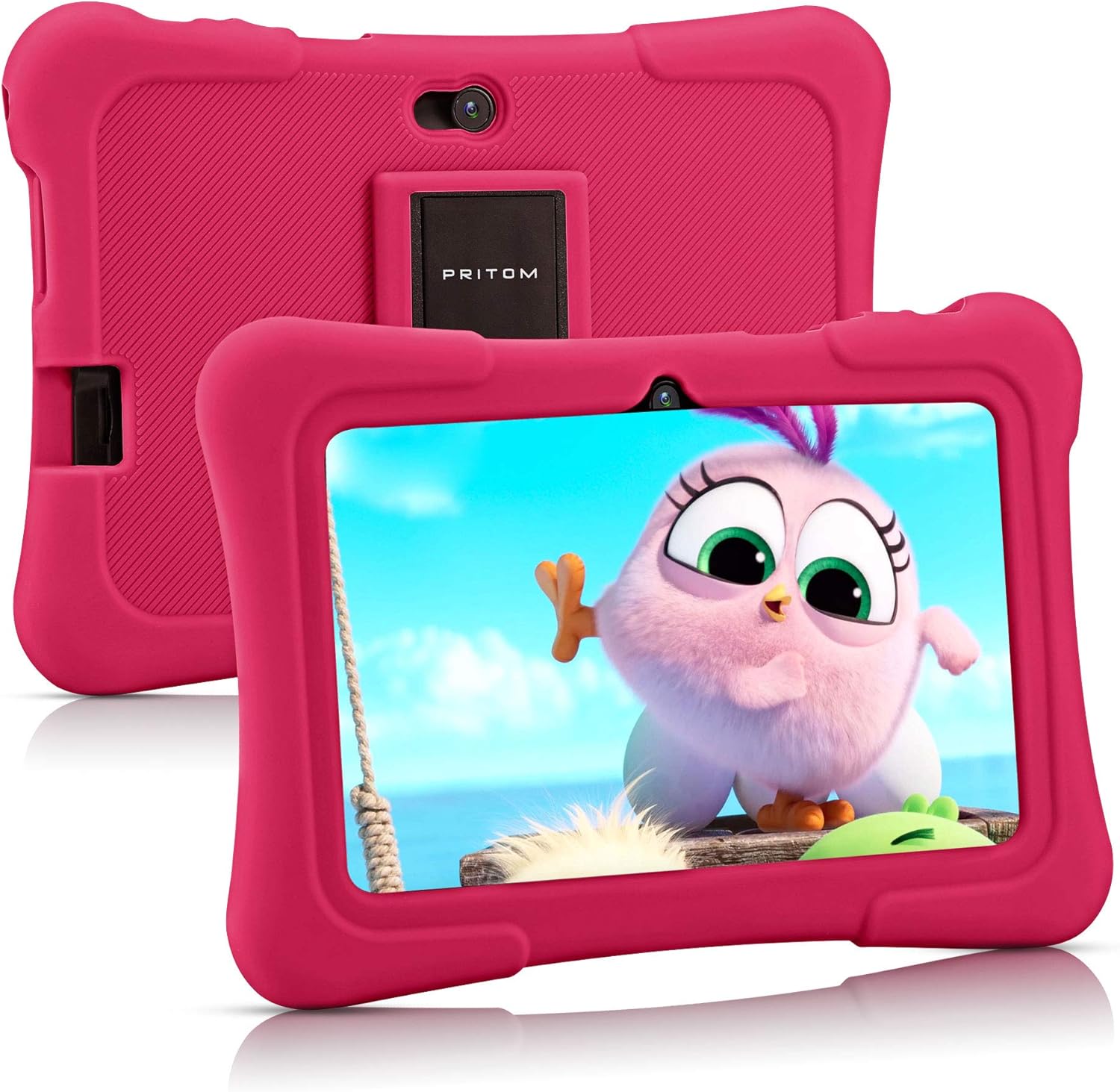
Image: PRITOM K7 7-inch Kids Tablet in its protective pink silicone case.

Image: Diagram illustrating the location of the power button, DC jack, Micro USB port, mic, 3.5mm earphone jack, volume buttons, Micro SD card slot, front camera, rear camera, and speaker.
4. ማዋቀር
4.1 የመነሻ ኃይል በርቷል
- ተጭነው ይያዙት። የኃይል አዝራር (located on the top edge) for a few seconds until the screen lights up.
- ቋንቋዎን እና ክልልዎን ለመምረጥ በስክሪኑ ላይ ያሉትን ጥያቄዎች ይከተሉ።
4.2 ከ Wi-Fi ጋር በመገናኘት ላይ
- ከመነሻ ማያ ገጹ ላይ፣ መታ ያድርጉ ቅንብሮች አዶ.
- ይምረጡ አውታረ መረብ እና በይነመረብ, ከዚያም ዋይ ፋይ.
- Wi-Fi ቀይር On.
- ከዝርዝሩ ውስጥ የሚፈልጉትን የ Wi-Fi አውታረ መረብ ይምረጡ።
- የይለፍ ቃሉን ከተጠየቀ ያስገቡ እና መታ ያድርጉ ተገናኝ.
4.3 Setting Up Parental Controls (iWawa Kids Software)
The PRITOM K7 comes with pre-installed iWawa Kid's software, offering a safe and controlled environment for children.
- አግኝ እና ንካ አይዋዋ app icon on the home screen.
- Follow the on-screen instructions to create a child profile. This typically involves setting up a password for parental access, defining screen time limits, and selecting age-appropriate content.
- Within the iWawa app, you can manage applications, set content filters, and monitor usage.

Image: The iWawa Kids Software interface, showing pre-installed educational and game applications.
5. ጡባዊውን መሥራት
5.1 አሰሳ
- የንክኪ ማያ ገጽ፡ Navigate by tapping, swiping, and pinching on the screen.
- መነሻ አዝራር፡- ወደ ዋናው የመነሻ ማያ ገጽ ይመለሳል።
- ተመለስ አዝራር፡- ወደ ቀዳሚው ማያ ገጽ ይመለሳል።
- የቅርብ ጊዜ መተግበሪያዎች አዝራር፡- በቅርቡ ያገለገሉ መተግበሪያዎችን ያሳያል።
5.2 Downloading Apps
Beyond the pre-installed iWawa apps, you can download additional applications from the Google Play Store.
- Exit the iWawa app (if active) by entering the parental password.
- አግኝ እና ንካ ጎግል ፕሌይ ስቶር icon on the main Android home screen.
- ፈልግ desired apps and follow the on-screen instructions to download and install them.
5.3 የካሜራ ተግባራዊነት
The tablet features a front-facing and rear-facing camera for photos and videos.
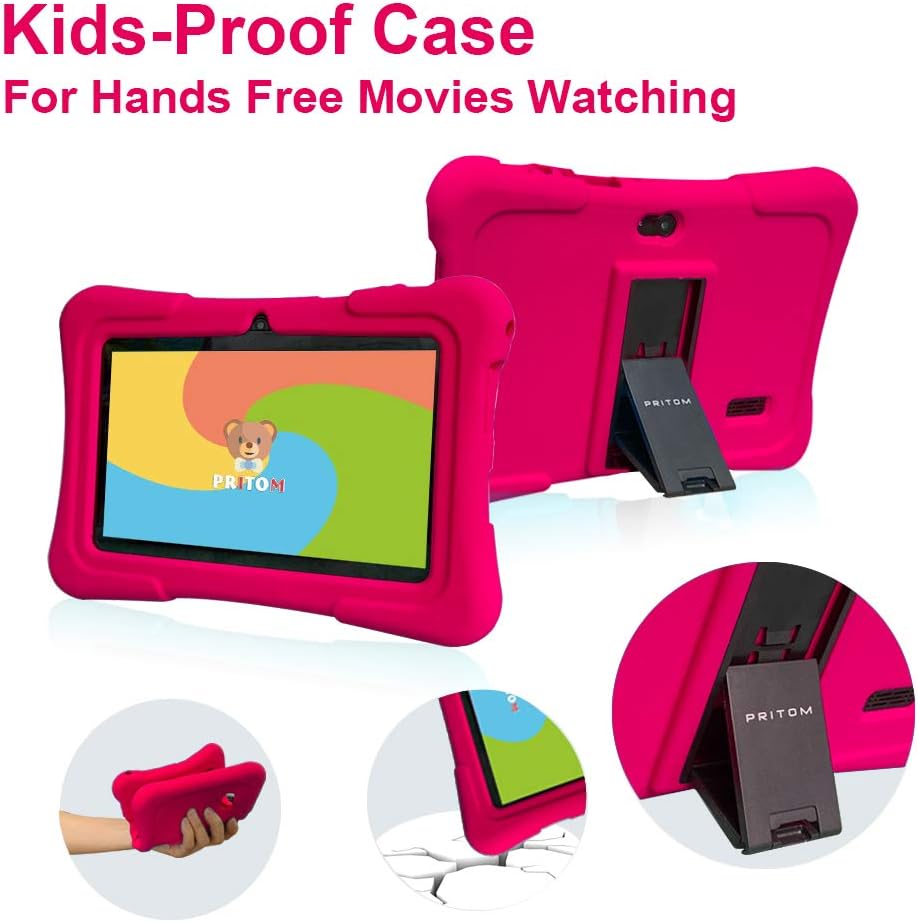
Image: The PRITOM K7 tablet displaying a family photo, highlighting its 7-inch IPS screen and camera capabilities.
- መታ ያድርጉ ካሜራ app icon.
- Select between the front and rear camera using the toggle icon.
- ፎቶ ለማንሳት ወይም የቪዲዮ ቀረጻ ለመጀመር/ለማቆም የመዝጊያ አዝራሩን መታ ያድርጉ።
5.4 የሚዲያ መልሶ ማጫወት
The tablet supports various media formats for videos, music, and photos.
- ቪዲዮ፡ Use the pre-installed video player or download a third-party app from the Google Play Store.
- ሙዚቃ፡ Use the Music app to play audio files.
- ፎቶዎች፡ View images in the Gallery app.
ቪዲዮ: አልቋልview of the PRITOM 7-inch Kids Tablet, demonstrating its features and functionality, including the user interface and protective case.
Video: A short demonstration of the kids tablet, showcasing its design and some interactive elements.
Video: A brief look at the PRITOM Kids Tablet, highlighting its 7-inch screen and 32GB storage capacity.
6. ጥገና
6.1 ባትሪውን መሙላት
Connect the provided charger to the tablet's DC jack or Micro USB port and plug it into a power outlet. The battery indicator on the screen will show charging status.
6.2 የማከማቻ አስተዳደር
The tablet has 32 GB of internal storage, expandable up to 512 GB using a Micro SD card.
- Locate the Micro SD card slot (refer to Device Overview ንድፍ)
- Gently insert a compatible Micro SD card until it clicks into place.
- ማከማቻን ለማስተዳደር ወደ ይሂዱ ቅንብሮች > ማከማቻ.
6.3 ጽዳት
Use a soft, dry, lint-free cloth to clean the screen and exterior of the tablet. Avoid using harsh chemicals or abrasive materials.

Image: The PRITOM K7 tablet secured in its pink kid-proof silicone case, featuring a functional kickstand for hands-free viewing
7. መላ መፈለግ
- ጡባዊው የማይበራ; ባትሪው መሙላቱን ያረጋግጡ። ባትሪ መሙያውን ያገናኙ እና እንደገና ይሞክሩ።
- ስክሪን ምላሽ የማይሰጥ ነው፡- የኃይል ቁልፉን ለ10-15 ሰከንዶች በመያዝ ለስላሳ ዳግም ማስጀመር ያከናውኑ።
- የWi-Fi ግንኙነት ችግሮች፡- በቅንብሮች ውስጥ Wi-Fi ነቅቶ እንደሆነ ያረጋግጡ። ራውተርዎን እና ጡባዊዎን እንደገና ያስጀምሩ።
- የሚበላሹ መተግበሪያዎች Clear the app's cache (Settings > Apps > [App Name] > Storage > Clear Cache) or reinstall the app.
- Parental control issues: Verify the parental password and check settings within the iWawa app.
8. ዝርዝሮች
| ባህሪ | ዝርዝር |
|---|---|
| የስክሪን መጠን | 7 ኢንች |
| የማያ ጥራት | 1024x600 Pixels (IPS HD) |
| ስርዓተ ክወና | አንድሮይድ 13 |
| ፕሮሰሰር | Quad-Core (1.5 GHz Unisoc) |
| ራም | 2 ጊባ SDRAM DDR3 |
| የውስጥ ማከማቻ | 32 ጊባ (እስከ 512 ጊባ በማይክሮ ኤስዲ ሊሰፋ ይችላል) |
| ካሜራዎች | የፊት 2MP፣ የኋላ 0.3MP |
| ግንኙነት | WiFi (802.11bgn), Bluetooth |
| የባትሪ ህይወት | Average 3 years (device lifespan) |
| የእቃው ክብደት | 1.15 ፓውንድ |
| የምርት ልኬቶች | 8.3 x 5.9 x 0.7 ኢንች |
9. ዋስትና እና ድጋፍ
For warranty information and customer support, please refer to the documentation included with your purchase or visit the official PRITOM webጣቢያ. ለማንኛውም የዋስትና ጥያቄዎች የግዢ ማረጋገጫዎን ያስቀምጡ።


