መግቢያ
The PDP Gaming Faceoff Deluxe+ Audio Wired Controller is designed for use with the Nintendo Switch. It features a 3.5mm audio jack for in-game audio and USB chat, customizable programmable back buttons, and interchangeable faceplates. This manual provides instructions for setting up, operating, and maintaining your controller.
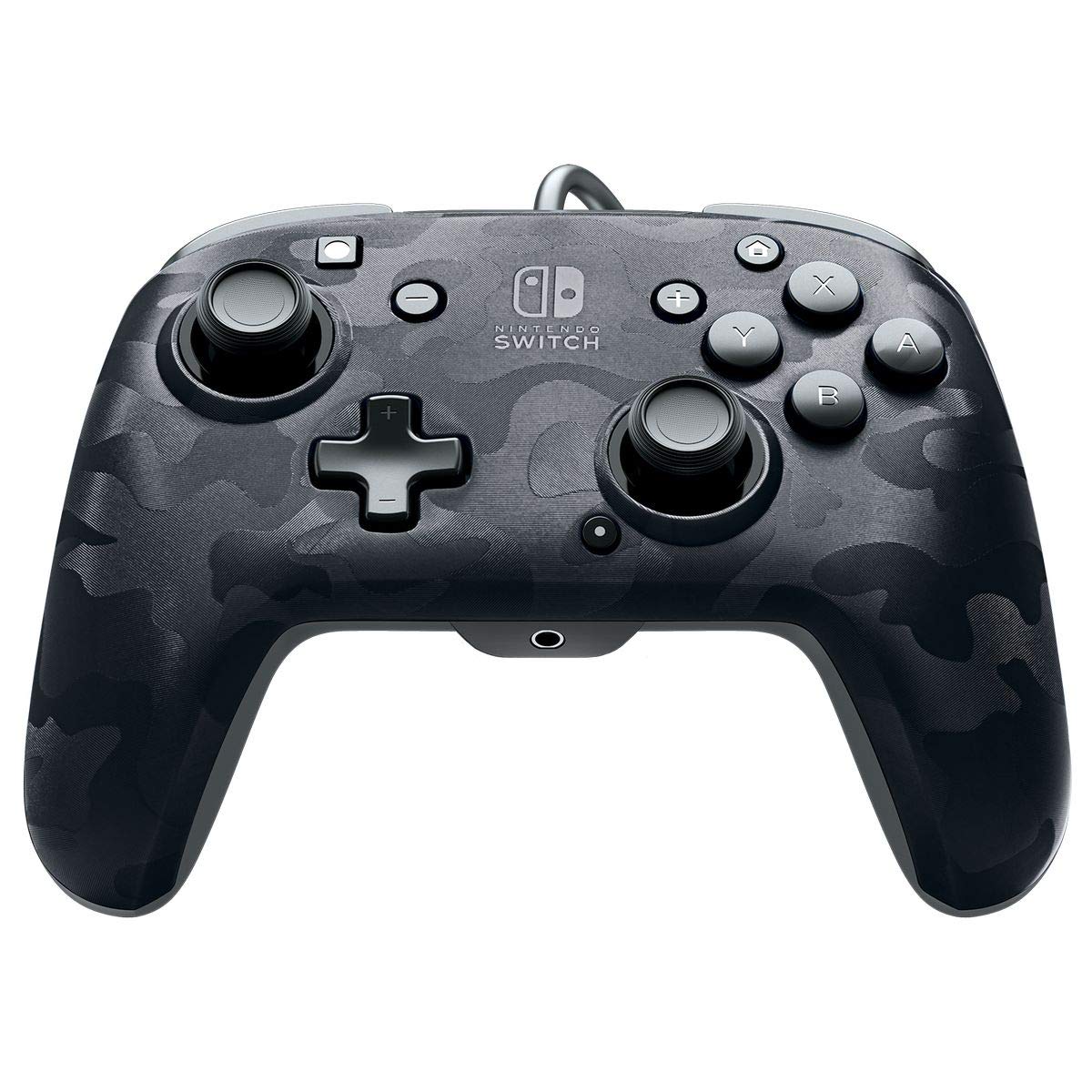
ምስል፡ ፊት ለፊት view of the PDP Gaming Faceoff Deluxe+ Audio Wired Controller in Black Camo.
ማዋቀር
1. የመጀመሪያ ግንኙነት
- የኒንቴንዶ ስዊች ኮንሶልዎ መቆሙን እና መብራቱን ያረጋግጡ።
- Connect the controller's fixed USB cable to an available USB port on the Nintendo Switch dock.
- The controller should automatically be recognized by the console.
2. የድምጽ ማዋቀር
- Plug your 3.5mm headset into the audio jack located at the bottom center of the controller.
- In-game audio will now be routed through your headset. USB chat is supported for compatible titles.
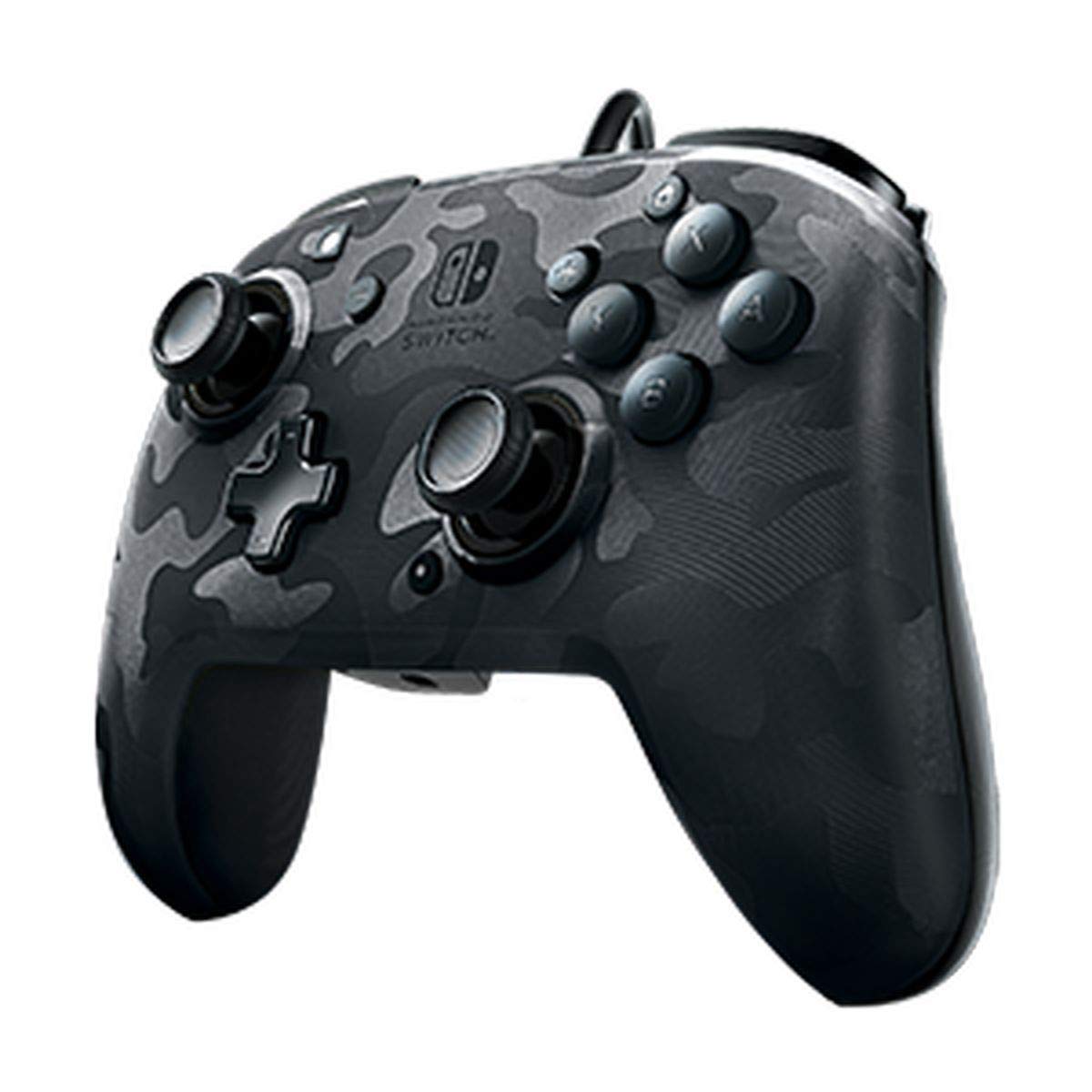
Image: A user playing with the PDP Gaming Faceoff Deluxe+ Audio Wired Controller, demonstrating the headset connection.
መቆጣጠሪያውን በመሥራት ላይ
1. የአዝራር አቀማመጥ እና ተግባራት
ለተሻለ የጨዋታ አጨዋወት የመቆጣጠሪያውን የአዝራር አቀማመጥ እራስዎን ይወቁ።

ምስል፡ ዝርዝር view of the controller with key buttons labeled for easy identification.
- View አዝራር፡- Typically used for in-game menus or map access.
- መነሻ አዝራር፡- ወደ ኔንቲዶ ቀይር መነሻ ምናሌ ይመለሳል።
- የድምጽ መቆጣጠሪያ፡- የጆሮ ማዳመጫ የድምጽ መጠንን ያስተካክላል።
- የተግባር አዝራር፡- Used in conjunction with other buttons for specific features (refer to game instructions).
- አናሎግ ዱላዎች፡ Provide precise movement and camera control. Features low friction rings for smooth performance.
2. Programmable Back Buttons
The controller features dual programmable paddle-style buttons on the back, allowing for customized gameplay. These can be mapped to other buttons on the controller to suit your play style.

Image: The back of the controller highlighting the programmable paddle buttons.
3. Adjusting Audio Volume
Volume can be adjusted directly on the controller using the D-pad while holding the Function button (refer to the labeled image above for button location).
4. Faceplate Customization
The unique interchangeable design allows you to swap out and snap in different Faceoff faceplates to personalize your controller's appearance.

Image: Illustration demonstrating the interchangeable faceplate design of the controller.
ጥገና
- መቆጣጠሪያውን ለስላሳና ደረቅ ጨርቅ በማጽዳት ንፁህ ያድርጉት።
- መቆጣጠሪያውን ለከፍተኛ ሙቀት፣ እርጥበት ወይም ቀጥተኛ የፀሐይ ብርሃን ከማጋለጥ ይቆጠቡ።
- መቆጣጠሪያውን ለመበተን አይሞክሩ፣ ምክንያቱም ይህ ዋስትናውን ሊያሳጣው ይችላል።
መላ መፈለግ
- ተቆጣጣሪው ምላሽ አይሰጥም፡- Ensure the USB cable is securely connected to the Nintendo Switch dock. Try a different USB port.
- በጆሮ ማዳመጫ በኩል ምንም ድምጽ የለም; Verify the headset is fully plugged into the controller's 3.5mm jack. Check the volume settings on the controller and the Nintendo Switch console.
- አዝራሮች በትክክል የማይሰሩ ናቸው፦ Ensure the controller's firmware is up to date (if applicable, check PDP's official website). If issues persist, try restarting the Nintendo Switch console.
ዝርዝሮች
| ባህሪ | ዝርዝር |
|---|---|
| የሞዴል ቁጥር | 500-134-NA-CM00 |
| ግንኙነት | Wired (10-foot fixed USB cable) |
| ኦዲዮ ጃክ | 3.5mm (supports in-game audio and USB chat) |
| ማበጀት | Interchangeable faceplates, dual programmable paddle-style back buttons |
| መጠኖች | 0.35 x 0.12 x 0.83 ኢንች |
| ክብደት | 14.1 አውንስ |
| ተኳኋኝነት | ኔንቲዶ ቀይር |
| አምራች | ፒ.ፒ.ዲ |

Image: Controller dimensions for reference.
ይፋዊ የምርት ቪዲዮ
ቪዲዮ፡- ሐቀኛ የሆነ መልስview of the PDP Gaming Wired Nintendo Switch Controller, showcasing ባህሪያቱ እና ተግባራዊነቱ።
ዋስትና እና ድጋፍ
የዋስትና መረጃ እና የደንበኛ ድጋፍ ለማግኘት፣ እባክዎን ከምርትዎ ጋር የተካተተውን ሰነድ ይመልከቱ ወይም ኦፊሴላዊውን የፒዲኤፍ (PDP) ይጎብኙ webጣቢያ.
እንዲሁም መጎብኘት ይችላሉ የPDP መደብር በአማዞን ላይ ለተጨማሪ የምርት መረጃ እና የድጋፍ ምንጮች.


