መግቢያ
This manual provides detailed instructions for the safe and effective use of your OneOdio A70 Wireless Bluetooth Headphones. Please read this manual thoroughly before using the product and retain it for future reference.

Image: OneOdio A70 Wireless Bluetooth Headphones in red and black, shown with 3.5mm and 6.35mm audio cables.
የጥቅል ይዘቶች
ሁሉም እቃዎች በጥቅሉ ውስጥ መኖራቸውን ያረጋግጡ፡-
- OneOdio A70 Fusion Headphones
- 3.5mm to 3.5mm Jack Cable with Microphone (1.2 M)
- 3.5mm to 6.35mm Jack Cable with Spring Wire (2-3 M)
- Micro-USB Charging Cable (0.6 M)
- መከላከያ ቦርሳ
- የተጠቃሚ መመሪያ (ይህ ሰነድ)

ምስል፡ አልቋልview of the OneOdio A70 package contents, including the headphones, various cables, and a carrying pouch.
ምርት አልቋልview
The OneOdio A70 headphones feature a versatile design for both wireless and wired use, offering high-quality audio and comfortable wear.
- የድምጽ አሽከርካሪዎች፡- Equipped with 40mm drivers for powerful bass and clear treble.
- ግንኙነት፡ Bluetooth 5.2 for wireless connection, and multiple wired options (3.5mm, 6.35mm).
- የባትሪ ህይወት፡ በአንድ ጊዜ ቻርጅ እስከ 72 ሰዓታት የሚደርስ የመልሶ ማጫወት ጊዜ (በ50% የድምጽ መጠን)።
- ማይክሮፎን Integrated CVC 8.0 noise-cancelling microphone for clear calls.
- Share Port: Allows two headphones to connect to one audio source for shared listening.
- ማጽናኛ፡ Thick foam ear pads and a foldable, adjustable headband for extended wear comfort.
- Jack Lock: Secure locking mechanism for the auxiliary stereo cable.
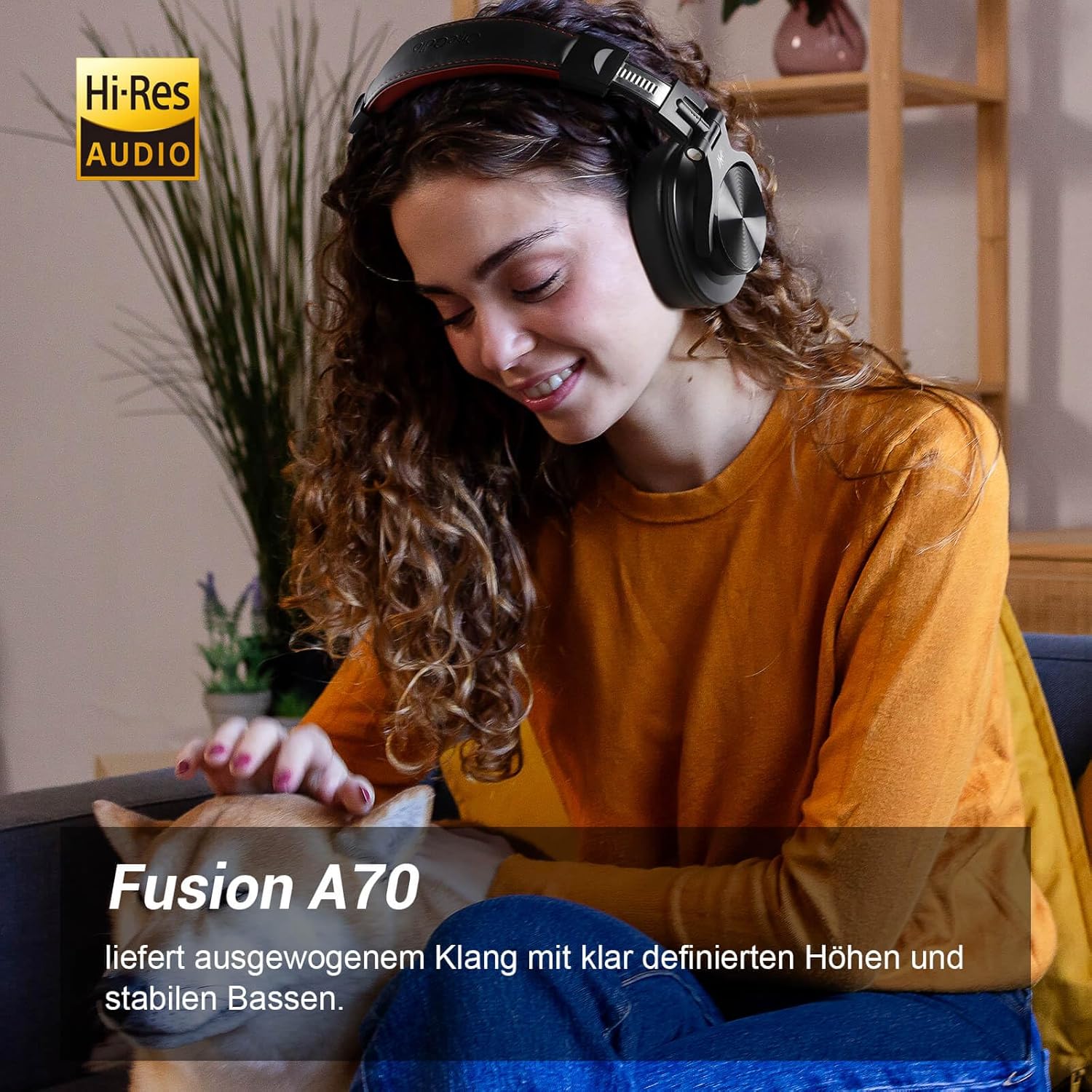
Image: A woman wearing the OneOdio A70 headphones, emphasizing the Hi-Res Audio capability.
ማዋቀር
የጆሮ ማዳመጫዎችን መሙላት
Before first use, fully charge the headphones. Use the provided Micro-USB charging cable.
- Connect the Micro-USB end of the charging cable to the charging port on the headphone.
- የዩኤስቢ-ኤ ጫፍን ከዩኤስቢ የኃይል አስማሚ (ያልተካተተ) ወይም ከኮምፒዩተር የዩኤስቢ ወደብ ጋር ያገናኙ።
- የ LED አመልካች የመሙያ ሁኔታን ያሳያል (ለምሳሌ ፣ ለኃይል መሙላት ቀይ ፣ ሙሉ ለሙሉ የተሞላ ሰማያዊ)።

ምስል: ዝርዝር view of the headphone's side, showing the Micro-USB charging port and control buttons.
የብሉቱዝ ማጣመር
የጆሮ ማዳመጫዎችዎን ያለገመድ ለማገናኘት፦
- የጆሮ ማዳመጫዎቹ መሞላታቸውን እና መጥፋታቸውን ያረጋግጡ።
- Press and hold the Multi-function button (usually the power button) for approximately 5 seconds until the LED indicator flashes red and blue alternately, indicating pairing mode.
- በመሳሪያዎ (ስማርትፎን፣ ታብሌት፣ ፒሲ) ላይ ብሉቱዝን አንቃ እና የሚገኙ መሳሪያዎችን ፈልግ።
- Select "OneOdio A70" from the list of devices.
- ከተገናኘ በኋላ የ LED አመልካች ወደ ጠንካራ ሰማያዊ ወይም ብልጭ ድርግም የሚል ቀስ ብሎ ወደ ሰማያዊ ይለወጣል.
ባለገመድ ግንኙነት
የA70 የጆሮ ማዳመጫዎች ሁለት አይነት የሽቦ ግንኙነቶችን ይደግፋሉ፡
- ከ3.5ሚሜ እስከ 3.5ሚሜ ገመድ፡ For connecting to smartphones, tablets, laptops, and other devices with a 3.5mm audio jack. This cable includes an in-line microphone for calls.
- ከ3.5ሚሜ እስከ 6.35ሚሜ ገመድ፡ For connecting to professional audio equipment like DJ mixers, amplifiers, and guitars.
To use a wired connection, simply plug the appropriate cable into the headphone's corresponding port and the other end into your audio source. The headphones will automatically switch to wired mode when a cable is inserted.

Image: A visual guide illustrating the wide compatibility of the OneOdio A70 headphones with different devices using 3.5mm and 6.35mm cables.
የአሠራር መመሪያዎች
Basic Controls (Bluetooth Mode)
| ተግባር | ድርጊት |
|---|---|
| ኃይል አብራ/ አጥፋ | Press and hold Multi-function button for 3 seconds. |
| ተጫወት/ ለአፍታ አቁም | Press Multi-function button once. |
| የድምጽ መጠን መጨመር | Press '+' button. |
| የድምጽ መጠን መቀነስ | Press '-' button. |
| ቀጣይ ትራክ | Press and hold '+' button. |
| የቀድሞ ትራክ | Press and hold '-' button. |
| መልስ/ ጥሪን ጨርስ | Press Multi-function button once. |
| ጥሪን ውድቅ አድርግ | Press and hold Multi-function button for 2 seconds. |
| የድምጽ ረዳትን አግብር | Double-press Multi-function button. |

Image: Controls for the in-line microphone on the 3.5mm cable, detailing functions like play, pause, answer, and end calls.
Share Port Function
The OneOdio A70 headphones feature a unique Share Port, allowing two headphones to share audio from one source.
- Connect the 3.5mm to 3.5mm cable to the 3.5mm input port on your A70 headphones.
- Connect the other end of this cable to the 3.5mm output port of another headphone (e.g., another A70 or compatible headphone).
- Ensure the primary A70 headphone is connected to your audio source (via Bluetooth or 6.35mm cable).
- ሁለቱም የጆሮ ማዳመጫዎች ከአንድ ምንጭ ድምጽ ይቀበላሉ.

Image: Two individuals sharing audio from a single device using the Share Port technology of the OneOdio A70 headphones.
ጥገና እና እንክብካቤ
- የጆሮ ማዳመጫውን በየጊዜው ለስላሳ እና ደረቅ ጨርቅ ያጽዱ. ገላጭ ማጽጃዎችን ወይም ፈሳሾችን አይጠቀሙ.
- Store the headphones in the provided protective pouch when not in use to prevent scratches and damage.
- የጆሮ ማዳመጫዎችን ለከፍተኛ ሙቀት፣ እርጥበት ወይም ቀጥተኛ የፀሐይ ብርሃን ከማጋለጥ ይቆጠቡ።
- የጆሮ ማዳመጫዎችን ለመበተን ወይም ለመቀየር አይሞክሩ, ይህ ዋስትናውን ስለሚያሳጣው.
- The headphones are not waterproof. Avoid contact with liquids.

Image: The OneOdio A70 headphones in their folded configuration, ready for storage in the protective pouch.
መላ መፈለግ
| ችግር | ሊሆን የሚችል ምክንያት | መፍትሄ |
|---|---|---|
| ድምፅ የለም (ብሉቱዝ) | Headphones not paired or connected. Low battery. Volume too low. | Ensure headphones are in pairing mode and connected. Recharge headphones. Increase volume on headphones and device. |
| No sound (Wired) | Cable not fully inserted. Incorrect cable used. Device volume too low. | Ensure cables are securely plugged in. Use the correct cable for your device. Increase volume on device. |
| ደካማ የድምፅ ጥራት | Interference (Bluetooth). Damaged cable. Low quality audio source. | Move closer to the Bluetooth device. Try a different cable. Test with a different audio source. |
| ማይክሮፎን አይሰራም | Using wrong cable (only 3.5mm to 3.5mm has mic). Mic muted on device. | Ensure you are using the 3.5mm cable with the in-line microphone. Check microphone settings on your device. |
| የጆሮ ማዳመጫዎች አይበሩም። | ባትሪው ሙሉ በሙሉ ተጥሏል. | Charge the headphones for at least 30 minutes before attempting to power on. |
ዝርዝሮች
| ባህሪ | ዝርዝር |
|---|---|
| የሞዴል ስም | OneOdio A70 Fusion |
| የግንኙነት ቴክኖሎጂ | Bluetooth 5.2, Wired (3.5mm, 6.35mm) |
| የአሽከርካሪ መጠን | 40 ሚሜ |
| የድግግሞሽ ክልል | 20 Hz - 20,000 ኸርዝ |
| እክል | 32 ኦኤም |
| ስሜታዊነት | 110 ዲቢቢ |
| የባትሪ ቅንብር | ሊቲየም-ፖሊመር |
| የባትሪ ህይወት | እስከ 72 ሰአታት (በ 50% ድምጽ) |
| ክብደት | 250 ግራም |
| ቁሳቁስ | Leather (earpads/headband) |
| ልዩ ባህሪያት | Volume Control, Noise Isolation, Built-in Microphone (CVC 8.0), Foldable Design, Share Port, Jack Lock |
ዋስትና እና ድጋፍ
የOneOdio ምርቶች በከፍተኛ ጥራት ደረጃዎች የተነደፉ እና የተመረቱ ናቸው። የዋስትና መረጃ እና የደንበኛ ድጋፍ ለማግኘት፣ እባክዎን ኦፊሴላዊውን OneOdio ይመልከቱ። webጣቢያ ወይም በቀጥታ የደንበኛ አገልግሎታቸውን ያግኙ።
አምራች፡ OneOdio
ሻጭ፡ OneOdio EU (via Amazon.com.be)
ለተጨማሪ እርዳታ፣ ይጎብኙ OneOdio Store on Amazon.


