መግቢያ
The Amazon Echo Dot (5th Generation) is a compact smart speaker designed to deliver enhanced audio and seamless integration with Alexa. This device allows you to control your smart home, play music, get information, and much more, all through voice commands. Its improved speaker offers clearer vocals and deeper bass, providing a richer audio experience for its size. The Echo Dot also incorporates privacy features and is built with sustainability in mind.
ማዋቀር
Setting up your Echo Dot (5th Generation) is a straightforward process. The device is designed for easy connection to your Wi-Fi network using Amazon's simple setup technology.
በሣጥኑ ውስጥ ያለው ነገር፡-
- Echo Dot (5ኛ ትውልድ)
- ነጭ የኃይል አስማሚ (15 ዋ)
- ፈጣን ጅምር መመሪያ
የመጀመሪያ ደረጃዎች:
- መሣሪያውን ያራግፉ; Carefully remove the Echo Dot and its accessories from the packaging.
- የግንኙነት ኃይል; Plug the included power adapter into the Echo Dot and then into a wall outlet. The light ring on the Echo Dot will turn blue, then orange, indicating it's ready for setup.
- የ Alexa መተግበሪያ አውርድ: On your smartphone or tablet, download the Amazon Alexa app. It is compatible with Fire OS, iOS, and Android devices. You can also access it via a web በኮምፒተርዎ ላይ አሳሽ.
- የውስጠ-መተግበሪያ መመሪያዎችን ተከተል፡- Open the Alexa app and follow the on-screen prompts to connect your Echo Dot to your Wi-Fi network and link it to your Amazon account.
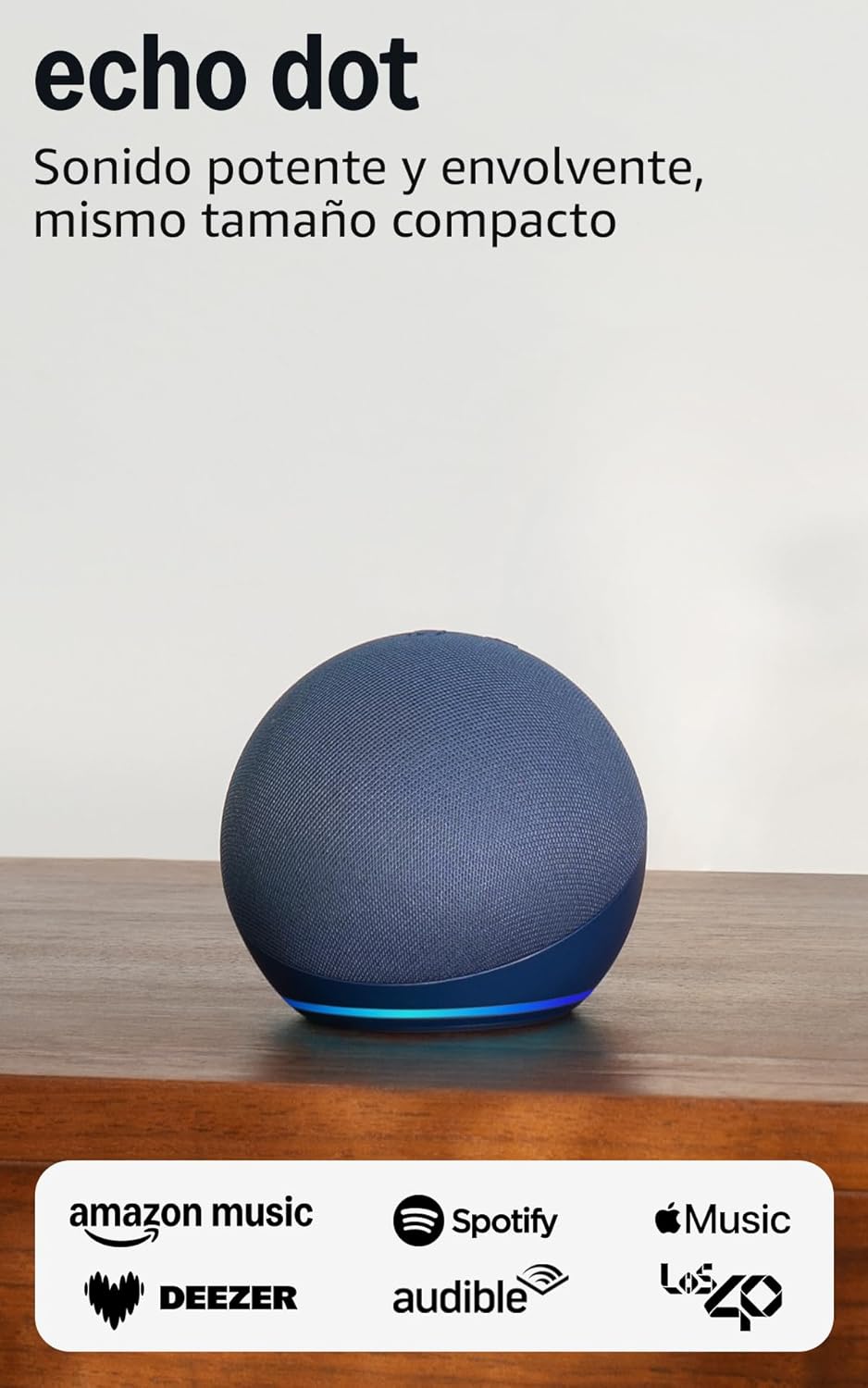
Image: The Echo Dot (5th Generation) in blue, showcasing its compact design and illuminated base, ready for setup.
የእርስዎን Echo Dot በመስራት ላይ
The Echo Dot (5th Generation) is primarily controlled using your voice with Alexa. It also features physical buttons and touch controls for convenience.
Voice Commands with Alexa:
Simply say "Alexa" followed by your command or question. Alexa can assist with a wide range of tasks:
- ሙዚቃ እና ፖድካስቶች፡- Play music, audiobooks, and podcasts from services like Amazon Music, Audible, Apple Music, and Spotify. You can also stream via Bluetooth or Wi-Fi.
- መረጃ፡- Ask about the weather, news, set timers, ask questions, and more.
- ዘመናዊ የቤት መቆጣጠሪያ፡- Control compatible smart home devices with your voice or set up routines based on temperature sensors.
- ግንኙነት፡- Make calls to other Echo devices or contacts who have enabled the communication option.
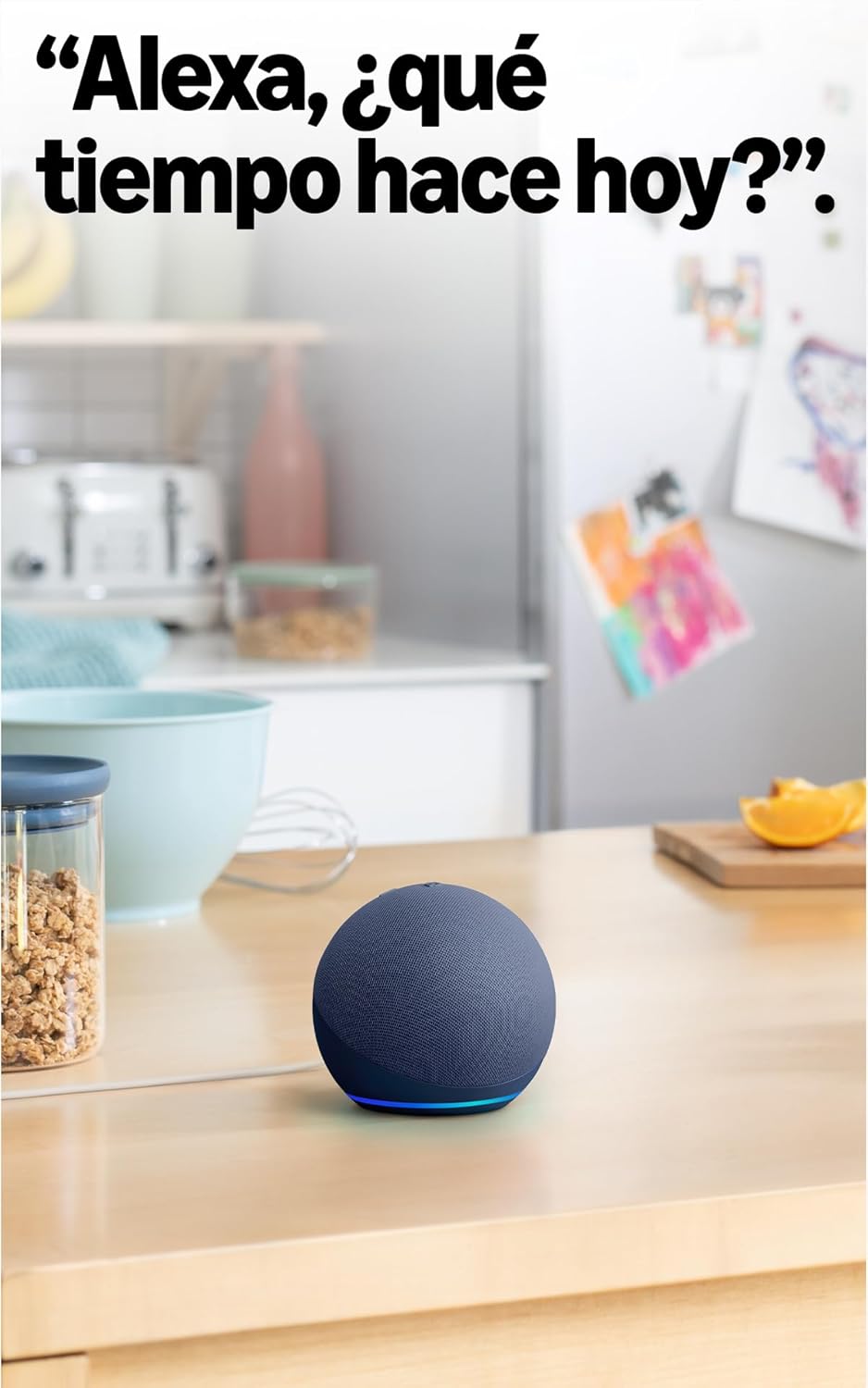
Image: The Echo Dot (5th Generation) in a kitchen, demonstrating its use for asking Alexa about the weather.
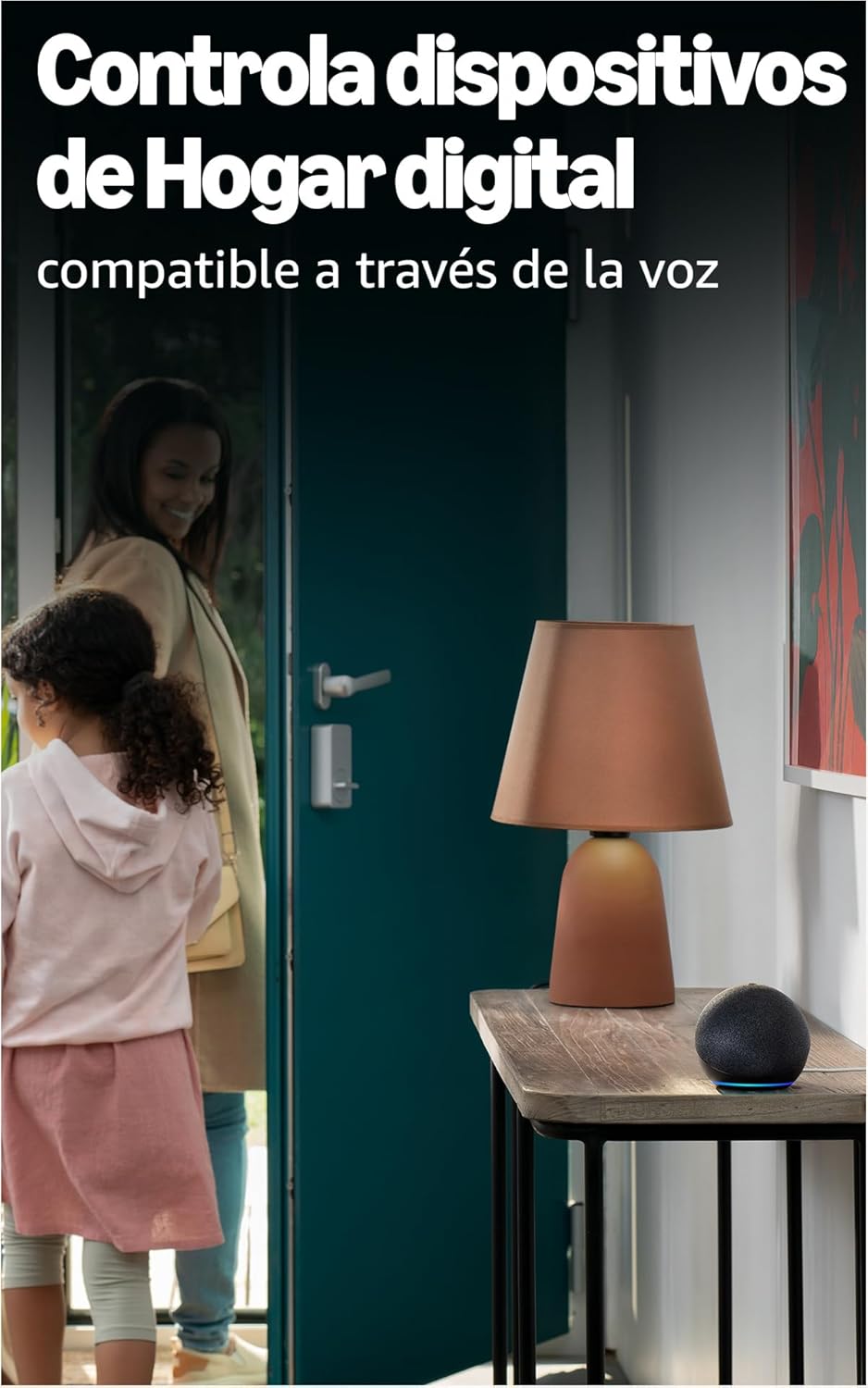
Image: The Echo Dot (5th Generation) positioned to control smart home devices, such as a lamp, via voice commands.
አካላዊ ቁጥጥሮች;
The top of your Echo Dot features several buttons:
- Microphone On/Off Button: Press this button to electronically disconnect the microphones, indicated by a red light ring. This ensures your privacy.
- የድምጽ ከፍ / ታች አዝራሮች የድምጽ ማጉያውን መጠን ያስተካክሉ.
- የድርጊት አዝራር; Activates Alexa without using the wake word, or can be used to dismiss alarms.

Image: The Echo Dot (5th Generation) with its microphone mute button activated, showing the red indicator for privacy.
የንክኪ መቆጣጠሪያዎች፡-
The Echo Dot (5th Generation) also supports simple touch gestures:
- ለአፍታ ለማቆም/ለማሸልብ መታ ያድርጉ፡ A simple tap on the top of the device can pause music or snooze an alarm.
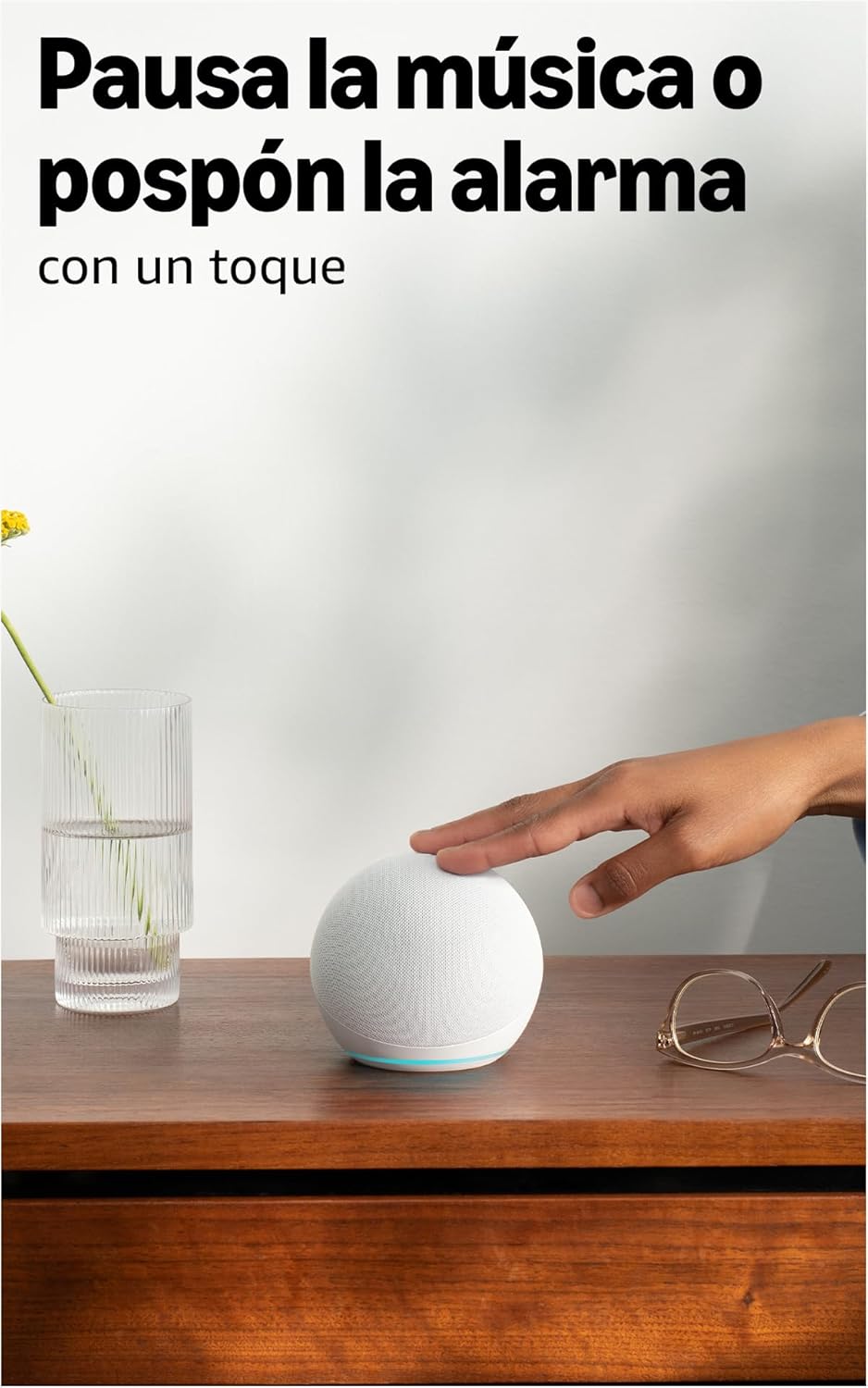
Image: A user interacting with the Echo Dot (5th Generation) by tapping its top surface to pause music or snooze an alarm.
የተሻሻለ ኦዲዮ፡
The 5th Generation Echo Dot features a 44 mm (1.73") front-firing speaker, providing a more powerful and immersive sound experience with clearer vocals and deeper bass compared to previous generations.

ምስል: ውስጣዊ view of the Echo Dot (5th Generation) highlighting its speaker, illustrating the enhanced audio design.
ጥገና
To ensure the longevity and optimal performance of your Echo Dot, follow these simple maintenance guidelines:
- ማጽዳት፡ Gently wipe the exterior of the device with a soft, dry, lint-free cloth. Avoid using abrasive cleaners, solvents, or aerosol sprays.
- አቀማመጥ፡- Place your Echo Dot on a stable, flat surface away from direct sunlight, heat sources, and moisture. Ensure it has adequate ventilation.
- የሶፍትዌር ማሻሻያ Your Echo Dot receives automatic software updates to improve performance and add new features. Ensure your device is connected to Wi-Fi for these updates to occur.
መላ መፈለግ
If you encounter issues with your Echo Dot, refer to the following common solutions:
ምላሽ የማይሰጥ ኃይል/መሣሪያ የለም፡
- Ensure the power adapter is securely plugged into both the Echo Dot and a working wall outlet. The Echo Dot requires continuous power and does not have an internal battery.
- አስማሚውን ወደ ሌላ ሶኬት ለመሰካት ይሞክሩ።
ምንም የWi-Fi ግንኙነት የለም፡
- Verify your Wi-Fi network is active and working.
- የእርስዎን Wi-Fi ራውተር እና ሞደም እንደገና ያስጀምሩ።
- Ensure your Echo Dot is within range of your Wi-Fi router.
- Use the Alexa app to reconfigure Wi-Fi settings if necessary.
- Note: The Echo Dot requires Wi-Fi for most functions, including providing time and alarms. It does not support wired internet connections.
Alexa Not Responding to Voice Commands:
- Check if the microphone is muted (red light ring). Press the microphone on/off button to unmute.
- Ensure you are speaking clearly and are within range of the device.
- Try saying "Alexa, are you there?" to check if the device is active.
ደካማ የድምፅ ጥራት;
- የድምጽ ትዕዛዞችን ወይም አካላዊ አዝራሮችን በመጠቀም ድምጹን ያስተካክሉ።
- Ensure the device is not obstructed and is placed on a stable surface.
- If connecting to external speakers or a TV: You can connect via Bluetooth if your TV is compatible, or using a 3.5mm audio cable (if available on your model, though the 5th Gen primarily uses Bluetooth for external audio).
ዝርዝሮች
| ባህሪ | ዝርዝር |
|---|---|
| መጠኖች | 100 x 100 x 89 ሚ.ሜ |
| ክብደት | 340 ግ (ትክክለኛው መጠን እና ክብደት በማምረት ሂደት ሊለያይ ይችላል) |
| ኦዲዮ | 44 mm (1.73") front-firing speaker |
| የ Wi-Fi ግንኙነት | Dual-band Wi-Fi supports 802.11a/b/g/n/ac (2.4 and 5 GHz). Not compatible with ad-hoc (peer-to-peer) Wi-Fi networks. |
| የስማርት ቤት ተኳኋኝነት | ዋይ ፋይ፣ ብሉቱዝ ዝቅተኛ የኃይል መረብ እና ቁስ |
| የብሉቱዝ ግንኙነት | የላቀ የኦዲዮ ስርጭት ፕሮfile (A2DP) for audio streaming from your mobile device to Echo Dot and from Echo Dot to your Bluetooth speakers. Audio/Video Remote Control Profile (AVRCP) ለተገናኙ ተንቀሳቃሽ መሣሪያዎች የድምጽ ቁጥጥር። ከእጅ ነጻ የድምጽ መቆጣጠሪያ ለማክ ኦኤስ ኤክስ መሳሪያዎች አይደገፍም። ፒን ኮድ ከሚያስፈልጋቸው የብሉቱዝ ድምጽ ማጉያዎች ጋር ተኳሃኝ አይደለም። |
| የስርዓት መስፈርቶች | Echo Dot ከእርስዎ የWi-Fi አውታረ መረብ ጋር ለመገናኘት ዝግጁ ነው። የ Alexa መተግበሪያ ከFire OS፣ iOS እና Android መሳሪያዎች ጋር ተኳሃኝ ነው። እንዲሁም በኮምፒተርዎ በኩል ይገኛል። web አሳሽ. አንዳንድ አገልግሎቶች እና ችሎታዎች ተጨማሪ የደንበኝነት ምዝገባዎች ወይም ክፍያዎች ሊፈልጉ ይችላሉ። |
| የማዋቀር ቴክኖሎጂ | Amazon's simple setup Wi-Fi standard allows you to connect your smart devices to the Wi-Fi network in just a few steps. |
| የተደራሽነት ባህሪያት | The Alexa app and Alexa-enabled devices include various functionalities for users with accessibility needs related to sight, hearing, mobility, and speech. |
| ትውልድ | Echo Dot (5ኛ ትውልድ፣ 2022 ሞዴል) |
| የግላዊነት ባህሪያት | የቃላት ቴክኖሎጂ፣ የድምጽ ማስተላለፊያ ጠቋሚዎች፣ የማይክሮፎን መጥፋት ቁልፍ፣ እንደገና የመመለስ አማራጭview እና የድምጽ ቅጂዎችን እና ሌሎችንም ሰርዝ። |
| ቋንቋ | አሌክሳ ስፓኒሽ፣ እንግሊዝኛ፣ ፈረንሳይኛ፣ ጣሊያንኛ እና ጀርመንኛ ይናገራል። |
| የሶፍትዌር ደህንነት ዝመናዎች | Software security updates for this device are guaranteed for at least four years after new units are no longer available for purchase on our webጣቢያዎች. |
ዋስትና እና ድጋፍ
የተወሰነ ዋስትና፡
የአማዞን ኢኮ ዶት (5ኛ ትውልድ) በአምራቹ ከሚሰጠው የአንድ አመት የተወሰነ ዋስትና ጋር አብሮ ይመጣል። ይህ የተወሰነ ዋስትና ለደንበኛ መብቶችዎ ተጨማሪ ነው እና አያዳላም። ይህ ማለት የተወሰነው የዋስትና ጊዜ ካለፈ በኋላም በሚመለከተው ህግ ተጨማሪ መብቶች ሊኖሩዎት ይችላሉ።
የአጠቃቀም ውል፡-
The use of the Echo Dot is subject to the terms described in the official documentation provided by Amazon. Please refer to the Amazon webለዝርዝር ውሎች እና ሁኔታዎች ጣቢያ.
የደንበኛ ድጋፍ፡
ለተጨማሪ እርዳታ፣ የቴክኒክ ድጋፍ ወይም የዋስትና ጥያቄዎች፣ እባክዎን ኦፊሴላዊውን የአማዞን ድጋፍ ይጎብኙ website or contact Amazon customer service directly. You can find more information regarding your consumer rights and device-specific details by managing your content and devices on your Amazon account.


