መግቢያ
The Koss TWS250i True Wireless Earbuds offer a seamless audio experience with Bluetooth 5.0 connectivity, intuitive touch controls, and a portable USB-C charging case. This manual provides essential information for setting up, operating, maintaining, and troubleshooting your earbuds.
ምርት አልቋልview
Your Koss TWS250i package includes the true wireless earbuds and a compact charging case. The earbuds are designed for comfort and secure fit, ensuring optimal sound delivery.

Image: Koss TWS250i True Wireless Earbuds and charging case on a wooden surface.
The charging case not only protects your earbuds but also provides additional battery life on the go. Inside the case, you'll find designated slots for each earbud (Left and Right).
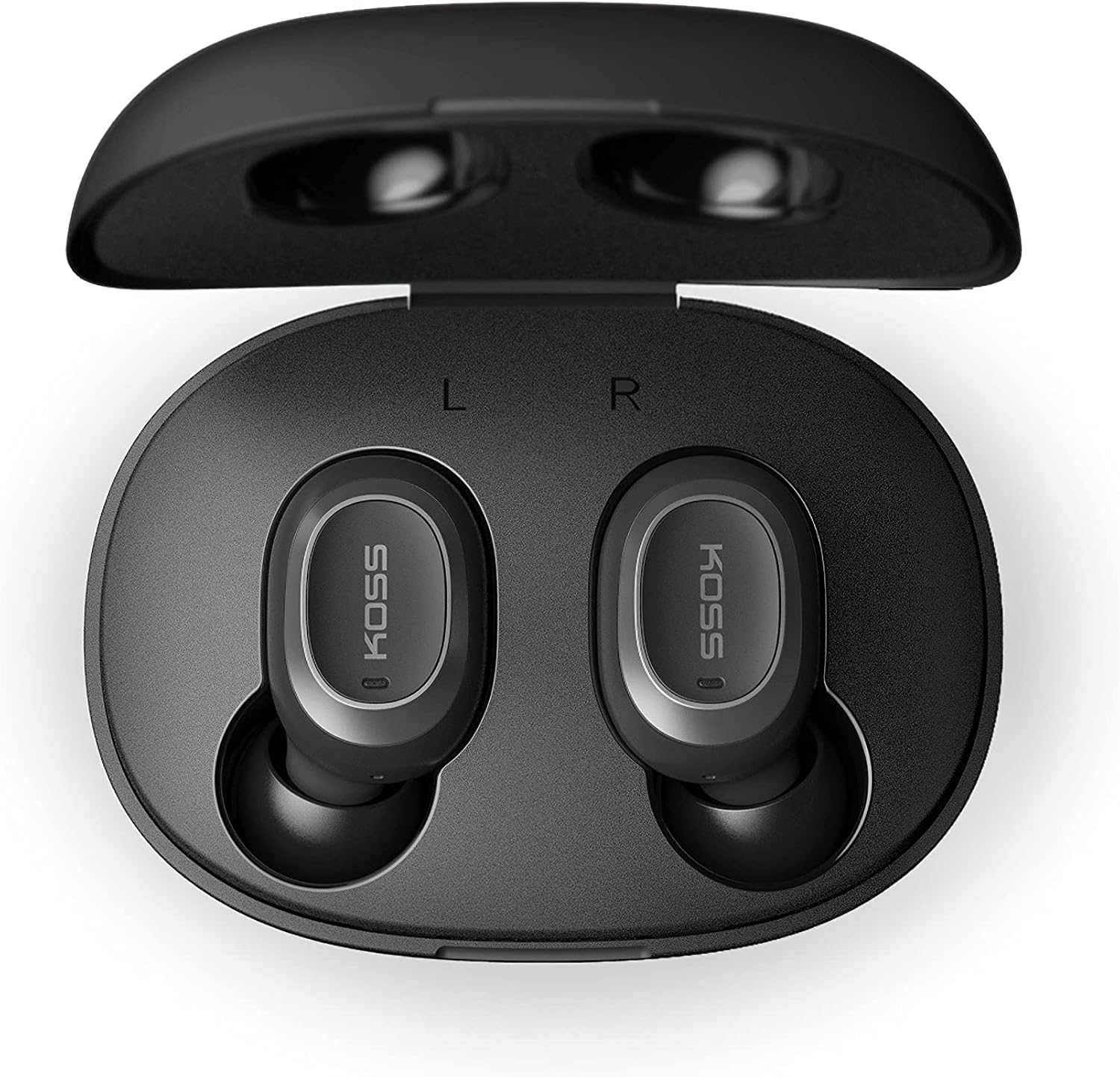
Image: Open Koss TWS250i charging case with both earbuds inside, showing L and R indicators.
To ensure the best fit and sound quality, the earbuds come with multiple sizes of silicone ear tips (Small, Medium, Large). Experiment with these to find the size that provides a comfortable and secure seal in your ear canal.

Image: Single Koss TWS250i earbud next to small, medium, and large silicone ear tips.
ማዋቀር
1. መሙላት
Before initial use, ensure both the earbuds and the charging case are fully charged. Connect the provided USB-C cable to the charging port on the case and to a power source. LED indicators on the front of the case will illuminate to show the charging status. When earbuds are placed inside the case, they will automatically begin charging.
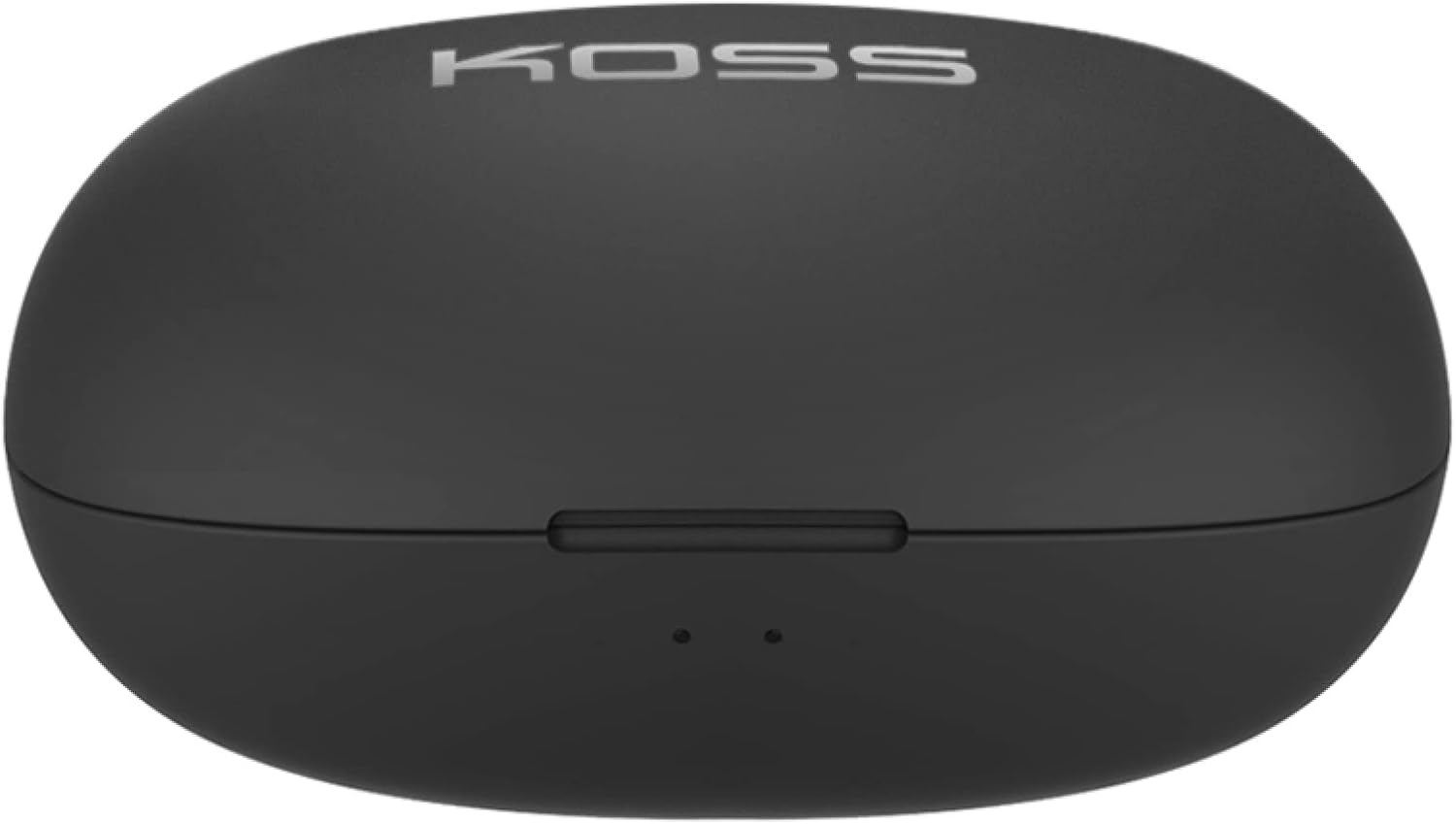
Image: Closed Koss TWS250i charging case, showing the USB-C charging port.
Video: Official product video demonstrating the Koss TWS250i True Wireless Earbuds, including their design, charging case, and basic features.
2. ማጣመር
- Remove both earbuds from the charging case. They will automatically enter pairing mode, indicated by a flashing red and blue light on one of the earbuds.
- በእርስዎ ስማርት ስልክ፣ ታብሌት ወይም ሌላ ብሉቱዝ የነቃለት መሳሪያ ላይ፣ ወደ ብሉቱዝ ቅንብሮች ይሂዱ።
- Select "Koss TWS250i" from the list of available devices to connect.
- Once successfully paired, the earbuds will connect automatically to your device whenever they are removed from the charging case.
3. መግጠም
Choosing the correct ear tip size is essential for both comfort and sound performance. Experiment with the included Small, Medium, and Large silicone ear tips to find the best fit for your ears. A proper seal will enhance bass response and passive noise isolation.

Image: Man wearing a Koss TWS250i earbud, smiling and looking at his phone.
የአሠራር መመሪያዎች
1. የንክኪ መቆጣጠሪያዎች
The Koss TWS250i earbuds feature intuitive touch controls on their outer surface:
- ማብራት/ማጥፋት፡ Long press the touch surface until the earbuds power on or off.
- ሙዚቃን አጫውት/ ለአፍታ አቁም፡ በሁለቱም የጆሮ ማዳመጫዎች ላይ አንድ ጊዜ መታ ያድርጉ።
- መልስ/ጥሪ ጨርስ፡ በሁለቱም የጆሮ ማዳመጫዎች ላይ አንድ ጊዜ መታ ያድርጉ።
- ድምጽ ጨምር Single tap on the ቀኝ የጆሮ ማዳመጫ።
- ጥራዝ ታች Single tap on the ግራ የጆሮ ማዳመጫ።
- ትራክን ወደ ፊት ዝለል፡ Longer touch on the ቀኝ የጆሮ ማዳመጫ።
- ወደ ኋላ ትራክ ዝለል፦ Longer touch on the ግራ የጆሮ ማዳመጫ።
2. Dual Connect Functionality
The TWS250i earbuds support dual connect, allowing each earbud to function independently. This means you can use one earbud while the other charges, or share one earbud with a friend. Both earbuds have built-in microphones, ensuring clear communication regardless of whether you use one or both.
ጥገና
- ማጽዳት፡ የጆሮ ማዳመጫዎችን እና የኃይል መሙያ መያዣውን ለስላሳ እና ደረቅ ጨርቅ አዘውትረው ያጽዱ። ሻካራ ቁሳቁሶችን ወይም ጠጣር ኬሚካሎችን ከመጠቀም ይቆጠቡ።
- ማከማቻ፡ ሁልጊዜ የጆሮ ማዳመጫዎቹን ለመጠበቅ እና እንዲከፍሉ ለማድረግ በማይጠቀሙበት ጊዜ ባትሪ መሙያ ሣጥናቸው ውስጥ ያከማቹ።
- የሙቀት መጠን፡ የጆሮ ማዳመጫዎችን እና መያዣውን ለከፍተኛ ሙቀት፣ ለቀጥታ የፀሐይ ብርሃን ወይም ለከፍተኛ እርጥበት ከማጋለጥ ይቆጠቡ።
መላ መፈለግ
- ምንም ድምፅ ወይም ደካማ የድምፅ ጥራት፡-
- Ensure earbuds are properly seated in your ears with a good seal. Try different ear tip sizes.
- በተገናኘው መሣሪያዎ እና በጆሮ ማዳመጫዎችዎ ላይ የድምጽ መጠኑን ያረጋግጡ።
- Verify that the earbuds are correctly paired and within the Bluetooth range of your device.
- የጆሮ ማዳመጫዎች የማይጣመሩ;
- የጆሮ ማዳመጫው ሙሉ በሙሉ መሙላቱን ያረጋግጡ።
- Remove both earbuds from the case to activate pairing mode (indicated by flashing red/blue lights).
- በመሳሪያዎ ላይ፣
ተዛማጅ ሰነዶች - TWS250i

KOSS TWS250i True Wireless Earbuds User Manual
User guide for KOSS TWS250i True Wireless Earbuds, covering setup, pairing, touch controls, charging, specifications, and safety warnings.
የኮስ ብሉቱዝ የጆሮ ማዳመጫዎች የተጠቃሚ መመሪያ፣ መግለጫዎች እና የደህንነት መረጃ
ለኮስ ብሉቱዝ ጆሮ ማዳመጫዎች አጠቃላይ የተጠቃሚ መመሪያ፣ ሞዴሎች KOSS BT115i V2፣ KOSS BT232i V2፣ KOSS BT221i V2፣ KOSS KSC35 Wireless V2 እና KOSS UTILITY UBTA። የደህንነት ማስጠንቀቂያዎችን፣ ዋስትናዎችን፣ ቴክኒካዊ ዝርዝሮችን እና የባትሪ ጥገናን ይሸፍናል።
የኮስ TWS150i ትሩ ገመድ አልባ የጆሮ ማዳመጫዎች የተጠቃሚ መመሪያ እና መመሪያዎች
የኮስ TWS150i True Wireless የጆሮ ማዳመጫዎችን ስለመጠቀም አጠቃላይ መመሪያ፣ ማዋቀርን፣ ማጣመርን፣ መቆጣጠሪያዎችን፣ ባትሪ መሙላትን እና የደህንነት መረጃዎችን ይሸፍናል።
Koss KPH30 ገመድ አልባ የጆሮ ማዳመጫዎች የተጠቃሚ መመሪያ
የተጠቃሚ መመሪያ ለ Koss KPH30 ገመድ አልባ የጆሮ ማዳመጫዎች፣ ሽፋን ማዋቀር፣ አሠራር፣ ደህንነት እና ዝርዝር መግለጫዎች።
KOSS BTS1 የብሉቱዝ ድምጽ ማጉያ፡ የተጠቃሚ መመሪያ፣ ባህሪያት እና የደህንነት መረጃ
የ KOSS BTS1 ብሉቱዝ ድምጽ ማጉያ አጠቃላይ መመሪያ፣ ባህሪያቱን፣ ተያያዥነቱን፣ የማዳመጥ ሁነታዎቹን፣ ባትሪ መሙላትን፣ የብርሃን አመላካቾችን፣ የደህንነት ማስጠንቀቂያዎችን፣ የዋስትና እና የታዛዥነት መረጃን የሚገልጽ።
Koss Porta Pro ገመድ አልባ የጆሮ ማዳመጫዎች የተጠቃሚ መመሪያ
የተጠቃሚ መመሪያ ለ Koss Porta Pro ገመድ አልባ የጆሮ ማዳመጫዎች፣ የፊት እና የኋላ መቆጣጠሪያዎችን መሸፈኛ፣ ባትሪ መሙላት፣ የብሉቱዝ ማጣመር እና የሙዚቃ/ጥሪ ተግባራት።