1. መግቢያ
ስለገዙ እናመሰግናለንasing the Edifier X3s True Wireless Stereo Earbuds. This manual provides detailed instructions on how to set up, operate, and maintain your earbuds to ensure optimal performance and longevity. Please read this manual thoroughly before use.

Image: The Edifier X3s earbuds, one removed from the open charging case, showcasing የእነሱ የታመቀ ንድፍ.
2. የጥቅል ይዘቶች
- Edifier X3s True Wireless Earbuds (Left and Right)
- የመሙያ መያዣ
- የዩኤስቢ ባትሪ መሙያ ገመድ
- የጆሮ ምክሮች (የተለያዩ መጠኖች)
- የተጠቃሚ መመሪያ
3. ማዋቀር
3.1 የጆሮ ማዳመጫውን እና መያዣውን መሙላት
ከመጠቀምዎ በፊት የጆሮ ማዳመጫውን እና የኃይል መሙያውን ሙሉ በሙሉ ይሙሉ።
- Place the earbuds into the charging case. Ensure they are correctly seated; the indicator lights on the earbuds will illuminate.
- Connect the charging case to a power source using the provided USB cable. The indicator light on the charging case will show charging status.
- A full charge for the charging case typically takes approximately 8 hours. The earbuds will charge automatically when placed in the case.
3.2 የብሉቱዝ ማጣመር
Follow these steps to pair your Edifier X3s earbuds with your device:
- የጆሮ ማዳመጫዎች መሙላታቸውን ያረጋግጡ።
- የኃይል መሙያ መያዣውን ይክፈቱ. የጆሮ ማዳመጫዎች በራስ-ሰር ወደ ማጣመር ሁነታ ውስጥ ይገባሉ፣ ይህም በጆሮ ማዳመጫው ላይ በሚያብረቀርቅ ብርሃን ይጠቁማል።
- በመሳሪያዎ (ስማርትፎን፣ ታብሌት፣ ወዘተ) ላይ ብሉቱዝን ያንቁ እና አዳዲስ መሳሪያዎችን ይፈልጉ።
- Select "EDIFIER X3s" from the list of available devices.
- Once connected, a voice prompt will confirm successful pairing, and the earbud indicator lights will turn off.
የጆሮ ማዳመጫዎች ይደግፋሉ TrueWireless Mirroring, allowing seamless switching between single and dual earbud use.
4. የአሠራር መመሪያዎች
4.1 የንክኪ መቆጣጠሪያዎች
The Edifier X3s earbuds feature intuitive touch controls on each earbud. Refer to the diagram below for specific functions:

Image: A diagram illustrating the touch control functions for the left and right Edifier X3s earbuds.
- ነጠላ መታ ማድረግ (ሊትር/አር): Play/Pause music, Answer an Incoming Call
- Double Tap (L): የቀድሞ ዘፈን
- Double Tap (R): ቀጣይ ዘፈን
- ሶስት ጊዜ መታ ማድረግ (ግራ)፦ Switch On Game Mode
- ሶስቴ መታ ማድረግ (ቀኝ)፦ የድምጽ ረዳትን አግብር
- Long Press for 2-3 Seconds (L/R): Hang Up/Reject a Call
- Long Press (L): የድምጽ መጠን መቀነስ
- Long Press (R): የድምጽ መጠን መጨመር
4.2 የጨዋታ ሁኔታ
To enhance your gaming experience, the Edifier X3s features a dedicated Game Mode. Triple-tap the ግራ earbud to activate or deactivate Game Mode. This mode optimizes audio-visual synchronization for gaming.
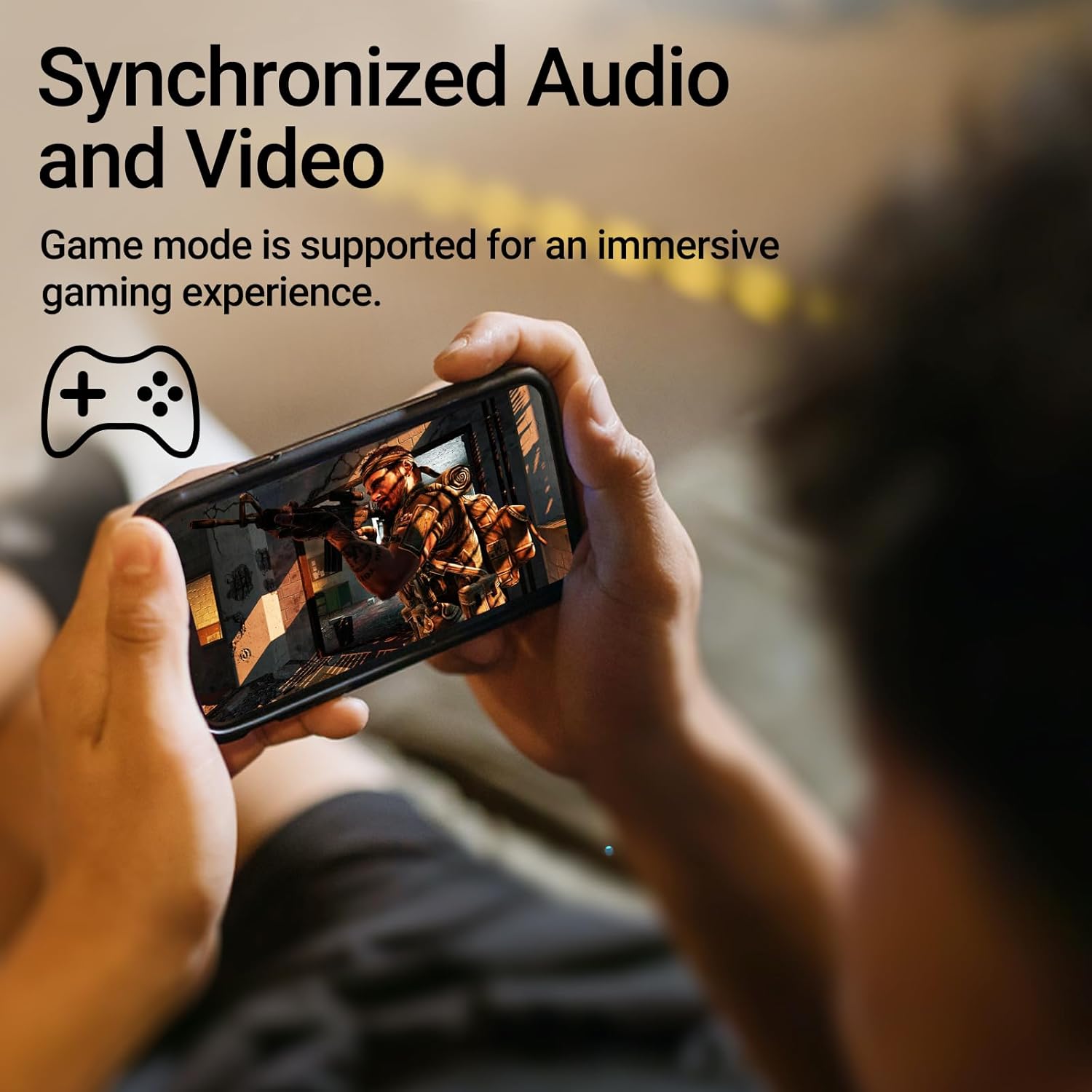
Image: A person holding a smartphone, playing a game, with the text "Synchronized Audio and Video. Game mode is supported for an immersive gaming experience."
5. ቁልፍ ባህሪያት
- True Wireless Experience: Bluetooth V5.2 with Qualcomm aptX audio decoding for high-fidelity sound and stable connections.
- የተራዘመ የጨዋታ ጊዜ፡ Up to 28 hours of total playtime, with 8 hours from the earbuds and an additional 20 hours from the charging case.
- Superior Call Clarity: Equipped with Qualcomm cVc 8.0 noise cancellation technology for crystal clear calls.
- IP55 Rated Protection: Dust and water resistance make these earbuds suitable for outdoor activities and various weather conditions.
- ምቹ እና ቀላል ክብደት ንድፍ; Weighing only 62g, these earbuds provide a secure and comfortable fit for extended wear.

Image: A close-up of the Qualcomm aptX QCC3040 chip, highlighting Bluetooth V5.2 with aptX audio decoding for lossless audio transmission.

Image: Hands holding the Edifier X3s charging case, with an overlay indicating "Up to 28 hours of playback in total: 8 hours (earbuds), 20 hours (charging case)".

Image: A graphic illustrating cVc 8.0 noise reduction, showing how ambient noise is reduced while voice remains clear during calls.

Image: A woman exercising, with an overlay indicating "Dust and water resistant. Feel free to use them at the gym or on a rainy day. IP55-Rated."
6. ጥገና
6.1 ጽዳት
- በመደበኛነት የጆሮ ማዳመጫውን እና የኃይል መሙያ መያዣውን ለስላሳ ፣ ደረቅ ፣ ከተሸፈነ ጨርቅ ያፅዱ።
- የጆሮ ምክሮችን ያስወግዱ እና አስፈላጊ ከሆነ በትንሽ ሳሙና እና ውሃ ያጽዷቸው. እንደገና ከማያያዝዎ በፊት ሙሉ በሙሉ ደረቅ መሆናቸውን ያረጋግጡ.
- በሁለቱም የጆሮ ማዳመጫዎች እና በሻንጣው ላይ ያሉትን የኃይል መሙያ እውቂያዎች በቀስታ ለማጽዳት የጥጥ ሳሙና ይጠቀሙ።
6.2 ማከማቻ
- ጥቅም ላይ በማይውልበት ጊዜ የጆሮ ማዳመጫዎቹን ለመጠበቅ እና እንዲከፍሉ ለማድረግ በእነሱ ቻርጅ ውስጥ ያከማቹ።
- ከከፍተኛ ሙቀት እና ቀጥተኛ የፀሐይ ብርሃን ርቆ በቀዝቃዛና ደረቅ ቦታ ያከማቹ።
6.3 የውሃ እና አቧራ መቋቋም
The earbuds are IP55 rated, meaning they are protected against dust ingress and low-pressure water jets from any direction. While they can withstand sweat and light rain, they are not designed for submersion in water. Do not use them while swimming or showering.
7. መላ መፈለግ
- የጆሮ ማዳመጫዎች የማይጣመሩ ሁለቱም የጆሮ ማዳመጫዎች በቻርጅ መያዣ ውስጥ መሆናቸውን ያረጋግጡ፣ ከዚያም የማጣመር ሁነታን ለመጀመር ክዳኑን ይክፈቱ። የመሣሪያዎን የብሉቱዝ ቅንብሮች ይፈትሹ እና እንደገና ለመገናኘት ይሞክሩ።
- አንድ የጆሮ ማዳመጫ ብቻ ነው የሚሰራው፡- ሁለቱንም የጆሮ ማዳመጫዎች ወደ ቻርጅ መሙያው ይመልሱ ፣ ክዳኑን ይዝጉ ፣ ለጥቂት ሰከንዶች ይጠብቁ እና ከዚያ እንደገና ይክፈቱት። ይህ ብዙውን ጊዜ እነሱን እንደገና ያመሳስላቸዋል።
- ድምጽ የለም፡ Check the volume level on both your device and the earbuds. Ensure the earbuds are properly paired and connected.
- የመሙላት ችግሮች፡- Verify that the charging cable is securely connected and the power source is active. Clean the charging contacts on the earbuds and case.
- ደካማ የጥሪ ጥራት፡ Ensure the earbuds are clean and positioned correctly in your ears. Check for any obstructions to the microphone.
8. ዝርዝሮች
- ሞዴል፡ EDIFIER X3S
- ግንኙነት፡ ገመድ አልባ (ብሉቱዝ V5.2)
- የድምጽ ዲኮዲንግ፡ Qualcomm aptX
- ጫጫታ መሰረዝ; Qualcomm cVc 8.0 (for calls)
- የጨዋታ ጊዜ፡ Earbuds: 8 hours, Total with Charging Case: 28 hours
- የኃይል መሙያ ጊዜ (ጉዳዩ) በግምት 8 ሰዓታት
- የውሃ/የአቧራ መቋቋም፡ IP55 ደረጃ ተሰጥቶታል።
- የመቆጣጠሪያ ዘዴ፡- ንካ
- ክብደት፡ 62 ግራም (ጠቅላላ)
- ቁሳቁስ፡ ፖሊካርቦኔት (ፒሲ)፣ ቴርሞፕላስቲክ ኤላስቶመር (TPE)
- ተስማሚ መሣሪያዎች Smartphones, Gaming Devices, Tablets
9. ዋስትና እና ድጋፍ
For warranty information and customer support, please refer to the warranty card included with your product or visit the official Edifier webጣቢያ. ለማንኛውም የዋስትና ጥያቄዎች የግዢ ማረጋገጫዎን ያስቀምጡ።


