1. ምርት አብቅቷልview
The elemage ZS-GQ3 is a 2K outdoor security camera designed for reliable surveillance. It features 2K (2560 x 1440) HD resolution, PIR motion detection, two-way audio communication, and advanced night vision capabilities up to 15 meters. With an IP65 waterproof rating, it is suitable for various outdoor conditions. The camera operates on a built-in battery and connects via 2.4 GHz WiFi (5 GHz WiFi is not supported).
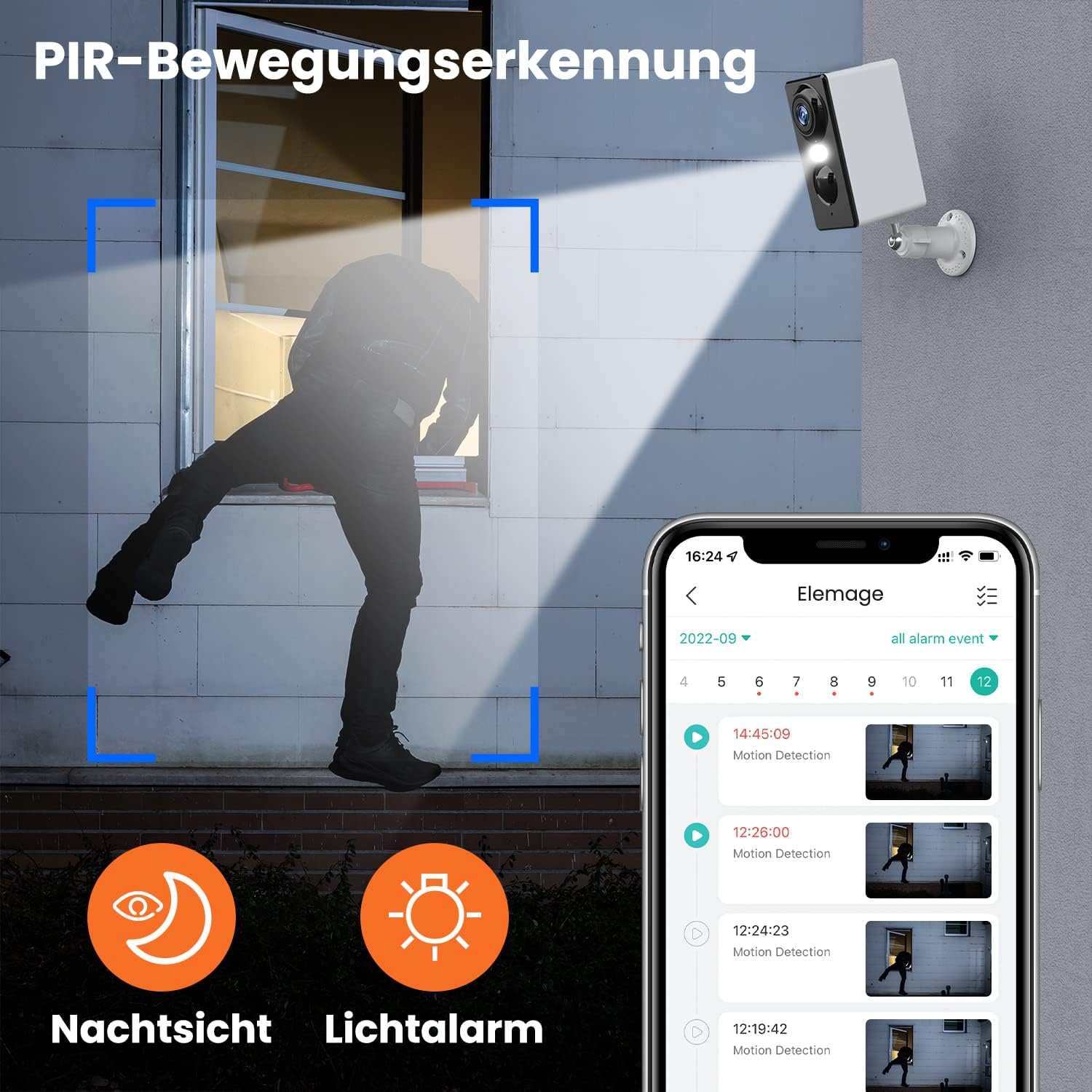
ምስል 1.1፡ The elemage ZS-GQ3 camera features PIR motion detection, night vision, and a light alarm for enhanced security.
2. የጥቅል ይዘቶች
እባክህ ከዚህ በታች የተዘረዘሩት ሁሉም እቃዎች በጥቅልህ ውስጥ መካተታቸውን አረጋግጥ፡
- elemage 2K Outdoor Security Camera (ZS-GQ3)
- የግድግዳ ተራራ ቅንፍ
- የዩኤስቢ ባትሪ መሙያ ገመድ
- መስቀያ ብሎኖች እና ግድግዳ ተሰኪዎች
- የተጠቃሚ መመሪያ

ምስል 2.1፡ The complete package contents of the elemage ZS-GQ3 security camera.
3. የማዋቀር መመሪያ
3.1 የመጀመሪያ ደረጃ መሙላት
Before first use, fully charge the camera's built-in battery using the provided USB cable and a standard 5V USB power adapter (not included). A full charge ensures optimal performance and battery life.
3.2 የመተግበሪያ ጭነት
ያውርዱ እና ይጫኑት። 'elemage Cam' application on your smartphone. The app is available for both iPhone and Android devices. ፈልግ 'elemage Cam' in your device's app store.
3.3 Camera Pairing and WiFi Connection
- Open the 'elemage Cam' app and create an account or log in.
- አዲስ መሣሪያ ለማከል የውስጠ-መተግበሪያ መመሪያዎችን ይከተሉ።
- ስማርትፎንዎ ከሀ ጋር መገናኘቱን ያረጋግጡ 2.4 GHz WiFi አውታረ መረብ. The camera does not support 5 GHz WiFi.
- During the pairing process, you will be prompted to connect the camera to your home WiFi network. Enter your WiFi credentials carefully.
- Once connected, the camera's status indicator will confirm successful pairing.
3.4 ካሜራውን መጫን
ካሜራው ግድግዳውን ለመትከል የተነደፈ ነው. የሚፈለገውን የሚያቀርብ ቦታ ይምረጡ viewing angle and is within range of your 2.4 GHz WiFi network. Use the included wall mount bracket, screws, and wall plugs for secure installation.
- Mark the drilling points using the mount bracket as a template.
- ጉድጓዶችን ይከርፉ እና የግድግዳውን ግድግዳዎች ያስገቡ.
- Secure the mount bracket to the wall with the screws.
- Attach the camera to the mount bracket and adjust the angle as needed.

ምስል 3.1፡ The camera is IP65 waterproof, allowing for outdoor installation in various weather conditions.
4. የአሠራር መመሪያዎች
4.1 ቀጥታ ስርጭት View
Access the 'elemage Cam' app on your smartphone to view the live feed from your camera anytime, anywhere. The live view provides real-time monitoring of your property.
4.2 የ PIR እንቅስቃሴ ማወቂያ
The camera is equipped with PIR (Passive Infrared) motion detection. When motion is detected, the camera will automatically begin recording and send push notifications to your smartphone. You can review recorded events within the app.
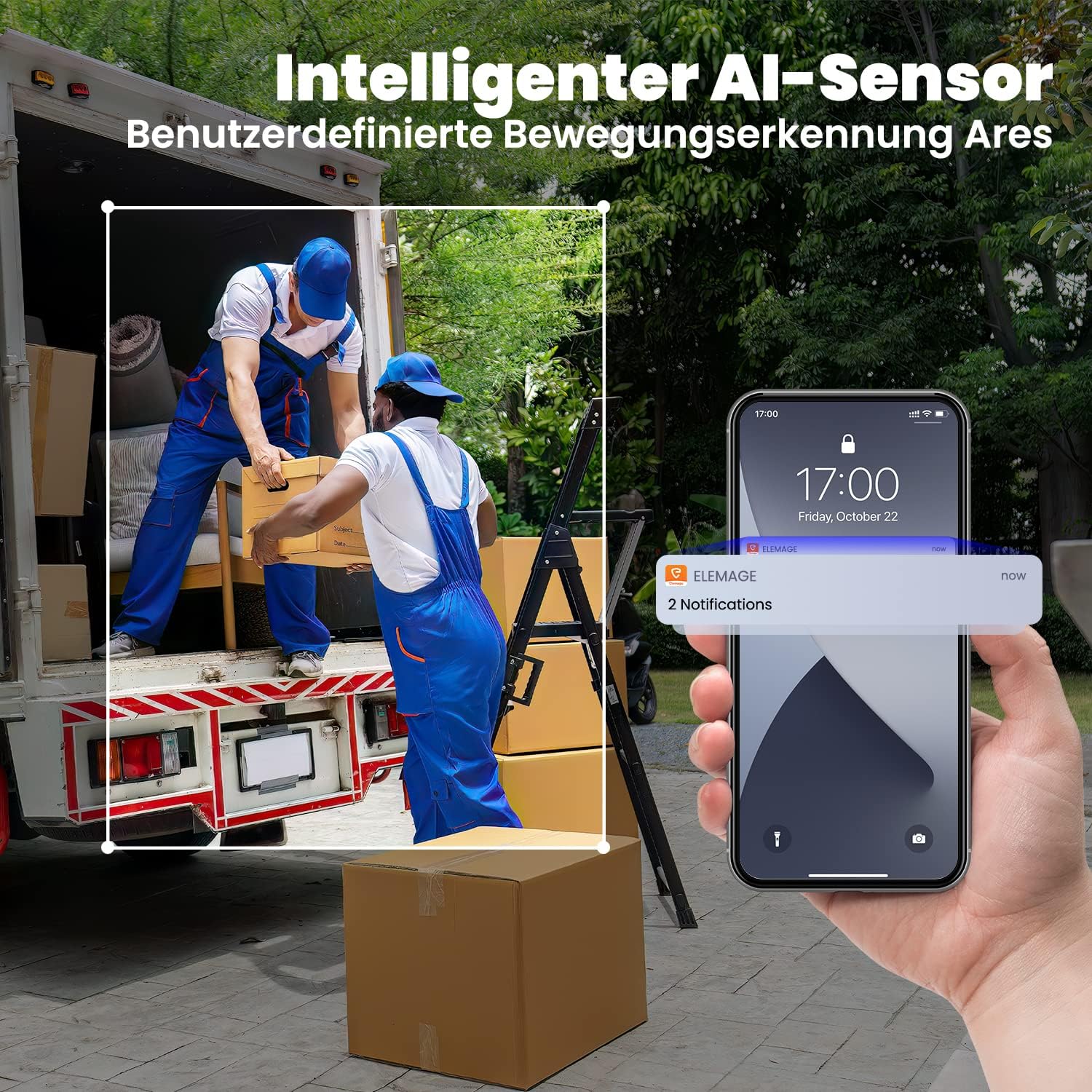
ምስል 4.1፡ Intelligent AI sensor provides user-defined motion detection and sends notifications to your phone.
4.3 ባለ ሁለት መንገድ ኦዲዮ
Utilize the built-in microphone and speaker for two-way communication. Through the 'elemage Cam' app, you can speak to visitors or deter intruders directly from your smartphone.

ምስል 4.2፡ Engage in real-time conversation with two-way audio functionality.
4.4 የምሽት ራዕይ
The camera offers advanced night vision, providing clear surveillance even in low-light conditions. It supports both black-and-white and colored night vision, with an effective range of up to 15 meters.

ምስል 4.3፡ Experience clear color night vision with a long-distance view.
4.5 የማከማቻ አማራጮች
The camera supports local storage via a MicroSD card (2GB to 128GB, not included) and cloud storage options (subscription may be required). Recorded footagኢ ሊደረስበት እና ሊመለስ ይችላልviewed through the 'elemage Cam' app.
4.6 ባለብዙ መሣሪያ Viewing
You can share access to your camera's live feed with multiple users. After sharing, several phones can view the security camera simultaneously through the 'elemage Cam' app.

ምስል 4.4፡ View the camera feed from multiple phones, anytime and anywhere.
5. ጥገና
5.1 የባትሪ አስተዳደር
The 'elemage Cam' app will send a reminder when the camera's battery level drops below 20%. Recharge the camera promptly to ensure continuous operation. Battery life varies based on usage, motion detection frequency, and environmental factors.
5.2 ጽዳት
Although the camera is IP65 waterproof, regularly clean the lens and camera body with a soft, damp እንቅፋት ሊሆኑ የሚችሉ አቧራ፣ ቆሻሻ ወይም የውሃ ቦታዎችን ለማስወገድ ጨርቅ view. ጠጣር ኬሚካሎችን ወይም ሻካራ ቁሳቁሶችን አይጠቀሙ።
5.3 የጽኑ ዝማኔዎች
Periodically check the 'elemage Cam' app for available firmware updates. Keeping your camera's firmware up-to-date ensures optimal performance, security, and access to new features.
6. መላ መፈለግ
- ካሜራው ከዋይፋይ ጋር አልተገናኘም፦ Ensure your WiFi network is 2.4 GHz. Verify the WiFi password is correct. Move the camera closer to the router to improve signal strength.
- No motion detection notifications: Check the motion detection settings in the 'elemage Cam' app. Ensure notifications are enabled for the app on your smartphone. Verify the camera's battery level.
- ደካማ የምስል ጥራት; የካሜራውን ሌንስ ያጽዱ. በካሜራው መስክ ውስጥ ምንም እንቅፋቶች አለመኖራቸውን ያረጋግጡ viewየኢንተርኔት ግንኙነትዎን ፍጥነት ያረጋግጡ።
- አጭር የባትሪ ዕድሜ; Reduce the sensitivity of motion detection or the duration of recorded events. Ensure the camera is not in an area with excessive motion.
- ባለሁለት መንገድ የድምጽ ጉዳዮች፡- Ensure your phone's microphone and speaker are enabled for the 'elemage Cam' app. Check the camera's audio settings in the app.
For more detailed troubleshooting or specific issues, refer to the help section within the 'elemage Cam' application or contact customer support.
7. ዝርዝሮች
| ባህሪ | ዝርዝር መግለጫ |
|---|---|
| የሞዴል ቁጥር | ZS-GQ3 |
| የቪዲዮ ቀረጻ ጥራት | 2ኬ (2560 x 1440) |
| ውጤታማ የቪዲዮ ጥራት | 1080 Pixels (Note: Product title states 2K, this might be a base resolution) |
| Viewማእዘን | 120 Radians (approx. 68.75 degrees) |
| የፍሬም መጠን | 15 fps |
| ገመድ አልባ የመገናኛ ቴክኖሎጂ | ዋይ ፋይ (2.4 ጊኸ ብቻ) |
| የኃይል ምንጭ | Battery Powered, Solar Powered (optional accessory) |
| የባትሪ ዓይነት | Lithium-ion (1 CR2032 battery included for internal clock/memory, main battery is built-in rechargeable) |
| የአይፒ ደረጃ አሰጣጥ | IP65 የውሃ መከላከያ |
| ማከማቻ | MicroSD card (2-128GB, not included), Cloud Storage |
| የመጫኛ አይነት | የግድግዳ ተራራ |
| ቀለም | ነጭ |
| ክብደት | 136 ግራም |
| የምስክር ወረቀቶች | CE, FCC, MSDS, RoHS, UN38.3 |
8. ዋስትና እና ድጋፍ
For warranty information, please refer to the documentation provided at the time of purchase or contact elemage customer support directly. If you encounter any issues or have questions regarding your elemage ZS-GQ3 camera, please reach out to the manufacturer's support team for assistance. Contact details are typically available on the product packaging or the official elemage webጣቢያ.


