መግቢያ
This manual provides detailed instructions for the setup, operation, and maintenance of your VTech CS1501 DECT Cordless Phone system. Please read this manual thoroughly to ensure proper use and to take full advantagሠ የሁሉም ባህሪያት.
የጥቅል ይዘቶች
የእርስዎ የVTech CS1501 ጥቅል የሚከተሉትን እቃዎች ያካትታል፡
- 2 x ገመድ አልባ የእጅ ስልኮች
- 2 x Handset Chargers (Bases)
- 4 x NiMH Rechargeable Batteries (2 per handset)
- 1 x የስልክ መስመር ገመድ
- 1 x የኃይል አስማሚ ለመሠረት ክፍል
- 1 x Quick Start Guide (not included in this digital manual)

Image: Two VTech CS1501 cordless handsets with their respective charging bases.
ማዋቀር
1. የባትሪ ጭነት
- በእያንዳንዱ የእጅ ስልክ ጀርባ ላይ ያለውን የባትሪ ክፍል ሽፋን ይክፈቱ።
- Insert the two supplied NiMH rechargeable batteries, observing the correct polarity (+ and -).
- የባትሪውን ክፍል ደህንነቱ በተጠበቀ ሁኔታ ይዝጉ።
2. የመሠረት ክፍል ግንኙነት
- Connect the power adapter to the base unit and plug it into a standard electrical outlet.
- የስልክ መስመር ገመዱን አንድ ጫፍ ከመሠረት ዩኒት ጋር፣ ሌላኛውን ጫፍ ደግሞ ከስልክ ግድግዳ መሰኪያዎ ጋር ያገናኙ።
3. የእጅ ባትሪዎችን መሙላት
Place each handset on its respective charging base. The innovative dual-charging design allows you to place the handset face down or face up. Face-up orientation allows for easy screen viewing, while face-down is convenient for quick placement and maintaining the unit's sleek design.

Image: A VTech CS1501 handset being charged, illustrating the dual-charging capability (face up or face down).
Allow the handsets to charge for at least 16 hours before initial use to ensure optimal battery performance.
የአሠራር መመሪያዎች
ጥሪዎችን ማድረግ እና መቀበል
- ጥሪ ለማድረግ፡- የሚለውን ይጫኑ TALK / FLASH አዝራሩን ጠቅ ያድርጉ፣ ከዚያ ቁጥሩን ይደውሉ።
- ጥሪ ለመቀበል፡- ስልኩ ሲደወል, ን ይጫኑ TALK / FLASH አዝራር።
- ጥሪን ለማቆም፡- የሚለውን ይጫኑ አጥፋ/አጥራ አዝራሩን ይጫኑ ወይም ስልኩን መልሰው በቻርጀሩ ላይ ያስቀምጡት።
እጅ-ነጻ ድምጽ ማጉያ
በጥሪ ጊዜ ከእጅ-ነጻ ድምጽ ማጉያውን ለማንቃት ን ይጫኑ ተናጋሪ አዝራር። ወደ ቀፎ ሁነታ ለመመለስ እንደገና ይጫኑት።

Image: A VTech CS1501 handset in a kitchen, with an overlay indicating the speakerphone button for hands-free calling.
የደዋይ መታወቂያ / የጥሪ መጠበቅ
The handset displays the name, number, time, and date of incoming calls. The phone stores up to 20 caller ID records. If you subscribe to Call Waiting service, the phone will alert you to a second incoming call.

Image: A VTech CS1501 handset showing a phone number on its display, with an adjacent graphic illustrating a list of stored caller ID entries.
የስልክ ማውጫ (ማውጫ)
You can store up to 60 names and numbers in the phonebook for quick dialing. Refer to the on-screen menu for adding, editing, and deleting entries.

Image: A VTech CS1501 handset displaying a phone number on its screen, indicating the phonebook feature for storing up to 60 contacts.
ደውል ማገጃ
The nuisance call blocker allows you to block unwanted calls. You can add up to 60 numbers to the blacklist. Access this feature through the handset menu to manage blocked numbers.

Image: A close-up of the VTech CS1501 handset keypad, with a magnified view of the call blocker button, indicating its function.
ባለ3-መንገድ ኮንፈረንስ
The handset call transfer and intercom features enable multiple users to participate in a conversation simultaneously. This allows for a three-way conference call.

Image: A collage of three individuals engaged in phone conversations, representing the 3-way conferencing capability of the phone system.
ቀይር
The phone stores the last 10 numbers dialed. To redial a number, press the ቀይር አዝራሩን ጠቅ ያድርጉ እና ከዝርዝሩ ውስጥ የሚፈልጉትን ቁጥር ይምረጡ።
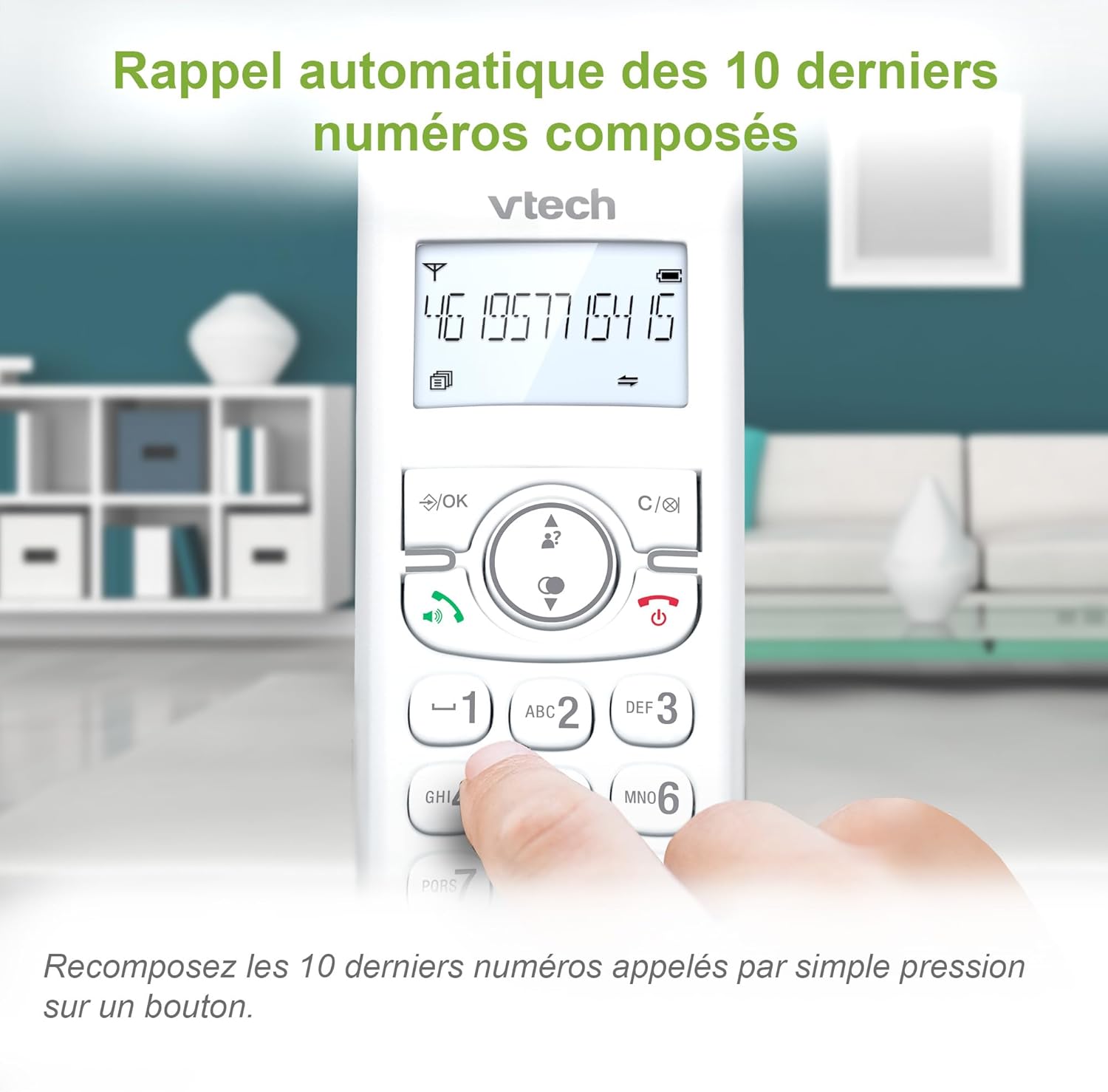
Image: A VTech CS1501 handset displaying a phone number, with an arrow pointing to the redial button, illustrating the 10-number redial feature.
ተጨማሪ ተግባራት
- የማንቂያ ተግባር Set practical alarms on the handset.
- ተግባር ድምጸ-ከል አድርግ፡ Mute your voice during calls when privacy is needed.
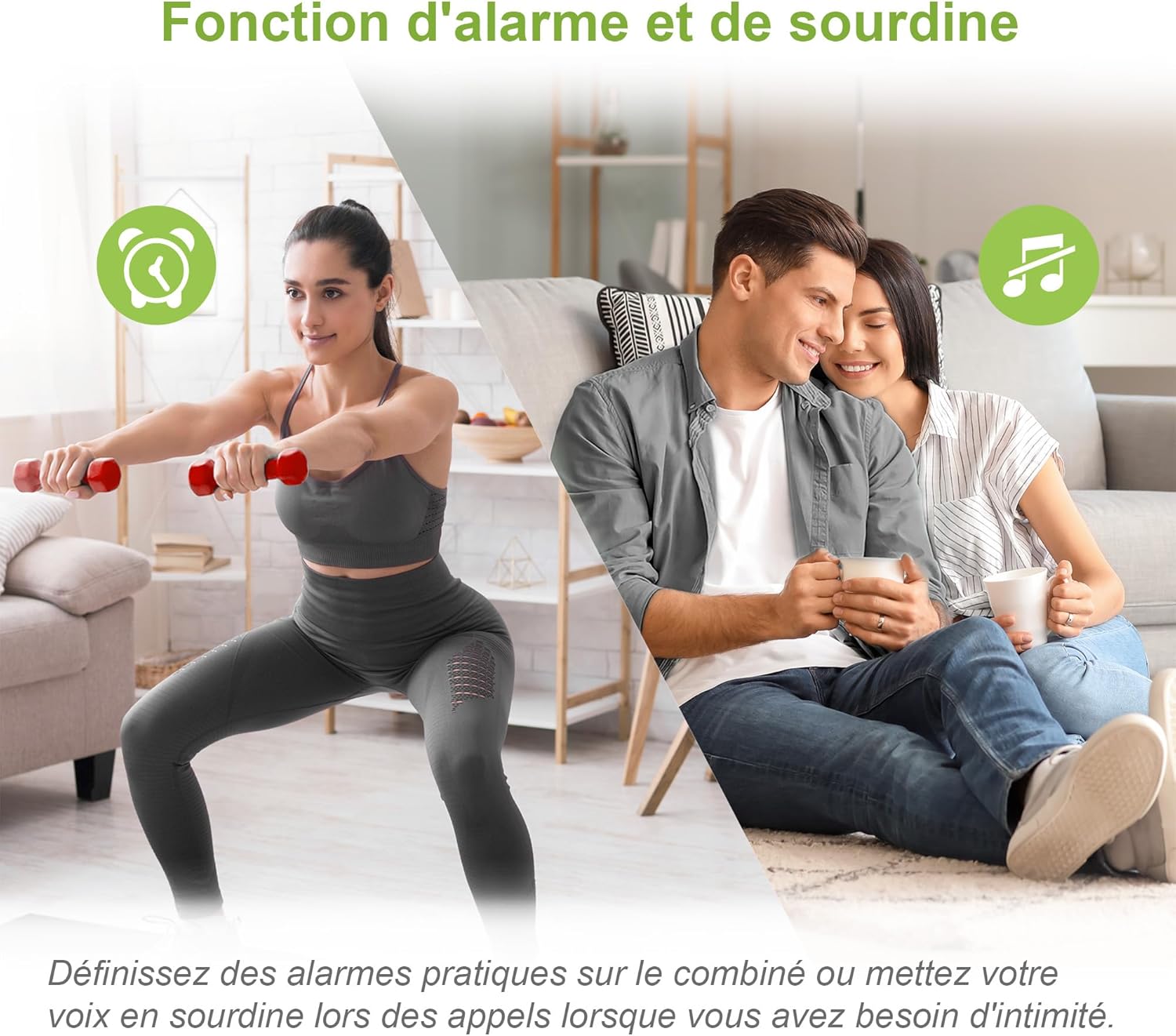
Image: A split image showing a person exercising (with an alarm clock icon) and a couple relaxing (with a mute icon), representing the alarm and mute functions of the phone.
የ ECO ሞድ
The handset automatically adjusts and minimizes radio frequency power based on its distance from the base unit, promoting energy efficiency.

Image: A VTech CS1501 handset on its charging base in a home setting, with an ECO mode leaf icon, indicating its energy-saving feature.
የኋላ ብርሃን ማሳያ እና የቁልፍ ሰሌዳ
The backlit LCD screen and keypad illuminate, making dialing and reading information easy, even in low-light conditions.
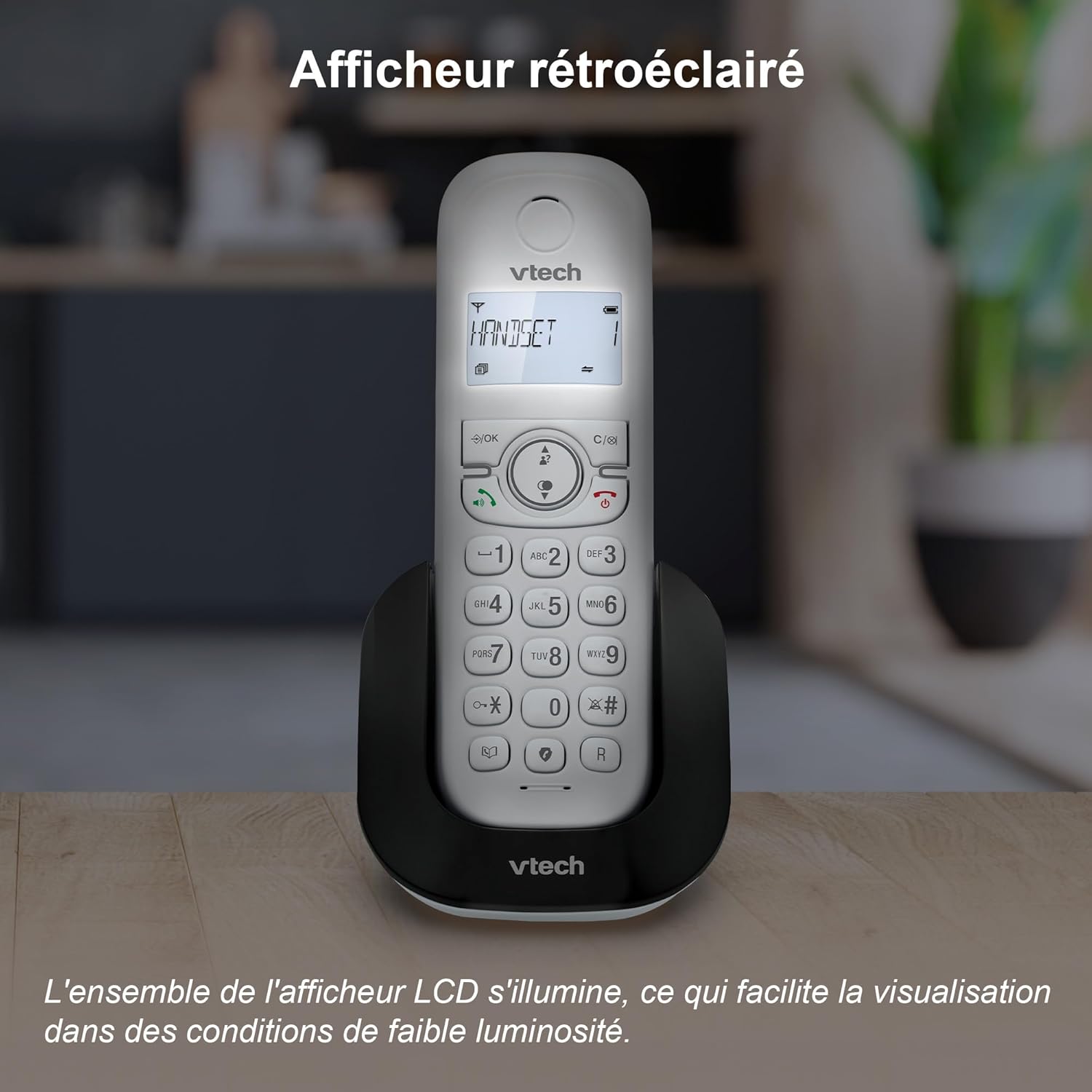
Image: A VTech CS1501 handset on its charging base, with its backlit display clearly visible in a dimly lit environment.
Adjustable Ringtone Volume and Melodies
Easily adjust the ringtone volume and select your preferred melody through the handset settings.

Image: A VTech CS1501 handset on its charging base, with musical notes emanating from it, symbolizing the adjustable ringtone volume and melody options.
Long Range Reliability
Benefit from reliable coverage and clear, long-range clarity throughout your home.

Image: A VTech CS1501 handset and its base unit placed in different areas of a spacious home, with signal waves indicating long-range coverage.
የባትሪ ህይወት
The handset offers up to 13 hours of talk time and 200 hours of standby time on a full charge.

Image: A graphic highlighting '13 hours talk time' with a battery icon, illustrating the VTech CS1501's extended battery performance.
ጥገና
- ማጽዳት፡ ስልኩን እና መሰረታዊውን ክፍል በለስላሳ፣ ዲ ይጥረጉamp ጨርቅ. የጽዳት መርጫዎችን ወይም ጠንካራ ኬሚካሎችን አይጠቀሙ.
- የባትሪ እንክብካቤ For optimal battery life, avoid fully discharging the batteries frequently. If the phone will be unused for an extended period, remove the batteries.
- የአካባቢ ሁኔታዎች; ስልኩን ከከፍተኛ ሙቀት፣ ከቀጥታ የፀሐይ ብርሃን እና ከእርጥበት ያርቁ።
መላ መፈለግ
| ችግር | መፍትሄ |
|---|---|
| ምንም የመደወያ ድምጽ የለም። | የቴሌፎን መስመር ገመድ ከመሠረታዊ አሃዱ እና ከግድግዳው መሰኪያ ጋር ደህንነቱ በተጠበቀ ሁኔታ መገናኘቱን ያረጋግጡ። የኃይል አስማሚው በትክክል መገናኘቱን ያረጋግጡ. |
| ጥሪዎችን ማድረግ/መቀበል አይቻልም | Verify that the handset batteries are charged. Check the telephone line connection. Ensure the handset is registered to the base. |
| ደካማ የድምፅ ጥራት | ወደ መሰረታዊ ክፍሉ ተጠጋግተው ይሂዱ። ከሌሎች የኤሌክትሮኒክስ መሳሪያዎች ጣልቃ ገብነትን ያረጋግጡ። የስልክ መስመር ገመድ እንዳልተበላሸ ያረጋግጡ። |
| የእጅ ስልክ ባትሪ እየሞላ አይደለም። | Ensure the handset is correctly seated in the charging cradle. Clean the charging contacts on both the handset and the base with a dry cloth. |
| ማሳያ ባዶ ነው | Charge the handset batteries. If the problem persists, try resetting the phone by unplugging the base unit's power adapter for a few minutes, then plugging it back in. |
ዝርዝሮች
- የምርት ስም፡ ቪቴክ
- የሞዴል ቁጥር፡- CS1501
- ቀለም፡ ነጭ
- ዓይነት፡- DECT ገመድ አልባ ስልክ
- የእጅ ስልኮች ብዛት፡- 2
- ተስማሚ መሣሪያዎች Fixed telephone networks only
- የባትሪ ዓይነት፡ NiMH rechargeable batteries (4 included)
- ቁሳቁስ፡ ፕላስቲክ
- የኃይል ምንጭ፡- Battery Powered (Handset), AC Adapter (Base)
- የመደወያ አይነት፡- ቀላል የቁልፍ ሰሌዳ
- የእቃው ክብደት፡ Approximately 499.2 Grams (total package)
- የንግግር ጊዜ፡- እስከ 13 ሰዓታት ድረስ
- የመጠባበቂያ ጊዜ፡- እስከ 200 ሰዓታት ድረስ
- ባህሪያት፡ Call Blocking, Caller ID/Call Waiting, Hands-Free Speakerphone, Backlit LCD, 60-Name Directory, 3-Way Conferencing, ECO Mode, 10 Last Number Redial, Adjustable Ringtone, Alarm Function, Mute Function.
ዋስትና እና ድጋፍ
ለዋስትና መረጃ እና የቴክኒክ ድጋፍ፣ እባክዎን በግዢዎ የቀረበውን ሰነድ ይመልከቱ ወይም ኦፊሴላዊውን VTech ይጎብኙ webጣቢያ. የተወሰነ የዋስትና ውል በክልል እና በችርቻሮ ሊለያይ ይችላል።


