1. መግቢያ
This user manual provides comprehensive instructions for the VTech CS1551 DECT 2-Handset Cordless Phone system. It covers setup, operation, maintenance, and troubleshooting to ensure optimal performance and user experience. Please read this manual thoroughly before using your new phone system.
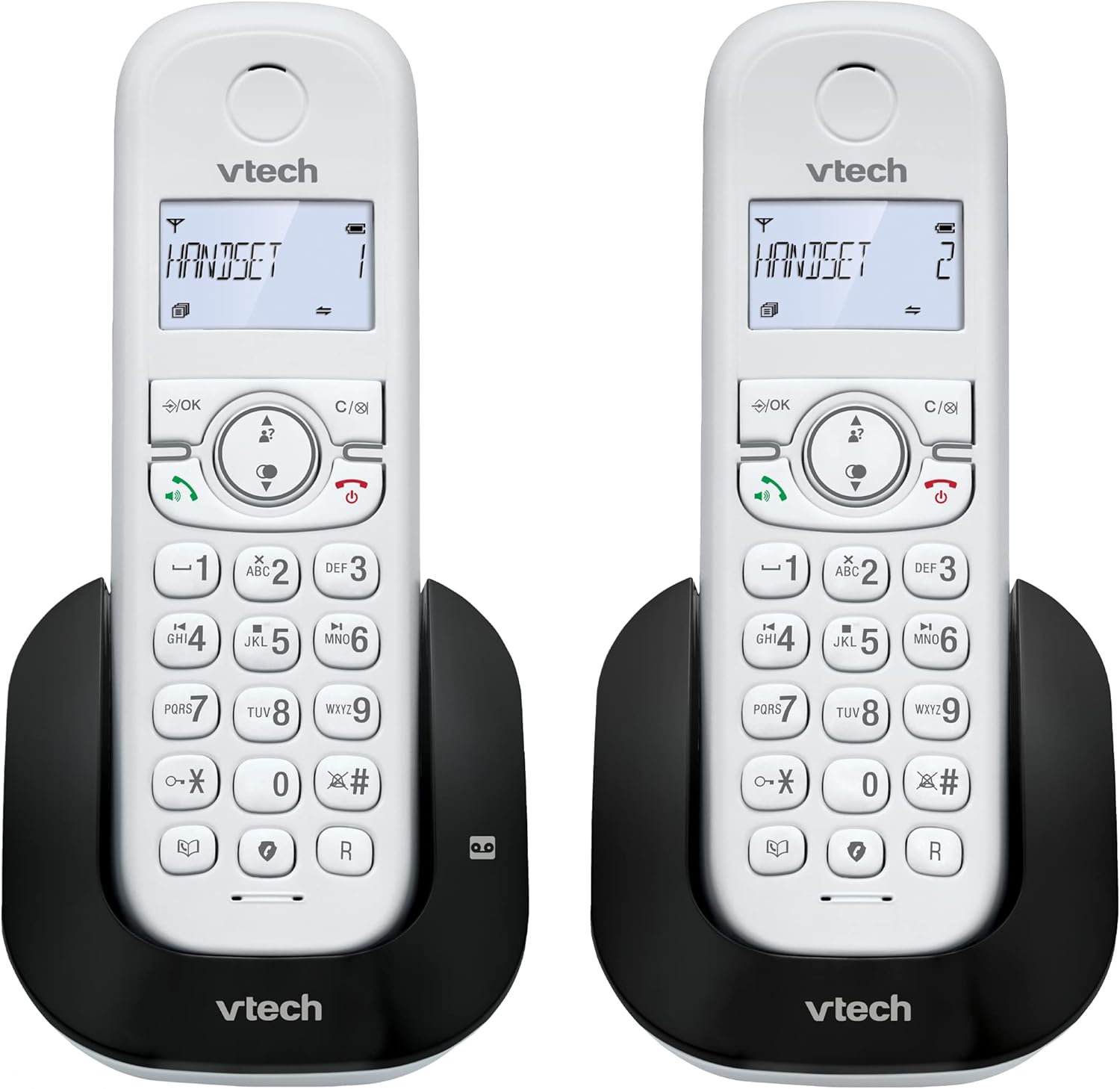
ምስል 1.1፡ አልቋልview of the VTech CS1551 DECT 2-Handset Cordless Phone System.
2. የጥቅል ይዘቶች
ሁሉም እቃዎች በጥቅልዎ ውስጥ መኖራቸውን ያረጋግጡ። ማንኛውም እቃ ከጎደለ ወይም ከተበላሸ፣ እባክዎን የVTech የደንበኛ ድጋፍን ያነጋግሩ።
- 2 ገመድ አልባ የእጅ ስልኮች
- 1 ቤዝ ዩኒት
- 1 Charger Unit
- 2 የ AC ኃይል አስማሚዎች
- 1 የስልክ መስመር ገመድ
- 2 NiMH Rechargeable Battery Packs (4 batteries total, 2 per handset)
- የተጠቃሚ መመሪያ (ይህ ሰነድ)
3. ማዋቀር
3.1. የባትሪ መጫን እና መሙላት
Before initial use, install the provided NiMH rechargeable battery packs into each handset. Connect the base unit and charger unit to power outlets using the AC adapters. Place the handsets on their respective charging cradles.
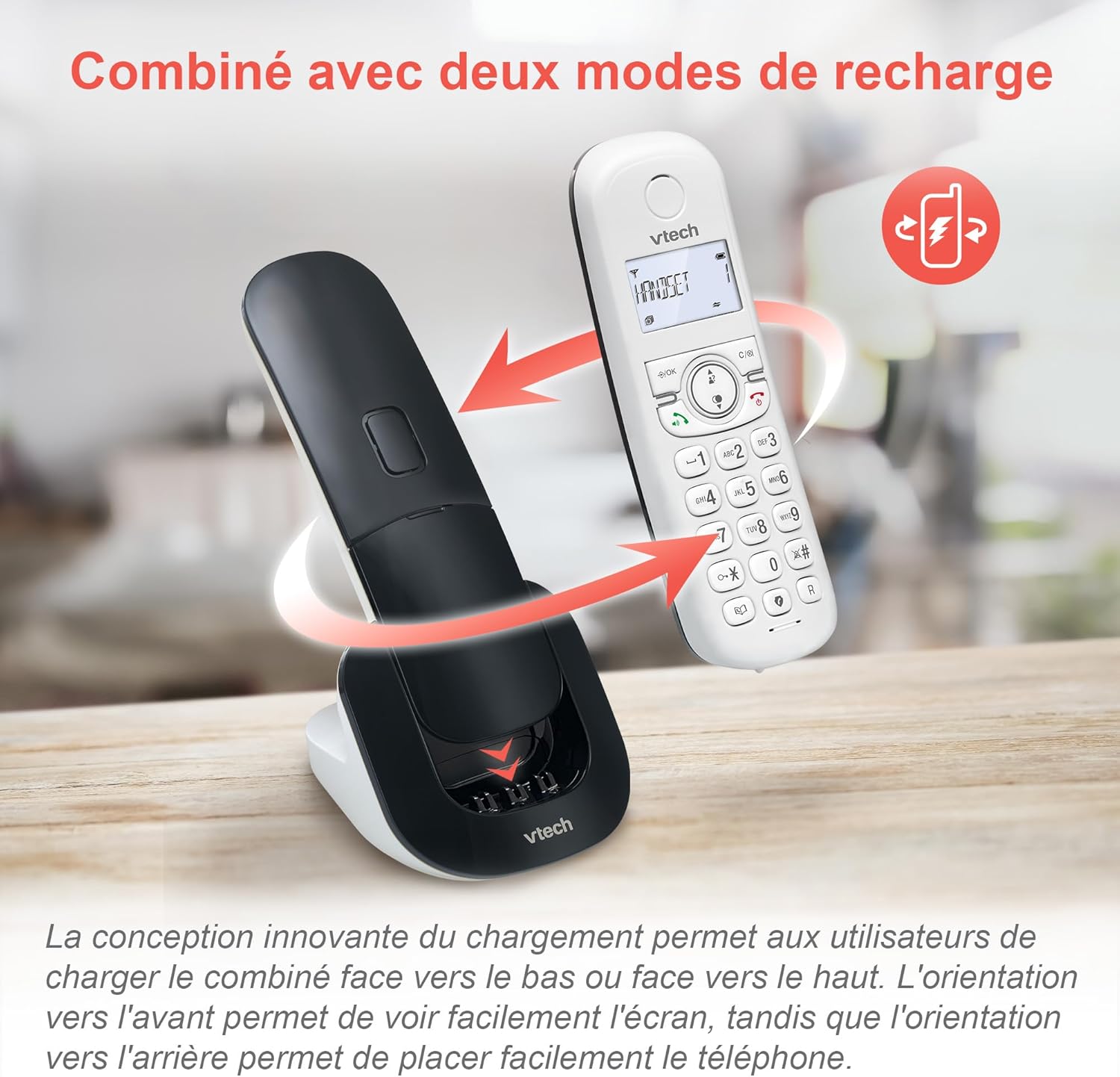
Image 3.1: The innovative dual charging design allows handsets to be charged face-up or face-down. Charging face-up allows for easy screen viewing, while face-down charging offers a compact placement.
Allow the handsets to charge for at least 12 hours before first use to ensure full battery capacity. A full charge provides up to 13 hours of talk time and 200 hours of standby time.
3.2. የመሠረት ክፍሉን ማገናኘት
- የቴሌፎን መስመር ገመድ አንዱን ጫፍ በመሠረት አሃዱ ላይ ካለው የTEL LINE መሰኪያ ጋር ያገናኙ።
- የስልኩን መስመር ገመድ ሌላኛውን ጫፍ ከስልክ ግድግዳ መሰኪያ ጋር ያገናኙ።
- Plug the base unit's AC adapter into a power outlet.
4. የአሠራር መመሪያዎች
4.1. ጥሪዎችን ማድረግ እና መመለስ
- ጥሪ ለማድረግ፡- ተጫን ተናገር or ተናጋሪ, ከዚያም ቁጥሩን ይደውሉ.
- ጥሪን ለመመለስ፡- ተጫን ተናገር or ተናጋሪ ስልኩ ሲደወል.
- ጥሪን ለማቆም፡- ተጫን መጨረሻ or place the handset back on the charging cradle.
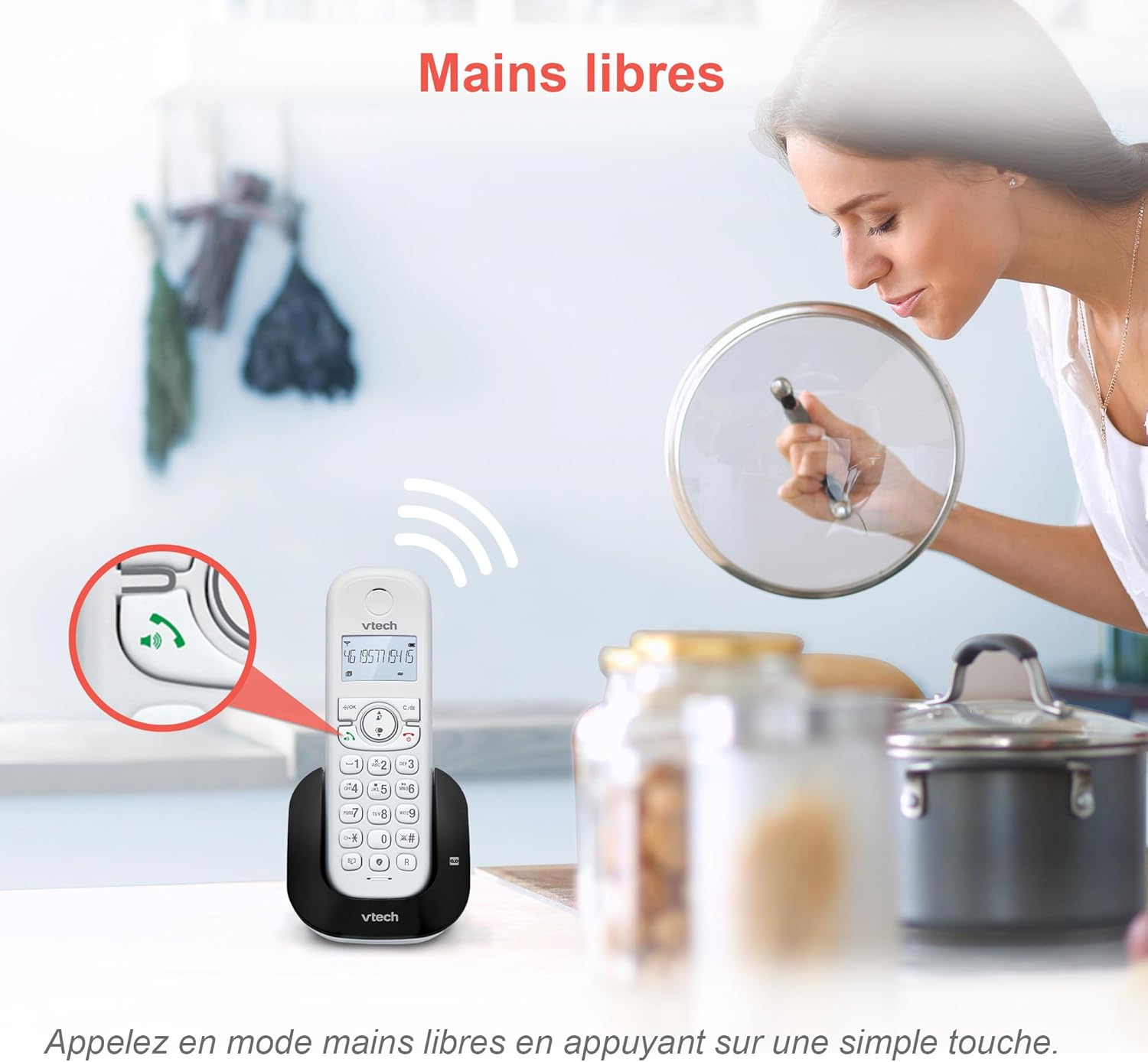
Image 4.1: The hands-free speakerphone function allows for conversations without holding the handset.
4.2. የመልስ ማሽን
The integrated digital answering machine records messages when you are unavailable. It offers up to 15 minutes of recording time.
- መልዕክቶችን ለማጫወት፡- የሚለውን ይጫኑ ተጫወት button on the base unit or handset.
- To Record a Greeting: Follow the instructions in the full manual for custom greeting setup.

Image 4.2: The automatic answering machine records messages for up to 15 minutes when you cannot answer a call.
4.3. የጥሪ እገዳ
The nuisance call blocker allows you to block unwanted calls. You can store up to 60 numbers in the block list.
- ቁጥርን ለማገድ፡- በሚደውሉበት ጊዜ “የሚለውን ይጫኑ አግድ button. Alternatively, add numbers manually via the menu.

Image 4.3: The call blocker button allows you to easily add unwanted numbers to a block list, preventing future disturbances.
4.4. Caller ID / Call Waiting
The phone displays the caller's name, number, time, and date for incoming calls. It stores up to 20 caller ID records.

Image 4.4: The handset screen displays incoming caller information, including name, number, time, and date.
4.5. Three-Way Conferencing
The call transfer and intercom features allow multiple users to participate in a conversation simultaneously.

Image 4.5: Engage in three-way conference calls, allowing multiple parties to join the conversation.
5. ቁልፍ ባህሪያት
5.1. የኢኮ ሁነታ
The handset automatically adjusts radio frequency power based on its distance from the base unit. ECO DECT technology helps reduce energy consumption.
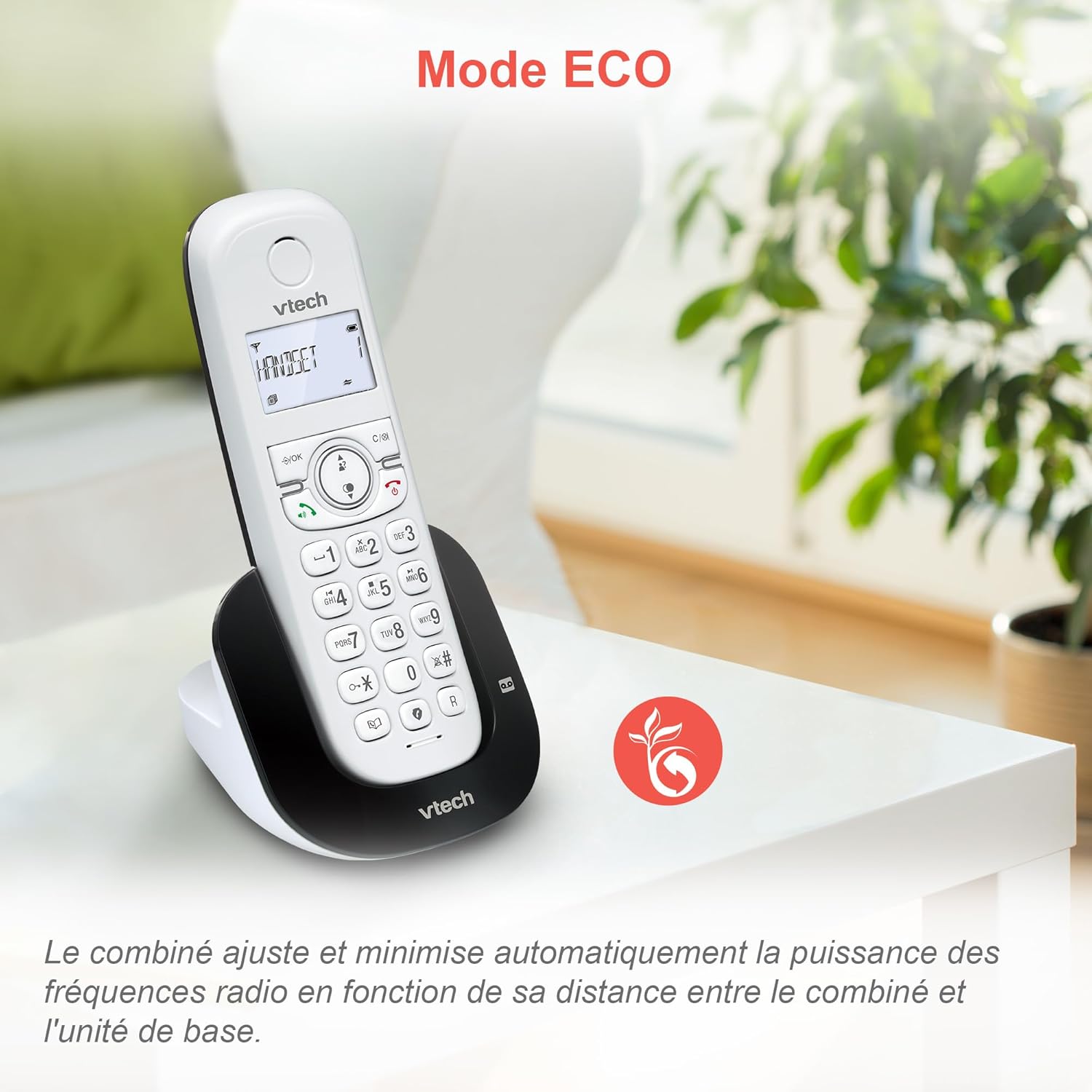
Image 5.1: The ECO mode feature automatically optimizes power usage based on handset proximity to the base unit.
5.2. Phonebook and Redial
- የስልክ ማውጫ: ለፈጣን መደወያ እስከ 60 የሚደርሱ ስሞችን እና ቁጥሮችን ያከማቹ።
- ዋጋ: Easily redial the last 10 numbers called with a single button press.
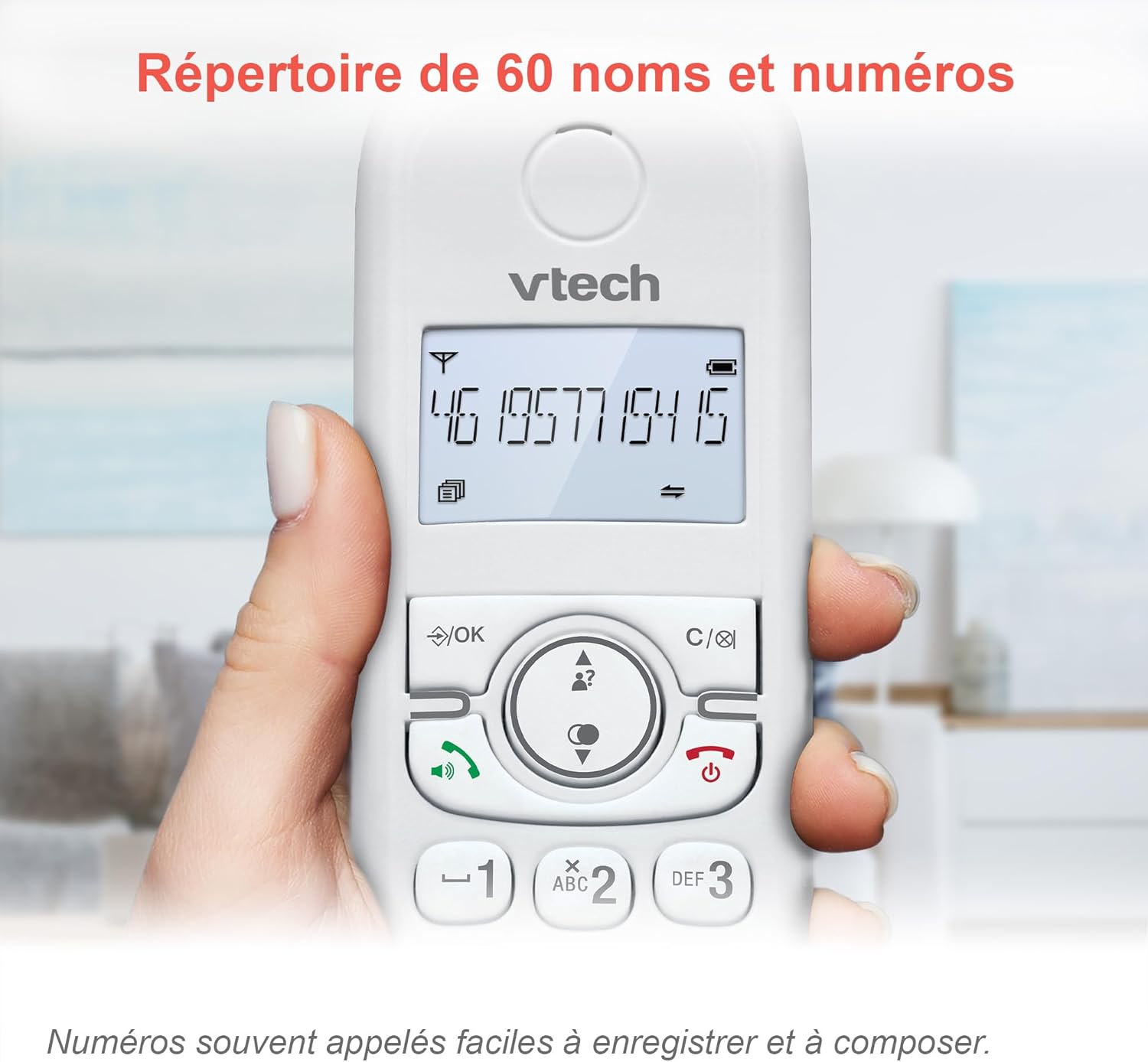
Image 5.2: The phonebook allows for easy storage and retrieval of frequently called numbers.
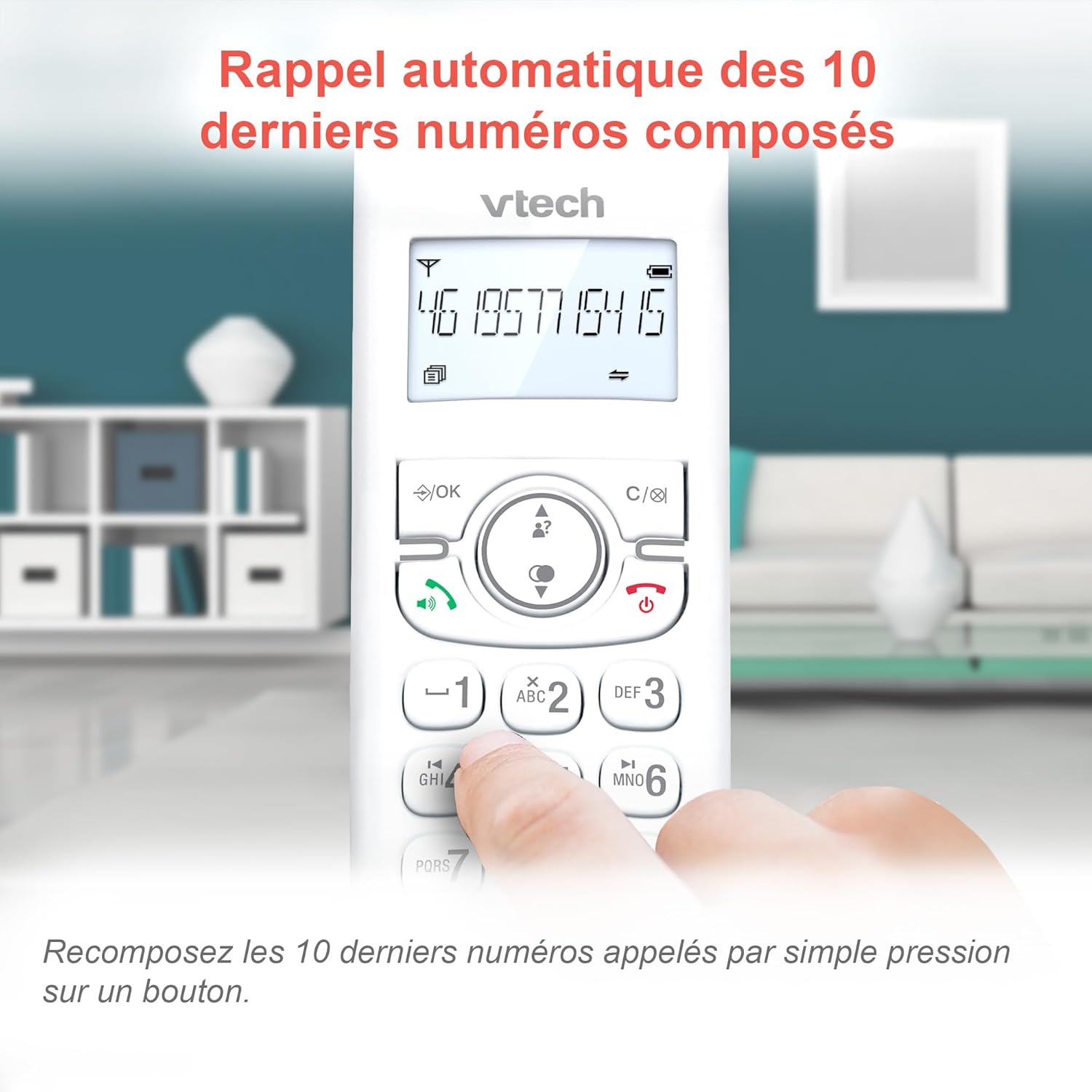
Image 5.3: Quickly redial the last 10 numbers by pressing the redial button.
5.3. Backlit Display and Keyboard
The backlit LCD display and keyboard illuminate, making it easy to view መረጃ እና በዝቅተኛ ብርሃን ሁኔታዎች ውስጥ ይደውሉ።

Image 5.4: The illuminated display enhances visibility in various lighting conditions.
5.4. Adjustable Ringer Volume and Melodies
Customize your phone by adjusting the ringer volume and selecting from various melodies.

Image 5.5: Easily adjust the ringer volume and choose your preferred melody.
5.5. Alarm Function and Mute
Set convenient alarms on the handset or mute your voice during calls for privacy.

Image 5.6: Utilize the alarm function for reminders or mute your microphone during calls for privacy.
5.6. Long Reliable Range
Experience extended coverage and clear communication throughout your home.

Image 5.7: The phone system provides reliable long-range coverage for clear calls throughout your residence.
6. ጥገና
- ማጽዳት፡ ስልኩን እና መሰረታዊውን ክፍል በለስላሳ፣ ዲ ይጥረጉamp ጨርቅ. የጽዳት መርጫዎችን ወይም ጠንካራ ኬሚካሎችን አይጠቀሙ.
- የባትሪ እንክብካቤ ባትሪዎቹ ባትሪ መሙላት ሲያቆሙ ይተኩ። በVTech የተፈቀደላቸውን ምትክ ባትሪዎች ብቻ ይጠቀሙ።
- ማከማቻ፡ If storing the phone for an extended period, remove the batteries from the handsets.
7. መላ መፈለግ
| ችግር | መፍትሄ |
|---|---|
| ምንም የመደወያ ድምጽ የለም። |
|
| Handset displays "Low Battery" |
|
| ጥሪዎችን ማድረግ ወይም መቀበል አይቻልም |
|
| ደካማ የድምፅ ጥራት |
|
For more detailed troubleshooting, please refer to the full VTech CS1551 user manual available on the VTech support webጣቢያ.
8. ዝርዝሮች
| ባህሪ | ዝርዝር |
|---|---|
| የሞዴል ቁጥር | AX-F-4537 |
| የምርት ስም | ቪቴክ |
| ቀለም | ነጭ |
| የስልክ ዓይነት | ገመድ አልባ DECT |
| የእጅ ስልኮች ብዛት | 2 |
| የስርዓት አይነት ምላሽ መስጠት | ዲጂታል |
| የማሽን ቀረጻ ጊዜን መመለስ | 15 ደቂቃዎች |
| የጥሪ ማገጃ አቅም | እስከ 60 ቁጥሮች |
| የስልክ ማውጫ አቅም | 60 ስሞች እና ቁጥሮች |
| የደዋይ መታወቂያ ማህደረ ትውስታ | 20 መዝገቦች |
| የንግግር ጊዜ | እስከ 13 ሰዓታት ድረስ |
| የመጠባበቂያ ጊዜ | እስከ 200 ሰዓታት ድረስ |
| የባትሪ ዓይነት | NiMH (4 batteries included) |
| ቁሳቁስ | ፕላስቲክ |
| የእቃው ክብደት | 499.2 ግራም |
| መነሻ | ቻይና |
9. ዋስትና እና ድጋፍ
For warranty information and customer support, please refer to the warranty card included in your product packaging or visit the official VTech webጣቢያ.
Online resources often include FAQs, detailed user guides, and contact information for technical assistance.


