1. መግቢያ
This manual provides detailed instructions for the UGREEN 4-Port USB 3.0 Hub, model CM219-50985B. Please read this manual thoroughly before using the device to ensure proper operation and to maximize its lifespan. Keep this manual for future reference.
2. ምርት አብቅቷልview
The UGREEN 4-Port USB 3.0 Hub expands a single USB port into four USB 3.0 ports, allowing connection of multiple USB devices simultaneously. It features a compact, lightweight design for portability and includes a Micro USB port for optional external power when connecting power-hungry devices.

Image: The UGREEN 4-Port USB 3.0 Hub connected to various peripherals like a hard drive, printer, mouse, keyboard, and flash drive, illustrating its multi-port functionality.
3. ባህሪያት
- 4-Port USB 3.0 Expansion: Converts one USB port into four USB 3.0 ports, eliminating the issue of insufficient USB interfaces.
- የሱፐር ስፒድ የውሂብ ዝውውር፡ Supports data transfer speeds up to 5 Gbps, which is 10 times faster than USB 2.0 (480 Mbps). This allows for rapid transfer of large files and high-definition media.
- የኋላ ተኳኋኝነት Fully compatible with USB 2.0 and USB 1.1 devices.
- የማይክሮ ዩኤስቢ የኃይል ግብዓት፡ Includes a Micro USB port for connecting an external power adapter (5V/2A recommended, not included) to provide additional power for high-power consumption devices like external hard drives and SSDs.
- ይሰኩ እና ይጫወቱ፡ No driver installation required. Simply connect the hub to your device, and it's ready to use.
- ሰፊ ተኳኋኝነት Works with Windows 10/8/8.1/7/Vista/XP, Mac OS X, Linux, and Chrome OS.
- የደህንነት ባህሪያት: አብሮ የተሰራ ከመጠን በላይ ጥራዝtage and over-current protection systems safeguard your connected devices and data. Multi-layer shielding prevents interference with Bluetooth and Wi-Fi signals.
- የታመቀ እና ተንቀሳቃሽ ንድፍ; Slim and lightweight with a 16 cm integrated cable, making it easy to carry and ideal for travel.
- የ LED አመልካች፡- A soft white LED indicates the hub's operational status.
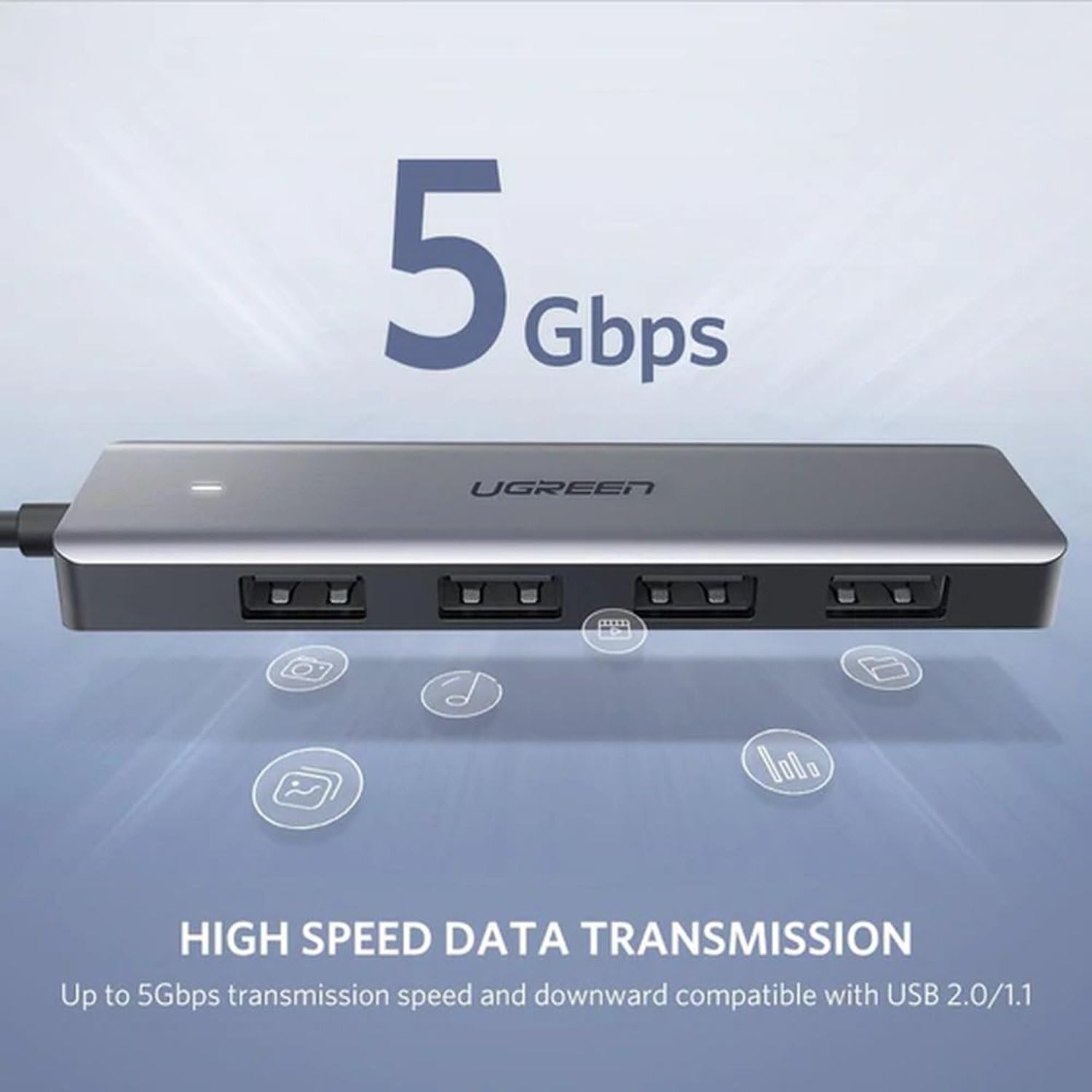
Image: The UGREEN USB 3.0 Hub highlighting its 5 Gbps high-speed data transmission capability, compatible with USB 2.0 and 1.1.
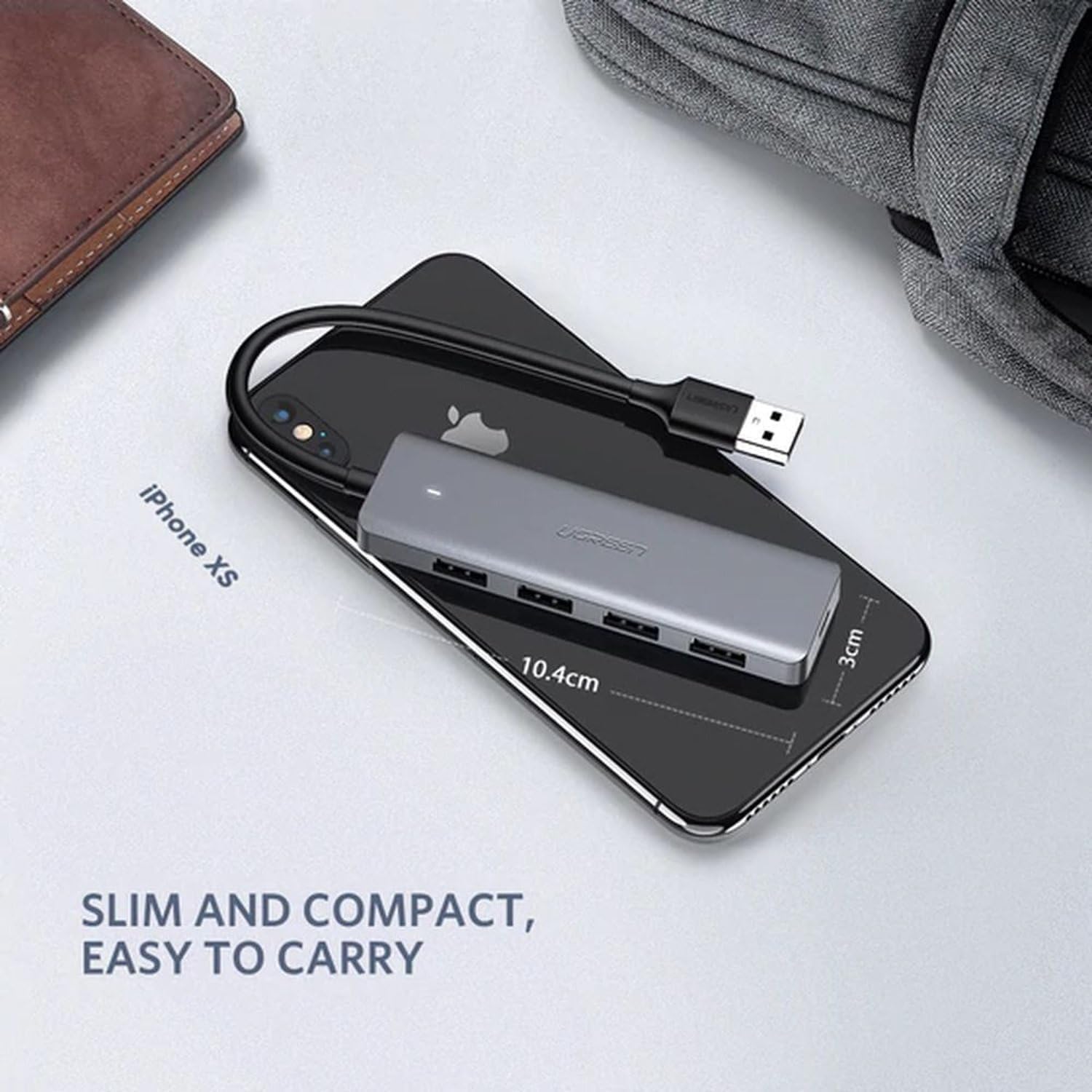
Image: The UGREEN USB 3.0 Hub placed on a smartphone, illustrating its slim and compact dimensions for easy portability.
4. የማዋቀር መመሪያዎች
- ከአስተናጋጅ መሣሪያ ጋር ይገናኙ፡ Plug the USB-A connector of the UGREEN 4-Port USB 3.0 Hub into an available USB port on your computer, laptop, PS4, or other compatible host device.
- የኃይል ግንኙነት (አማራጭ)፦ If you are connecting power-hungry devices (e.g., external hard drives, SSDs) that require more power than your host device can provide, connect a Micro USB power adapter (5V/2A recommended, not included) to the Micro USB port on the hub. This ensures stable performance for all connected devices.
- ተያያዥ ነገሮች፡- Plug your USB devices (e.g., flash drives, mouse, keyboard, printer, external hard drives) into the four available USB 3.0 ports on the hub.
- ማረጋገጫ፡- The white LED indicator on the hub will illuminate when it is powered and connected correctly. Your operating system should automatically detect the hub and any connected devices.
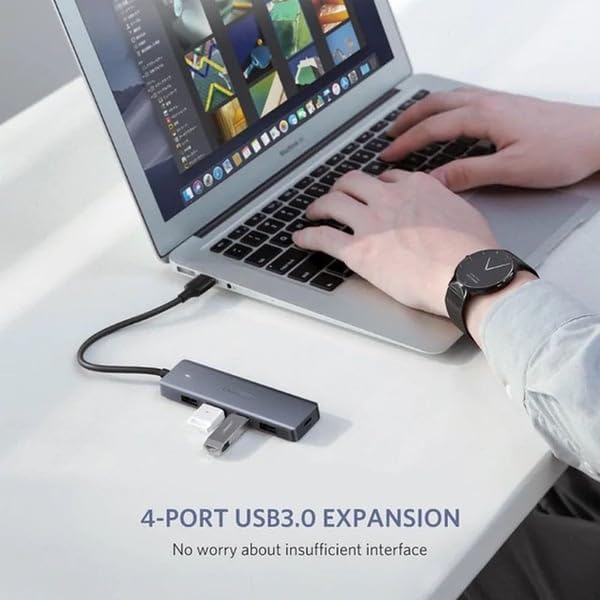
Image: The UGREEN 4-Port USB 3.0 Hub connected to a laptop, demonstrating its use for expanding USB ports for devices like a flash drive.
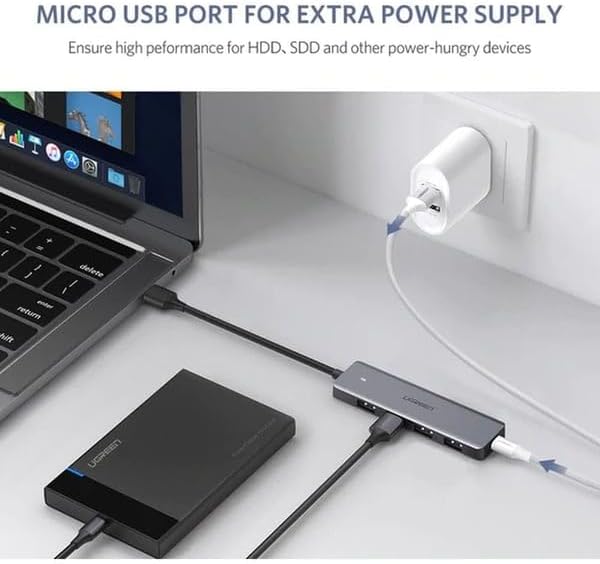
Image: The UGREEN USB 3.0 Hub connected to a laptop and an external hard drive, with its Micro USB port connected to a power adapter for additional power supply.
5. የአሠራር መመሪያዎች
The UGREEN 4-Port USB 3.0 Hub operates on a plug-and-play basis. Once connected, you can use your USB devices as you normally would. All four USB 3.0 ports can be used simultaneously.
- የውሂብ ማስተላለፍ; Insert your USB storage devices (e.g., flash drives, external hard drives) into any of the USB 3.0 ports for high-speed data transfer.
- የዳርቻ ግንኙነት፡- Connect your mouse, keyboard, printer, or other USB peripherals to the hub. They will function immediately without additional setup.
- ጠቃሚ ማስታወሻ፡- This hub is designed for data transfer and connecting peripherals. It is not intended for charging devices. For optimal performance, avoid using it solely for charging.
6. ጥገና
- ማጽዳት፡ ማዕከሉን ለማጽዳት ለስላሳና ደረቅ ጨርቅ ይጠቀሙ። ፈሳሽ ማጽጃዎችን ወይም ሻካራ ቁሳቁሶችን ያስወግዱ።
- ማከማቻ፡ ማዕከሉን በቀጥታ ከፀሀይ ብርሀን እና ከከፍተኛ ሙቀት ርቆ በቀዝቃዛና ደረቅ ቦታ ያከማቹ።
- አያያዝ፡ Avoid dropping the device or subjecting it to strong impacts. Do not attempt to disassemble or modify the hub, as this will void the warranty and may cause damage.
- የኬብል እንክብካቤ; Do not bend the integrated cable excessively or pull it forcefully.
7. መላ መፈለግ
| ችግር | ሊሆን የሚችል ምክንያት | መፍትሄ |
|---|---|---|
| Hub not recognized by computer. | Loose connection, faulty USB port on host device, or incompatible operating system. |
|
| Connected devices are not working or disconnecting. | Insufficient power supply, faulty device, or excessive power draw. |
|
| ቀርፋፋ የውሂብ ማስተላለፍ ፍጥነት። | Connected to a USB 2.0 port, or the connected device is USB 2.0. |
|
8. ዝርዝሮች
| ባህሪ | ዝርዝር |
|---|---|
| የምርት ስም | UGREEN |
| የሞዴል ቁጥር | CM219-50985B |
| ቀለም | ግራጫ |
| ጠቅላላ የዩኤስቢ ወደቦች | 4 (ዩኤስቢ 3.0) |
| የሃርድዌር በይነገጽ | ዩኤስቢ 3.0፣ ዩኤስቢ 2.0፣ ዩኤስቢ 1.1 |
| የውሂብ ማስተላለፍ ፍጥነት | እስከ 5 ጊባበሰ |
| ልዩ ባህሪያት | Plug and Play, Over-voltage Protection, Over-current Protection |
| ተስማሚ መሣሪያዎች | Laptops, Desktops, PS4, External Hard Drives, SSDs, USB Flash Drives, Mouse, Keyboard, Printers, USB Headsets, Speakers, Card Readers, VR Devices |
| ስርዓተ ክወናዎች | Windows 10/8/8.1/7/Vista/XP, Mac OS X, Linux, Chrome OS |
| ቁሳቁስ | ፕላስቲክ |
| የኬብል ርዝመት | 16 ሴ.ሜ (የተቀላቀለ) |
| ልኬቶች (ምርት) | በግምት 10.4 ሴ.ሜ (ርዝመት) x 3 ሴ.ሜ (ስፋት) |
| የጥቅል ልኬቶች | 17.4 x 9.8 x 5 ሴ.ሜ |
| ክብደት | 170 grams (package weight) |
9. ዋስትና እና ድጋፍ
UGREEN products typically come with a standard manufacturer's warranty. For specific warranty details, registration, or technical support, please refer to the warranty card included with your product or visit the official UGREEN webጣቢያ.
If you encounter any issues not covered in the troubleshooting section, please contact UGREEN customer support for assistance.


